
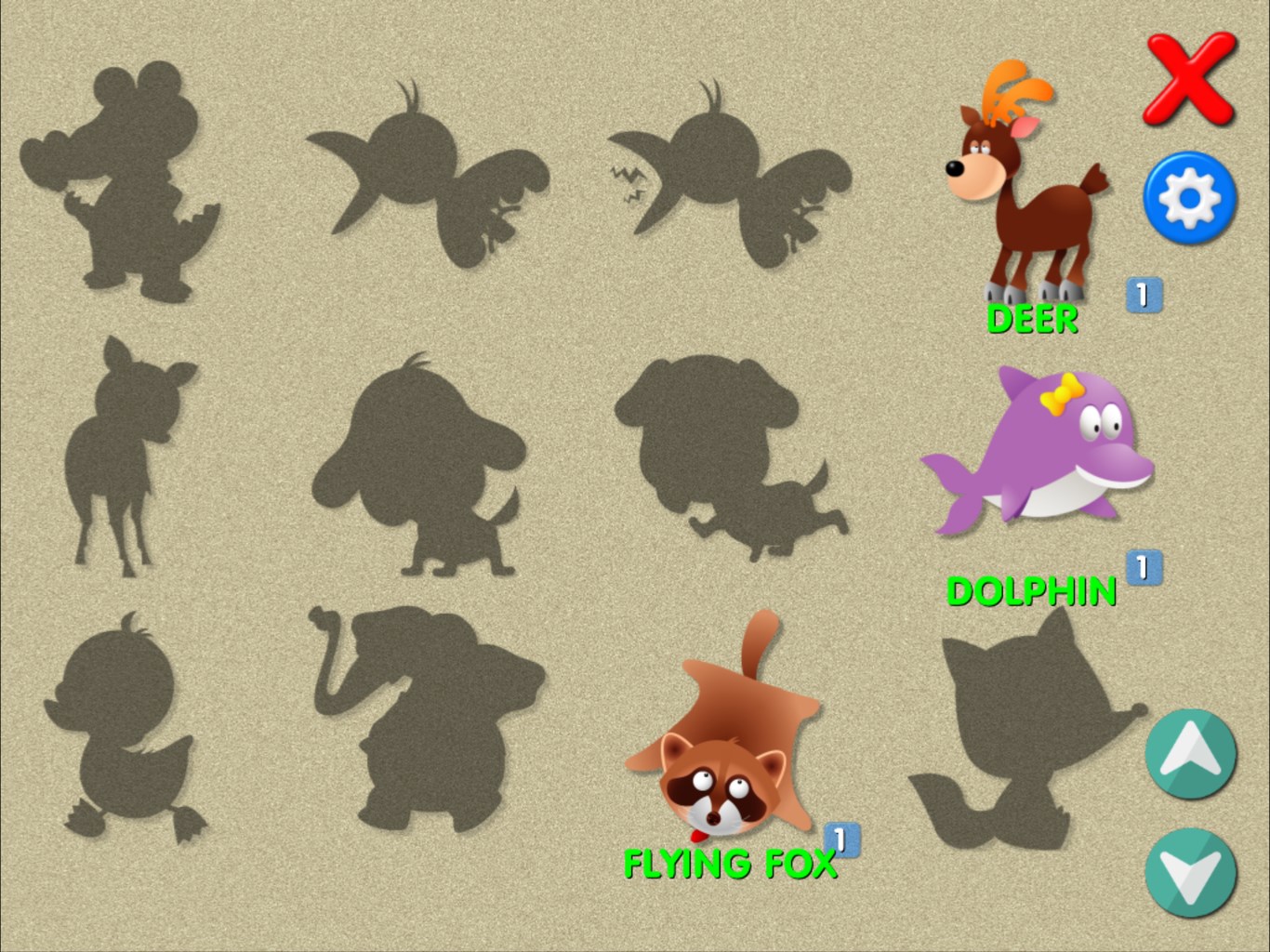
- Name Animals matching memory game for kids
- Category Puzzle & trivia
- Developer Delightly Creative
- Available on PC, Surface Hub
- OS Windows 10 version 10240.0 or higher
- languages English (United States)
Animals Matching Memory Game for Kids: A Wholesome Digital Safari
Designed with young learners in mind, Animals Matching Memory Game for Kids offers a delightful way for children to develop memory skills while exploring adorable animals in an engaging digital environment. It's like taking a miniature zoo tour right on your Windows device—fun, educational, and easy to navigate.
Developed by Delightly Creative: Passionate Minds Crafting Child-Friendly Experiences
The game is brought to you by Delightly Creative, a team dedicated to creating enriching educational apps for children. Their focus on combining learning with playful design ensures that kids will be both entertained and mentally stimulated.
Core Features That Capture the Imagination
Adorable Animal Pairings and Customization
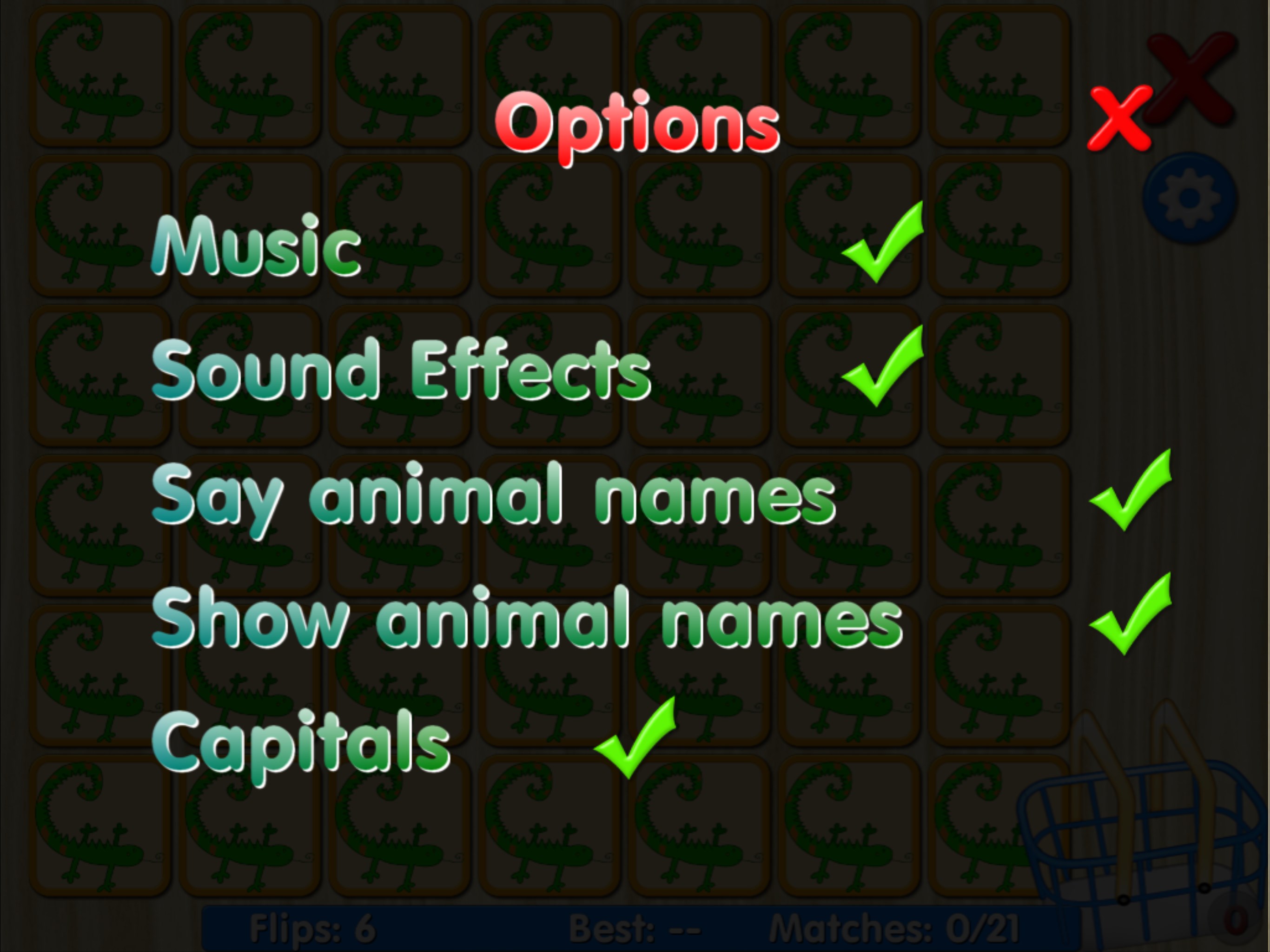
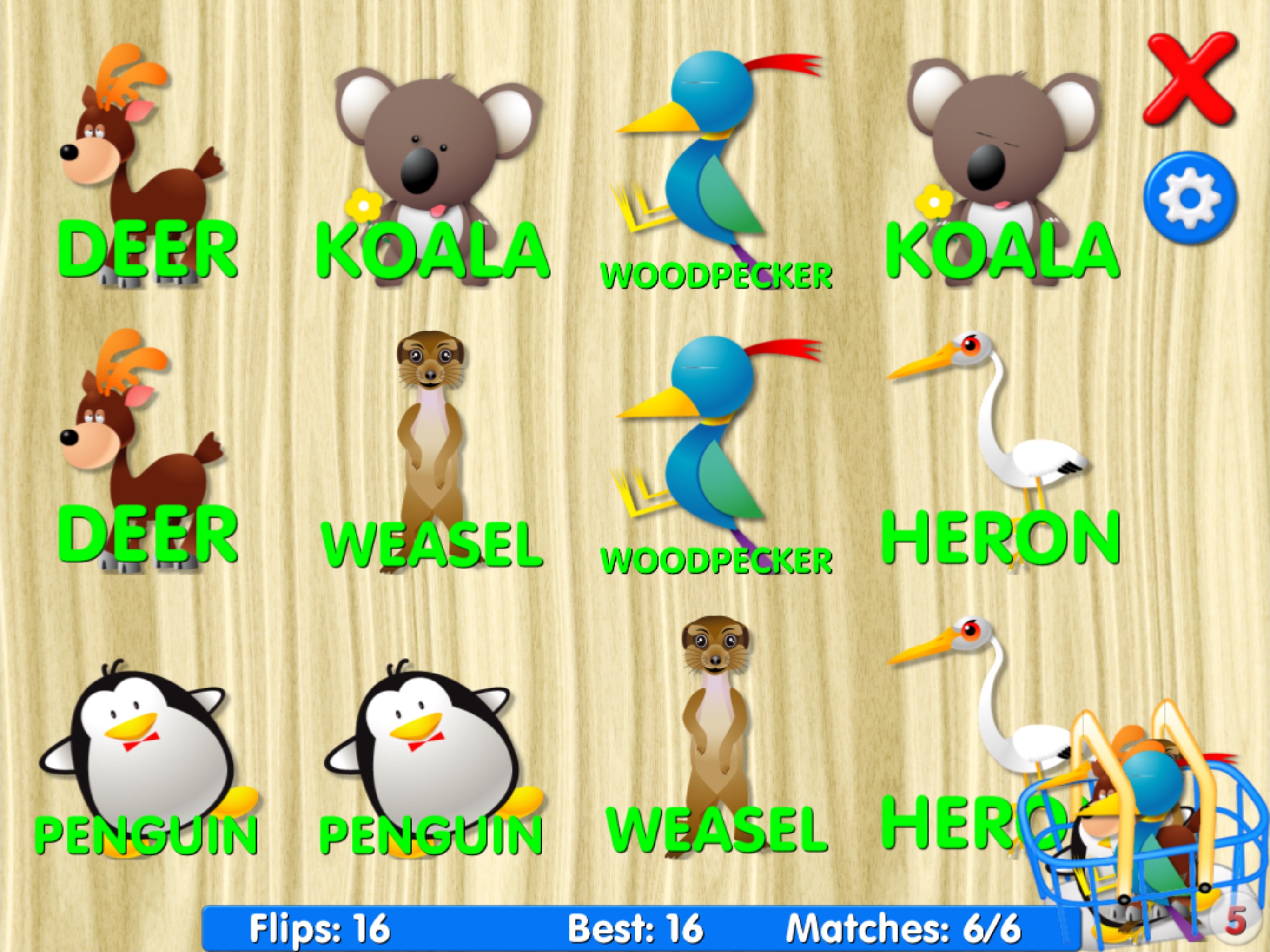
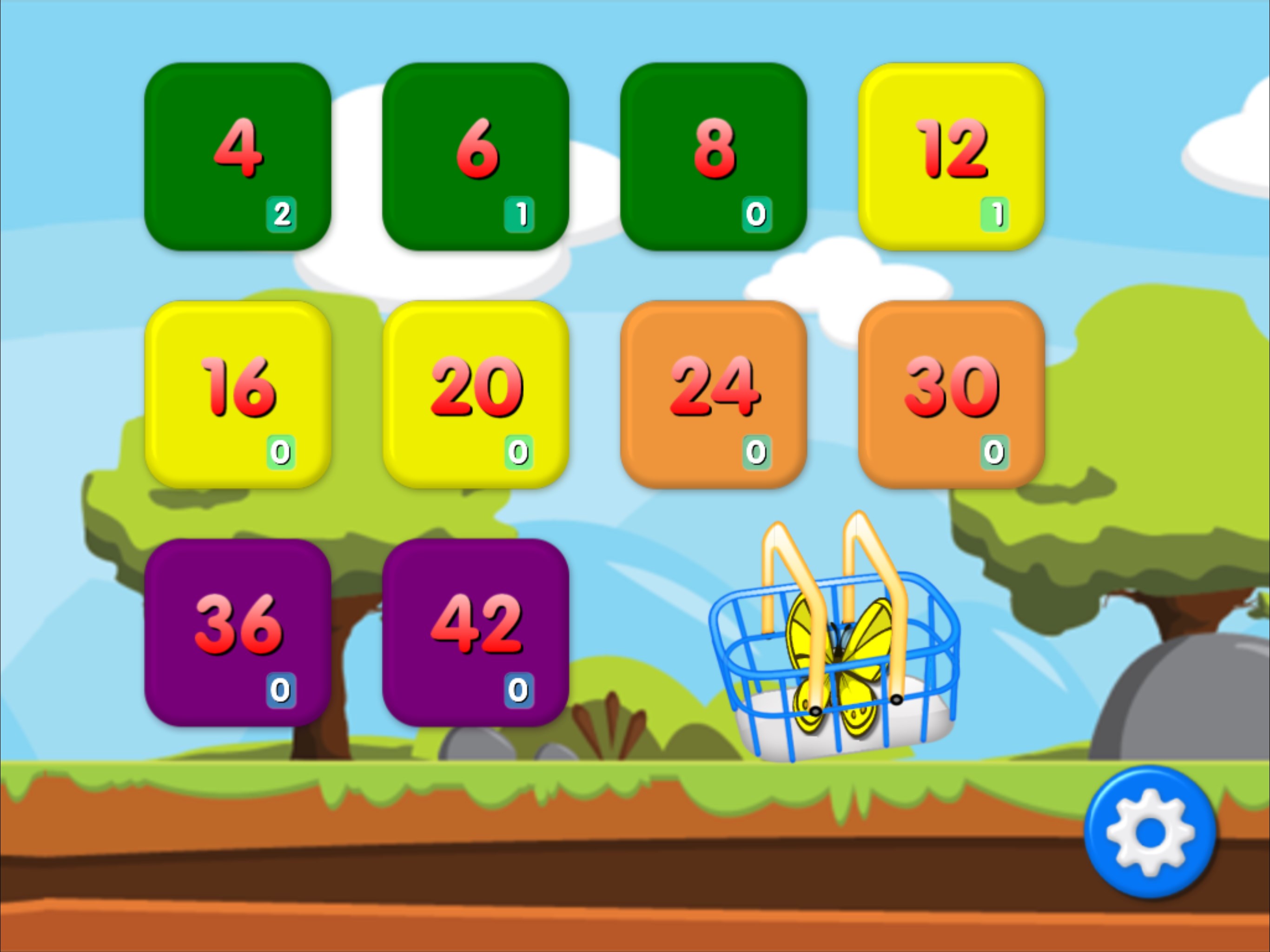
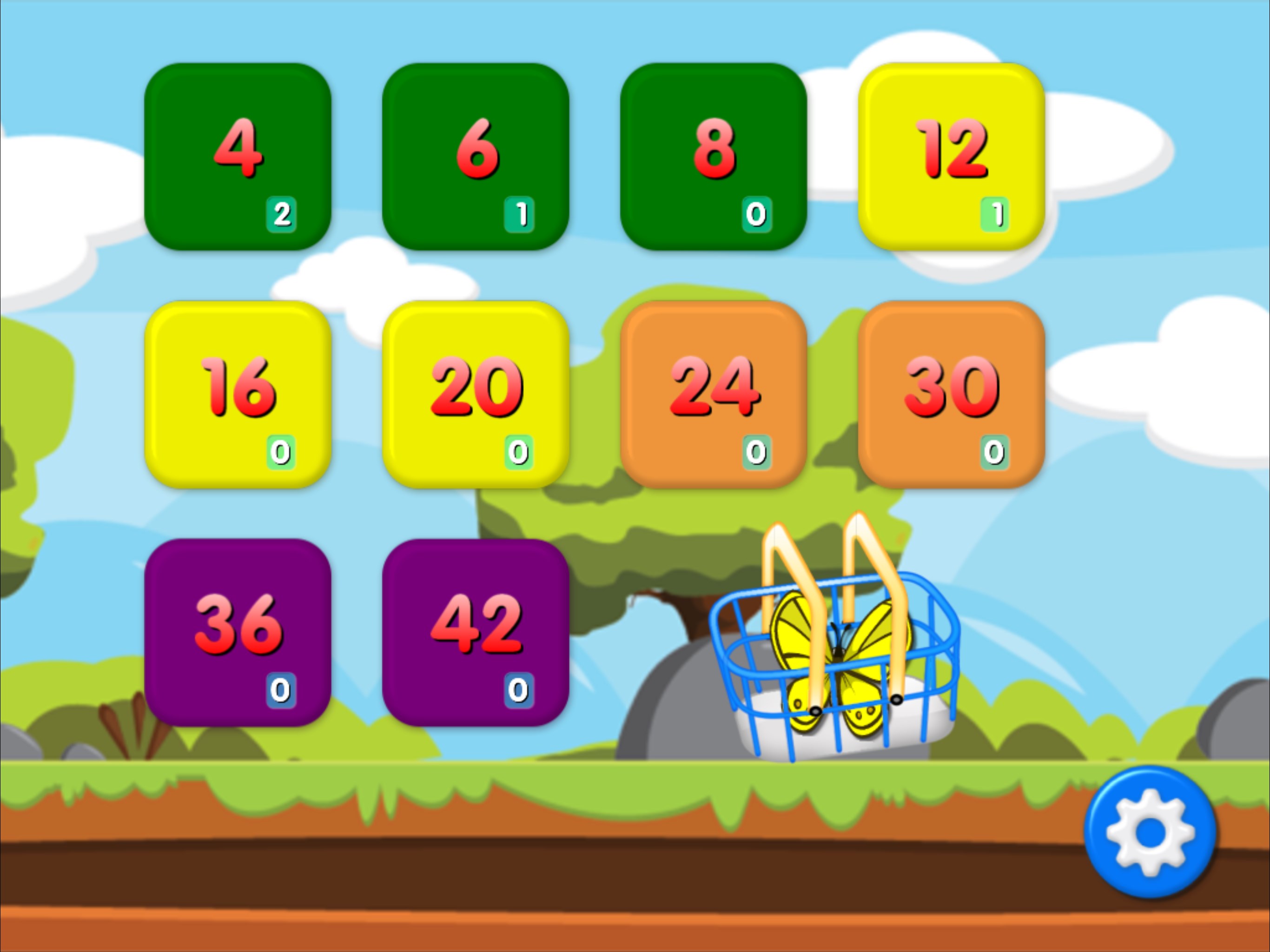
The app boasts a vast collection of colorful, high-quality animal images, from cuddly bears to playful dolphins. Children can customize their game experience by selecting different difficulty levels or themes, which helps keep the challenge fresh and suited to their evolving skills.
Intuitive Gameplay with Educational Value
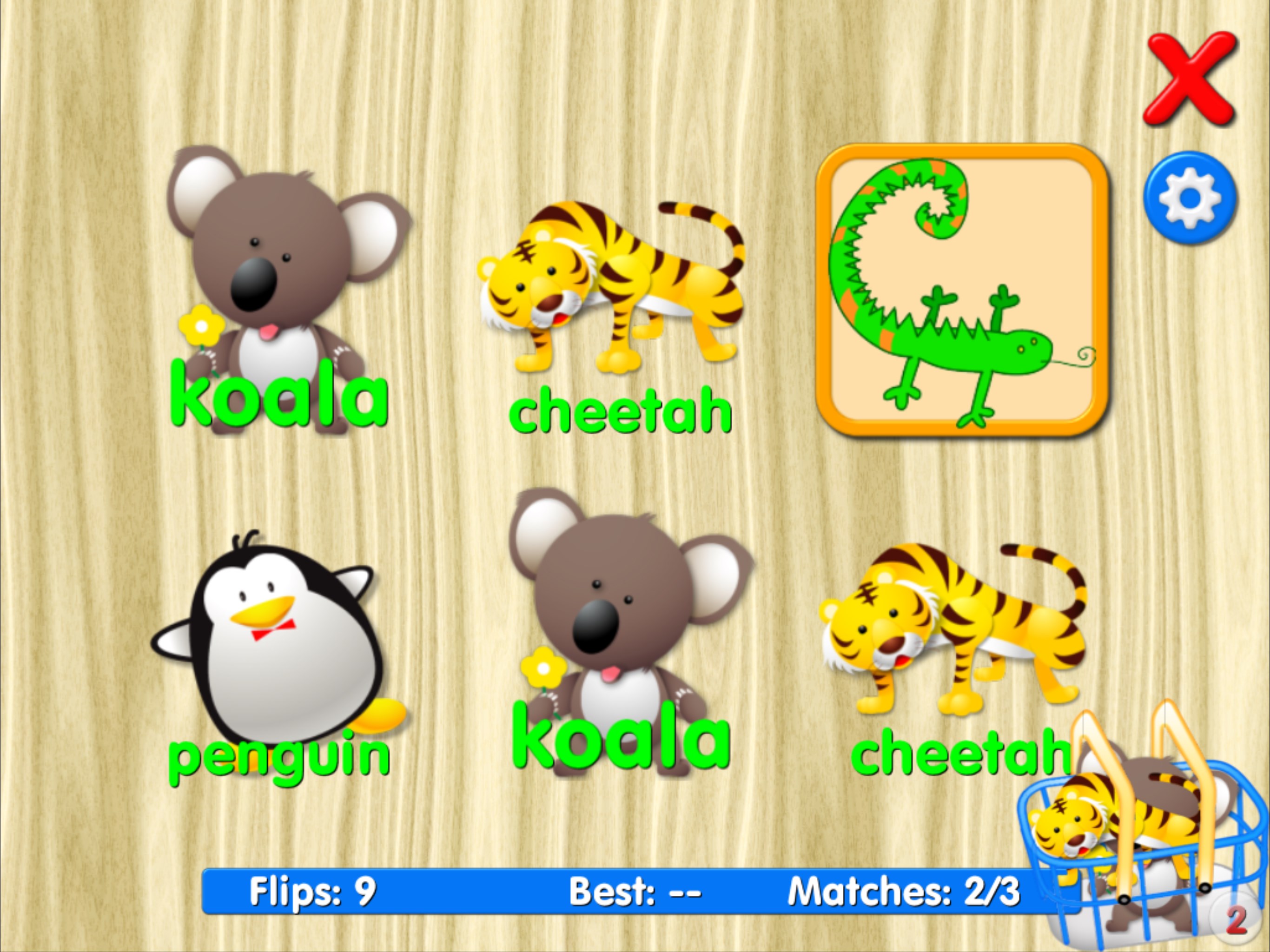
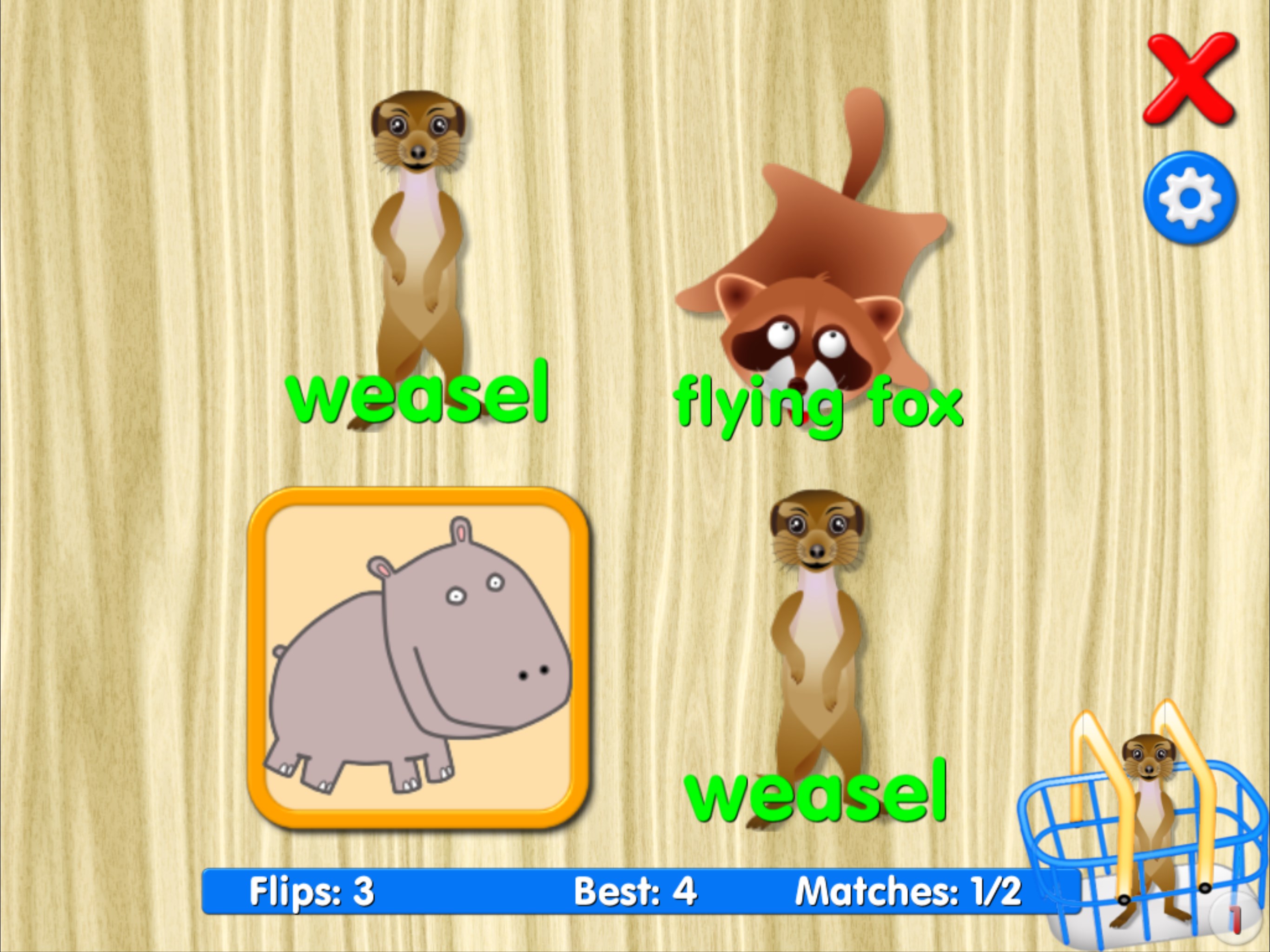
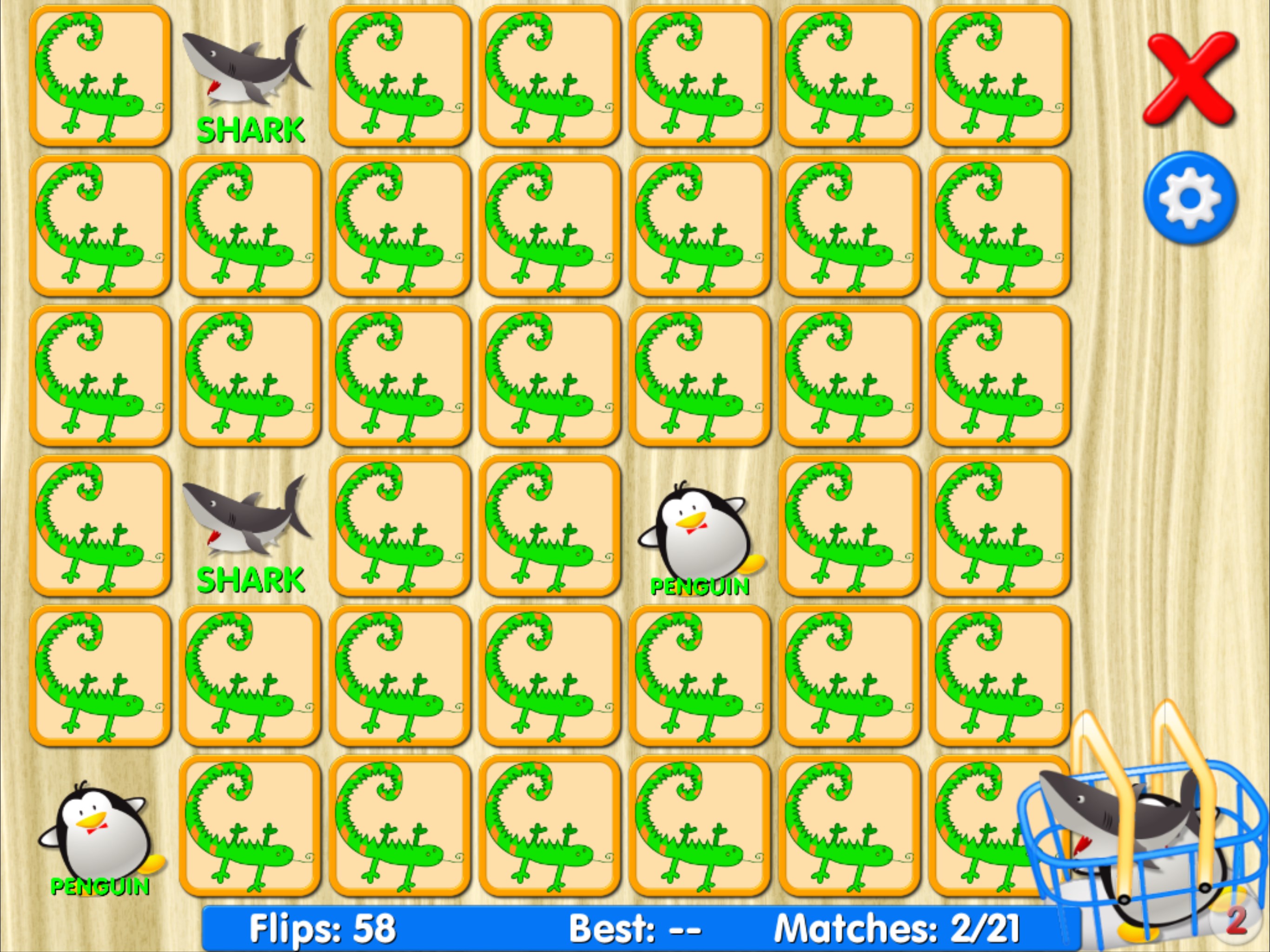
Centered around a classic memory matching mechanic, this game transforms a simple cognitive exercise into a captivating adventure. Kids turn over cards to find matching animal pairs, reinforcing memory recall while learning about various species. Its design encourages focus and concentration effortlessly.
Progress Tracking and Rewards
To motivate continued learning, the app features friendly progress indicators and gentle rewards, such as star ratings and cheerful sounds. This encourages kids to improve their skills over time without feeling overwhelmed, fostering a positive learning environment.
User Experience and Design: Friendly, Seamless, and Engaging
The interface design is clean, colorful, and thoughtfully organized—imagine a bright, inviting zoo map where every animal is just a tap away. Navigation feels smooth and responsive, with minimal load times that keep children immersed in gameplay. The learning curve is gentle; even tech novices will find it easy to pick up, thanks to clear icons and straightforward instructions. The visual feedback, such as glowing cards and delightful sounds when matching pairs, enhances the overall experience, turning every successful match into a mini celebration.
What Sets It Apart in the Puzzle & Trivia Realm?
Unlike many generic puzzle apps, Animals Matching Memory Game for Kids emphasizes not only fun but also educational enrichment. Its biggest gem is the combination of high-quality, customizable animal imagery with adaptive difficulty settings, creating a personalized learning journey. Furthermore, the game's focus on gentle reinforcement through rewards and progress tracking makes it a standout choice for parents seeking an app that nurtures confidence while sharpening memory skills. Its animal-centric theme taps into children's natural curiosity about wildlife, making each session both delightful and enlightening.
Final Thoughts and Recommendations
Overall, Animals Matching Memory Game for Kids earns a solid recommendation for parents and educators searching for a wholesome, engaging, and educational memory game. Its intuitive design, coupled with its rich variety of animal images and progressive difficulty, makes it suitable for children aged 3 and above. Whether used as a supplemental learning tool or a fun brain break, this app can be a valuable addition to your child's digital library. For those looking to foster early cognitive skills in an inviting and animal-filled environment, this game is definitely worth exploring.
Pros
- Engaging animal themes that appeal to children
- Simple and intuitive interface
- Supports word learning along with memory training
- Progressive difficulty levels enhance cognitive skills gradually
- Offline mode allows play without internet connection
Cons
- Limited variety of game modes
- Occasional repetitive sounds that may become annoying
- Progress tracking features are minimal
- Graphics may become slightly outdated with long-term use
- Some children might find the game too easy after initial levels











