
- Name Adventure of Stars
- Category Puzzle & trivia
- Developer Lili Games
- Available on Mobile, PC
- OS Windows 8.1 or higher
- languages English (United States)
A Whimsical Journey Through the Stars: An In-Depth Review of Adventure of Stars for Windows
Imagine embarking on a cosmic quest where every puzzle piece fits together like celestial bodies aligning perfectly—this is what Adventure of Stars offers. Developed by Lili Games, this engaging puzzle and trivia app transforms your device into a universe filled with intriguing challenges and stellar discoveries. Let's explore what makes this app a shining star among casual gaming options.
Basic Information & Target Audience
Adventure of Stars is a captivating puzzle and trivia game designed to entertain and challenge users with space-themed puzzles and brain-teasing questions. Created by the innovative team at Lili Games, this application showcases a seamless blend of educational content and playful engagement. Its main features include colorful graphics, varied puzzle types, and intriguing space facts. The app is particularly aimed at puzzle lovers, trivia enthusiasts, and casual gamers looking for a fun yet mentally stimulating experience suitable for players of all ages who enjoy science and space themes.
A Journey Beyond the Ordinary: Engaging Introduction
Picture yourself floating in the silent vastness of space, stars twinkling softly around you, each puzzle a new constellation waiting to be deciphered. Adventure of Stars invites you into this universe, turning what might seem like simple puzzles into a thrilling voyage through space and knowledge. Whether you're commuting or relaxing at home, this game makes you feel like an astronaut on a mission to uncover cosmic secrets—an experience as delightful as discovering a new galaxy in your own backyard.
Core Features That Light Up Your Cosmic Journey
Stunning Visuals and Immersive Theme
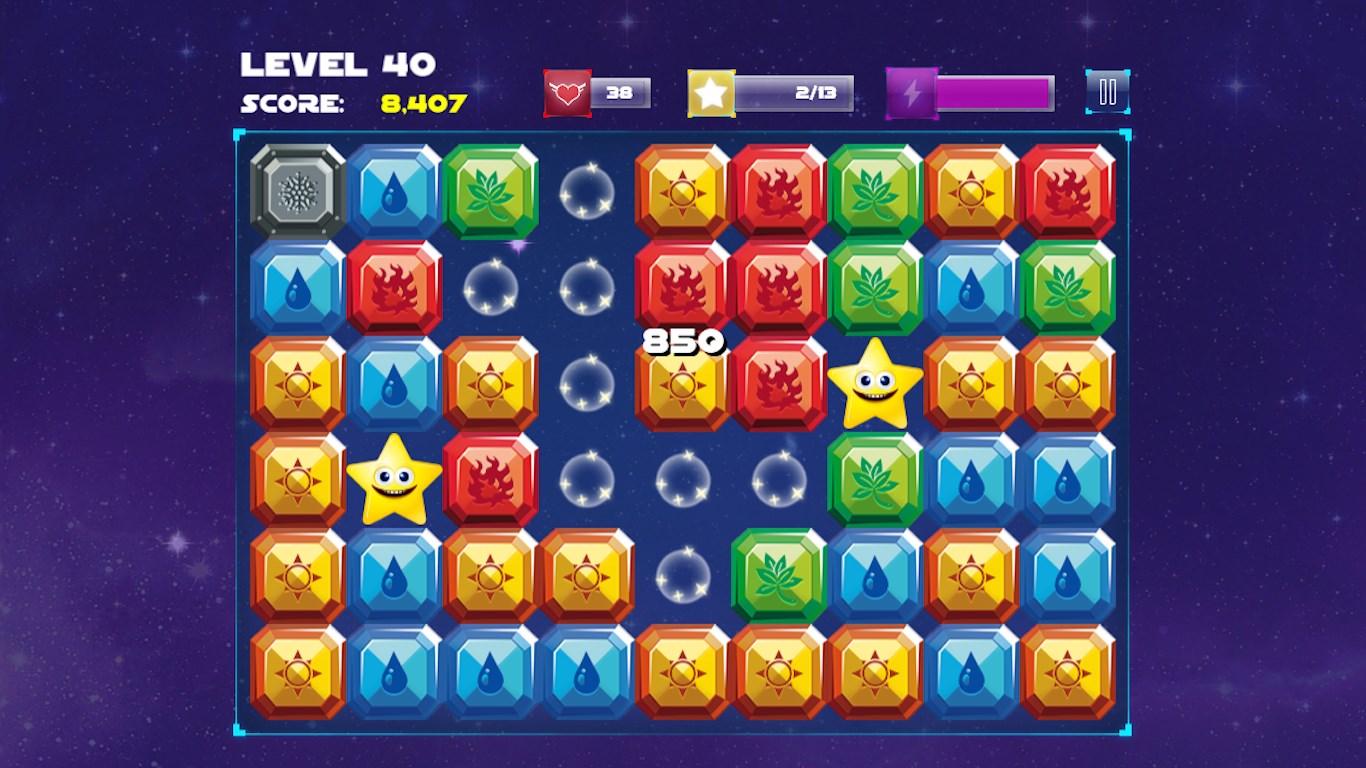
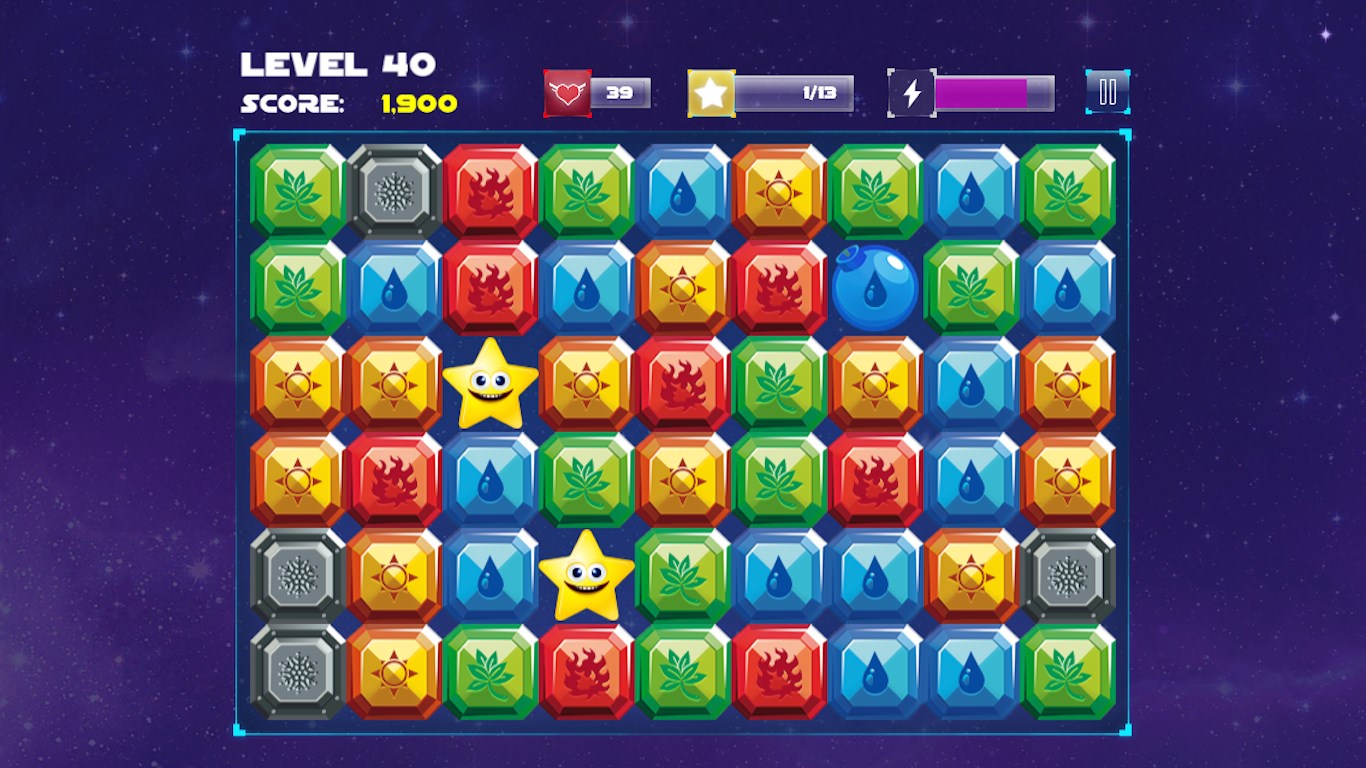
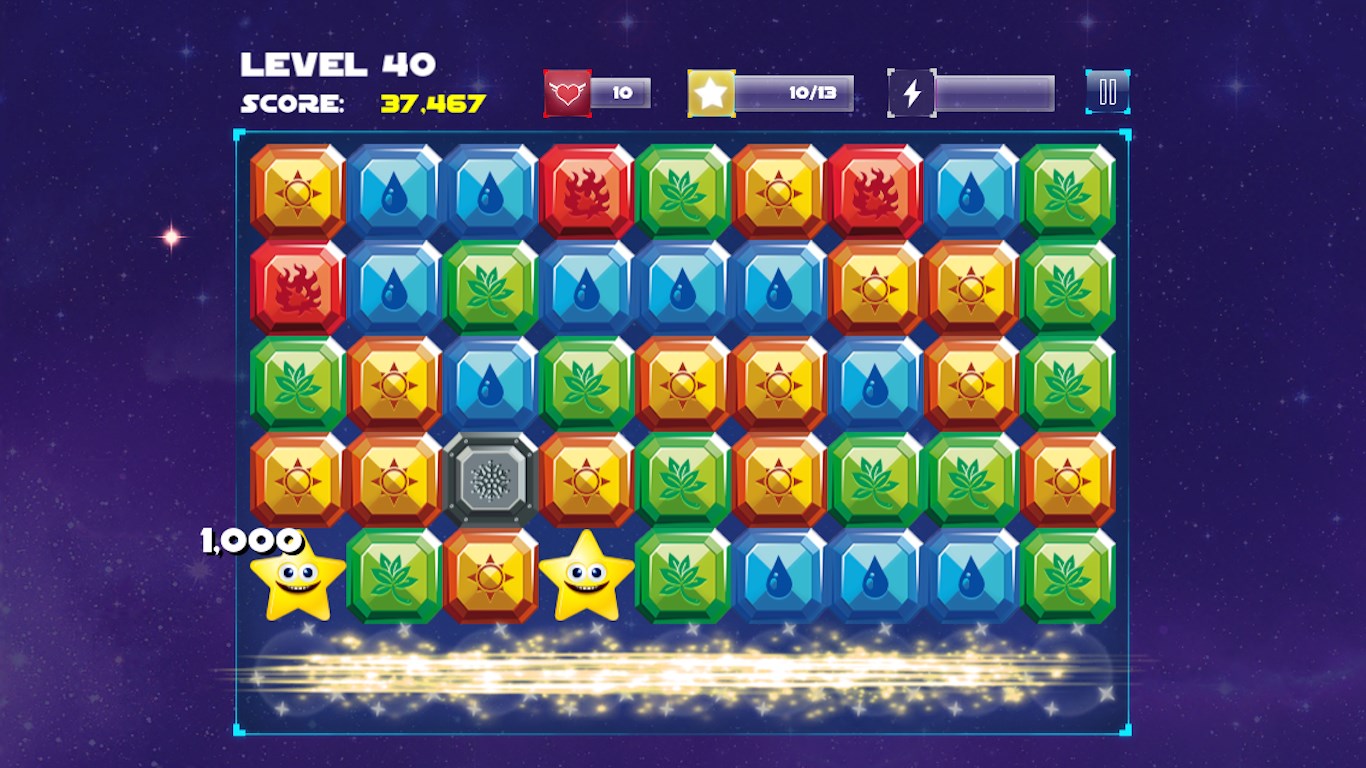
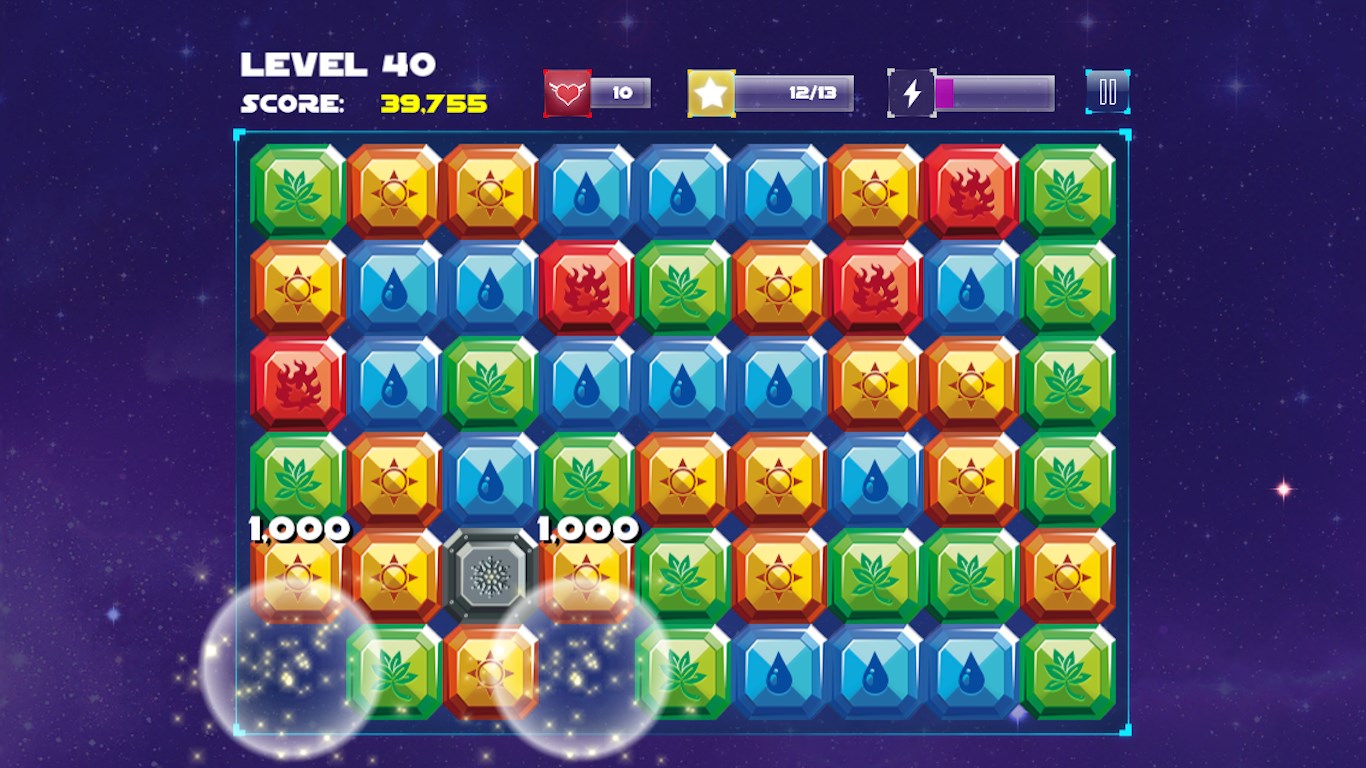
The app's interface is crafted with vibrant, colorful graphics that evoke the wonder of the cosmos. The starry backgrounds, playful animations, and themed icons create an immersive environment that keeps you visually engaged. Navigating through the levels feels like traveling through different nebulae, making every session feel like an adventure.
Variety of Puzzle & Trivia Mechanics
One of the standout aspects of Adventure of Stars is its diverse gameplay. It combines traditional puzzle elements like matching, sequencing, and spatial reasoning with trivia questions about space, astronomy, and science facts. This hybrid approach appeals to players who enjoy both logical challenges and learning opportunities, making each level fresh and intellectually rewarding. As you progress, the difficulty gradually increases, ensuring continuous stimulation without overwhelming newcomers.
User Experience & Interface Design
The game boasts a user-friendly design, with intuitive controls that make puzzle-solving effortless. The learning curve is gentle; new players quickly grasp mechanics, though mastery requires strategic thinking. Smooth animations and responsive touch controls contribute to a seamless experience, minimizing frustration and keeping players immersed. The aesthetic choices—clean layouts and visually appealing elements—are well-balanced, contributing to overall satisfaction and repeated engagement.
What Sets It Apart from Other Puzzle & Trivia Apps?
While many apps offer puzzle or trivia games separately, Adventure of Stars excels in blending both seamlessly within a captivating space theme. Its most unique aspects include the dual gameplay mechanics—satisfying puzzle solving complemented by interesting educational trivia—which ensures that players not only relax but also learn. Furthermore, the game's design emphasizes thematic consistency, making each level feel like a mini space mission rather than just a game, which enhances user engagement and motivation.
Final Thoughts and Recommendations
Adventure of Stars is a thoughtfully crafted experience that appeals to those who appreciate puzzles intertwined with educational content in a beautifully themed space environment. Its smooth user experience, combined with its innovative integration of trivia and puzzles, distinguishes it from typical casual games. I would recommend it to puzzle enthusiasts, students interested in space, or anyone looking for a charming and intellectually stimulating way to unwind. While it may not offer the intense challenge of hardcore puzzle games, its charm and educational value make it a noteworthy addition to your app library. Give it a try—you might find yourself gazing at the stars a little more often, both digitally and in real life.
Pros
- Engaging storyline and vibrant graphics
- Smooth gameplay and responsive controls
- Variety of levels and challenges
- Offline mode available
- Frequent updates with new content
Cons
- Limited free content
- Occasional long load times
- Minor bugs reported in early levels
- Interface could be more intuitive for new users
- Battery consumption can be high during extended play











