





- Name 5 Differences Online
- Category Puzzle & trivia
- Developer Smart Project Gmbh
- Available on PC
- OS Windows 10 version 10240.0 or higher
- DirectX Version 10
- Mouse Integrated Mouse
- DirectX Version 9
- Memory 300 MB
- Keyboard Not specified
- languages English (United States)
A Snapshot of 5 Differences Online: A Fresh Take on Puzzle Gaming
Imagine combining the thrill of classic spot-the-difference puzzles with an engaging online multiplayer experience—that's exactly what 5 Differences Online for Windows aims to deliver. Developed by Smart Project GmbH, this app transforms a simple game into a social challenge, inviting puzzle enthusiasts to sharpen their observation skills while competing against friends or global players. Let's dive into what makes this title a noteworthy contender in the puzzle genre.
Who Is This App For?
Targeted at casual gamers, families, and anyone who loves testing their attention to detail, 5 Differences Online caters to players seeking light yet stimulating entertainment. It's perfect for quick gaming breaks or leisurely sessions, suitable for ages from teens to older adults. Its user-friendly design and engaging multiplayer features make it appealing for both individual practice and friendly competitions.
Engaging and Playful Design with Sharp Functionality
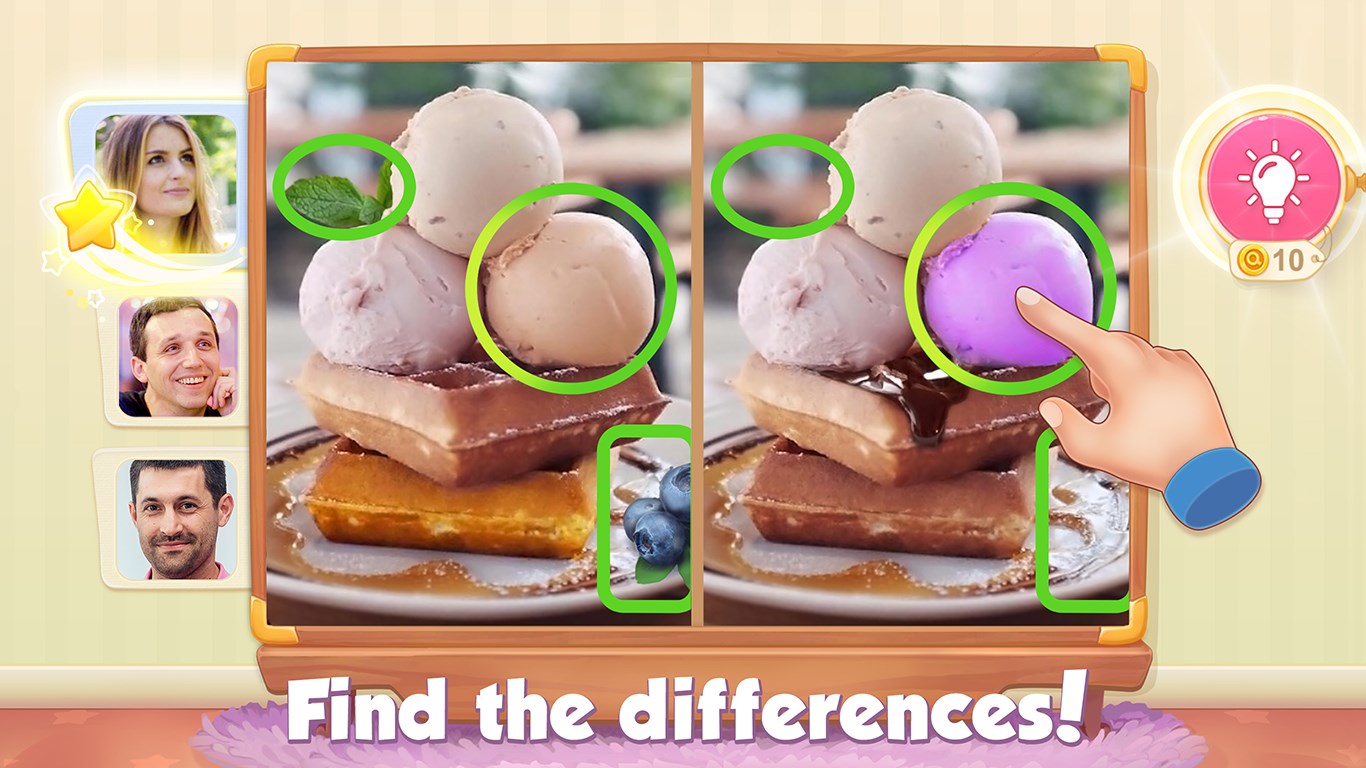
When you launch 5 Differences Online, you're greeted with a vibrant, colorful interface that feels inviting without cluttering your screen. Bright visuals and smooth animations create a lively, almost carnival-like atmosphere—think of walking into a puzzle fairground. Navigating through menus is simple and intuitive, with clear icons guiding you straight into the game modes. The app's graphics are crisp, and the visual cues for differences are easy to spot, even for new players.
What's striking is the responsiveness of the app; transitions are fluid, and the game responds instantly to taps, making the experience seamless. The UI is thoughtfully designed to minimize learning curves; even if you're new to similar puzzle apps, you'll find yourself picking up the game mechanics quickly. The game also maintains steady performance across most Windows devices, ensuring frustration-free fun.
Core Features That Shine
Multiplayer Matchmaking with Real-Time Challenges
The standout feature of 5 Differences Online is its multiplayer capacity. Unlike many traditional spot-the-difference puzzles that are single-player only, this app enables live competition against friends or random opponents worldwide. The game matches players based on skill level, making each confrontation balanced and engaging. The real-time aspect adds a layer of excitement—just like a friendly head-to-head game at a carnival booth—pushing players to think quickly and stay alert. This social component fosters a community feeling, encouraging repeated play and shared fun.
Dynamic Puzzle Sets and Fresh Content
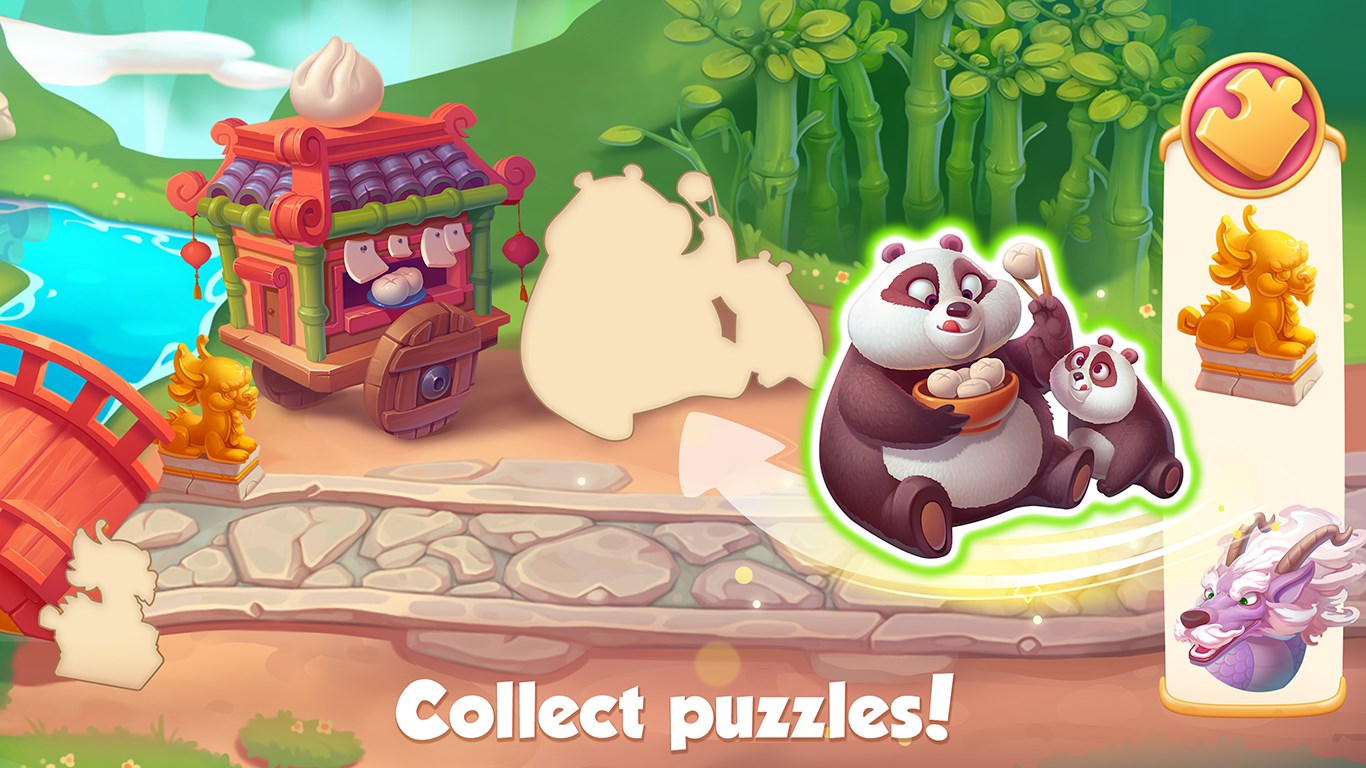
Another strength is the constantly updated pool of images and differences. The app offers a wide variety of themes—from cityscapes to animals—keeping gameplay fresh and preventing stagnation. Each puzzle has a predefined number of differences, typically between 5 to 7, balancing difficulty and accessibility. Plus, the game highlights hints and provides optional tutorials for newcomers, making it accessible to all skill levels.
Leaderboard and Progress Tracking
To motivate players, 5 Differences Online features leaderboards where you can see how your scores compare globally or among your friends. Achievements and badges are awarded for milestones, fostering a sense of progression. This layer of gamification transforms a simple puzzle app into a goal-oriented challenge that encourages continued engagement.
What Makes It Special? The Unique Advantages
While many spot-the-difference apps are standalone single-player experiences, 5 Differences Online's key differentiator lies in its real-time multiplayer feature and lively online community. It turns the solitary puzzle routine into an interactive event, much like participating in a lively fair game rather than just completing a puzzle in silence. This social dynamic adds a competitive edge that keeps the gameplay exciting longer than traditional counterparts.
Additionally, the app's commitment to varied content and regular updates ensures the experience remains fresh, encouraging players to return. Its straightforward design and smooth operation make it approachable even for casual players or those new to digital puzzles. All these factors combined position 5 Differences Online as an accessible yet dynamic addition to puzzle and trivia game collections.
Final Verdict: Worth a Play for Puzzle Lovers
All in all, 5 Differences Online offers a compelling twist on the classic spotting game by integrating multiplayer challenges, vivid visuals, and consistent content updates. I'd recommend it to anyone seeking a fun, social, and reasonably challenging puzzle experience on Windows. Whether you dip in for a quick game or settle in for repeated rounds with friends, this app provides a well-rounded, enjoyable puzzle adventure. It's not just about finding differences anymore—it's about competing, connecting, and having fun in a colorful digital playground.
Pros
- User-friendly interface
- Fast and smooth performance
- Wide selection of online games
- Regular updates and new features
- Secure payment system
Cons
- Limited personalization options
- Occasional app crashes
- In-app ads can be intrusive
- Requires consistent internet connection
- Limited customer support options











