

Introduction to Docx Reader - Office Viewer
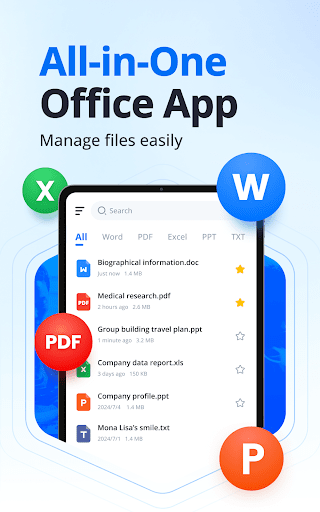
Imagine a powerful all-in-one Word Office and PDF editing application that simplifies your document management needs. Docx Reader - Office Viewer is designed to enable users to effortlessly view, edit, and manage a wide range of document formats directly from their mobile devices. Whether you need to handle complex PDFs, Word documents, Excel sheets, or PowerPoint presentations, this versatile app is your perfect companion for offline document productivity, allowing you to work seamlessly without an internet connection. Its fast, responsive interface and comprehensive feature set make it an essential tool for students, professionals, and anyone who deals with documents on the go.
Key Features of Docx Reader - Office Viewer
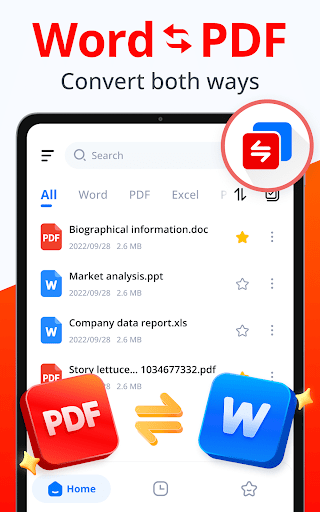
Support for All Formats
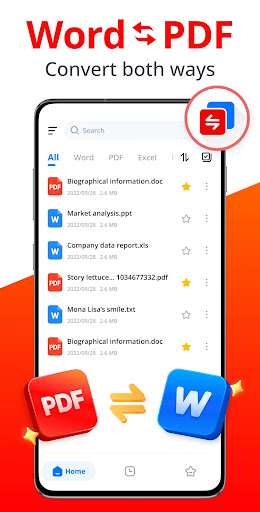
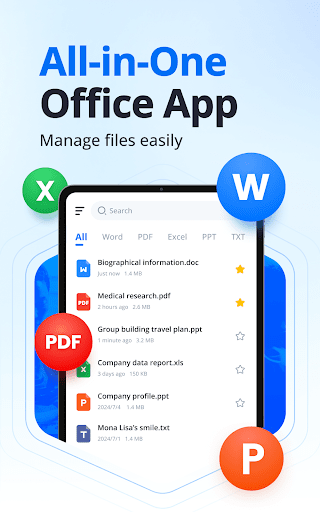
This app supports all major document formats including Word (DOCX, DOC, DOT, DOTX, DOTM), PDF, Excel (XLS, XLSX, XLT, XLTX, XLTM, XLSM), PPT (PPT, PPTX, POT, PPTM, POTX, POTM), and plain text files. This extensive compatibility ensures you can access and manage your files without the need for multiple apps.
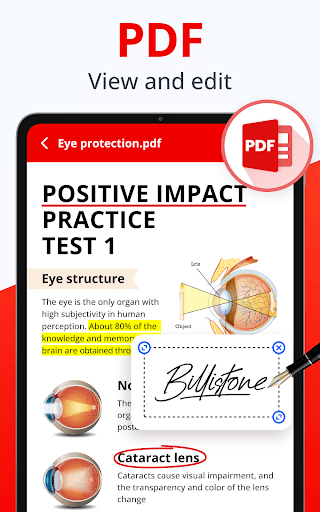
Robust PDF Editing Capabilities
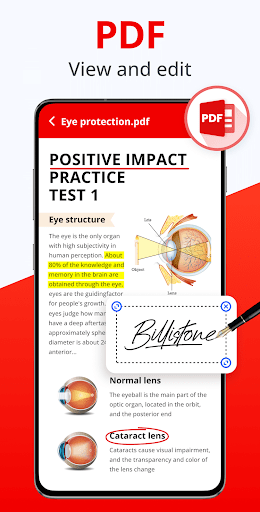
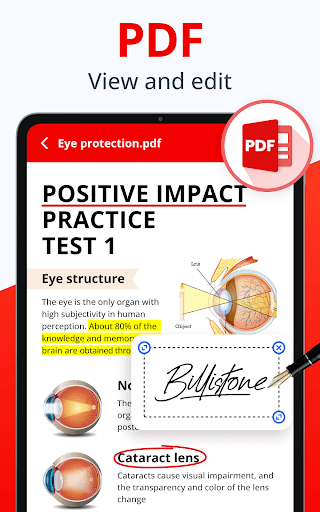
Edit PDFs with ease using powerful tools: underline, strikethrough, highlight, draw freely, and add annotations for additional context. The app also allows you to rotate pages, jump to specific pages quickly, and copy text directly from PDFs — making PDF management a breeze.
Efficient Word Document Handling
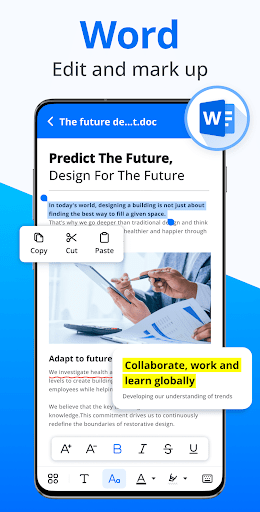
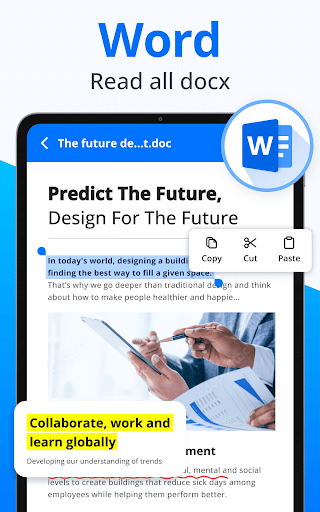
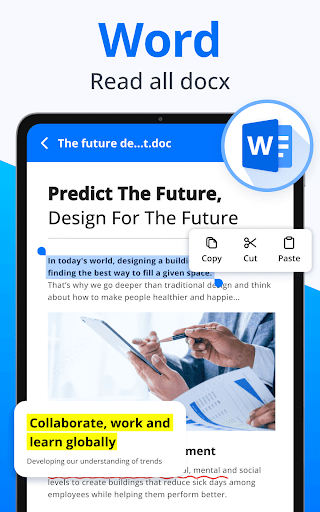
Open and read Word files swiftly, with features like page zoom, thumbnail previews, and adjustable reading modes. Users can highlight, underline, strikethrough, and copy text, facilitating quick review and editing of resumes, reports, notes, and more.
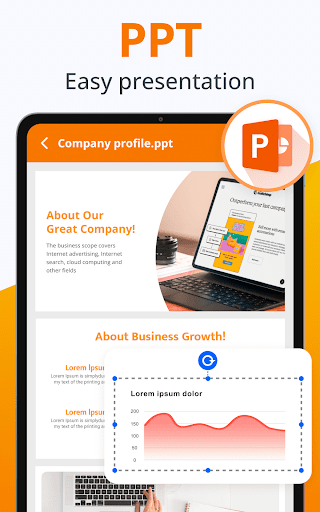
Excel and PowerPoint Support
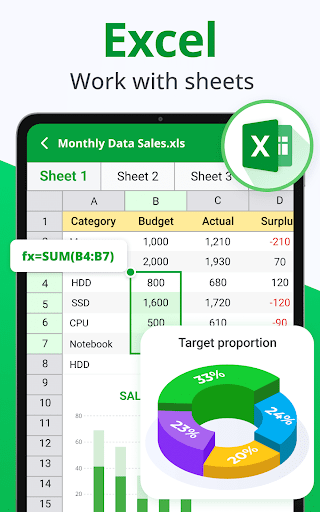
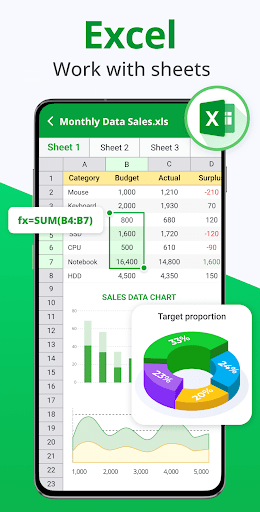
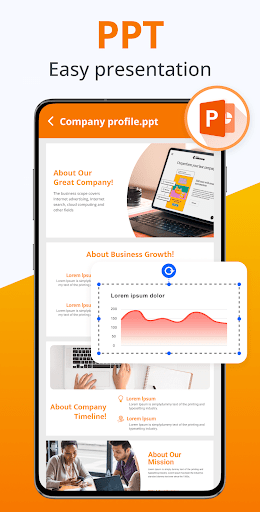
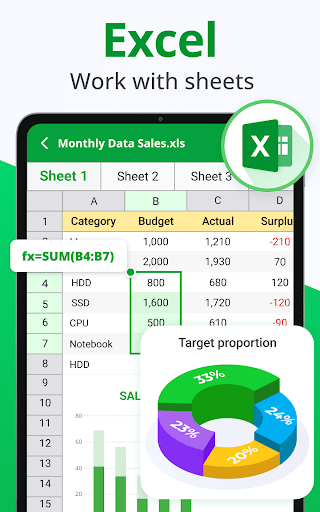
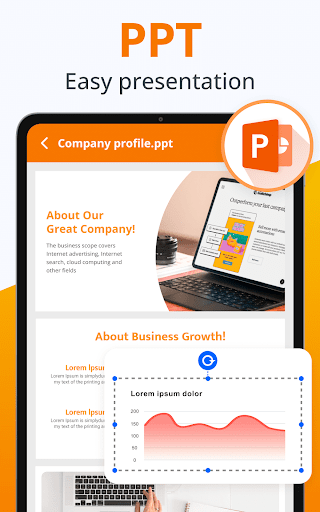
View spreadsheets offline, select cells, and locate data instantly. For PPT files, you get high-resolution viewing, fast performance, and the ability to make presentations easier than ever.
Additional Features
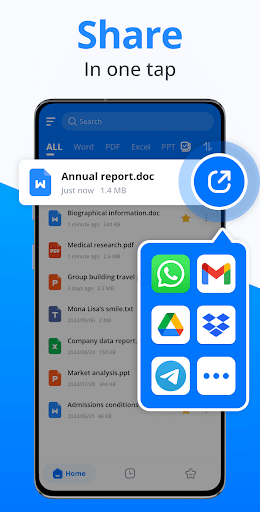
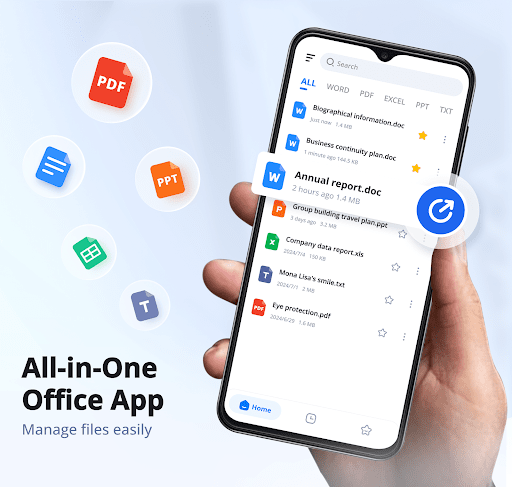
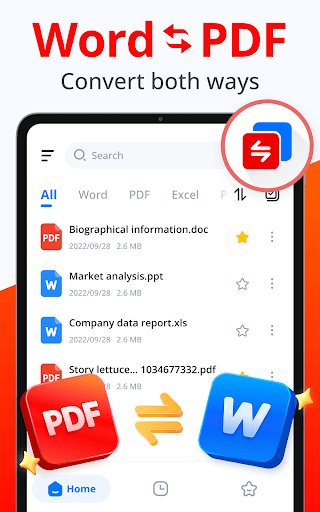
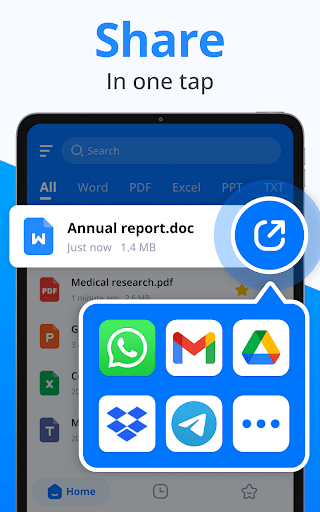
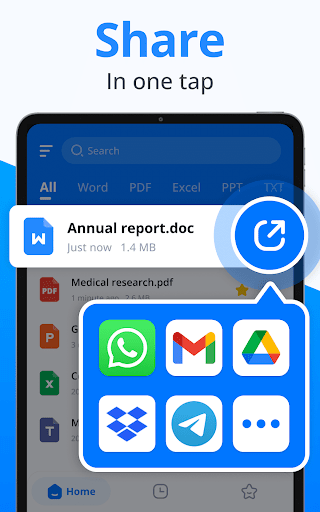
Find files faster with the search option, organize documents by time, size, or name, and bookmark important pages. The app also offers easy management options such as renaming, deleting, or sharing documents
Future updates will bring even more functionalities, such as creating new documents, customizing text and colors, adding e-signatures, merging/splitting PDFs, dark mode, and document collaboration.
Offline Access & File Management
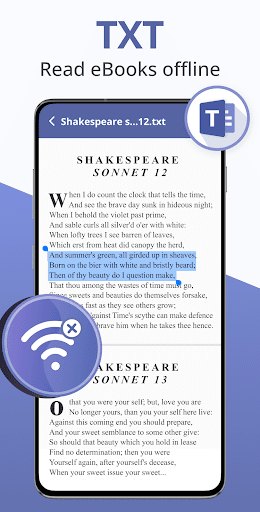
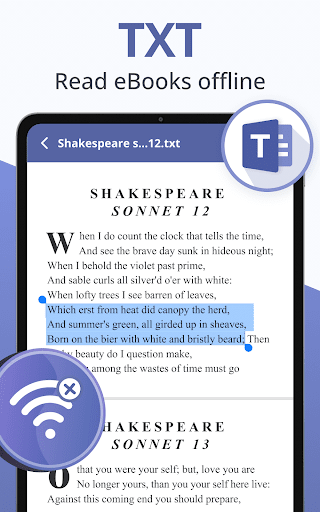
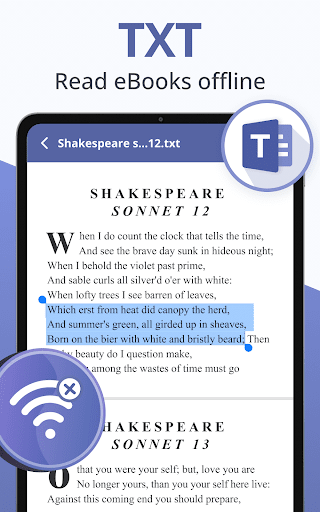
Work without an internet connection, enabling you to read, edit, and organize your files anytime, anywhere. The intuitive user interface provides a seamless experience with a lightweight, fast-response design that prioritizes ease of use.
Why Choose Docx Reader - Office Viewer?
This app stands out because of its simplicity combined with professional-grade features. Its user-friendly interface allows quick access to all functions, making document management less of a hassle. Whether you need to quickly view a PDF, edit a Word file, or manage spreadsheets, Docx Reader - Office Viewer delivers a professional reading experience in a compact, fast, and elegant package.
It is especially beneficial for those who often find themselves away from their computers but still need to handle important documents efficiently. Its support for multiple formats and offline capabilities makes it a versatile, must-have tool for both casual users and professionals.
Future updates aim to bring even more features like document creation, e-signatures, PDF merging and splitting, dark mode, advanced text search, document scanning, and support for additional formats such as RAR, MOBI, HTML, and ZIP, ensuring this app remains a comprehensive document solution.
Conclusion
If you're looking for a reliable office viewer and PDF editor for your mobile device, Docx Reader - Office Viewer is your best choice. It combines ease of use with robust functionality, allowing you to handle all your document needs — from reading and editing to managing files — offline anytime, anywhere. Download this professional app today and experience seamless document management on the go!
Pros
- Supports multiple file formats.
- Provides fast and lightweight performance.
- Offers a user-friendly interface.
- Allows offline access to documents.
- A free version is available.
Cons
- Contains ads in the free version.
- Has limited editing capabilities.
- Lacks cloud integration.
- Occasionally reports crashes.
- The interface offers no customization options.










