

Overview of the Office App - Edit Word, PDF Files
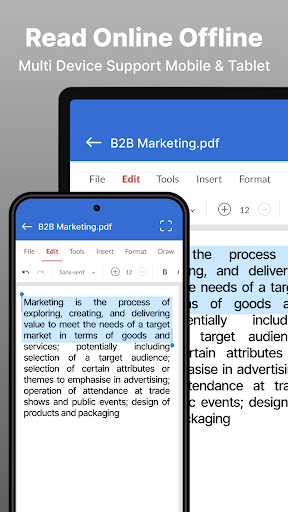
The Office App - Edit Word, PDF file is a versatile and efficient solution designed to meet all your document editing needs directly from your mobile device. Whether you need to read, edit, or convert a variety of office files, this application provides a comprehensive platform that supports formats such as Word (Doc, Docx), PDF, XLS, XLSX, and PPT. Its intuitive interface makes managing your documents seamless, whether you're working online or offline.
Main Features of the Office App - Edit Word, PDF Files
Simple and Elegant Interface
The app boasts a clean, user-friendly design that allows effortless navigation through your office documents. The straightforward layout facilitates quick access to viewing and editing tools, making your document management tasks smooth and hassle-free.
Comprehensive Document Handling
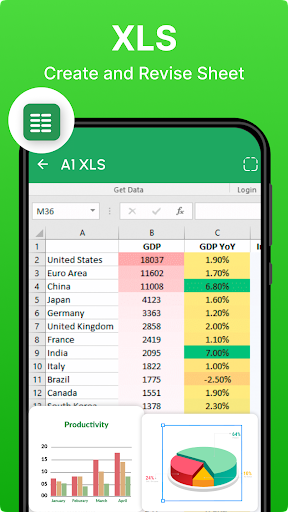
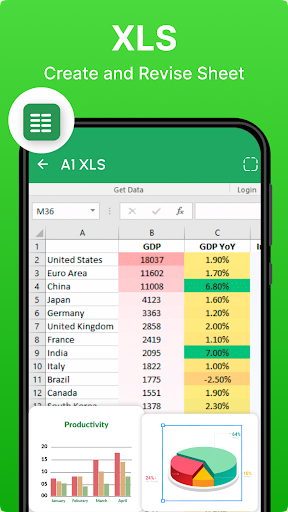
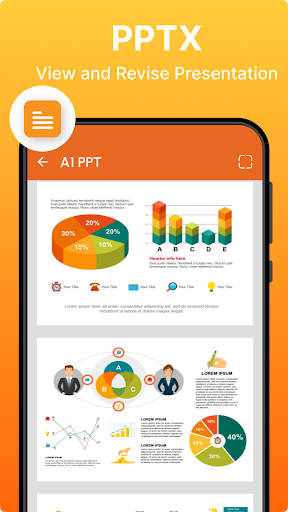
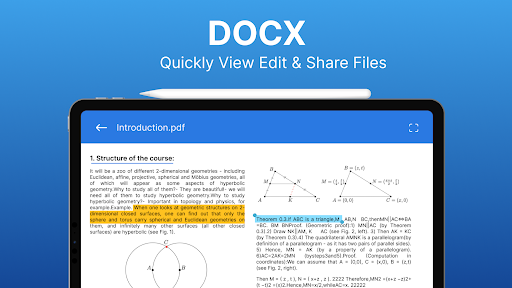
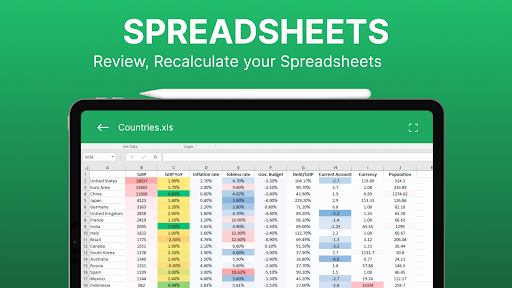
Support for multiple file formats ensures you can easily browse, read, and modify documents in formats such as DOCX, DOC, XLSX, XLS, PPT, PDF, and TXT. The app's versatility means you don’t need multiple tools—manage all your office files from a single platform.
Efficient File Management and Search
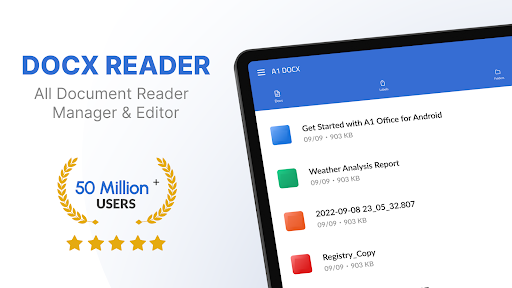
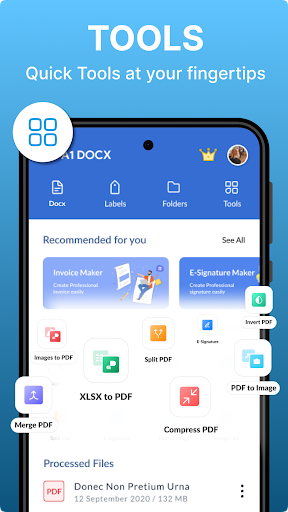
Find your files quickly using the search feature, and organize them with options for renaming, deleting, and sharing. The app also offers sorting options by name, date, and size, along with recent files for quick access.
Powerful Editing and Conversion Tools
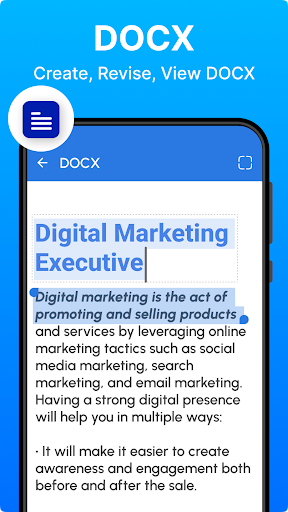
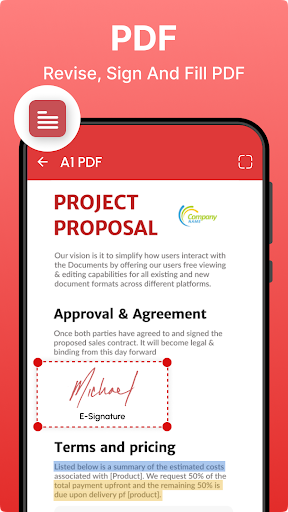
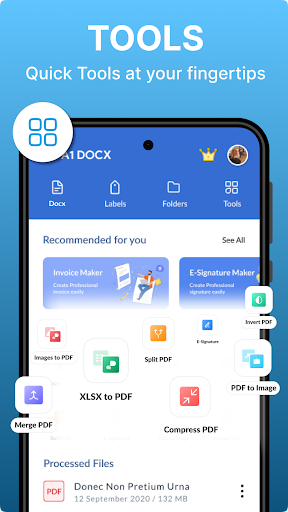
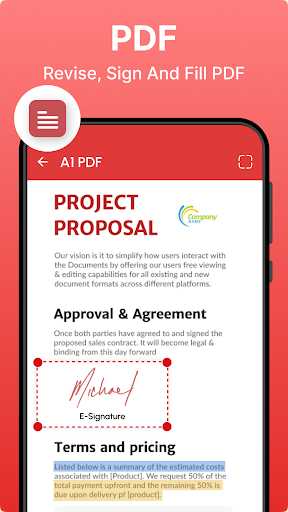
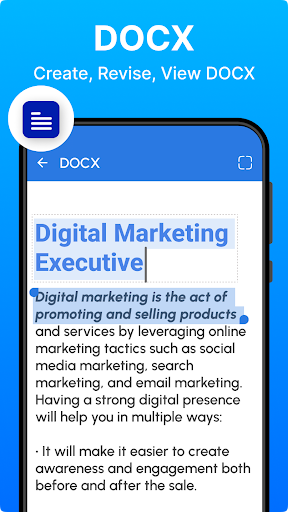
This app allows you to edit text, highlight, annotate, and insert images. You can convert documents between formats such as .docx, .pdf, .xls, and .xlsx. Additionally, converting PDFs to Word documents or vice versa is just a tap away, streamlining your workflow wherever you are.
PDF and Office Document Viewer
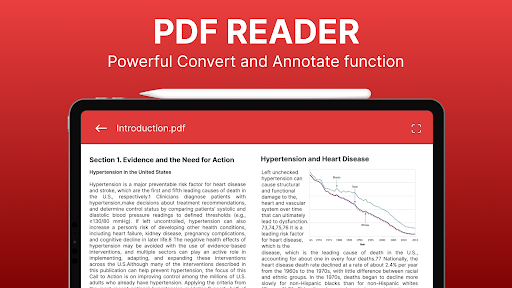
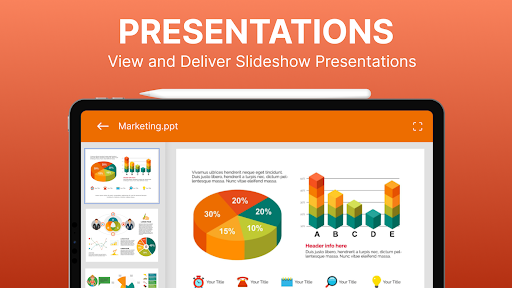
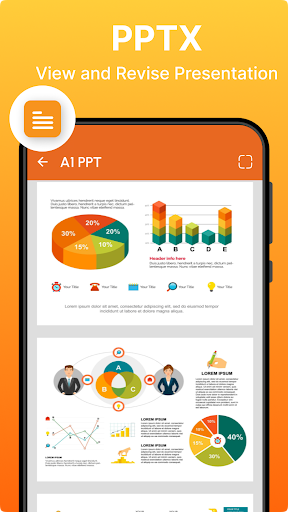
Beyond editing, the app functions as a reliable PDF reader and viewer, allowing you to access your PDF files effortlessly. Use it as your portable office suite to review and annotate presentations, spreadsheets, and reports with ease.
Additional Productivity Features
Get detailed information about your files, refresh your document lists, and utilize bookmarks for faster navigation. Sharing files via email or messaging apps is made simple, enhancing your productivity on the go.
Why Choose the Office App - Edit Word, PDF Files?
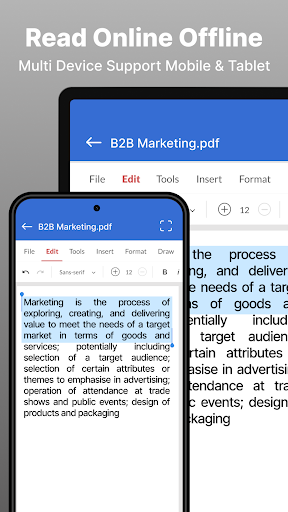
This app is a true game-changer for anyone who frequently works with office documents. Whether you are a professional needing to review reports while commuting, a student adjusting assignments in a pinch, or someone managing documents across cloud platforms like Google Drive, Dropbox, and OneDrive, this app has you covered. Its seamless cloud integration ensures your files are always synchronized and accessible from multiple devices.
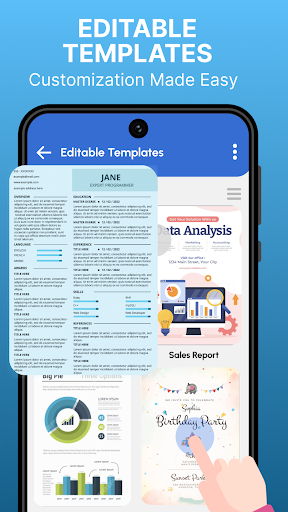
Designed to be accessible even for users with minimal technical experience, the Office App - Edit Word, PDF file offers a simple interface packed with powerful features. Editing text, changing font styles, inserting images, and exporting to PDF are all just a few taps away. Its versatility and ease of use make it an indispensable tool for efficient remote work, study, and personal organization.
Ultimately, this app enhances your productivity and saves you time, eliminating the need to switch between multiple apps. It combines the core capabilities of an office suite with the convenience of mobile access, helping you stay organized and efficient no matter where you are. Download the Office App - Edit Word, PDF file today and experience the freedom of portable, powerful document editing at your fingertips.
Pros
- Intuitive interface for quick editing.
- Compatible with various file formats.
- Cloud connectivity for seamless access.
- Supports real-time teamwork.
- Rich set of formatting options.
Cons
- Requires internet access for full features.
- Limited functionalities in the free version.
- Periodic synchronization problems.
- May consume excessive resources on older devices.
- Intrusive ads in the free version.










