

Discover the Power of ACE Scanner - The Ultimate PDF Scanner App
Are you tired of bulky scanners and messy paper piles? ACE Scanner is a free and versatile PDF scanner app designed to transform your mobile device into a high-quality scanning tool. Whether you need to quickly capture receipts, notes, business cards, or important documents, this intuitive app offers a comprehensive set of features tailored to make your document management more efficient. With its smart OCR technology, instant sharing capabilities, and powerful editing tools, ACE Scanner is the go-to solution for professionals, students, and everyday users seeking a seamless scanning experience.
Why Choose ACE Scanner for Your Document Needs
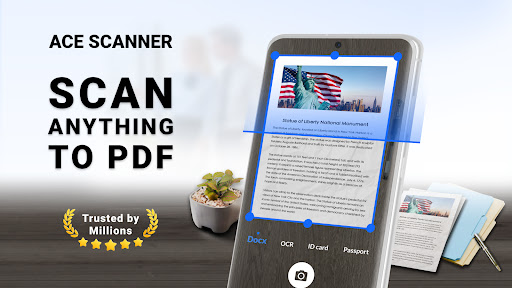
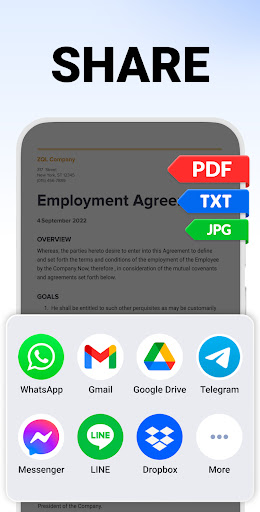
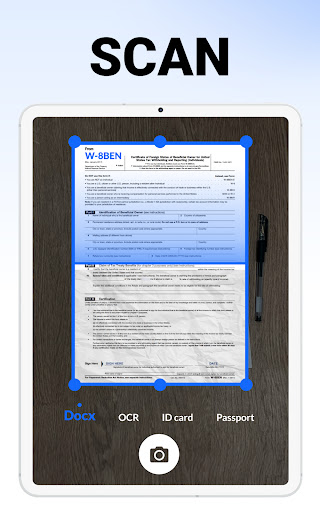
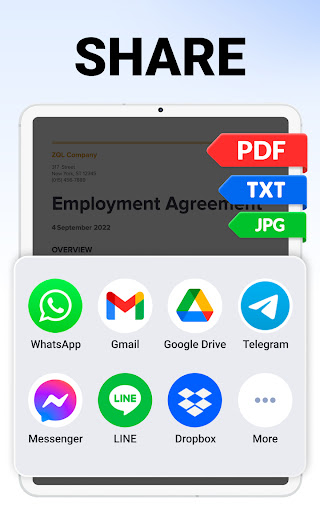
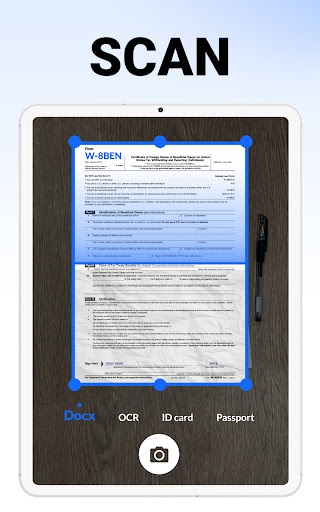
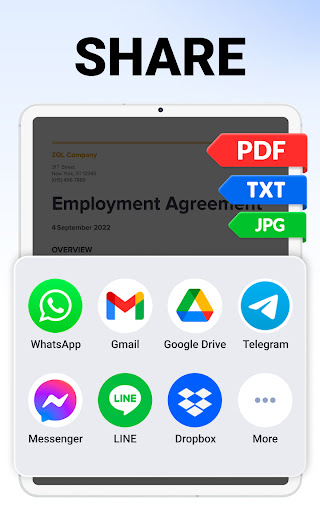
This innovative scanning app stands out with several key advantages that cater to both casual and business users. First and foremost, ACE Scanner enables you to quickly convert any physical •documents such as receipts, invoices, notes, or certificates into clear, high-resolution PDFs with a single tap. Its smart edge detection and auto-enhancement technology ensure that your scans are sharp and professional-looking every time. After scanning, you can share your PDF/JPG files effortlessly via email, messaging apps, or upload them to cloud services like Google Drive and Dropbox for safe storage and easy access.
Feature-Rich and User-Friendly Design
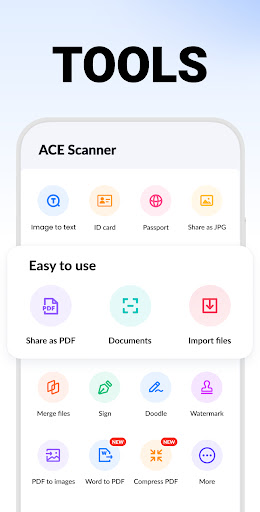
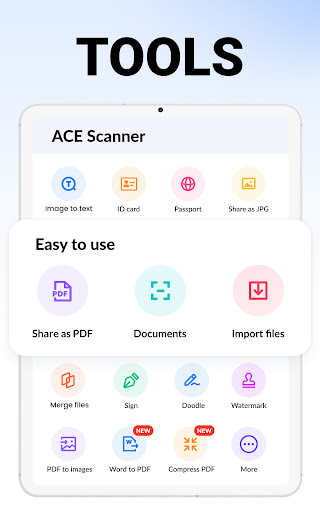
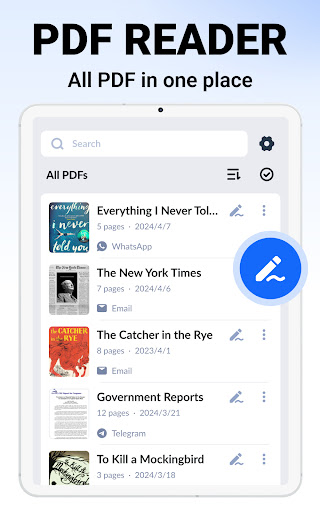
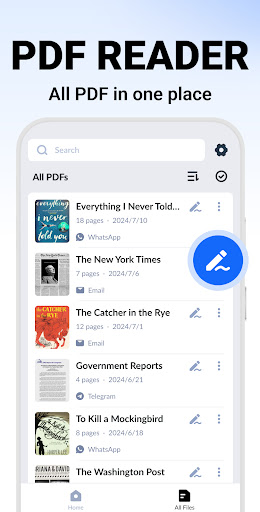
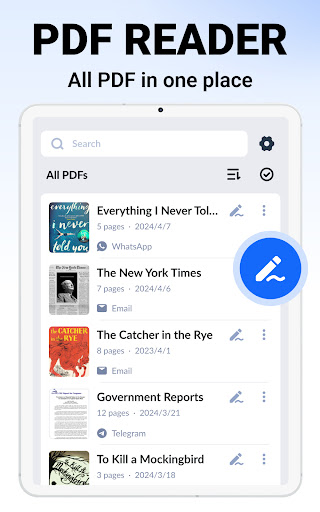
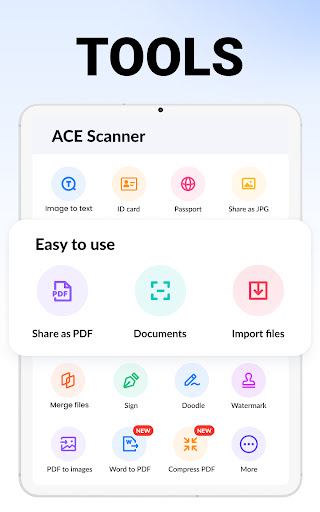
Designed for simplicity, ACE Scanner offers a user-friendly interface that’s perfect for users of all experience levels. Its straightforward navigation makes capturing and managing documents quick and hassle-free. The •powerful PDF reader lets you view, organize, and annotate your files with ease. You can copy, rename, delete, or sort documents by date or name, ensuring your digital workspace stays organized. The app supports multiple PDF page sizes, such as Letter, Legal, and A4, allowing users to customize their scans to fit various professional and personal needs.
High-Quality Scanning and Editing Features
When it comes to scan quality, ACE Scanner doesn’t cut corners. Thanks to its advanced edge detection, smart cropping, and auto-enhancement features, your scans will look detailed and clear—perfect for printing or digital sharing. The app also provides an array of filters like •Docs, •Image, •Enhance, and •Black & White to optimize your results further. Need to revise your documents? You can add, edit, or delete individual pages and adjust the layout easily within the app, making document editing straightforward and flexible.
Secure and Professional Document Handling
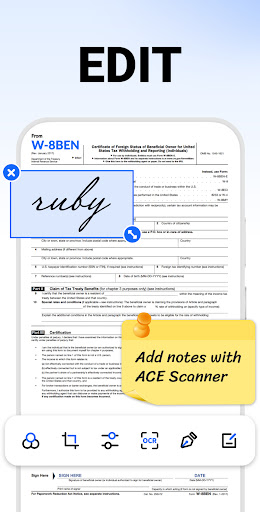
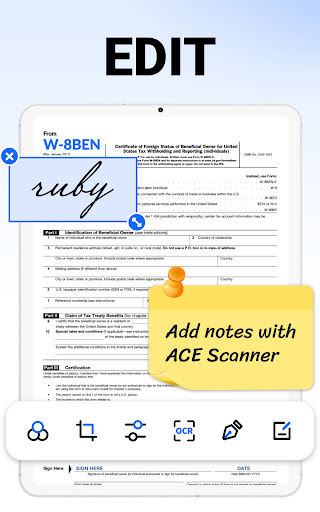
Adding an electronic signature to your PDFs is a breeze with ACE Scanner. Its •add E-Signatures feature makes signing contracts or official forms quick and paperless. Plus, you can create custom security watermarks to protect your files from unauthorized copying or tampering. These watermarks are fully customizable, allowing you to set the text, size, transparency, and color as needed for professional branding or security purposes.
Advanced Text Recognition and Search
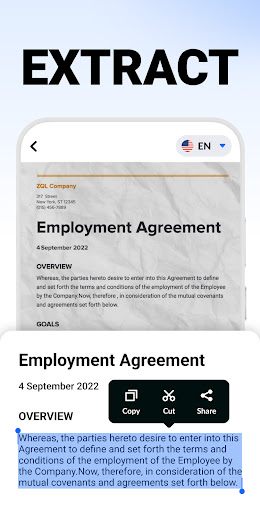
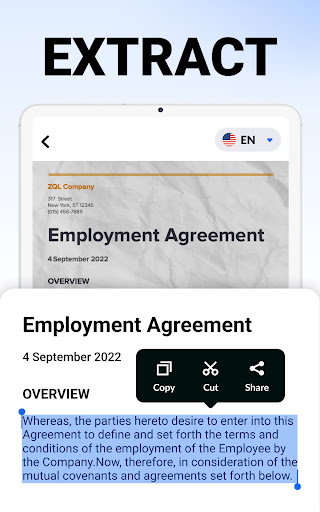
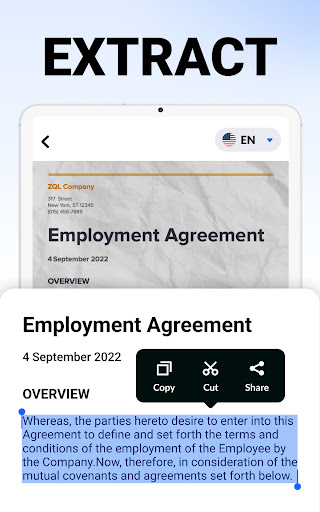
One of the standout features of ACE Scanner is its OCR (Optical Character Recognition) technology. This allows you to accurately recognize and extract text from scanned images or documents, enabling easy editing, copying, and searching of text content. Difficulty locating a specific file? The built-in •quick search helps you find documents instantly using keywords. You can also search within images and notes, making information retrieval quick and efficient.
Future Enhancements for Even Better Productivity
Looking ahead, ACE Scanner plans to introduce exciting new features. These include the ability to add •annotations for better document review, lock sensitive files with passwords for security, and synchronize data across devices using cloud backup services like Google Drive, OneDrive, or Evernote. These updates will further enhance your document management experience, making this app even more indispensable.
Versatile Uses for Every User
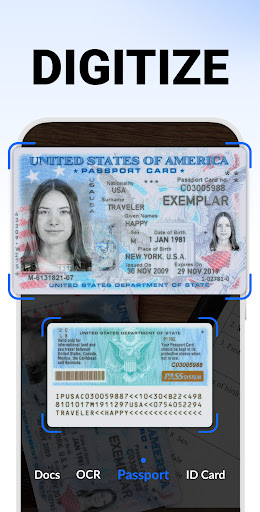
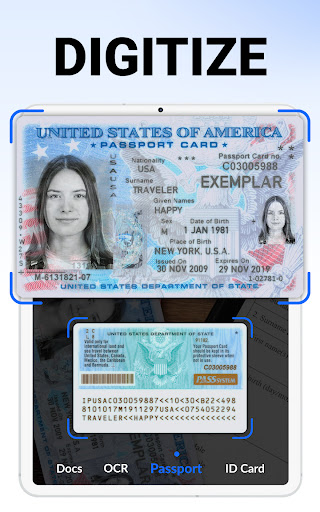
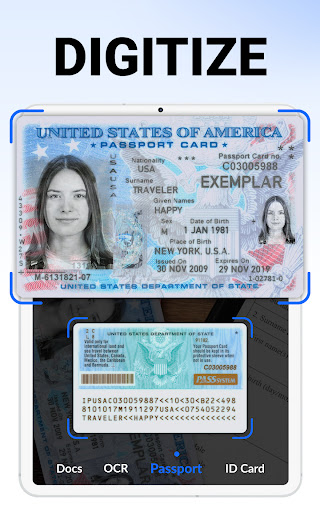
Whether you’re scanning •business cards, receipts, invoices, or personal identification documents like passports and driver licenses, ACE Scanner adapts to a variety of scenarios. Students can digitize notes and textbooks, professionals can streamline paperwork, and travelers can quickly save travel brochures or maps. Its flexibility makes it an essential tool for anyone looking to reduce paper clutter and boost productivity.
Seamless Performance and Compatibility
The app excels in performance, providing smooth, reliable operation whether on smartphones or tablets. It seamlessly integrates with modern cloud platforms for backup and sharing. While the app requires •permissions such as access to all files on Android 11 and above, it ensures your data remains secure and accessible across all your devices.
Conclusion
In summary, ACE Scanner is a comprehensive PDF scanner app that combines ease of use, high-quality output, and robust feature set. It’s ideal for anyone who needs to capture, organize, and share documents efficiently—be it for personal, academic, or professional purposes. Embrace the convenience of mobile scanning with ACE Scanner and say goodbye to paper chaos. Download this powerful app today and experience a smarter way to manage your digital documents.
Pros
- Fast speed for quick document scanning
- High-quality PDF output suitable for professional purposes
- Intuitive user interface with easy navigation
- Supports various file formats for saving scanned documents
- Secure cloud integration enabling easy access to documents
Cons
- In-app advertisements can be disruptive during usage
- Limited free functionalities; many features require purchase
- Occasional bugs that may impact app stability
- Internet connection needed for cloud-based features
- High storage requirements for high-resolution scans










