
Work Log Pro – Your Ultimate Work Hours Tracking and Productivity Companion
Are you looking for a seamless way to manage and track your work hours, shifts, and wages? Look no further than Work Log Pro. This powerful productivity app is designed to simplify your time management, whether you're a freelancer, part-time worker, or managing multiple jobs. With its user-friendly interface and rich feature set, Work Log Pro ensures you stay on top of your work schedule with ease and accuracy.
Key Features and Benefits of Work Log Pro
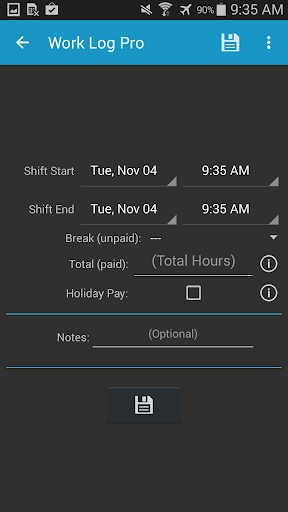
At the heart of Work Log Pro lies a focus on simplicity and efficiency. The app provides a fast, simple and straightforward way to track work hours, saving you time and effort in managing your shifts manually. One of its standout qualities is the automation of common tasks such as automatic break deduction and setting pay period options, making payroll calculations more accurate and less time-consuming.
Intuitive Tracking and Customization
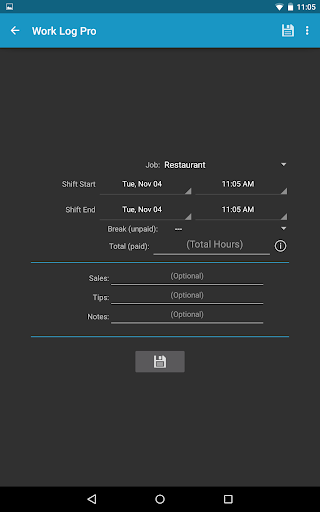
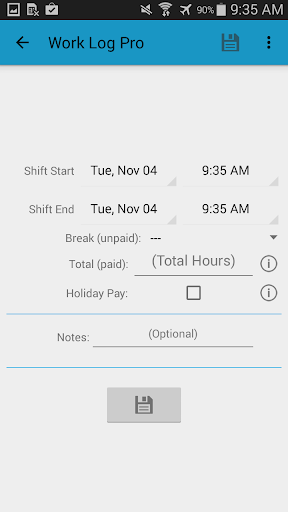
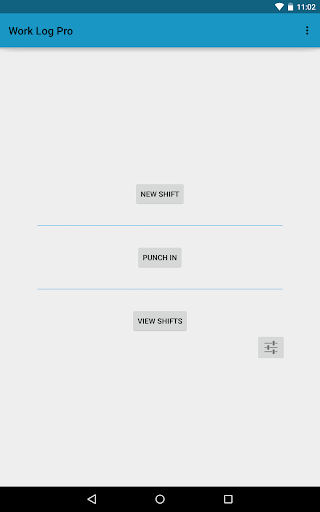
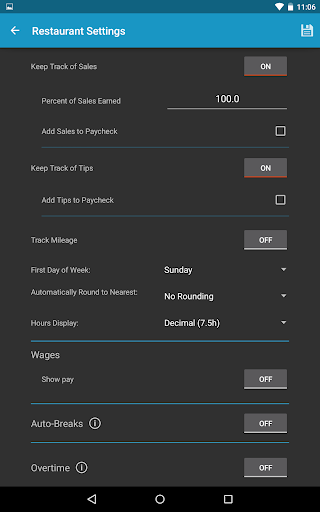
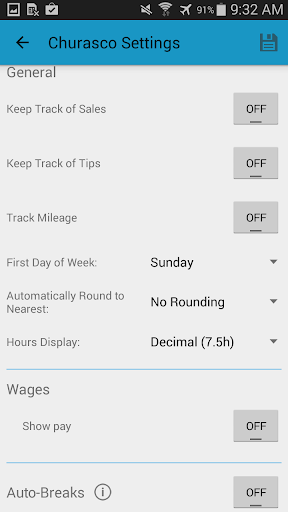
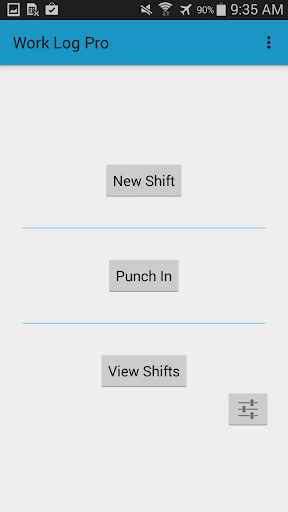
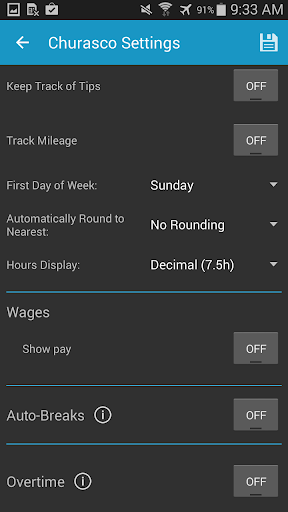
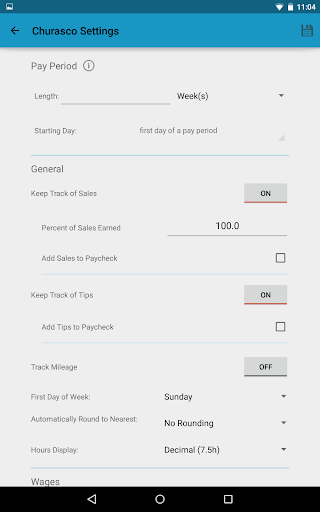
The app allows users to conveniently punch in and out or manually enter shift hours, providing flexibility to suit individual preferences. You can easily update, delete, or add past shifts, ensuring your work log remains current and accurate. Managing multiple jobs is also straightforward, with each job having its own settings. Customization options are extensive, including choosing between 24-hour formatting, setting your week start day, and selecting different views for your shift history.
Advanced Reporting and Analytics
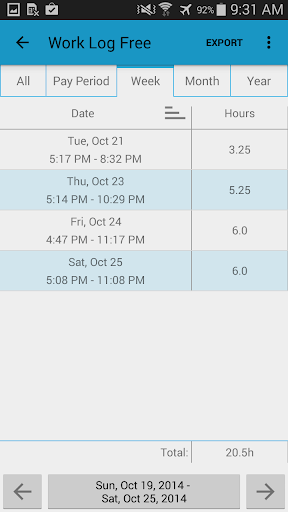
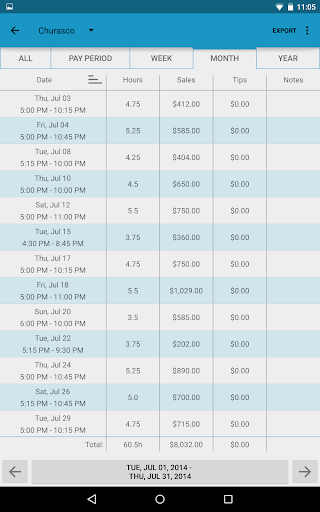
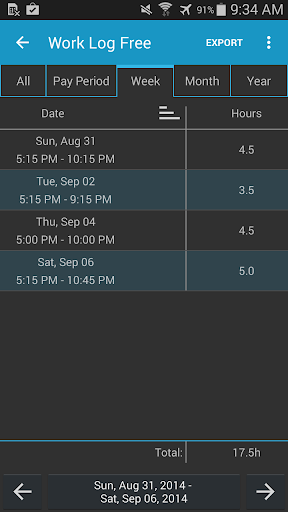
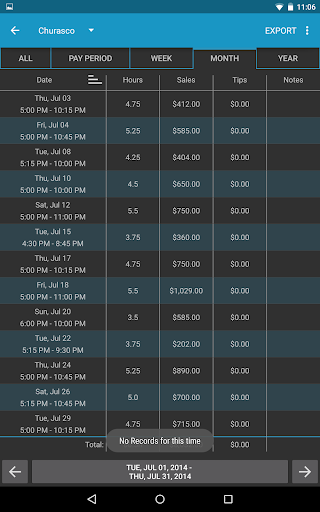
Produce detailed insights into your working patterns by generating reports over various periods—week, month, year, or pay period. You can also see how many hours you’ve worked and earned within these periods. The app’s ability to automatically calculate wages, deductions, and bonuses makes it a valuable tool for professionals who need accurate payroll data, freelancers invoicing clients, or anyone looking to optimize their income.
Supporting Multiple Income Sources and Overtime Management
Work Log Pro supports tracking for sales or tips, which is especially useful for servers or salespeople earning commission or tips. It also enables the management of up to two overtime hours, such as 1.5x for extra hours or 2x for longer shifts, with customizable pay rates. The app also calculates flat rate and percentage-based deductions and bonuses, accounting for taxes, vacation pay, or other adjustments.
Efficient Backup, Export, and Device Syncing
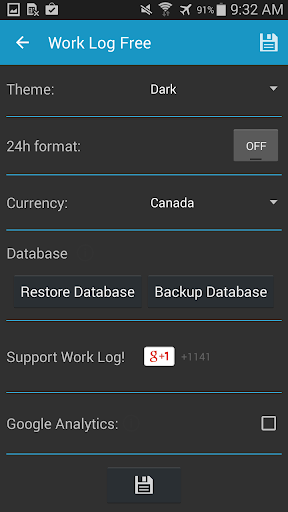
Your data safety is ensured through easy backup options—simply email the backup file to yourself and restore it on another device when needed. Export your shifts as spreadsheet (.CSV) or PDF files categorized by week, month, pay period, or all data, facilitating invoicing or record keeping. The cross-platform support means your logs are synchronized across all your devices, keeping your work hours data always up-to-date no matter where you access it.
Customization and User Experience
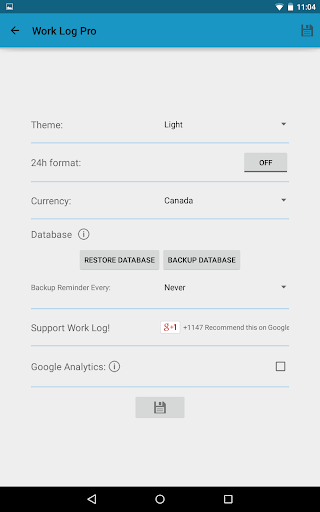
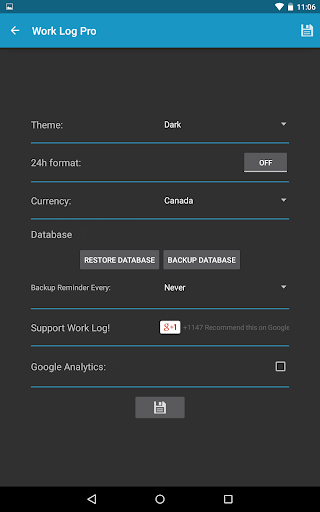
Enjoy a personalized experience with options to choose between light and dark themes and display times in either am/pm or 24-hour format. You can select your preferred currency symbol from over 100 nations, set backup reminders, and configure pay period calculations in weekly, monthly, or semi-monthly intervals. Additional features include automatic rounding of shifts, displaying hours in decimal or hours:minutes format, and managing multiple pay adjustments for taxes and other deductions.
Why Choose Work Log Pro?
If you want a comprehensive, reliable, and easy-to-use tool for tracking work hours and managing payroll, Work Log Pro is the perfect choice. Its extensive feature set—ranging from automatic calculations, multi-job management, to seamless data backup and export—empowers users to stay organized and optimize their earning potential. Whether you're a busy professional, a freelancer, or someone managing multiple roles, this app is designed to streamline your work logging process and enhance productivity. Give Work Log Pro a try today and experience a new level of control over your work hours and income management.
Pros
- Intuitive user interface
- Detailed reporting features
- Customizable log entries
- Supports multiple projects
- Offline functionality
Cons
- Limited free version
- No integration with some popular apps
- Occasional sync issues
- Complex setup for beginners
- Lacks time tracking automation











