

Unroll.Me - Email Cleanup
Are spam and subscription emails flooding your inbox? Do you have hundreds, if not thousands, of useless emails making your cluttered mailbox impossible to navigate? Worry no more! Unroll.Me to the rescue! Cleaning your inbox has never been so easy, or looked so good!
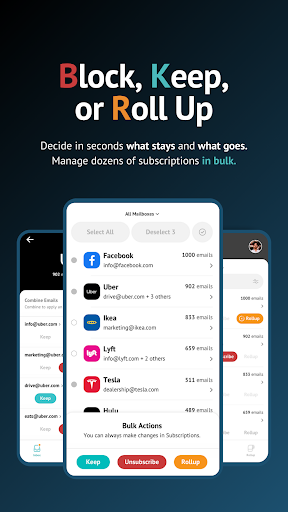
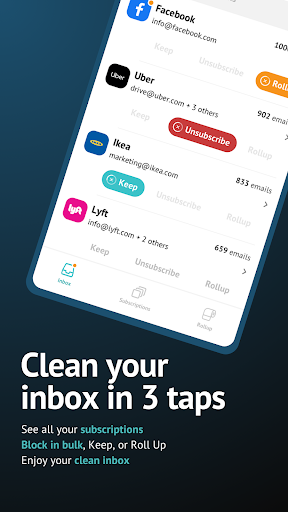
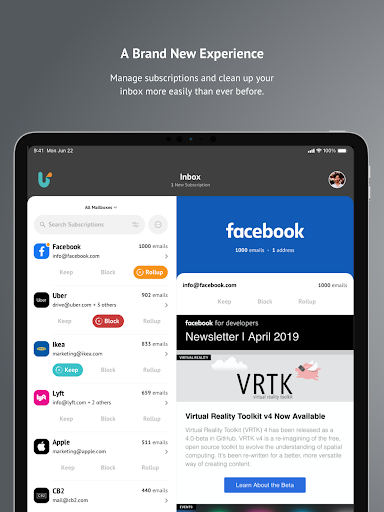
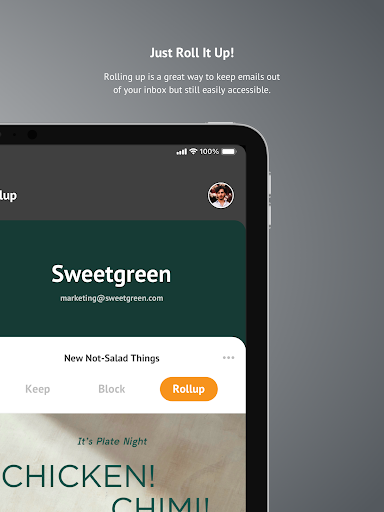
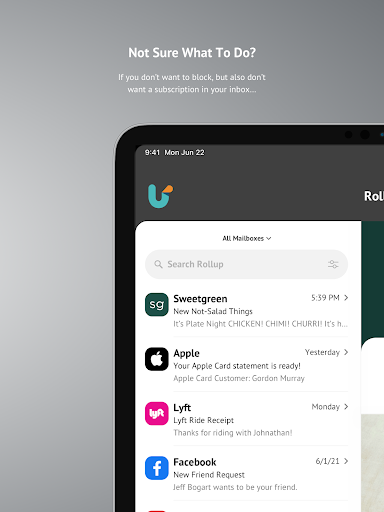
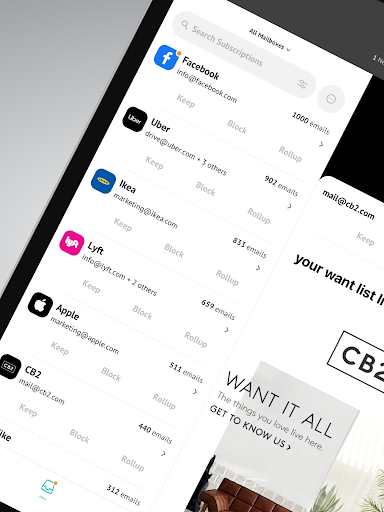
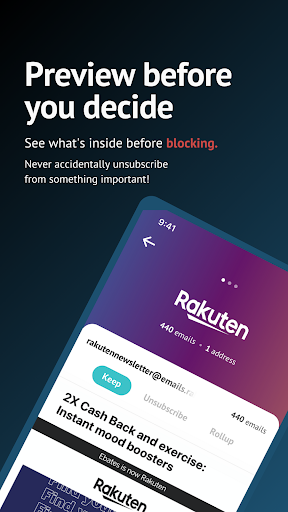
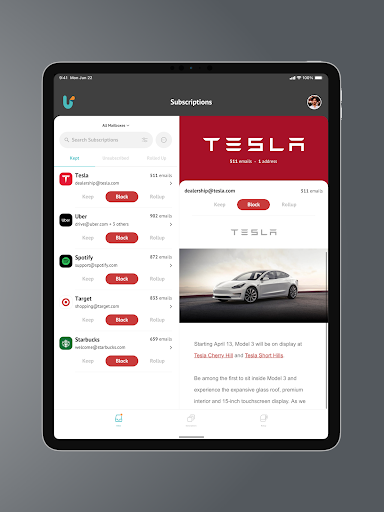
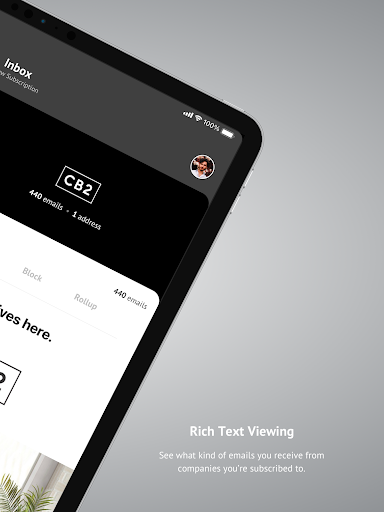
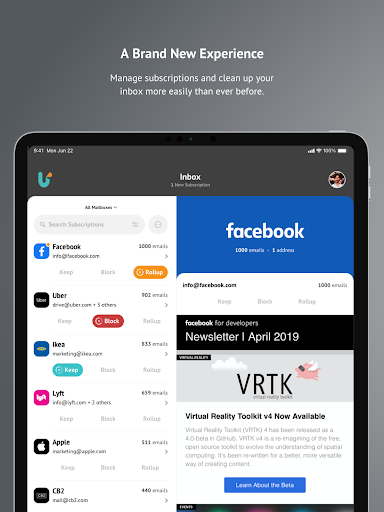
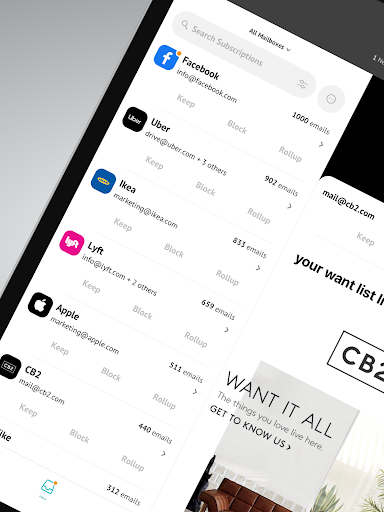
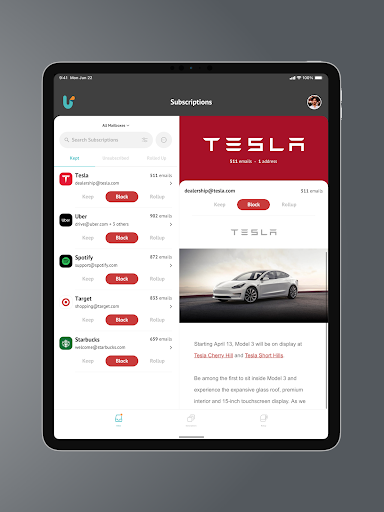
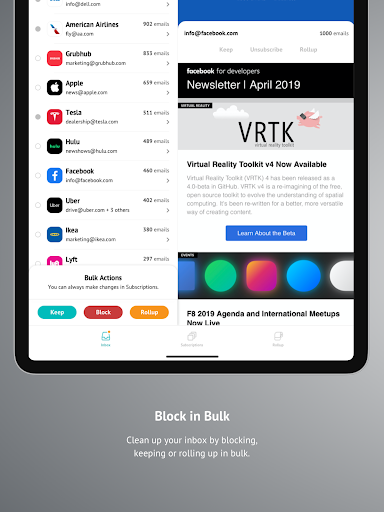
With Unroll.Me, we’ll show you all the subscription emails in your inbox, and give you full control over what you want to do with them. Easily block unwanted emails, keep the ones you want, and rollup those that you don’t want to block, but also don’t necessarily want to see in your inbox.
Here’s what you can expect from Unroll.Me:
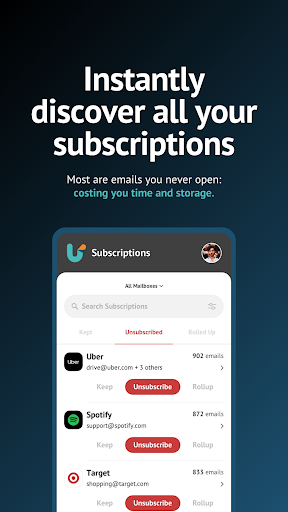
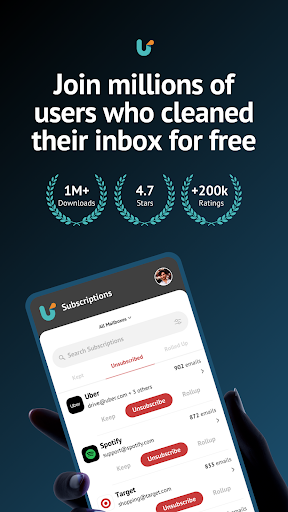
- View all subscription emails flooding your inbox and we’ll update this as we detect new subscriptions.
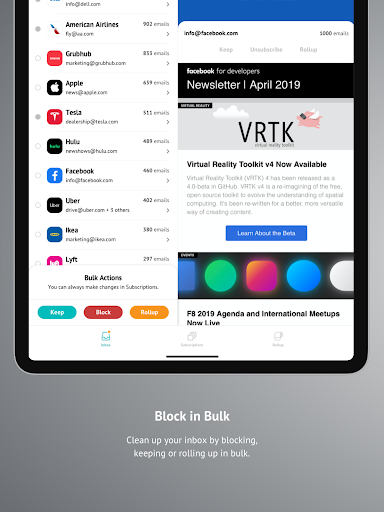
- Block, keep, and rollup your subscription emails, either in bulk or individually.
- Search your subscriptions easily so you can find that one company that won’t stop spamming you.
- Wanted to block an email subscription that you kept or rolled up? No worries, you can edit any and all changes that you’ve made to your subscriptions in the Subscriptions tab.
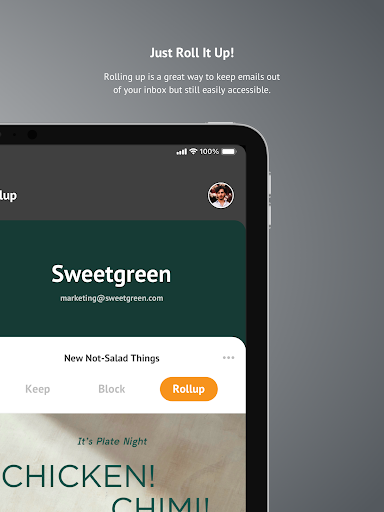
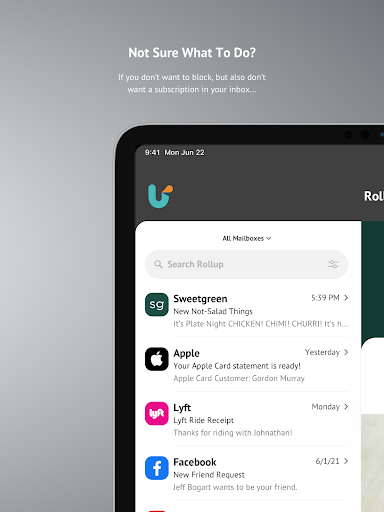
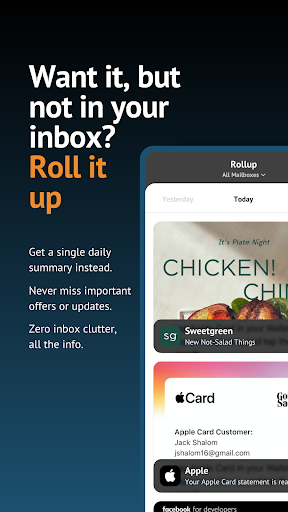
- View your rolled up emails — this updates once a day and we’ll send you a daily email of all new mail you received from your rolled up subscriptions. It’s like a daily digest email!
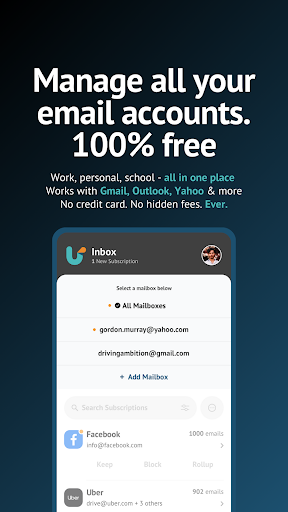
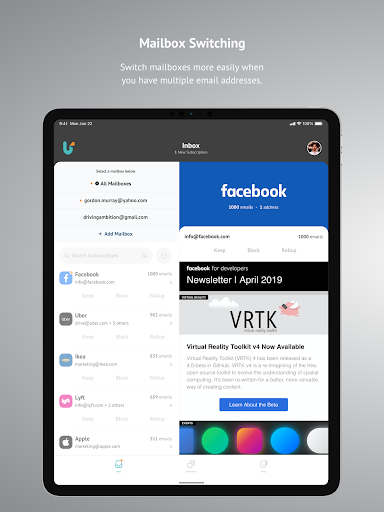
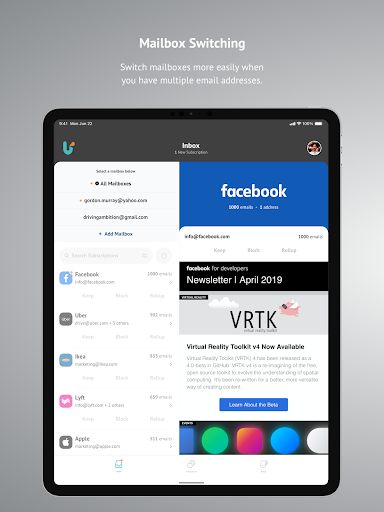
- Add multiple email accounts and tackle your subscriptions across all accounts with Unroll.Me.
- Support for the following email providers: Gmail, iCloud, Yahoo!, AOL, Outlook and Google Apps. More to come…
Stop stressing over your inbox and get back to spending time on what matters to you. Download Unroll.Me and regain the “you time” you’ve been missing.
Love Unroll.Me? Leave a review and let us know what you think!
Why Choose Unroll.Me for Email Management?
If you’ve ever felt overwhelmed by the sheer volume of emails cluttering up your inbox, then Unroll.Me might just be the app for you. This innovative tool promises to streamline your email management by helping you easily unsubscribe from unwanted emails and organize the ones you want to keep.
Getting Started with Unroll.Me
Setting up Unroll.Me is as easy as pie. Simply download the app, and in a few quick steps, you’re all set to start decluttering. The app scans your inbox and presents you with a list of all your subscriptions. Think of it as having your own personal email assistant!
Unsubscribing Made Simple
One of the standout features of this app is how effortlessly it allows you to unsubscribe from emails you no longer want to receive. With just a tap, you can say goodbye to those pesky newsletters that seem to flood your inbox daily. It’s like decluttering your inbox without the hassle of manually searching for that tiny unsubscribe link buried at the bottom of emails.
The Rollup Feature
Ever wished you could just bundle all your subscription emails into one neat package? Enter the Rollup feature. This allows you to combine all your favorite subscriptions into a single daily digest. You get to choose when you want to receive it, and your inbox feels lighter already. This feature is a lifesaver if you’re someone who likes to keep tabs on their subscriptions without letting them take over your inbox.
Privacy and Security
Now, I know what you’re thinking. How safe is it to allow an app access to your email? Well, Unroll.Me assures users that privacy is a top priority. The app uses secure protocols to access your emails, and you can always revoke access if you’re feeling uneasy. It’s always good to be cautious, but from my experience, the benefits far outweigh any concerns.
To sum it up, if you’re tired of feeling overwhelmed by your inbox, Unroll.Me is the app you didn’t know you needed. With its easy setup, efficient unsubscribing, and handy Rollup feature, managing your emails has never been more straightforward. So why not give it a try and see if it can help bring some order to your digital life?
Pros
- Effectively organizes your inbox.
- Intuitive and easy-to-use interface.
- Simple and fast setup process.
- Compatible with various email providers.
- No cost to use.
Cons
- Limited options for customization.
- Occasional synchronization problems.
- Advertisements may be disruptive.
- Potential privacy issues regarding data usage.
- Not supported on every platform.











