

Introduction to the To-Do List - Schedule Planner
Have you ever forgotten some important things to do? Have you forgotten important moments or anniversaries for your family? Don’t worry—there is an effective and free solution at your fingertips. The To-Do List - Schedule Planner & To Do List Task Manager is a user-friendly online application designed to help you manage your time effortlessly. Whether it’s keeping track of daily tasks, scheduling appointments, or reminding you of special occasions, this free task tracker and to-do list manager makes your life easier and more organized.
Key Features of the To-Do List - Schedule Planner
Intuitive and Beautiful Interface
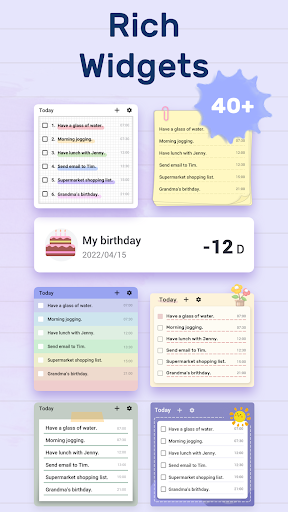
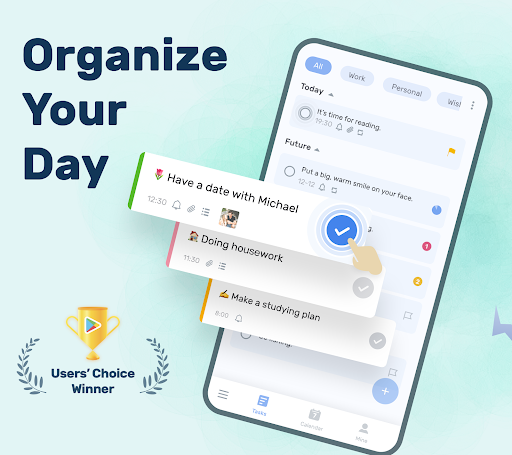
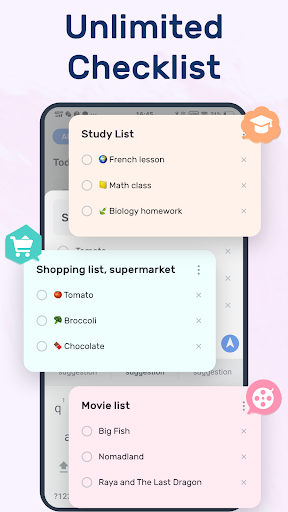
The app boasts a simple yet efficient interface, making task creation and management a breeze. You can quickly set up multiple to-do lists with just a couple of steps. The app also offers customizable themes and colors—providing a visually pleasing experience tailored to your preferences. Its night dark mode helps reduce eye strain during late-night planning sessions. With the daily to-do widgets, you can instantly check your tasks and schedule planner directly from your home screen.
Customizable and Reminder-Driven Task Management
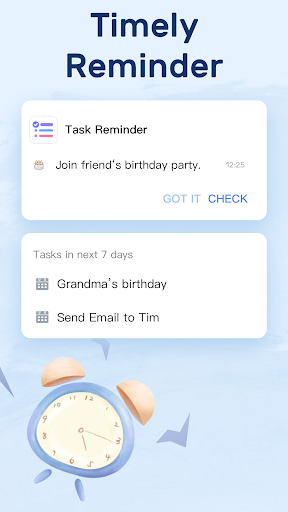
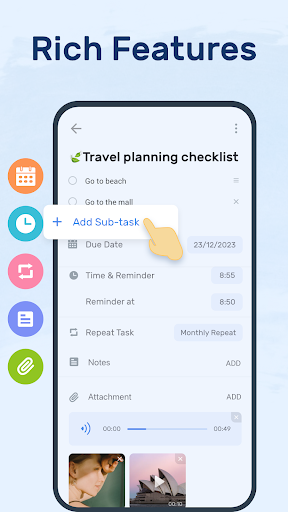
One of the standout features is the ability to set reminders with alarms for important tasks, so you never miss a deadline. Support for recurring reminders makes managing ongoing responsibilities like workouts or bill payments more streamlined. You can categorize tasks based on priority, add stars to highlight critical items, and break large tasks into sub-tasks for better organization. This flexibility ensures you stay on top of both personal and professional commitments.
Comprehensive Calendar View
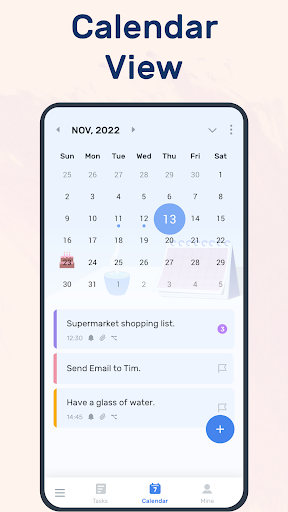
The application's calendar perspective provides a clear visual of your weekly, monthly, and future plans. This feature allows you to see your entire schedule at a glance, making it easier to plan ahead and avoid overloading your days. It’s especially helpful for balancing work, study, and personal life effectively.
All-in-One Daily Planner
Designed as a daily planner, this app supports recording various schedules—from work and studies to fitness routines, travel itineraries, and even personal milestones like birthdays and anniversaries. The app helps you set reminders for repeating tasks, keeping your routine consistent without extra effort.
Sync, Backup, and Widget Support
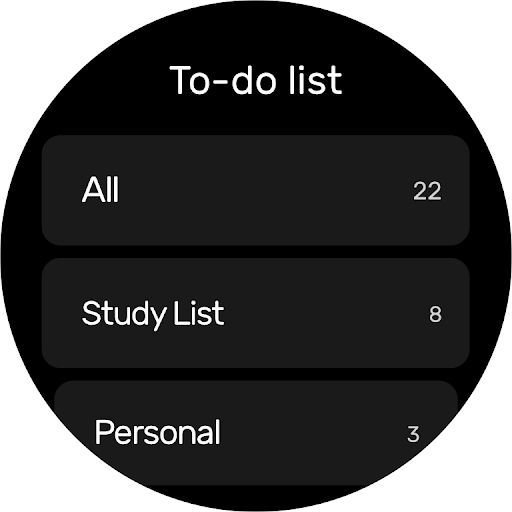
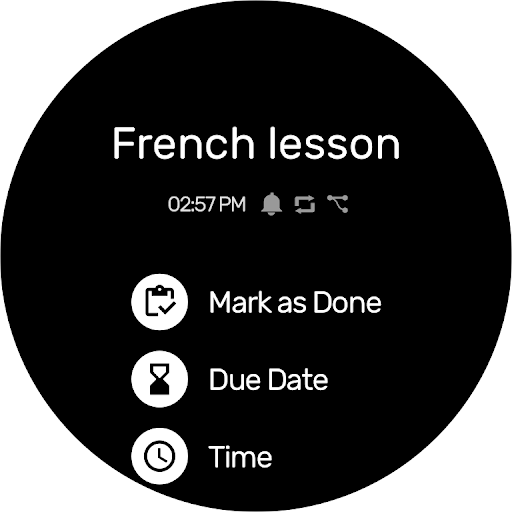
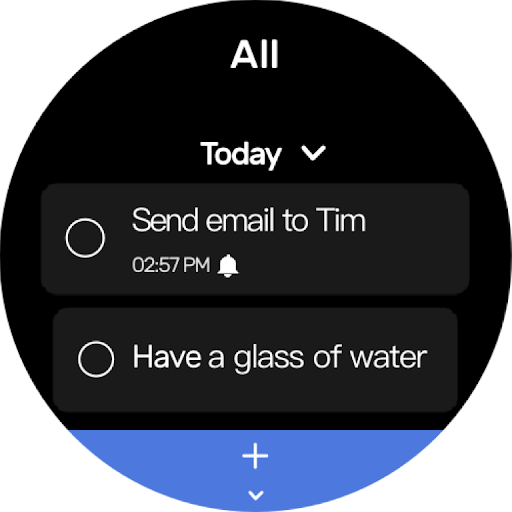
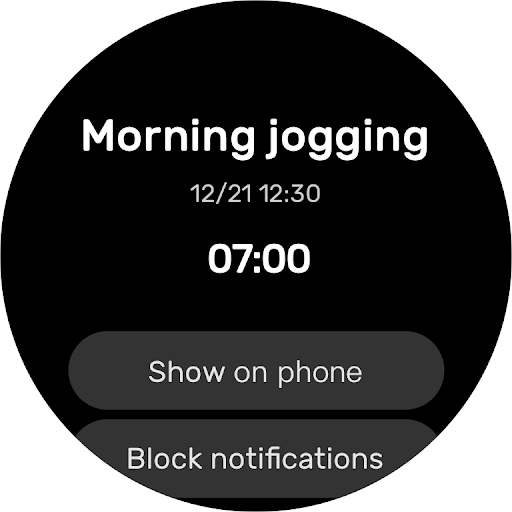
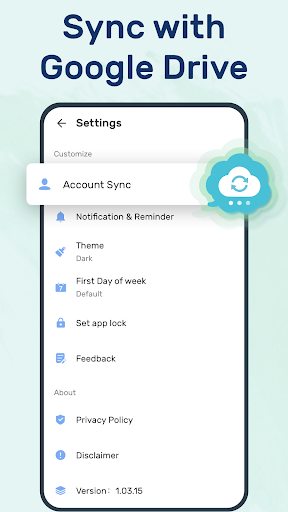
Your data is safe and accessible across devices with cloud sync via Google Drive. This feature ensures you won’t lose any important information and allows seamless task management whether on your phone, tablet, or computer. The app also supports Wear OS devices, letting you check and complete tasks directly from your smartwatch. The inclusion of a daily to-do list widget enables quick access to your schedule from your home screen, with options to mark tasks as completed effortlessly.
Why Choose the To-Do List - Schedule Planner?
Enhanced Productivity and Organization
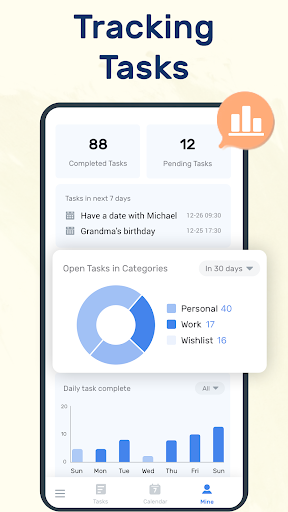
This app is designed to not only help you keep track of your daily tasks but also to boost your overall productivity. Tracking task completion status and reviewing your progress encourages a sense of achievement, motivating you to stay consistent. Its visual management tools—like color coding, stars, and categories—make it easy to prioritize and distinguish between different types of tasks.
Easy to Use and Fully Customizable
Whether you are a student, a professional, or someone who simply wants to stay better organized, this free task manager offers an intuitive experience. Its straightforward setup ensures you can start planning immediately without a steep learning curve. The app’s flexibility in customizing themes and notification settings makes it suitable for all user types.
Motivational and Analytical Insights
Apart from task management, the app provides insights into your productivity patterns. By reviewing completed tasks over time, you can see your progress and identify areas for improvement. This feature makes the app not just a planner but a personal productivity coach, helping you develop better habits and routines.
Conclusion
In summary, the To-Do List - Schedule Planner & To Do List Reminder App is an all-in-one solution for managing your tasks and schedules with ease and efficiency. Its rich set of features—ranging from customizable themes, reminders, calendar views, to cloud sync—make it an indispensable tool for anyone looking to elevate their organization skills. Whether managing daily chores, work projects, or personal milestones, this free productivity planner helps you stay on track and achieve your goals effortlessly. Try it today and experience a smarter way to plan your life!
Pros
- User-friendly interface for quick task management.
- Seamless synchronization across multiple devices.
- Customizable reminders to keep you on track.
- Integration with calendars for better planning.
- Offline mode available for uninterrupted access.
Cons
- Limited free version features.
- Occasional syncing issues reported.
- No collaboration features for team tasks.
- Ads in the free version can be intrusive.
- Premium version is relatively expensive.











