

Overview of TickTick: To Do List & Calendar
TickTick is a highly acclaimed productivity app that has garnered praise from major tech publications such as The Verge, MakeUseOf, and Wirecutter (a New York Times company). Recognized as one of the best to-do list apps for Android and throughout 2020, TickTick stands out as a comprehensive task management and calendar app designed to help users streamline their daily routines, whether at work or home.
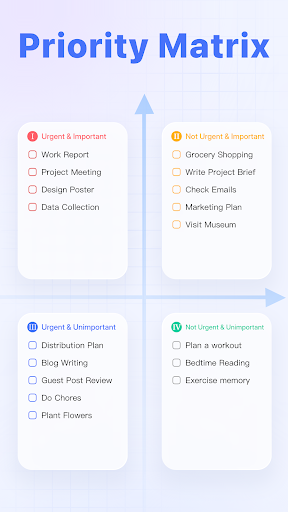
As one of MKBHD's favorite productivity tools, TickTick is more than just a to-do list. It functions as a multi-dimensional productivity powerhouse, integrating tasks, schedules, reminders, habits, and collaboration features into a single, intuitive platform. The app aims to empower users to make the most of each day, encouraging efficient time management and goal achievement with a range of powerful features.
Main Features of TickTick
Easy-to-Use Interface
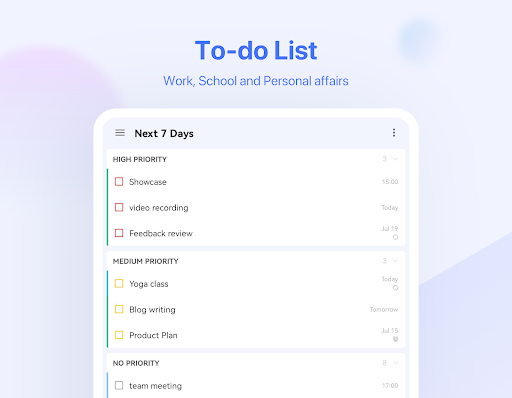
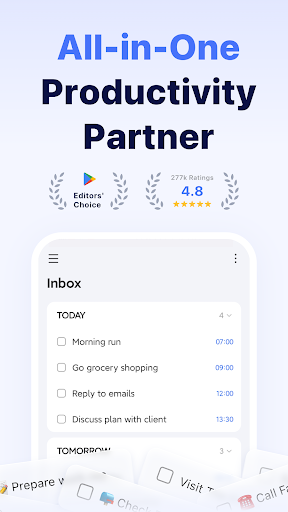
Starting with TickTick is simple thanks to its intuitive design and personalized features. Users can effortlessly add tasks and reminders within seconds, allowing them to focus on what truly matters. The app's user-friendly interface makes task management seamless, whether you're capturing quick ideas or planning complex projects.
Pomodoro Timer & Focus Tools
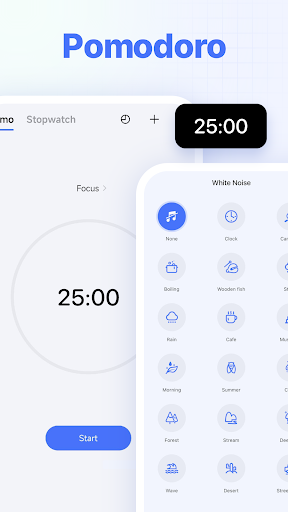
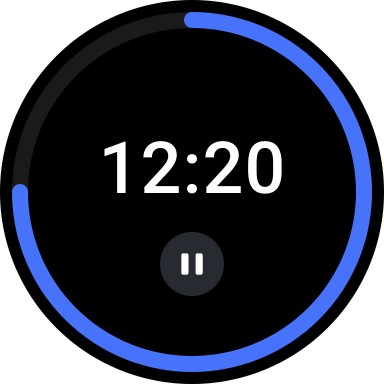
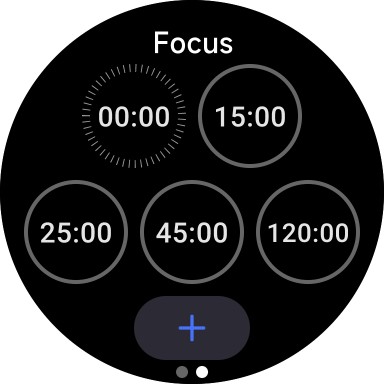
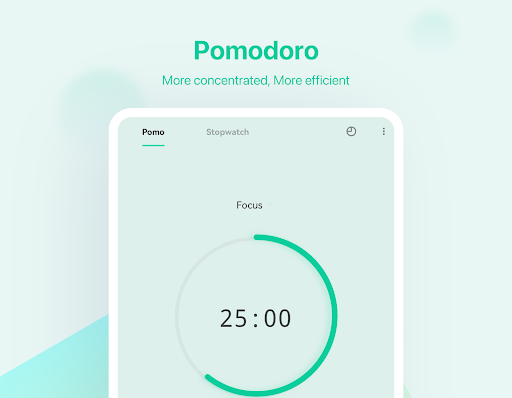
Stay focused and enhance productivity with the built-in Pomodoro Timer. The app tracks distractions, helping you understand and improve your concentration at work. Additionally, its white noise feature offers a calming background sound to further boost your focus during work sessions.
Habit Tracker & Goal Setting
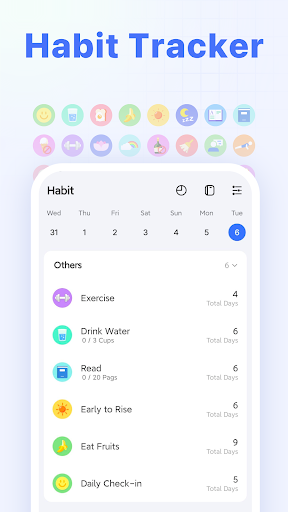
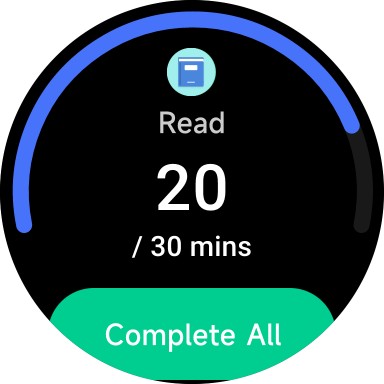
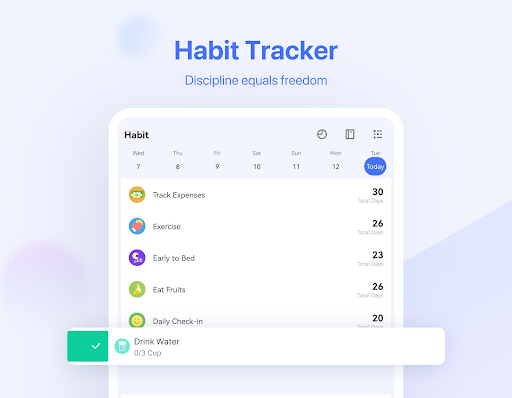
Build and maintain healthy habits by enabling the Habit Tracker in the Tab Bar. You can set goals for activities like meditation, exercise, or reading. This feature allows for precise and scientific tracking of your habits, ultimately helping you improve various aspects of your life.
Cross-Platform Syncing
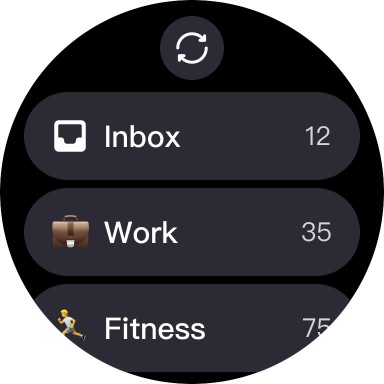
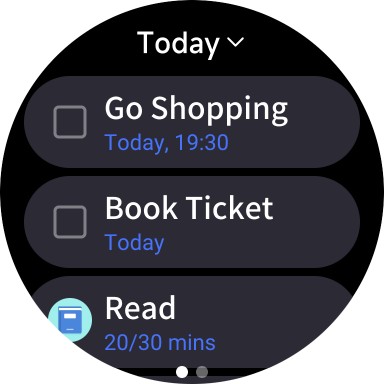
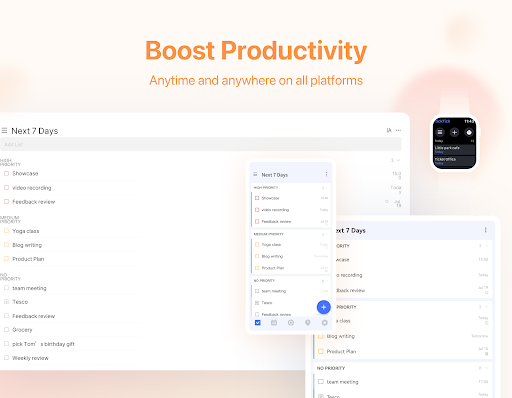
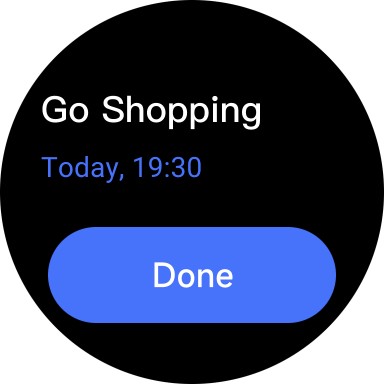
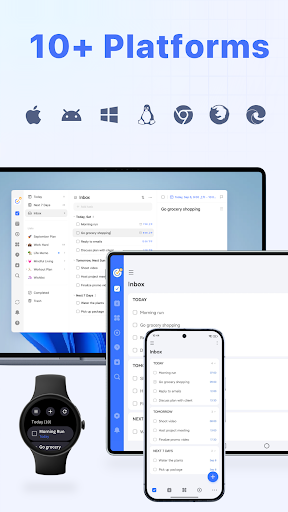
Manage your tasks and schedules effortlessly across Web, Android, Wear OS Watch, iOS, Mac, and PC. Syncing ensures that your productivity tools are always at your fingertips, no matter the device you're using.
Quick Task & Note Creation
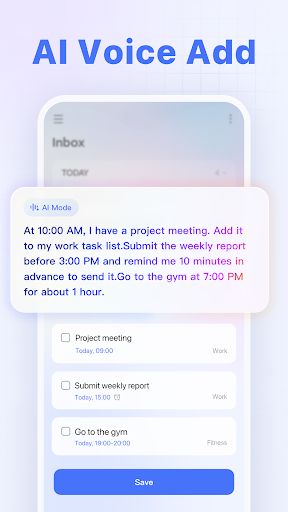
Generate tasks and notes rapidly through typing or voice input. The Smart Date Parsing feature automatically sets due dates and alarms based on your input, maximizing your efficiency and minimizing manual entry.
Reminders & Notifications
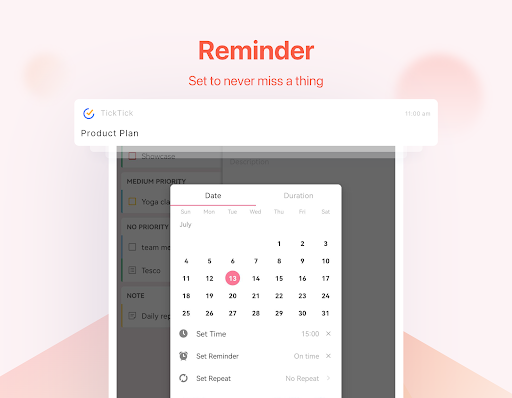
Delegate your memory to TickTick, which records all your tasks and provides instant reminders. Multiple alerts for critical deadlines or notes help ensure you never miss important appointments or tasks.
Sleek Calendar & Visualization
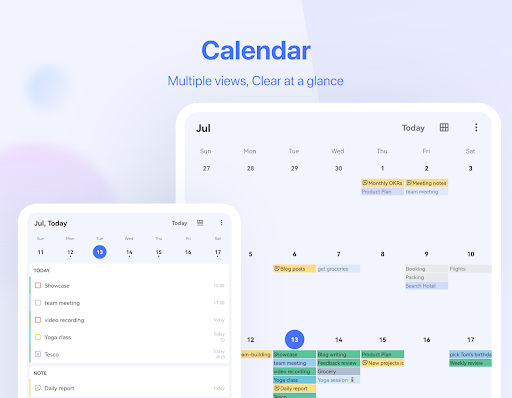
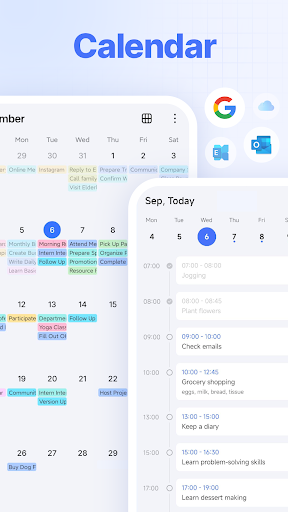
The app features a clean, easy-to-navigate calendar, allowing you to visualize your schedule weeks or months ahead with the integrated Day Planner. You can also sync with third-party calendars like Google Calendar and Outlook for a comprehensive view of your commitments.
Widgets & Recurring Tasks
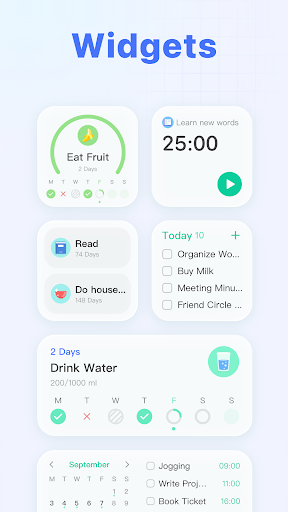
Access your tasks easily via home screen widgets. Schedule recurring tasks effortlessly, customizing recurrence patterns such as every 2 weeks from Monday to Thursday or monthly project meetings.
Team Collaboration
Enhance teamwork by sharing lists and assigning tasks to family members, friends, or colleagues. This reduces reliance on emails or meetings, streamlining collaboration and increasing productivity.
Advantages of Premium Version
- Choose from a variety of beautiful themes.
- View business calendar in grid format—superior to other time management apps.
- Manage up to 299 lists, with 999 tasks per list and 199 subtasks per task.
- Assign up to 5 reminders to each task for better alert management.
- Share a task planner with up to 29 members.
- Use checklist formats and add detailed descriptions within tasks.
- Subscribe to third-party calendars and day planners for integrated scheduling.
Premium users gain further control over their productivity workflow, making TickTick a versatile tool for personal and professional project management.
Conclusion
Overall, TickTick: To Do List & Calendar is an exceptional task management app designed to enhance productivity through a harmonious blend of task organization, habit tracking, calendar management, and team collaboration. Whether you're looking to capture fleeting ideas, build sustainable habits, schedule important events, or work seamlessly with team members, TickTick provides an all-in-one solution for efficient life management. Its intuitive design, cross-platform support, and powerful features make it a must-have tool for anyone aiming to stay organized and accomplish their goals with ease.
Pros
- Offers a user-friendly interface that simplifies navigation.
- Provides a wide range of features that enhance user experience.
- Ensures fast performance and quick load times.
- Includes regular updates for improved functionality and security.
- Supports multiple devices and platforms for versatile use.
Cons
- Limited customization options available for advanced users.
- Some features may require additional in-app purchases.
- Occasional bugs or glitches that affect usability.
- Requires a stable internet connection for optimal performance.
- May have a learning curve for new users unfamiliar with similar apps.











