
Discover the Power of TeamViewer QuickSupport for Instant Device Assistance
Imagine having a reliable remote support tool right at your fingertips. The TeamViewer QuickSupport app is designed to provide instant IT support for your mobile devices, tablets, Chromebooks, and Android TV. Whether you’re troubleshooting a problem, transferring files, or simply need guidance, this app makes remote assistance straightforward and secure. Its user-friendly interface and comprehensive features make it an essential tool for individuals and small businesses alike.
Key Features of TeamViewer QuickSupport
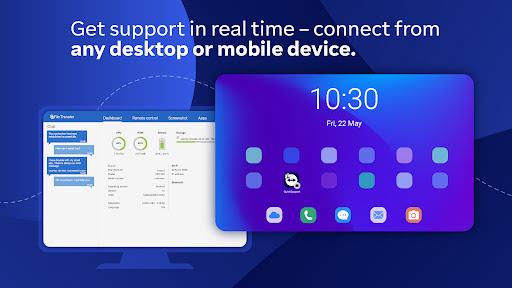
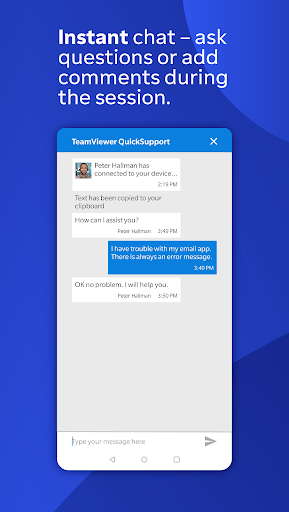
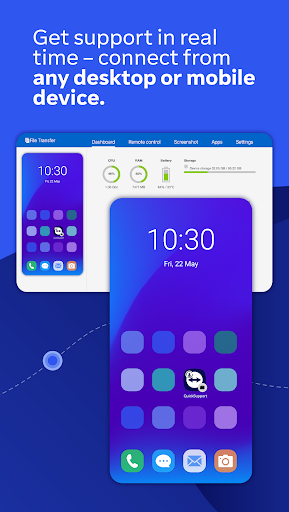
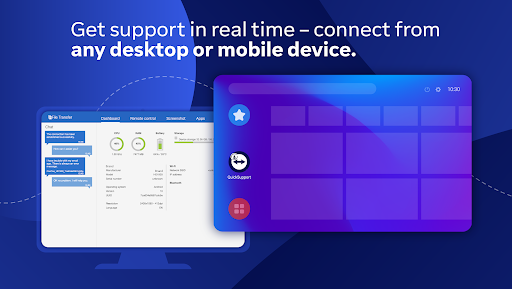
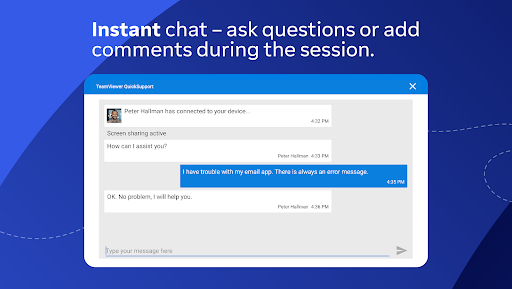
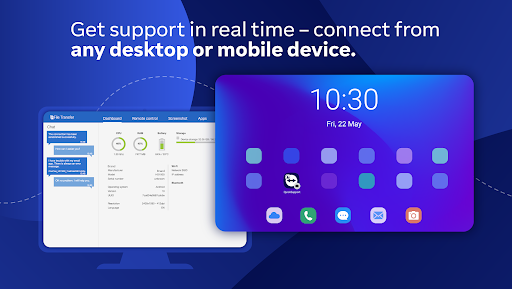
This versatile application comes packed with features that facilitate seamless remote control and device management. Users can easily connect with trusted support technicians to provide IT support, transfer files, or communicate via chat. The app also allows users to view detailed device information, adjust Wi-Fi settings, and perform system diagnostics—all from a distance.
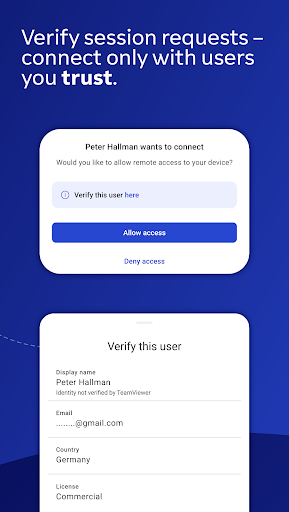
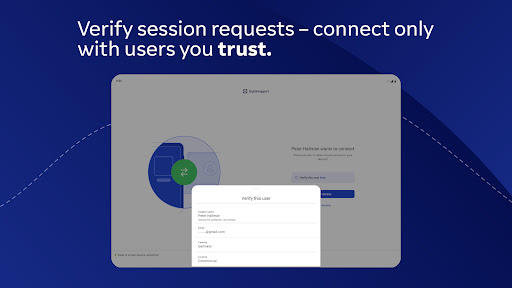
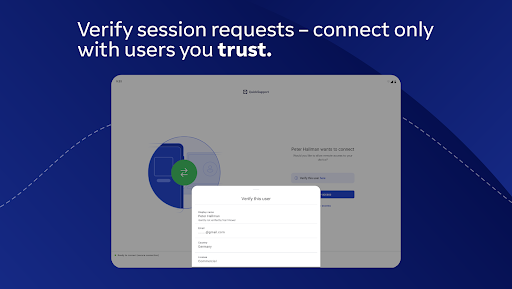
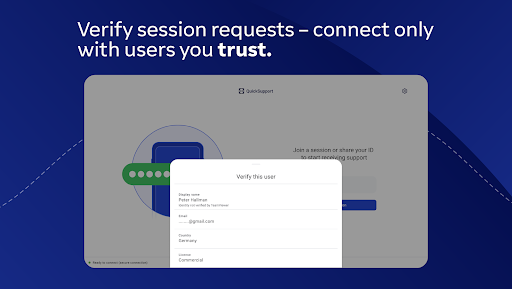
- Trusted connection with user account verification
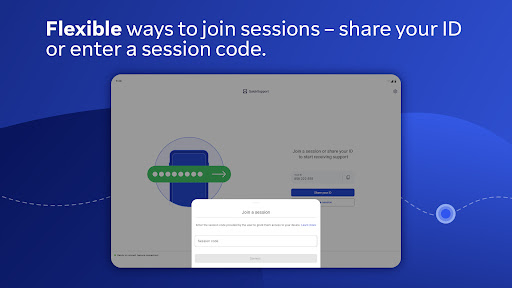
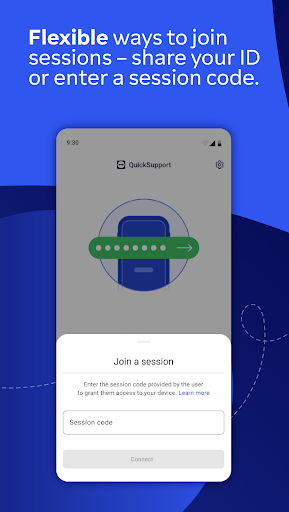
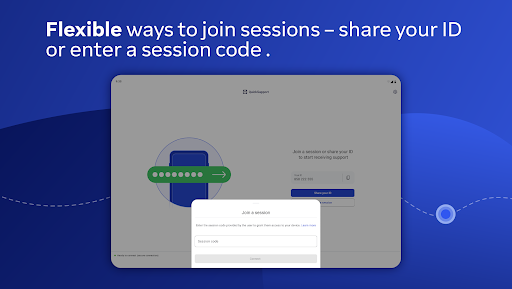
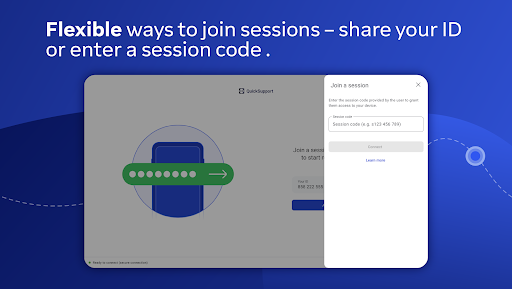
- Session codes for quick and secure connections
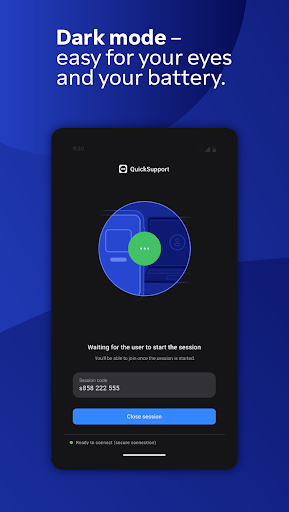
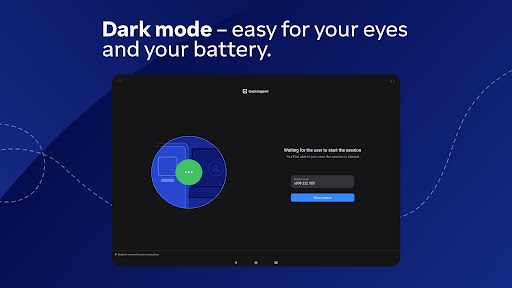
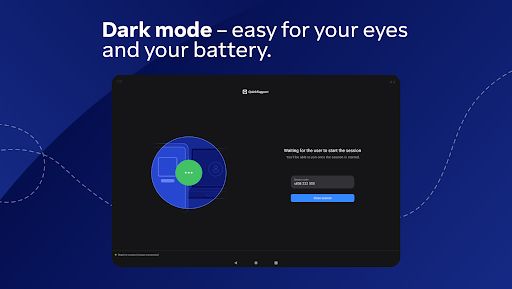
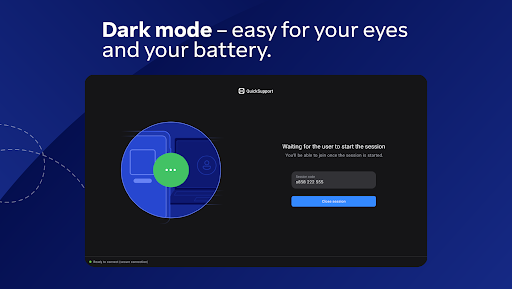
- Dark mode for comfortable usage in low-light environments
- Screen rotation and remote control features
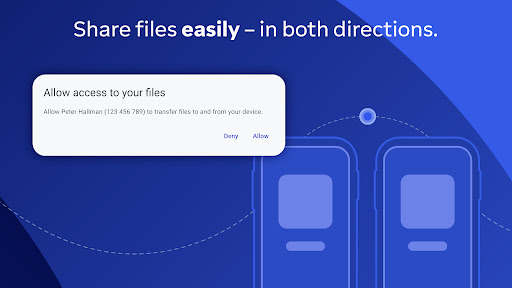
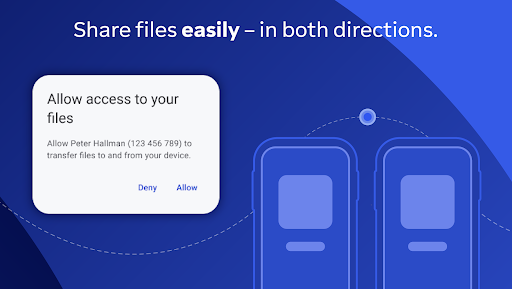
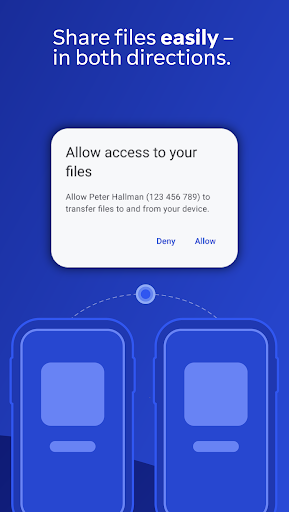
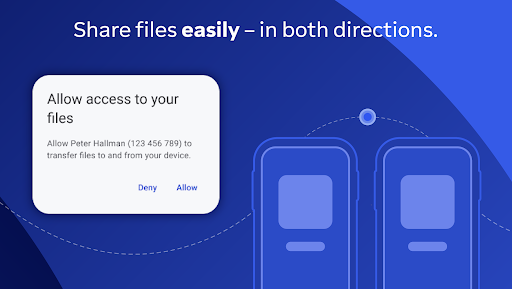
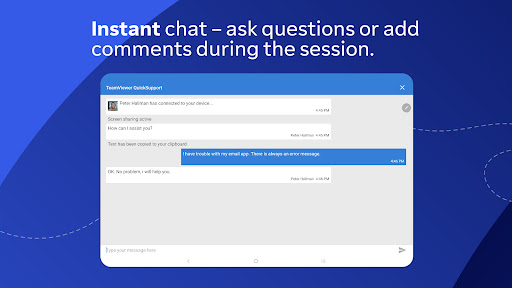
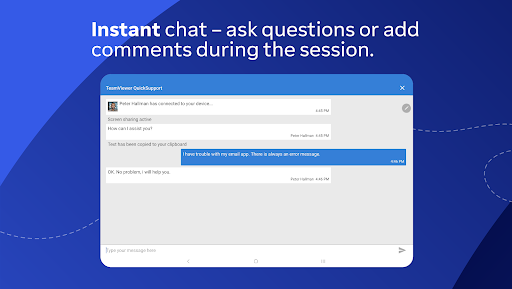
- Chat, file transfer, and app management
- Push and pull Wi-Fi settings
- System diagnostic view
- Real-time screenshots and clipboard management
- End-to-end encryption with 256 Bit AES session encoding for maximum security
Ease of Use and How to Get Started
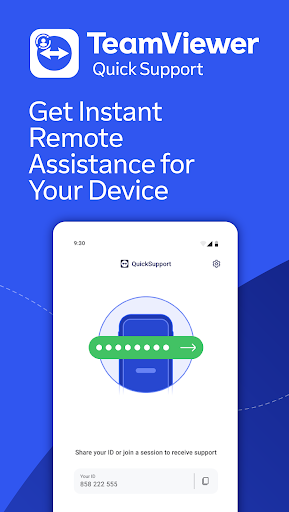
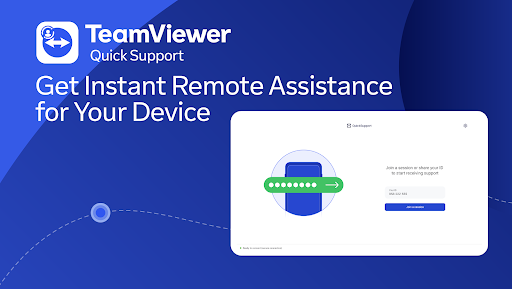
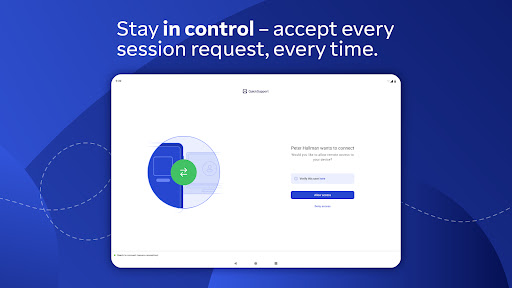
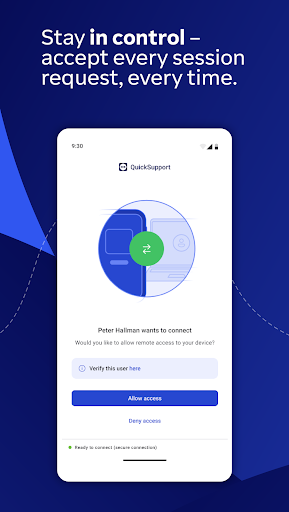
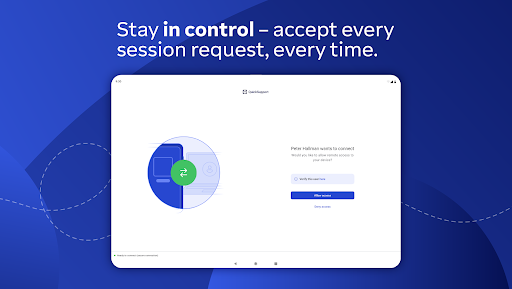
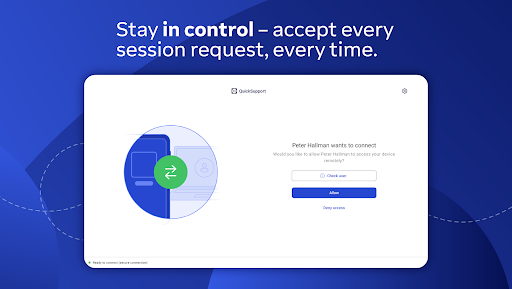
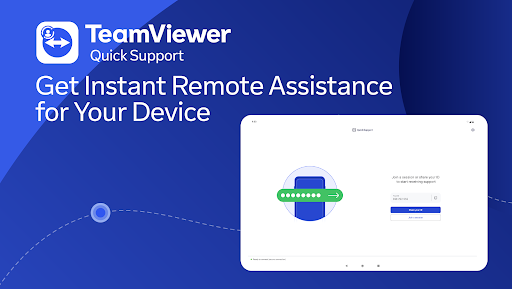
Getting started with TeamViewer QuickSupport is a breeze. You simply download the app from your preferred app store—no complicated setup required. Once installed, open the app, and you’ll see a unique ID or session code. Your support partner can then enter this code or send you a link to establish a remote session. Remember, every connection request needs your explicit approval, ensuring you remain in control at all times. This process guarantees a secure remote support experience, whether on Android, iOS, or other compatible devices like Samsung, Nokia, Xperia, and more.
Benefits of Using TeamViewer QuickSupport
If you’ve ever faced a tricky device issue and wished for an instant fix, TeamViewer QuickSupport is your digital helper. It acts like a tech-savvy friend who’s always ready to assist remotely—saving you time, effort, and potential frustration. The app is particularly beneficial for users who may not be comfortable troubleshooting their devices alone. Its remote control capability allows support technicians to take over your device, fix issues, and even demonstrate features in real time—all securely and efficiently.
Moreover, you can use it for guiding others, performing demonstrations, or managing device settings without ever leaving your couch. The app’s compatibility across different platforms ensures that help is always within reach, regardless of whether you’re on an Android or iOS device.
Security and Privacy Are Priorities
Security is paramount when it comes to remote device access. TeamViewer QuickSupport employs advanced encryption protocols, including 256 Bit AES, to safeguard your connections. Additionally, the app reminds users to only connect with trusted individuals and requires explicit permission before establishing any remote session. This rigorous approach ensures that your device remains protected, and your personal information stays confidential throughout every interaction.
Optimal Compatibility and Compatibility Info
The QuickSupport app supports a wide range of devices and models, from popular brands like Samsung, Huawei, and Sony to specialized hardware from Zebra, Honeywell, and ZTE. Its broad compatibility makes it a versatile tool for anyone needing remote tech support across different device types and operating systems, further enhancing its convenience and practicality.
In Summary
Whether you’re a tech novice or a small business owner, TeamViewer QuickSupport offers an easy-to-use, secure, and powerful solution for remote device assistance. Its quick setup, robust security measures, and comprehensive features make it a must-have app for tackling tech issues efficiently. Next time you’re faced with a device dilemma, remember—you’ve got a remote support solution right in your pocket that can make troubleshooting a hassle-free experience.
Pros
- Easy setup for remote access
- Compatible with multiple platforms
- Allows real-time screen sharing
- Uses secure connection protocols
- User-friendly interface
Cons
- Requires a stable internet connection
- Limited features in the free version
- May experience lag on slow networks
- Dependent on the host application
- Occasional connectivity problems











