

Discover Speechify – Your Ultimate Text-to-Speech and Speech-to-Text Solution
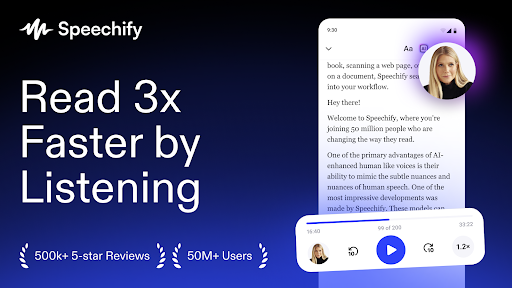
Join over 50 million users worldwide and experience the power of Speechify, a leading application that revolutionizes how you engage with text, speech, and images. With cutting-edge AI technology, Speechify offers a robust reading app designed to enhance productivity and make digital content more accessible for everyone.
More than just a simple text to speech tool, Speechify is an advanced AI-driven reader and voiceover solution crafted to help you read smarter. Whether you’re seeking an audio reader for books, a PDF reader, or a voice reader that assists those with dyslexia, Speechify has you covered. Its exceptional text-to-speech capabilities bring your content to life with realistic AI voices, transforming reading into a seamless auditory experience.
Imagine how much easier it is to absorb books, important documents, web articles, emails, or even images—Speechify can read them all aloud for you. Sit back and relax as our AI-generated natural human voices deliver content at your preferred pace, letting you listen hands-free anytime, anywhere. This versatility makes Speechify perfect for busy professionals, students, language learners, and anyone eager to consume information more efficiently.
Key Features of Speechify
Comprehensive Text Conversion
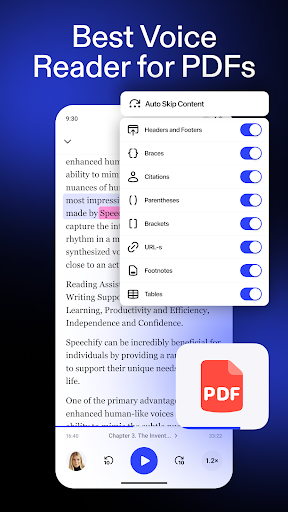
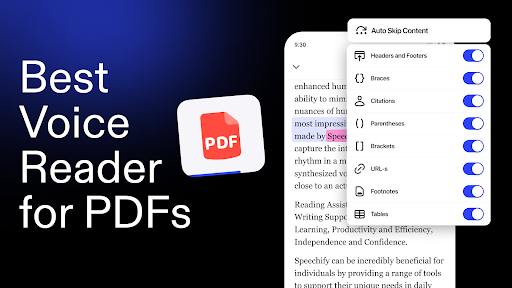
Transform text from PDFs, Word documents, emails, web pages, and more into natural-sounding speech. Supports multiple formats including TXT, EPUB, DOCX, and integration with Google Docs.
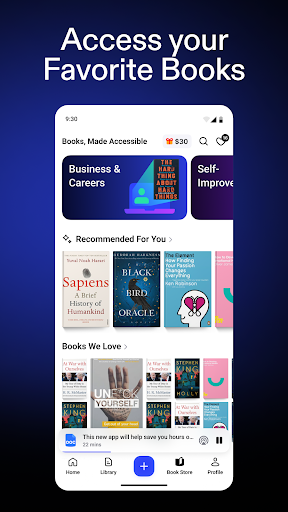
Audio for Books, Articles, and Images
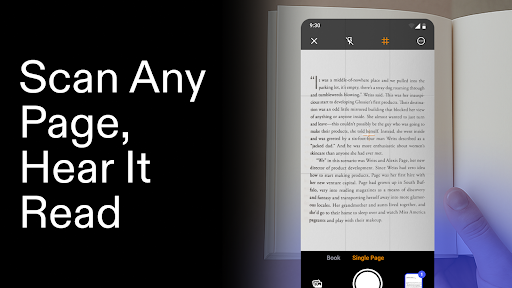
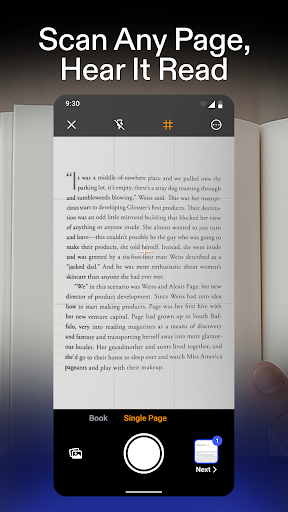
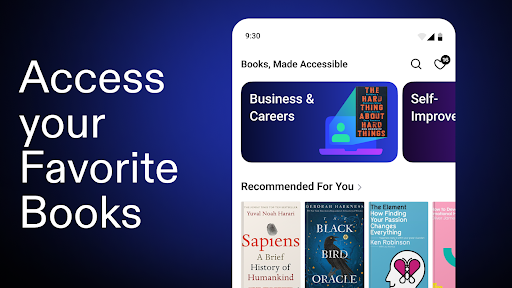
Enjoy listening to your favorite books, articles, and even images with easy-to-use features that read aloud content smoothly and naturally. Whether you're commuting or relaxing at home, Speechify turns your screen time into productive listening time.
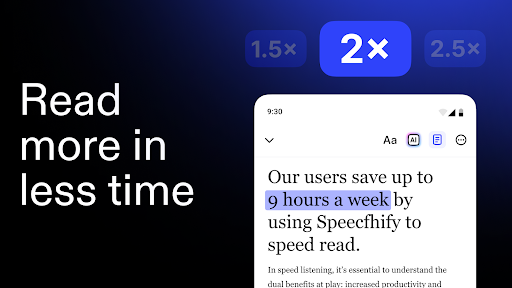
Realistic AI Voices with Customizable Speed
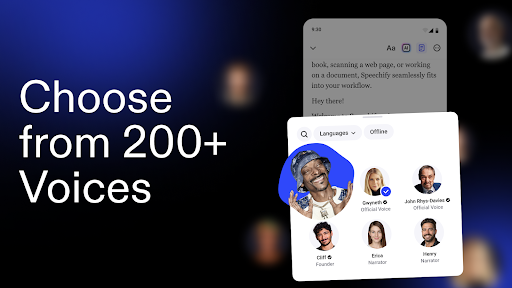
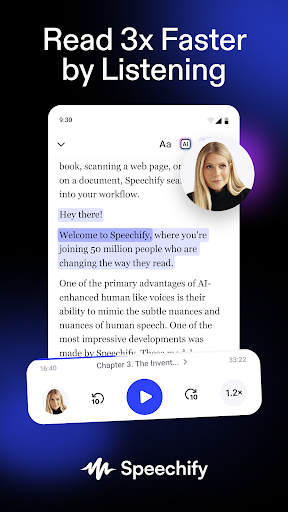
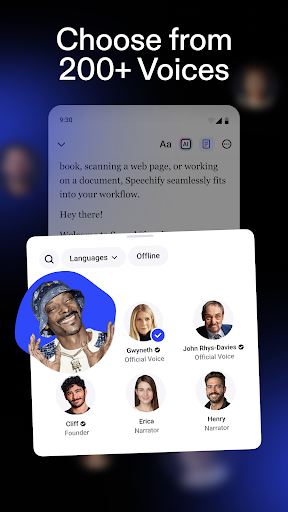
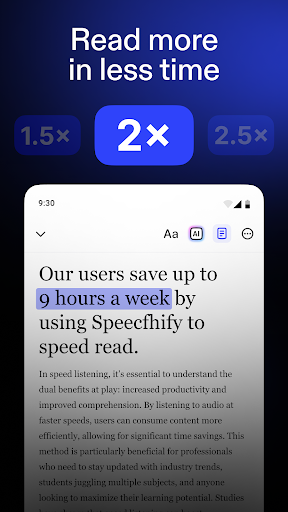
Choose from a variety of AI voices and languages, and adjust the reading speed to suit your preference. This flexibility allows a personalized listening experience that caters to all users, including those with dyslexia, ADHD, or visual impairments.
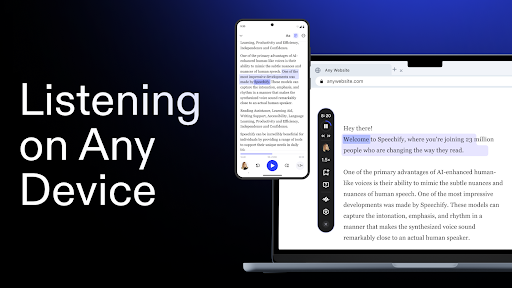
Cross-Device Syncing
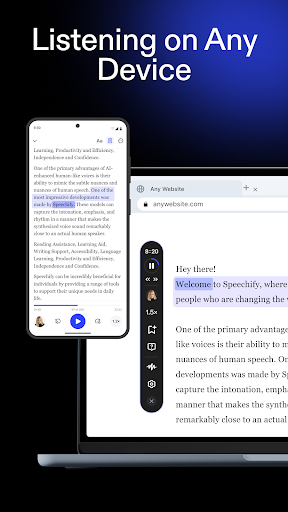
Seamlessly sync your content across all your devices, enabling you to continue your listening session from your smartphone, tablet, or computer without missing a beat.
Why Choose Speechify? The Ultimate Tool for Efficient Reading
Speechify is ideal for anyone looking to optimize their time—whether you're a busy professional, a student, a language learner, or someone with reading difficulties. Its innovative text-to-speech technology and customizable features redefine how you consume written content.
Need to listen to your documents hands-free while driving, cooking, or exercising? Speechify makes that possible. Its capacity to support multiple languages and accents ensures a rich, diverse auditory experience. The user-friendly interface is designed to be intuitive and accessible, making it easy for everyone to enjoy its benefits without technical hassle.
Whether you're looking to quickly convert text into natural-sounding speech or seeking an efficient way to learn through listening, Speechify is the perfect companion. It’s more than just an app; it’s a transformative tool that enhances productivity, accessibility, and learning.
Embrace the future of digital content consumption with Speechify and unlock your full potential. Download the app today and experience the magic of AI-powered voices that captivate and inform seamlessly.
Pros
- Wide variety of voice options.
- Supports multiple languages.
- User-friendly interface.
- Integrates with many apps.
- High-quality speech output.
Cons
- Limited features in the free version.
- Occasional errors in pronunciation.
- Needs a stable internet connection.
- Subscription plans can be expensive.
- Certain accents are not available.











