
Introduction to Smart Print - Air Printer App
In today's fast-paced digital world, efficient mobile printing is more important than ever. The Smart Print - Air Printer App offers an innovative solution that bridges your mobile device with almost any printer, providing a seamless printing experience. Whether you need to print documents, photos, or web pages, this app transforms your smartphone into a powerful printing hub, making it simple, fast, and versatile to handle your printing needs on the go.
Key Features of Smart Print - Air Printer App
High Compatibility and Ease of Setup
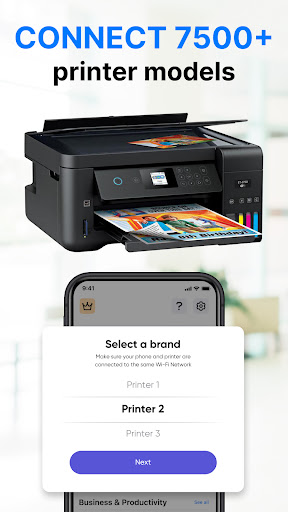
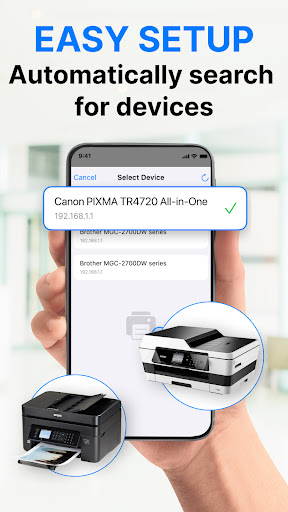
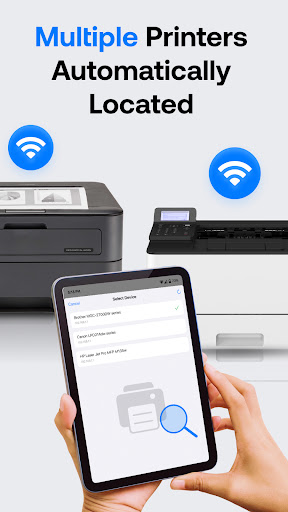
One of the most notable aspects of this app is its widespread compatibility. It supports over 5000+ printer models across various brands and standards including AirPrint, Mopria, and more. Setting up the app is straightforward—guiding you step-by-step through establishing a connection via Wi-Fi, Bluetooth, or USB. The user-friendly interface ensures that even those with minimal tech experience can navigate effortlessly, making the initial setup a breeze.
Versatile Printing Options
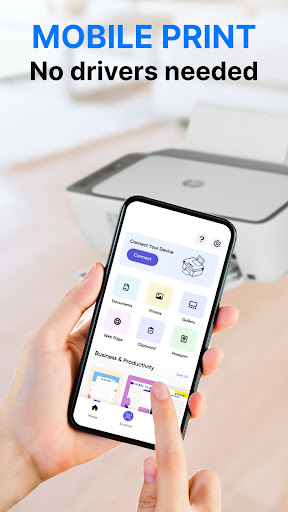
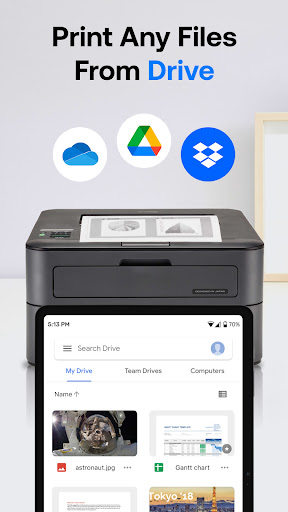
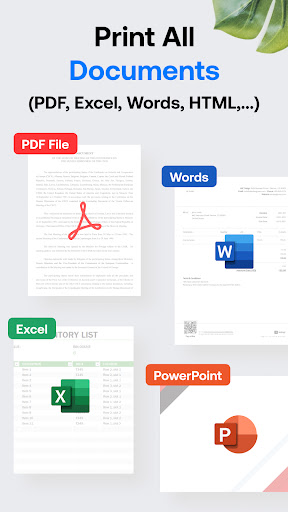
The app empowers users with a multitude of printing capabilities. You can print photos, emails, PDF files, Microsoft Office documents (Word, Excel, PowerPoint), and even web pages directly from your device. The app also allows for batch printing of multiple images or files simultaneously. Additionally, you can import files stored locally or from cloud services such as Google Drive, Dropbox, and iCloud, providing unparalleled flexibility for on-the-go printing needs.
Enhanced Printing Control and Quality
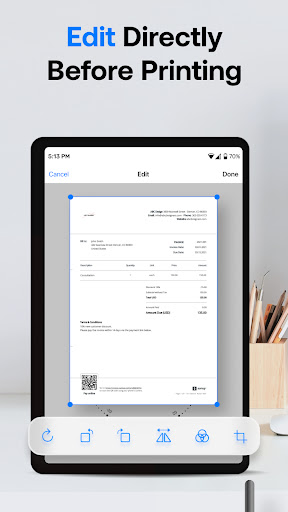
Smart Print offers advanced options like selecting print quantity, page range, paper size, and type. Users can preview documents before printing, ensuring accuracy and saving ink. Features such as borderless photo printing, color or monochrome options, and duplex printing allow for professional-quality outputs. The app supports various connection types—Wi-Fi, Bluetooth, and USB-OTG—enabling printing on both modern and legacy printers.
Additional Functionalities
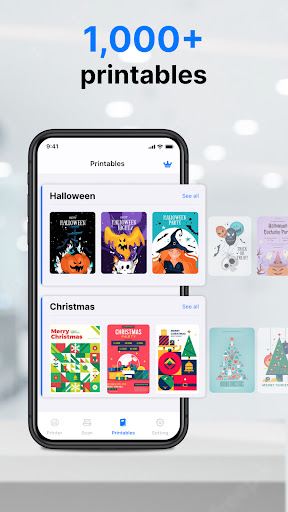
The app features a built-in web browser to print HTML pages directly and offers a gallery with hundreds of templates, arts, and crafts for creative projects. It also provides a detailed setup guide tailored for your specific printer model, making configuration even easier. For quick access, the app integrates seamlessly with other applications via built-in Print and Share menus.
The User Experience with Smart Print - Air Printer App
Many users, including myself, have found the Smart Print - Air Printer App extraordinarily intuitive. The initial setup was surprisingly quick, thanks to clear instructions guiding every step. The interface is clean and uncluttered, removing any unnecessary complexity that often hampers similar apps. This simplicity ensures that even beginners can start printing within minutes of installation.
Performance-wise, the app impresses with its speed and reliability. It manages large files effortlessly and maintains stable connections across different devices. Whether printing a single photo or a stack of documents, the process remains smooth and efficient. The ability to preview files before printing reduces waste and ensures the output matches expectations.
Why Choose Smart Print - Air Printer App?
If you frequently find yourself in situations where you need immediate access to printed materials—be it for work, study, or personal projects—this app is an excellent solution. Its compatibility with a wide range of printers, combined with advanced print options and cloud integration, makes it a versatile tool suitable for various scenarios. Moreover, you won’t need to install additional drivers or software, saving time and avoiding compatibility headaches.
Whether you're printing on demand from your smartphone or creating high-quality prints at home or office, Smart Print - Air Printer App fulfills all your mobile printing needs effortlessly. It is a reliable, user-friendly, and feature-rich application designed for everyone—from casual users to professionals.
Pros
- Easy wireless setup for printing
- Supports various file formats
- Delivers high-quality print outputs
- Intuitive and user-friendly interface
- Compatible with most printer models
Cons
- May experience occasional connectivity problems
- Limited options for editing functions
- Requires a subscription for full features
- Not compatible with all printer types
- Can use significant mobile data











