
Introducing the Smart Home Manager App: Your Ultimate Home Automation Companion
The Smart Home Manager app is a comprehensive tool designed to make managing your smart home easier and more efficient. Exclusive to AT&T Internet customers with a compatible Wi-Fi Gateway, this app offers a seamless, intuitive experience that transforms your smartphone into a powerful control center for all your connected devices. Whether you’re a tech novice or a home automation enthusiast, the Smart Home Manager app simplifies setup, enhances security, and optimizes your home network with user-friendly features tailored to meet your needs.
Easy Self-Setup and Connection
Getting started is straightforward. The Smart Home Manager app guides you through a simple, step-by-step process to set up your new service. All you need is an internet connection and a few minutes to connect your devices. Sign in effortlessly using your AT&T Internet User ID and password, and you're ready to explore the app’s powerful tools designed to elevate your home management experience. No technical expertise required—just simple, technician-free setup that gets you connected fast.
Intuitive User Interface and Effortless Control
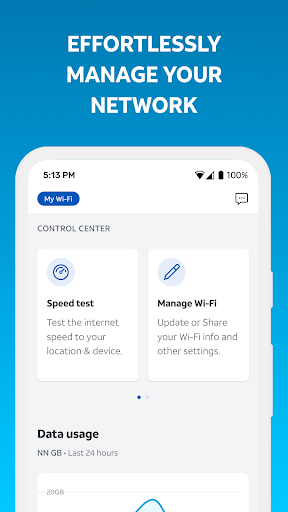
The app boasts a sleek, modern layout that’s incredibly easy to navigate. Its dashboard provides a real-time overview of all your connected devices, giving you immediate insight into your Wi-Fi network status. With just a few taps, you can control everything from your household lights and thermostats to security cameras. The organized menu structure ensures you’ll always find the right feature quickly, making your experience smooth and frustration-free. Think of it as a universal remote—right on your smartphone—granting you comprehensive control over your entire smart home ecosystem.
Powerful Features for Enhanced Home Management
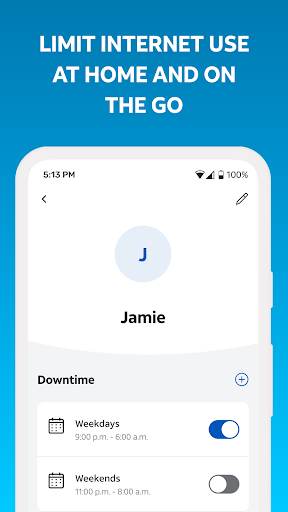
The Smart Home Manager app packs a variety of features that help you personalize and optimize your home setup. One of its standout capabilities is creating custom routines. Imagine waking up with your coffee machine starting automatically, lights dimming or brightening according to your preferences, and your favorite playlist playing—all timed perfectly to your mornings. Additionally, the app allows you to view and manage your connected devices, update network credentials, and check the network health. The energy usage tracker feature acts like a personal energy consultant, showing how much power each device consumes. This insight helps you reduce unnecessary energy use, save on your electric bill, and contribute to a greener environment.
Network Security and Troubleshooting Made Simple
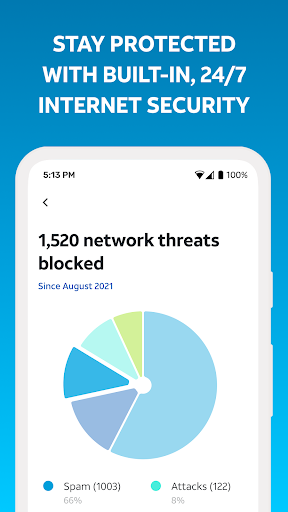
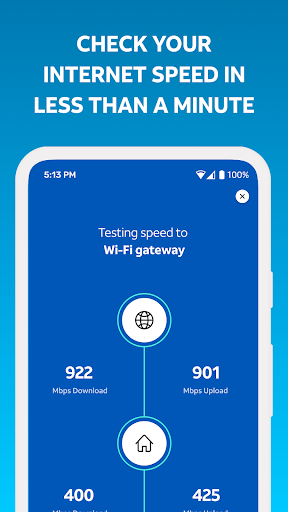
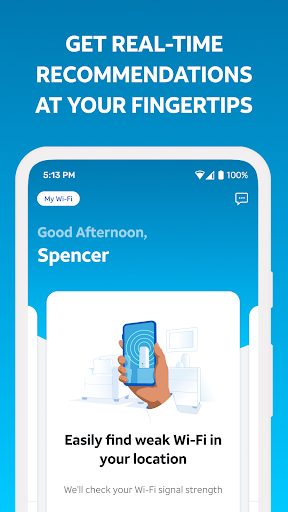
Security remains a top priority. The Smart Home Manager offers robust security features to protect your personal data and network integrity. The app can notify you of service outages, identify weak signal areas throughout your home, and allow you to restart your Wi-Fi gateway if needed—all from a single interface. This proactive approach ensures your home network remains resilient and secure. Plus, the app's troubleshooting capabilities mean you can resolve many common issues without needing a technician, saving you time and hassle.
Who Can Benefit from the Smart Home Manager App?
If you're an AT&T Internet customer with a compatible Wi-Fi Gateway, this app is ideal for you. Its features are designed to work seamlessly within your home Wi-Fi network, enabling you to take full control of your smart devices and network protection. Whether you're just beginning to explore home automation or already own a suite of smart gadgets, the Smart Home Manager helps streamline your experience and brings added convenience to your daily life.
Conclusion: Elevate Your Smart Home Experience
In summary, the Smart Home Manager app is your all-in-one solution for managing your home network and smart devices with ease. It's designed to be user-friendly, packed with powerful features, and backed by reliable support. From straightforward setup and quick troubleshooting to personalized routines and security enhancements, this app empowers you to optimize your home environment effortlessly. If you're looking to enhance your home automation experience and gain full control over your smart home devices, the Smart Home Manager is definitely worth exploring. Embrace the convenience and security it offers, and enjoy a smarter, more connected home environment.
Pros
- User-friendly interface
- Real-time device monitoring
- Energy consumption insights
- Customizable alerts
- Remote device control
Cons
- Requires a stable internet connection
- Limited device compatibility
- Subscription required for advanced features
- Occasional app crashes
- Complex setup process











