

Overview of the Simple Calendar App 2025
The Simple Calendar app 2025 is a highly customizable, offline monthly calendar designed specifically for Android users. It serves as a compact agenda planner you can carry in your pocket, tailored to meet the needs of personal scheduling in 2025. Unlike many complex calendar applications, it offers a straightforward, user-friendly experience without unnecessary features or intrusive permissions. The app supports seamless syncing events via Google Calendar or other calendar systems supporting the CalDAV protocol, ensuring your schedule remains up-to-date across devices.
Take Control of Your Time
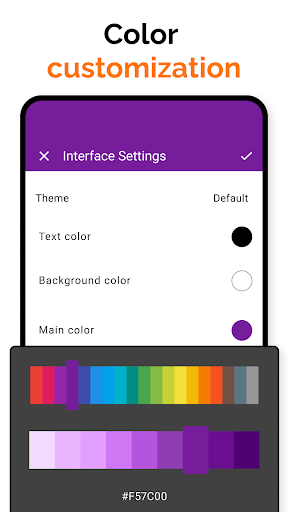
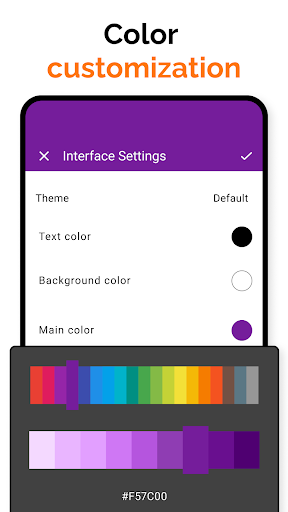
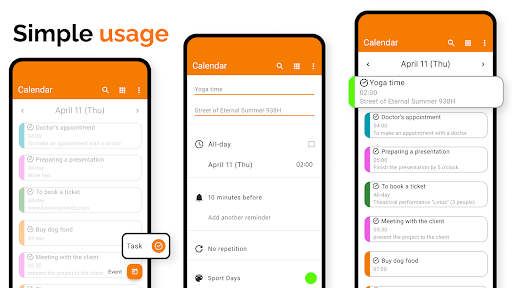
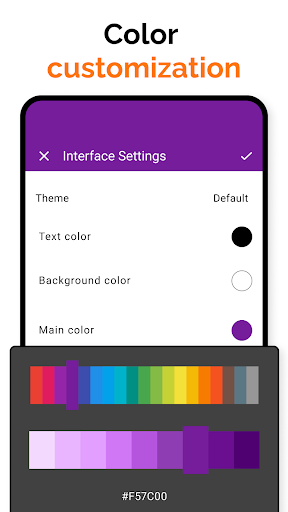
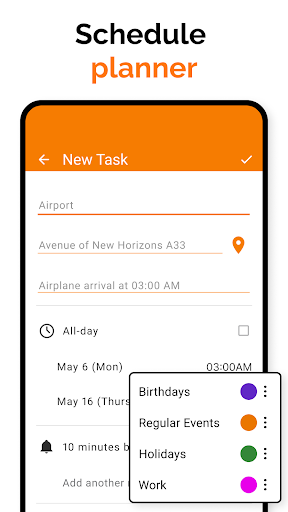
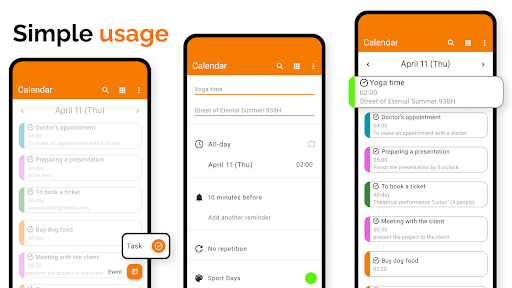
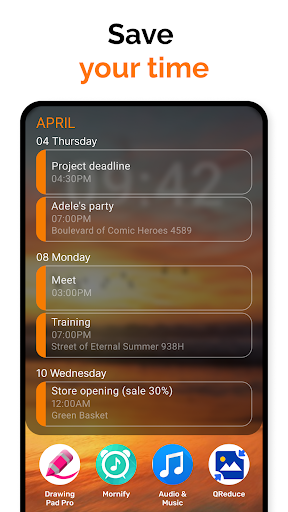
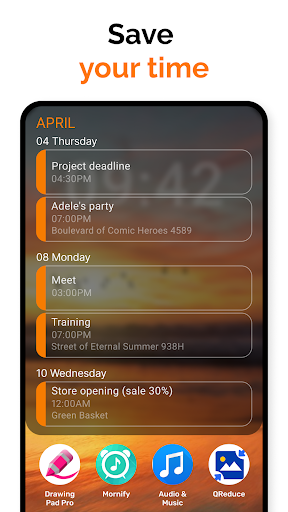
Whether you're managing work calendars for business, organizing daily tasks, scheduling appointments, or keeping track of recurring events like birthdays and anniversaries, Simple Calendar 2025 simplifies the process. Its intuitive interface makes it easy to stay organized. The app’s customizable calendar widget offers diverse options, such as setting event reminders, adjusting notification appearances, and customizing overall visual themes. The ability to create, modify, and view events with clarity helps users efficiently plan their day-to-day activities.
Schedule Planning and Event Management
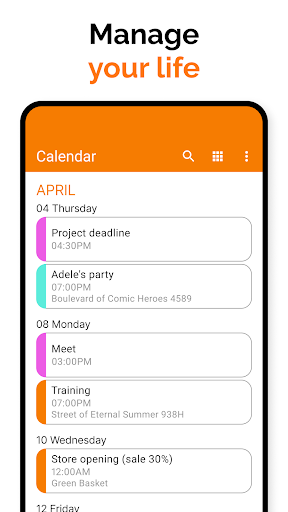
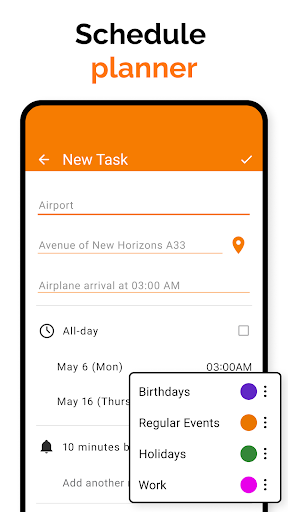
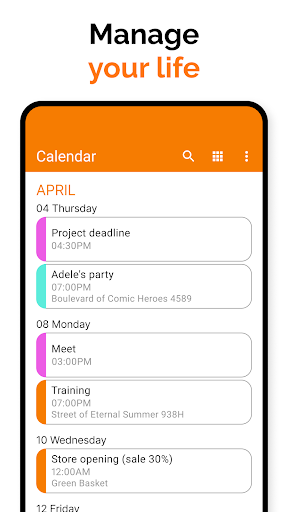
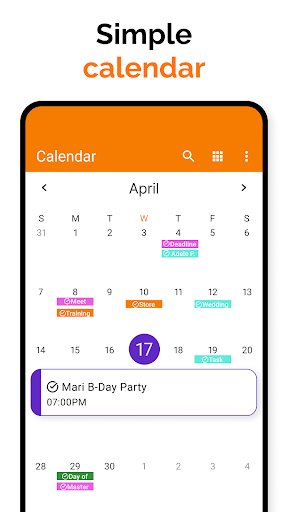
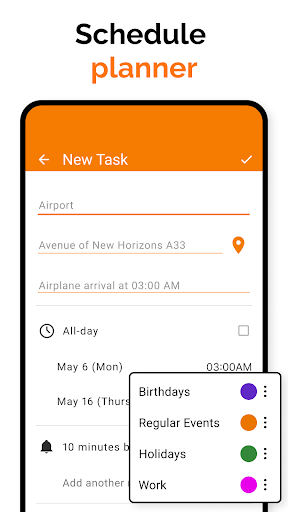
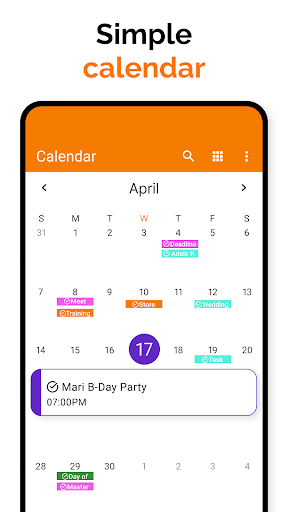
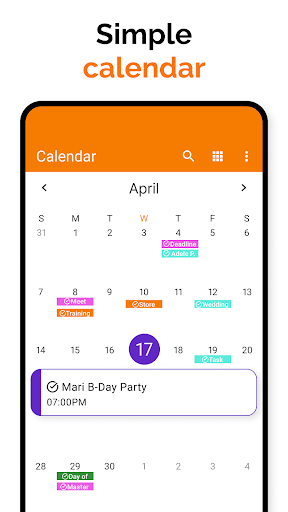
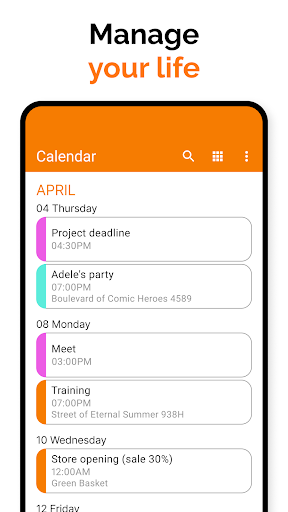
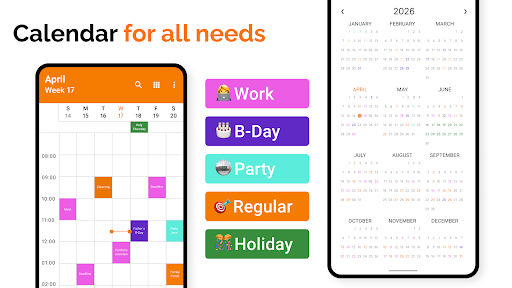
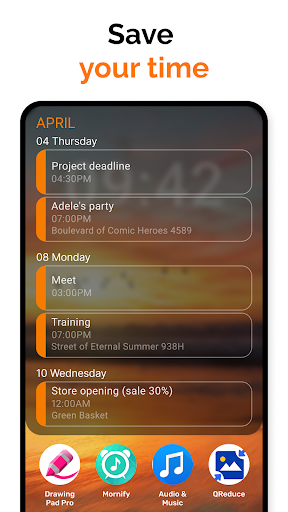
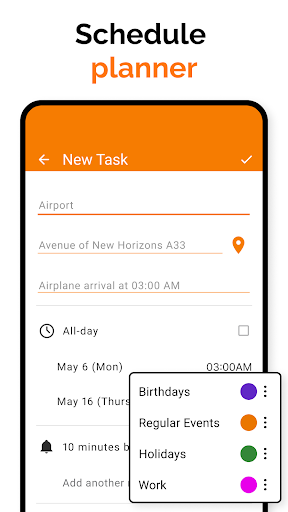
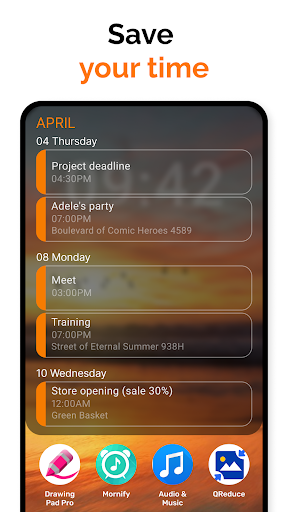
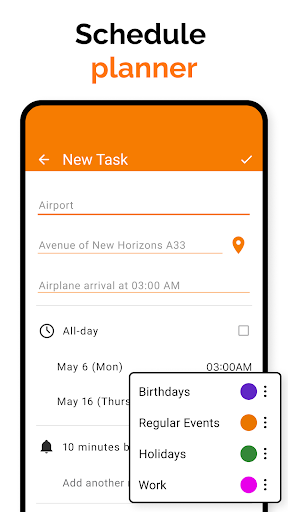
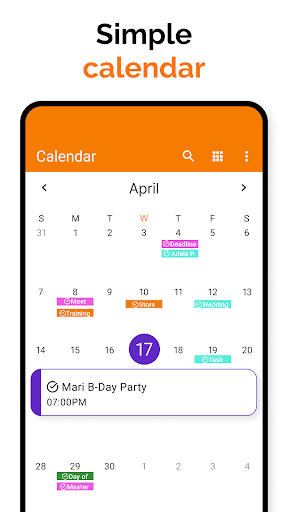
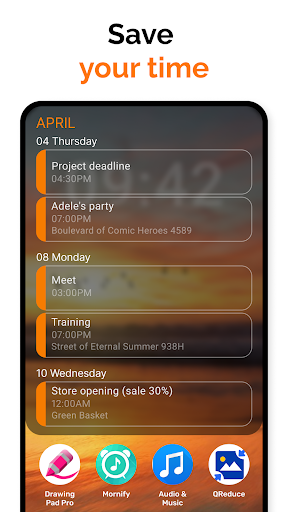
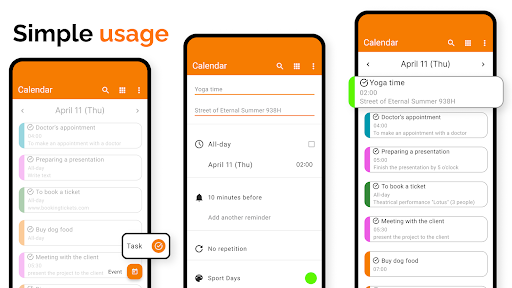
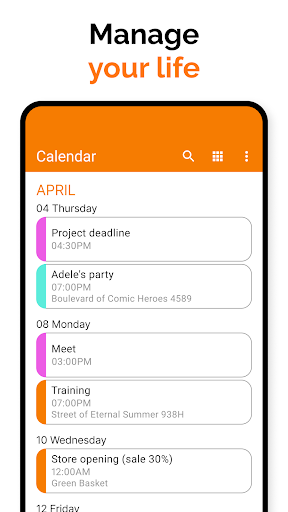
The app serves as a comprehensive schedule planner. You can quickly check upcoming agendas, schedule business meetings, and set reminders for various events and bookings. Its remarkably easy-to-use interface ensures users can organize their day effortlessly. You can view your schedule as a simple list or in a traditional monthly calendar view, giving you full control over how you manage your appointments. This flexibility makes Simple Calendar 2025 an ideal personal event organizer for everyday life.
Key Features of Simple Calendar App 2025
- The Best User Experience: Designed for ease of use without any popups or intrusive ads.
- No Internet Needed: Provides maximum privacy, security, and stability by functioning offline.
- Android Calendar Integration: Supports exporting and importing events via .ics files, and exporting settings to .txt files for easy transfer.
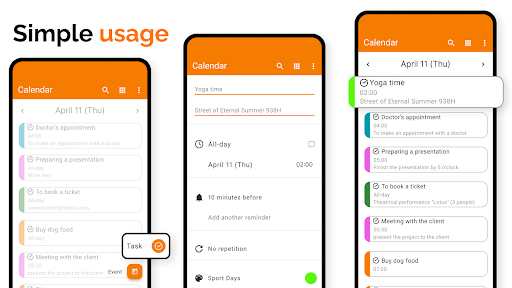
- Flexible Event Creation: Allows setting of event times, durations, reminders, and recurrence rules.
- Sync Support: Compatible with CalDAV for syncing with Google Calendar, Microsoft Outlook, Nextcloud, Exchange, and others.
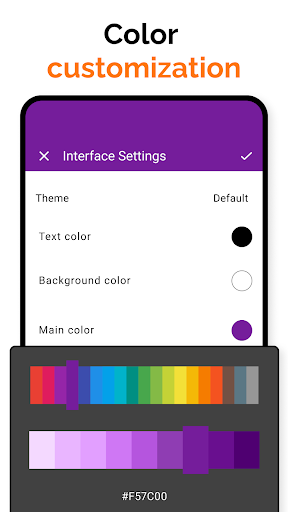
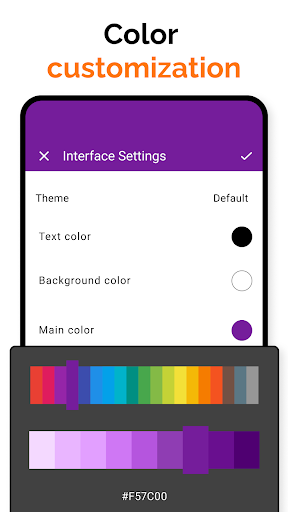
- Personalization Options: Customize sounds, vibrations, and themes; supports colorful calendars and multiple language translations.
- Sharing and Family Management: Easily share events via social media or email, with features for family event duplication and organized time management.
- Organization & Time Management: Includes day, week, month, and year views, along with an itinerary manager for team collaboration and appointment scheduling.
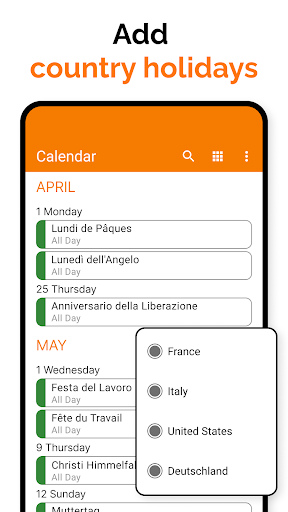
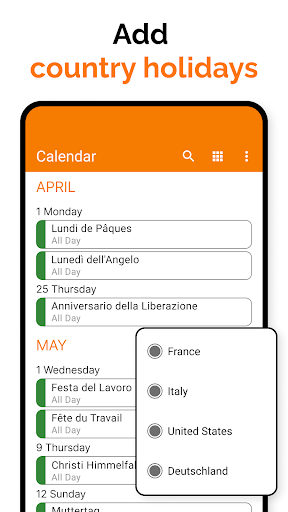
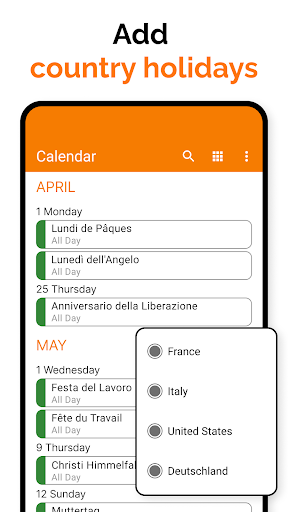
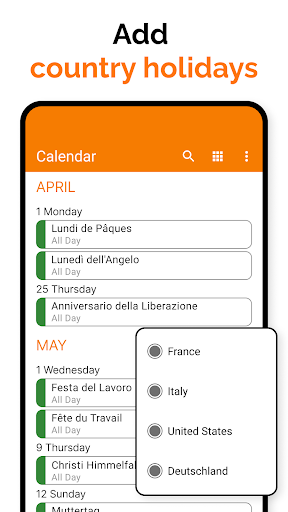
- Additional Utilities: Import holidays, contact birthdays, and anniversaries; filter events by type; display event locations on maps; quick switching between various calendar views.
User Experience & Practical Benefits
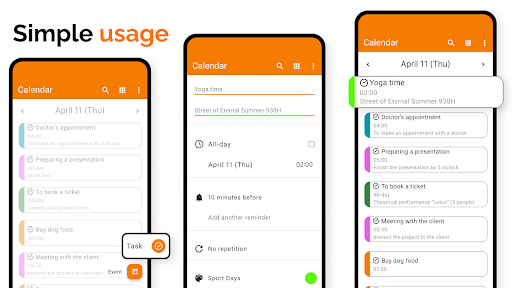
Users love the intuitive and seamless experience offered by Simple Calendar 2025. Adding new events is straightforward, and switching between different views—daily, weekly, monthly—is just a tap away. The absence of ads enhances user satisfaction, making it a reliable tool for daily scheduling. Its robust syncing capability ensures your events are always current across multiple devices. The app’s material design and built-in dark theme contribute to a visually pleasing interface that is easy on the eyes and suitable for long-term use.
Final Thoughts
If you're searching for a calendar app that simply works without unnecessary clutter, Simple Calendar 2025 is an excellent choice. Its efficient and customizable features cater to users who prefer a straightforward approach to time management. With support for offline use, easy event handling, and versatile syncing options, this app can become your trusty partner in organizing and planning your busy life in 2025 and beyond. Whether for personal, work, or family use, giving Simple Calendar a try might just revolutionize how you manage your schedule.
Pros
- Intuitive and easy-to-use interface.
- Options to customize themes and colors.
- Seamlessly syncs with Google Calendar.
- Lightweight and efficient.
- Does not consume excessive battery power.
- Free from ads, ensuring a smooth user experience.
Cons
- Lacks some advanced features.
- Does not support task management integration.
- The free version offers limited customization options.
- No built-in weather forecast feature.
- Occasional delays during synchronization.











