
Introduction to ScanNow Home
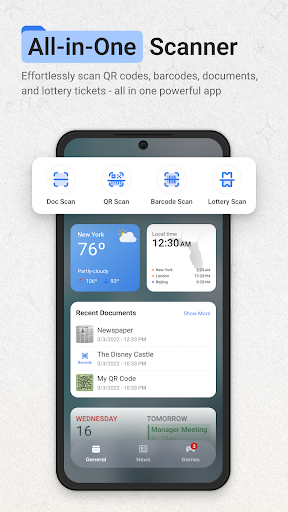
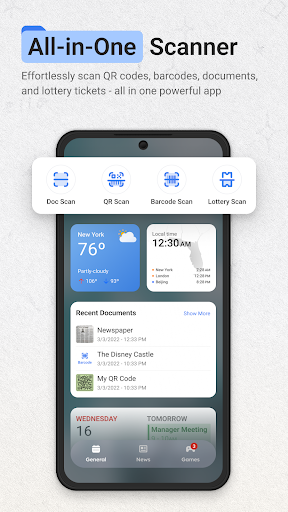
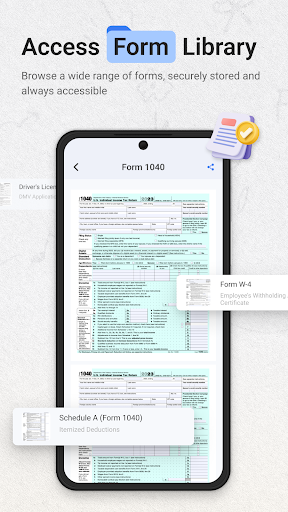
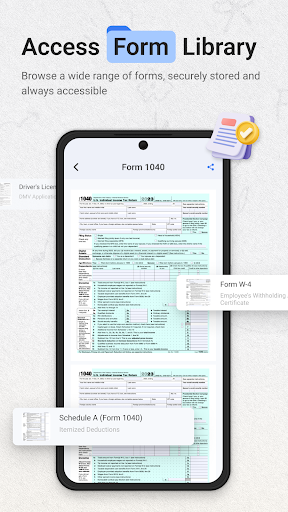
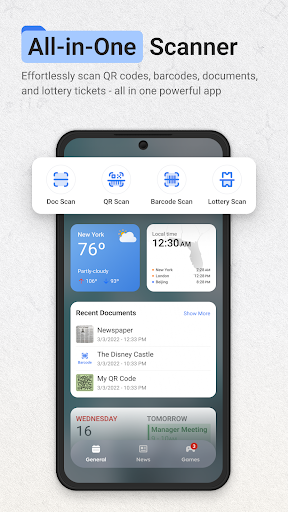
ScanNow Home reimagines how you interact with your Android device by seamlessly integrating essential scanning tools directly into your home screen experience. Designed to boost productivity and convenience, this smart launcher app provides quick access to powerful scanning features without cluttering your interface. Whether you need to digitize documents, scan barcodes, or verify lottery tickets, ScanNow Home offers a comprehensive set of tools to meet your needs with ease and efficiency.
Key Features of ScanNow Home
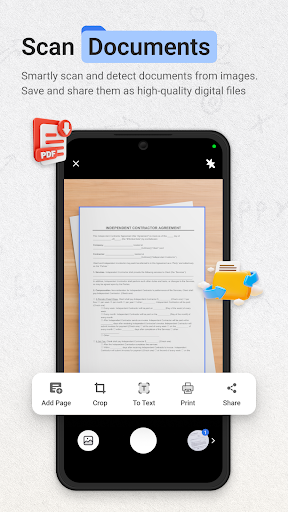
Document Scanner
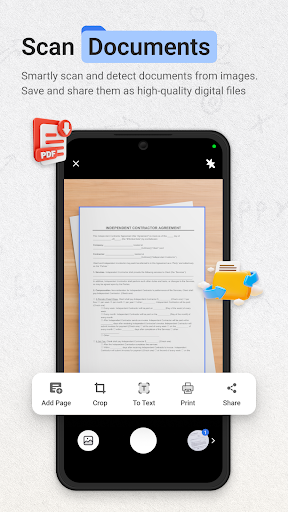
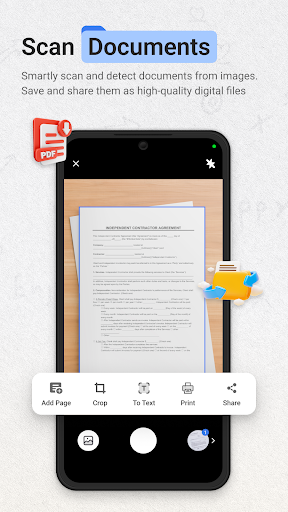
With the Document Scanner feature, users can instantly capture and digitize a wide range of physical materials such as documents, receipts, notes, and more. The scanner is equipped with auto-edge detection and perspective correction to ensure high-quality, professional-looking results. ScanNow Home allows exporting to various formats including PDF, JPG, or even searchable text, making it easier to organize, share, and store your documents. The batch scanning support and advanced image enhancement options mean you can capture multi-page documents efficiently and enjoy crystal-clear outputs every time.
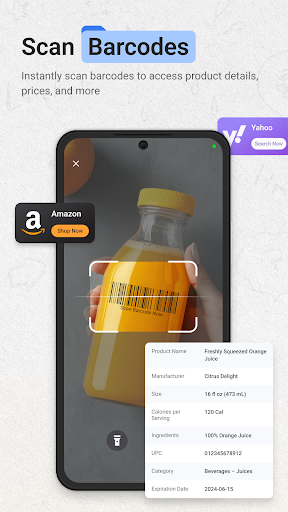
Barcode & QR Scanner
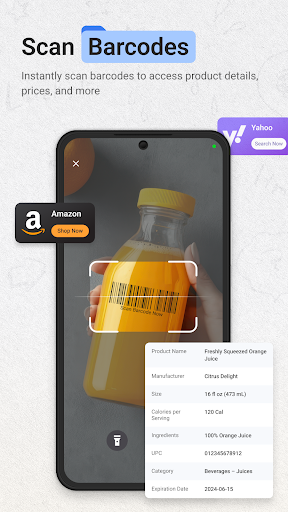
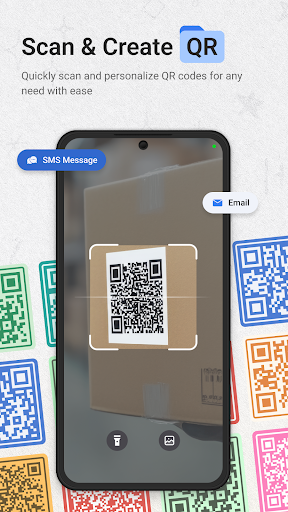
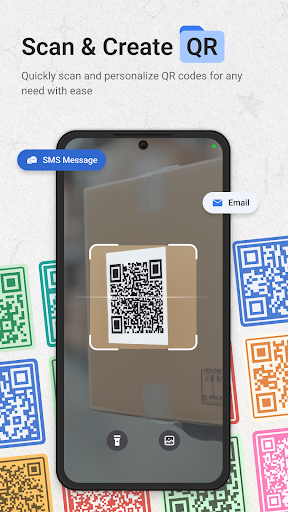
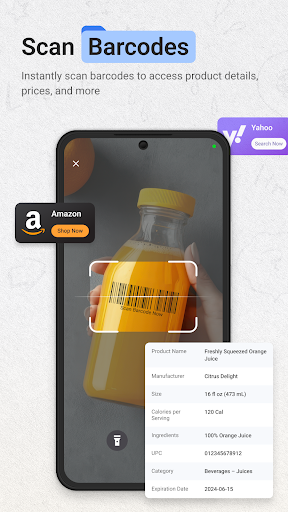
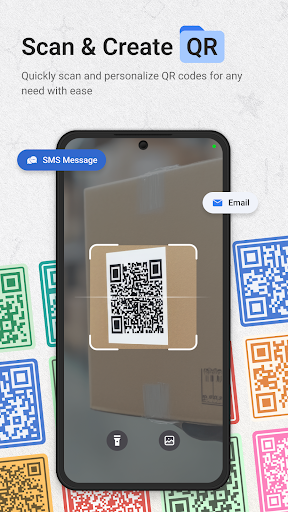
The Barcode & QR Scanner feature provides lightning-fast scanning of all major barcode formats, enabling quick product lookups and price comparisons. Users can effortlessly scan QR codes to open URLs, access Wi-Fi settings, or retrieve contact information. The built-in scan history with search functionality allows easy management of previous scans, while instant sharing capabilities facilitate quick communication with friends and colleagues.
Lottery Ticket Validator
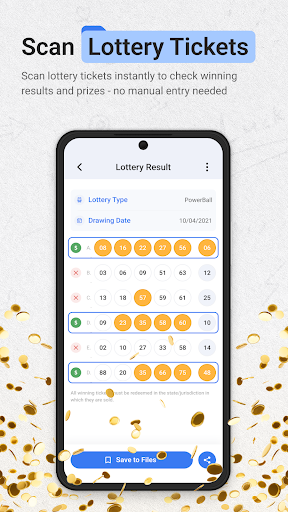
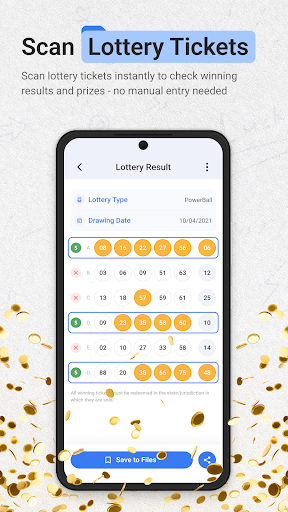
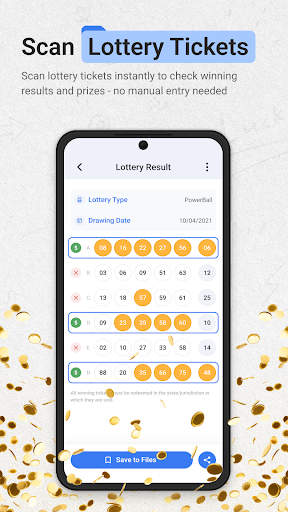
For lottery enthusiasts, Lottery Ticket Validator makes verifying tickets simple and fast. It supports major lottery games and scratch cards, enabling quick result checks against the latest drawings. You can save tickets, receive notifications for wins, and track your playing history. Additionally, the feature allows exporting detailed reports for personal record keeping.
Launcher & Interface Features
ScanNow Home boasts a sleek, material design-based launcher interface that is both user-friendly and highly customizable. It offers smart app categorization, adaptive icons, and support for dark mode, ensuring a smooth and personalized user experience.
Search Integration with Yahoo
The app integrates with Yahoo Search to replace your default search functionality, providing quick results directly from your home screen. By clicking “install,” users agree to set Yahoo as the primary search provider and accept the Terms of Use and Privacy Policy. This feature enhances your search experience with reliable internet results, all accessible with a simple gesture.
Permissions & Updates
ScanNow Home requires camera access to enable scanning features, and storage permissions for saving scanned documents and results. The developers regularly update the app to improve scanning accuracy, add support for low-light conditions, optimize battery consumption, and fix bugs, ensuring a smooth and efficient experience.
Why Choose ScanNow Home?
Designed for Android devices running on Android 8.0 and up, ScanNow Home transforms your smartphone into a powerful scanner hub, making everyday tasks easier and faster. It offers an integrated, well-organized workspace where you can access professional-grade scanning tools at just a gesture. Whether you’re digitizing important documents, quickly scanning barcodes for shopping, or verifying lottery tickets, this app simplifies your workflow.
Remember, some features may involve in-app purchases, but the core functionalities provide a significant productivity boost. Download ScanNow Home today and experience the convenience of having professional scanning tools right at your fingertips—helping your Android device work smarter, not harder.
Pros
- Provides useful features that enhance user experience
- Offers a user-friendly interface for easier navigation
- Includes robust security measures to protect data
- Supports multiple platforms for versatility
- Regular updates improve functionality and fix issues
Cons
- May consume significant device resources
- Some features require in-app purchases
- User privacy concerns due to data collection
- The app can be slow to load on older devices
- Limited customization options available











