

Samsung Notes Overview
Main Features of Samsung Notes
Creating and Editing Notes
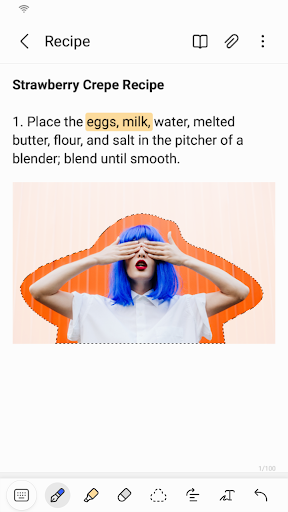
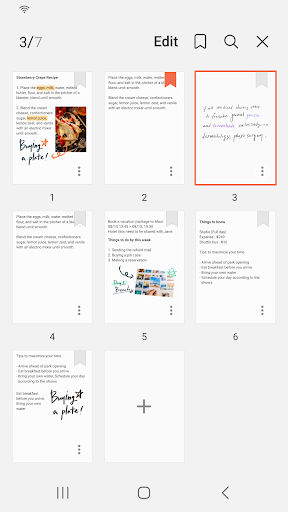
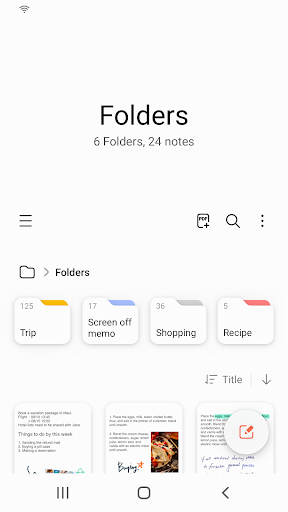
Getting started with Samsung Notes is straightforward. To create a new note, simply tap the + icon located at the bottom right corner of the main screen. Newly created notes will have a .sdocx extension, making them compatible with standard document formats. The app supports various editing options, including typing, handwriting, and adding multimedia elements like images and voice recordings.
Secure Your Notes
To protect sensitive information, Samsung Notes allows users to lock individual notes. Access this feature via More Options in the upper right corner, then navigate to Settings and select Lock Note. Choose a locking method and password, then lock specific notes by selecting Lock Note from the options on their respective screens. This ensures your private notes remain confidential.
Handwritten Notes and Annotations
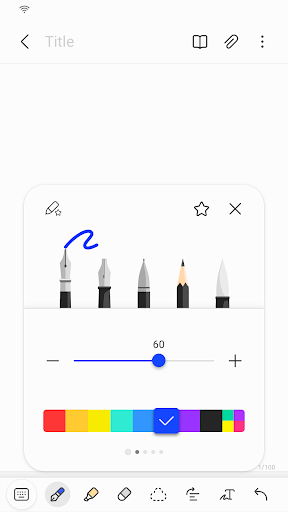
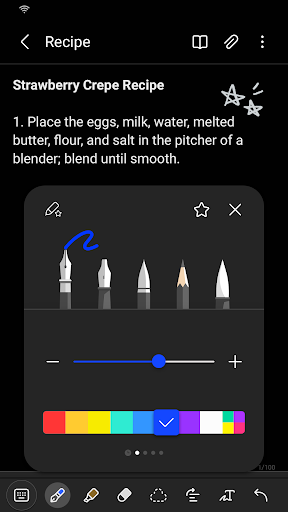
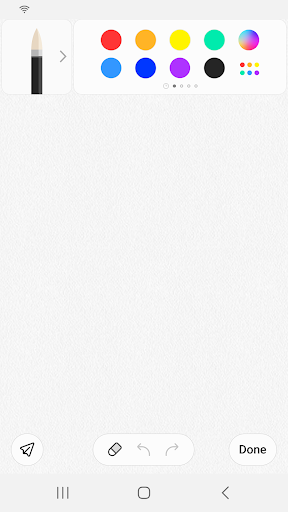
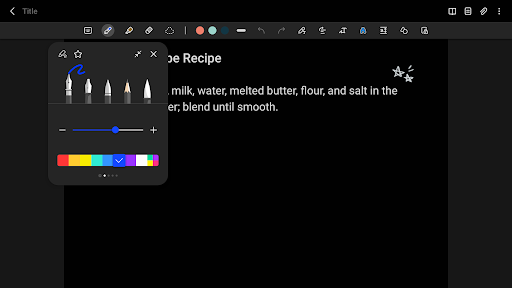
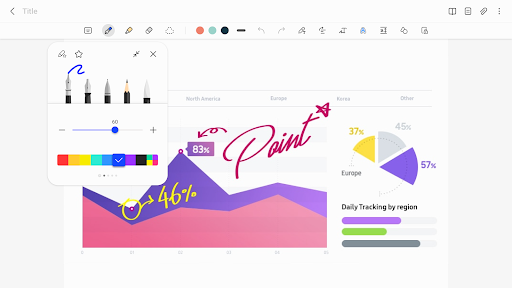
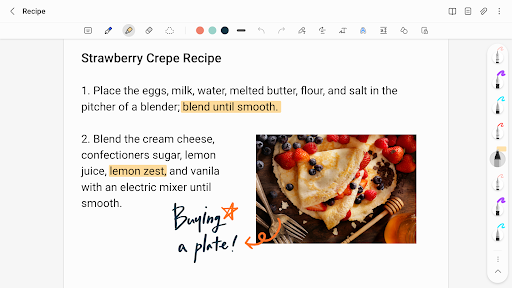
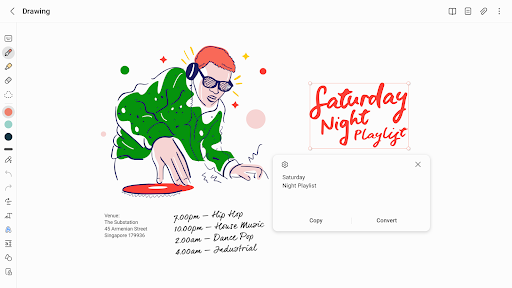
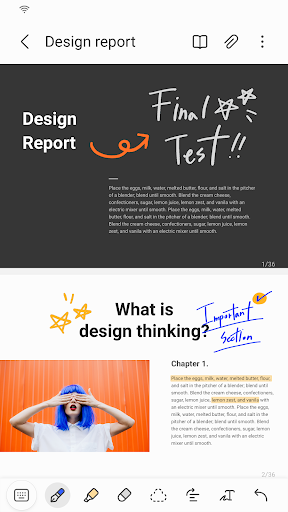
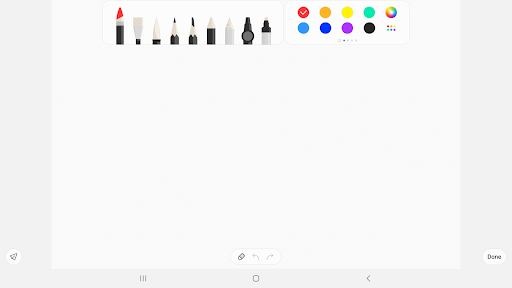
For those who prefer handwritten notes, Samsung Notes offers an intuitive Handwriting feature. Tap the handwriting icon while editing a note, and your handwritten input will be displayed directly in the document. Enhanced with a variety of pens, fountain pens, pencils, and highlighters, along with multiple colors and thickness options, users can customize their handwritten notes for clarity and style.
Add Photos and Voice Recordings
Enhance your notes by inserting photos or audio clips. Tap the photo icon to take a new picture or load existing images into your notes. You can also add tags, edit, or load previously added photos. To add voice memos, tap the Voice Recording icon, then record directly into your note. This feature is perfect for capturing ideas on the go or creating multimedia-rich notes.
Utilize Various Writing Tools
Samsung Notes provides a rich selection of writing tools. Tap the Pen icon to select tools such as pens, fountain pens, pencils, highlighters, and customize colors and line thicknesses to suit your style. To erase unwanted content, simply tap the Eraser icon and select the desired erasing tool. These options give you the flexibility to create detailed sketches or quick annotations.
Import and Sync Notes Across Devices
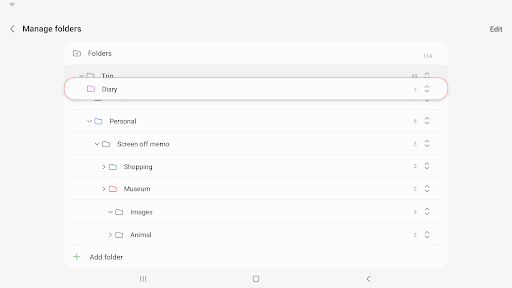
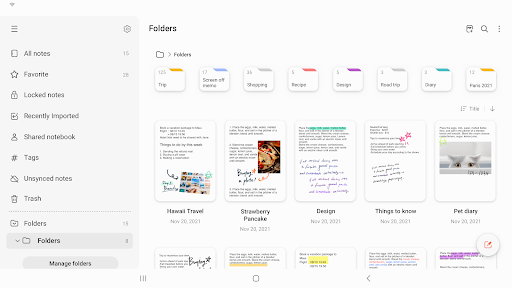
Import older notes and memos from Samsung Notes or Memo apps easily using the Smart Switch feature or your Samsung account. This allows seamless migration of your existing content. Additionally, Samsung Notes synchronizes automatically with your Samsung account, enabling access to your notes anytime, anywhere. Sharing options include exporting notes as PDFs or using built-in sharing features to collaborate with others.
App Permissions and Accessibility
Samsung Notes requires certain optional permissions such as Camera for adding images, Microphone for voice recordings, and file access for saving and loading documents. Basic functions are available even if some permissions are not granted, ensuring user privacy and control over data sharing.
Why Samsung Notes Is a Must-Have App
The ability to sync notes effortlessly across devices and share them ensures your information is always within reach. Although some features may be optimized specifically for Samsung devices, the app remains functional across other Android devices, with some limitations. Samsung continues to improve user experience, and future updates are expected to introduce enhanced collaboration capabilities, making Samsung Notes an indispensable tool for digital note management.
Ultimately, Samsung Notes combines simplicity with robust functionality, enabling users to create, organize, and protect their notes efficiently. Whether you prefer typing, handwriting, or multimedia notes, Samsung Notes adapts to your style, helping you keep your thoughts organized and accessible at all times.
Pros
- Seamless synchronization with Samsung Cloud
- Provides comprehensive text formatting features
- Excellent handwriting recognition converting handwriting to text
- Supports audio notes for recording meetings
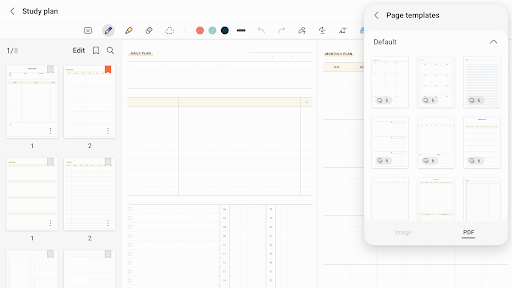
- Customizable templates improve user experience
Cons
- Limited availability across different platforms
- May use significant device resources on older hardware
- Lacks advanced collaboration features
- Advertisements may disrupt experience for free users
- Export options are somewhat restricted











