

Introduction to QuickEdit Text Editor Pro
QuickEdit Text Editor Pro stands out as a fast, stable and full-featured text editing application designed specifically for mobile devices. Whether you're using a phone or a tablet, this versatile editor offers a seamless experience, making it suitable for both general and professional use cases. Its main advantage lies in its optimized performance and user-centric design that outperforms many similar apps available on Google Play.
Main Features of QuickEdit Text Editor Pro
Advanced Editing Capabilities
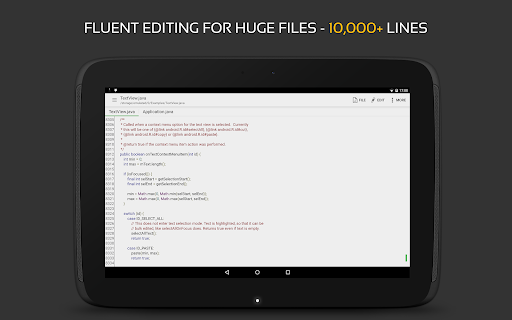
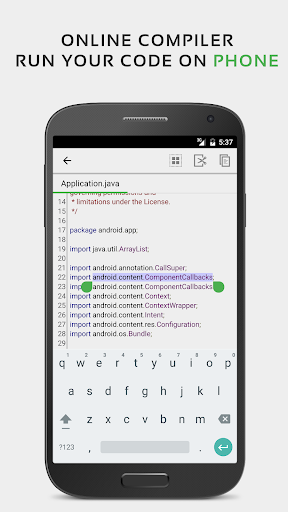
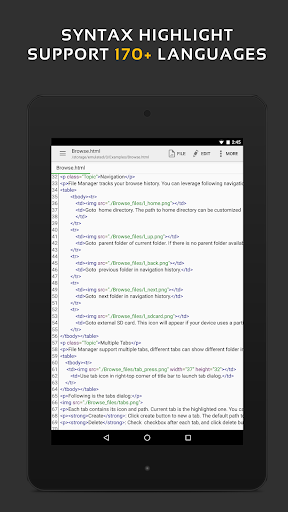
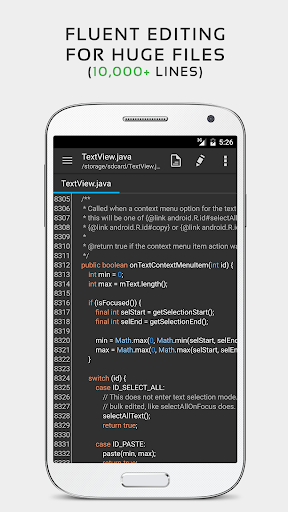
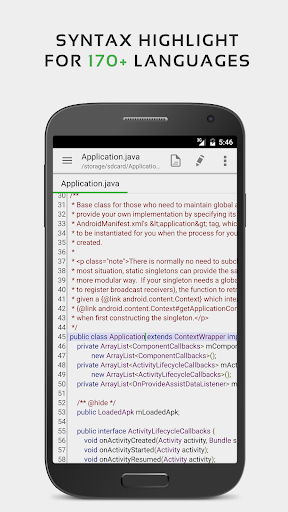
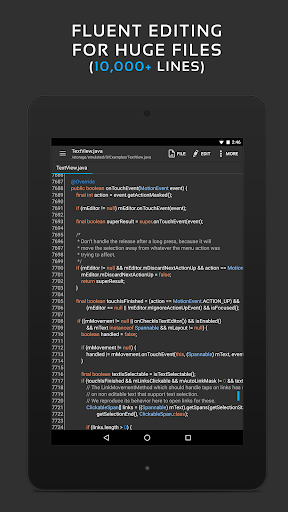
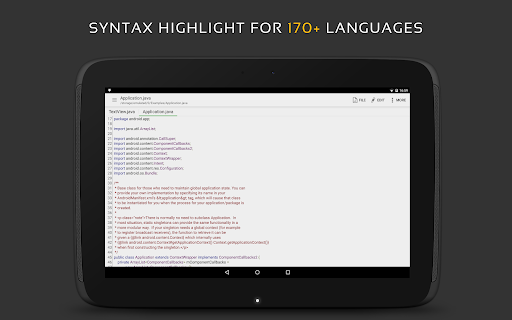
QuickEdit supports syntax highlighting for over 50 programming languages, including C++, Java, Python, JavaScript, and many more. It also includes an online compiler feature that allows users to compile and run programs in over 30 languages such as PHP, Ruby, and Haskell. The app is optimized for handling large files with no lag, even when working with files containing more than 10,000 lines.
User Interface and Navigation
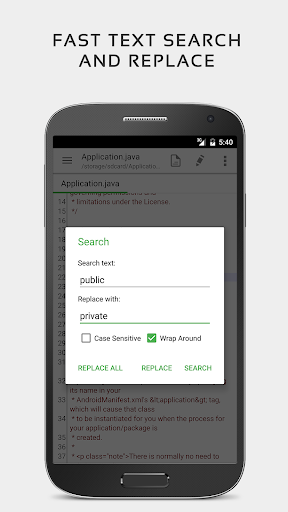
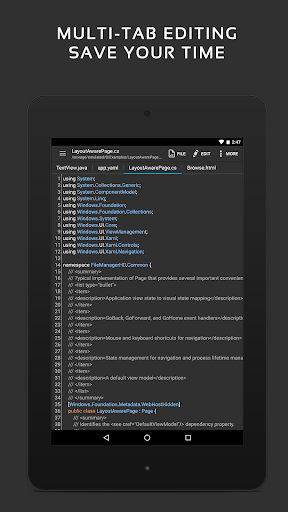
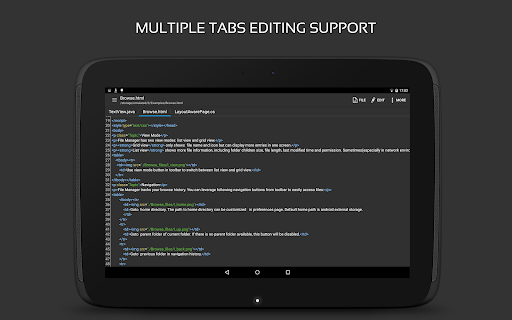
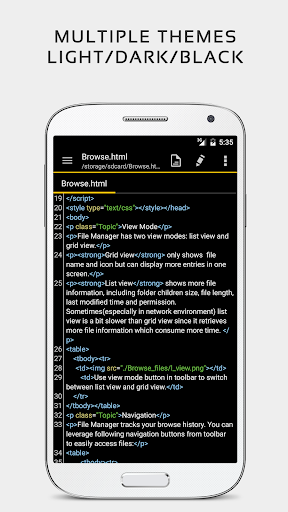
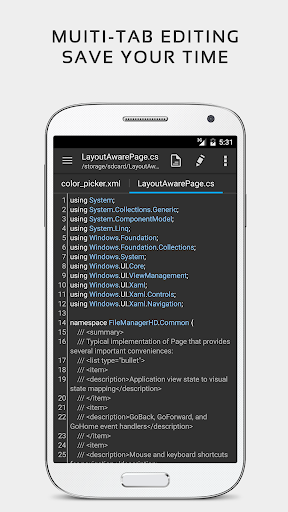
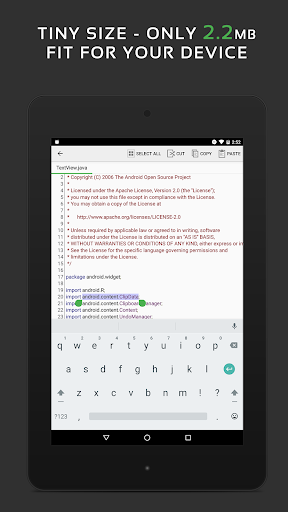
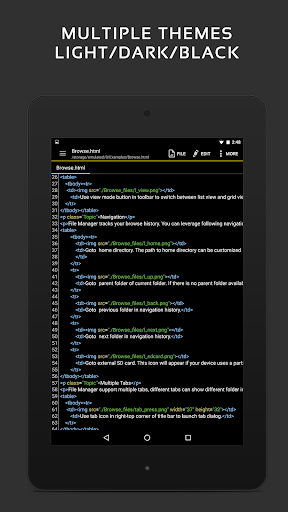
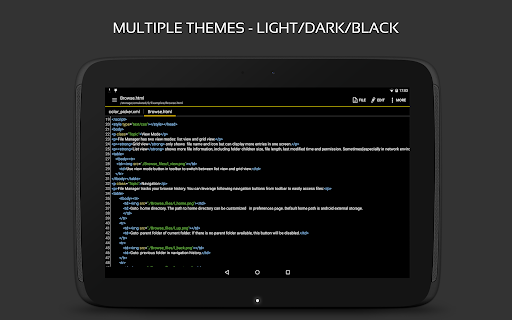
Designed with usability in mind, QuickEdit offers multiple open tabs for easy navigation between documents. Users can show or hide line numbers, adjust line indentations, and quickly search and replace content. The interface supports various fonts and sizes, with options for light and dark themes to match user preferences. Features like smooth scrolling and direct line targeting enhance the editing experience, making it intuitive and efficient.
File Management and Cloud Integration
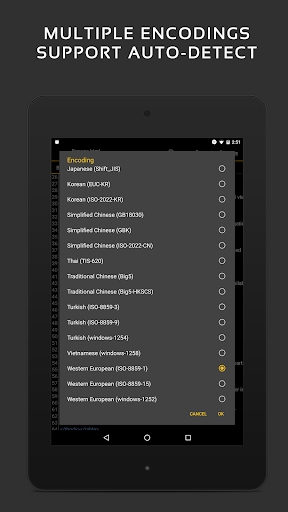
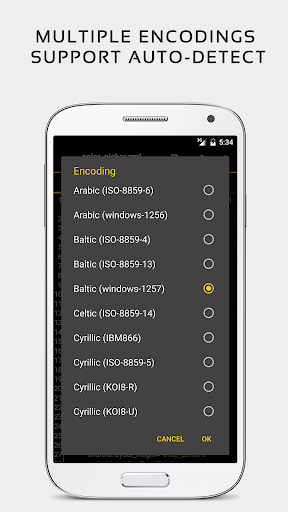
QuickEdit enables users to open files from recent collections or cloud services like Google Drive, Dropbox, and OneDrive. For advanced users, there is the possibility to edit system files on rooted devices. It also supports editing local files through FTP and allows users to work with various file formats such as INI, LOG, and TXT. Moreover, the app’s automatic charset detection ensures files are opened correctly without encoding issues.
Additional Features and Customizations
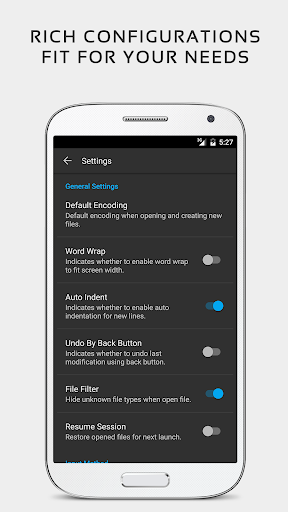
QuickEdit’s feature set includes undo/redo with unlimited history, auto indentation, hex color input, and support for multiple themes. It also offers HTML, CSS, and Markdown previews, making it a comprehensive tool for developers and content creators. For enhanced productivity, users can leverage keyboard shortcuts and utilize the app’s performance optimizations that ensure smooth operation on all supported devices.
User Experience and Personal Insights
Many users, including myself, find QuickEdit Pro to be a reliable and efficient tool for mobile text editing. The app’s clean and intuitive interface enables quick access to features without unnecessary complexities. It's especially impressive how it combines simplicity with powerful capabilities, making it ideal for both coding and general note-taking.
One feature I truly appreciate is the seamless integration with cloud services, allowing me to start editing on my mobile and easily continue on my desktop. The autosave feature is a lifesaver that prevents accidental data loss. Customization options, like theme and font adjustments, help personalize the editing environment, enhancing comfort during long work sessions.
Performance-wise, the app is very responsive and stable, even when working with large files or complex scripts. Its support for physical keyboards adds to the desktop-like experience, boosting productivity. The richness of editing tools, combined with its speed and reliability, makes QuickEdit Pro a must-have app for developers, writers, and tech enthusiasts on the go.
Conclusion
If you're seeking a robust, versatile, and user-friendly text editor for your mobile device, QuickEdit Text Editor Pro stands out as an excellent choice. Its extensive feature set, high performance, and customizable interface cater to a wide range of users, from casual note-takers to professional programmers. Whether editing code, managing documents, or creating content, this app provides the tools needed for effective and efficient work on the move. Give it a try and experience how it can enhance your workflow and improve your productivity in a mobile environment.
Pros
- Fast and responsive user interface.
- Supports syntax highlighting for many programming languages.
- Enables editing with multiple tabs.
- Offers customizable color themes.
- Can be used offline without advertisements.
Cons
- Fewer advanced features compared to desktop versions.
- Lacks cloud synchronization for projects.
- Occasional minor bugs and crashes.
- Limited handling of large files.
- Does not support collaboration features.











