
QR & Barcode Reader: Your Ultimate Scanning Tool
Have you ever found yourself in a store, gazing at a product, wishing you could instantly access all its details with just a quick scan? Introducing the QR & Barcode Reader app — a powerful, user-friendly tool designed to make your life easier by providing quick access to a wealth of information. Whether you're a seasoned shopper, a tech enthusiast, or someone tired of manual searches, this app is about to become your new best friend in the digital age.
Seamless Scanning Experience
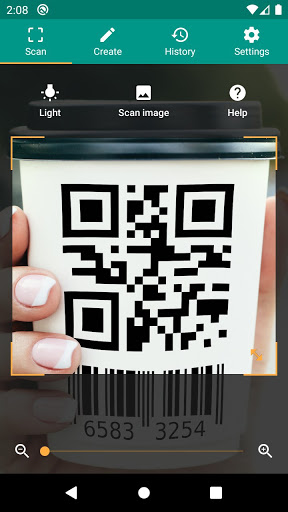
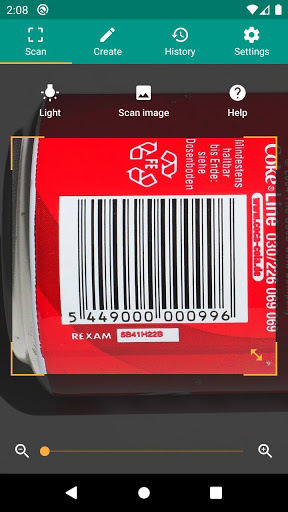
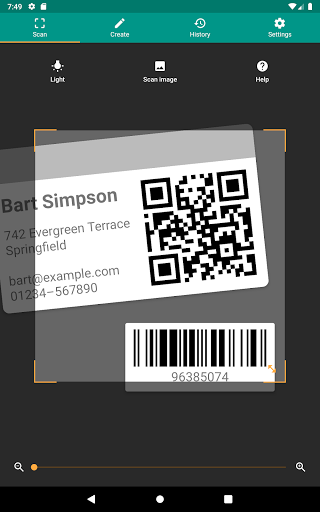
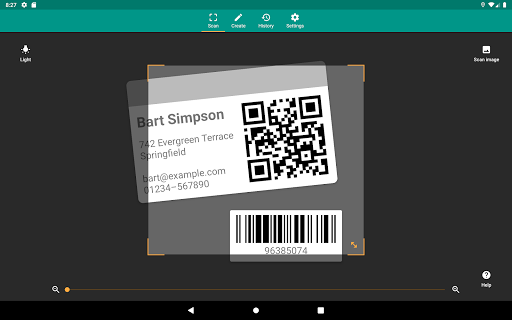
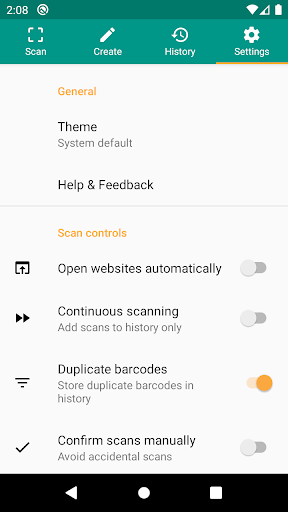
Scanning made simple: Once you install the QR & Barcode Reader, you'll be welcomed with a clean, intuitive interface—no clutter, no confusion. Just open the app, point your camera at any QR code or barcode, and get instant results. It's like having a personal assistant that never sleeps, ready to deliver product details, compare prices, or even show user reviews in a flash.
This app supports ALL COMMON FORMATS such as QR, Data Matrix, Aztec, UPC, EAN, Code 39, and many more, ensuring versatility for every scanning need. Whether you're scanning printed codes or digital ones from screens, compatibility is comprehensive.
Unlock a World of Information
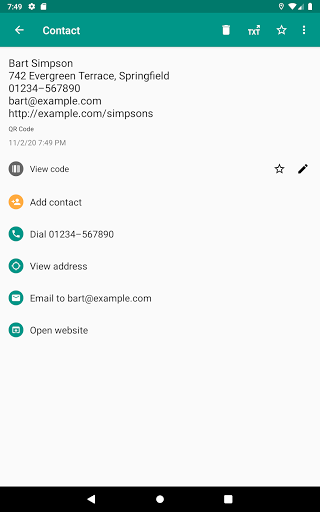
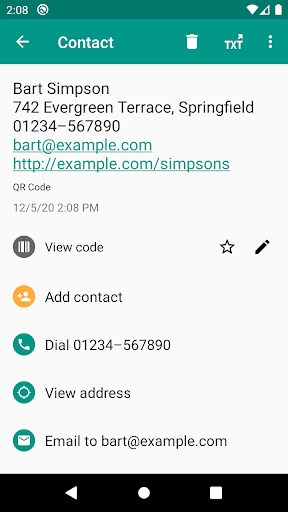
The true magic of the QR & Barcode Reader lies in the rich data it uncovers. Scan a barcode and instantly access detailed product specifications, customer reviews, and direct links to purchase via platforms like Amazon, eBay, or Google. It's akin to having a digital storefront at your fingertips. Additionally, it supports scanning QR codes that grant access to websites, Wi-Fi connection details, calendar events, contact info, and geo-locations.
Supported content types include:
- Website links (URL)
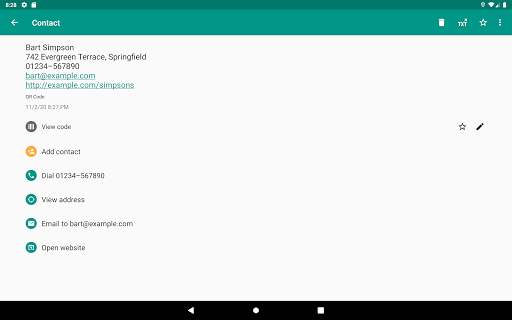
- Contact data (MeCard, vCard, vcf)
- Calendar events
- Wi-Fi hotspot access information
- Geo locations
- Phone call information
- Email, SMS, and MATMSG
For barcodes and two-dimensional codes, it recognizes article numbers (EAN, UPC, JAN, GTIN, ISBN), Codabar, Code 39, GS1 DataBar, PDF417, and more, making it suitable for a wide range of applications.
Key Features That Make It Stand Out
This app is packed with features tailored for speed, security, and versatility:
- RELEVANT ACTIONS: Open URLs, connect to Wi-Fi hotspots, add calendar events, read VCards, and search for product and price info effortlessly.
- SECURITY AND PERFORMANCE: Protect yourself from malicious links using Chrome Custom Tabs with Google Safe Browsing technology, coupled with faster loading times.
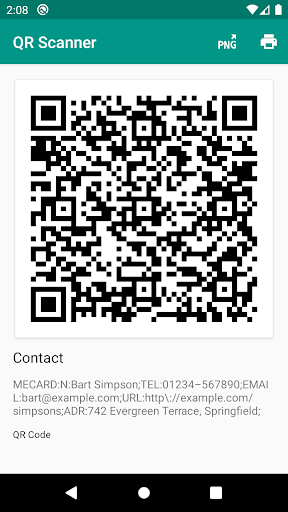
- MINIMAL PERMISSIONS: Scan images without access to your device's storage; share contact data as QR codes without needing to access your address book, ensuring your privacy.
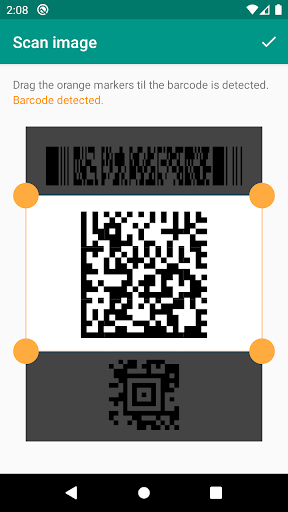
- SCAN FROM IMAGES: Detect codes within picture files or scan directly using your camera, adding flexibility to your scanning options.
- FLASHLIGHT AND ZOOM: Turn on the flashlight for reliable scanning in dark environments and pinch-to-zoom to read distant barcodes.
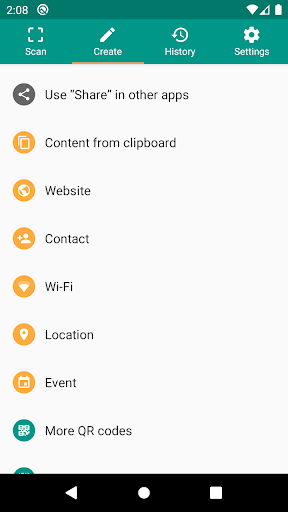
Additionally, you can CREATE AND SHARE custom QR codes for website links or other data, making sharing quick and easy. The app also provides CUSTOM SEARCH OPTIONS by integrating specific websites into barcode searches, perfect for personalized shopping or research.
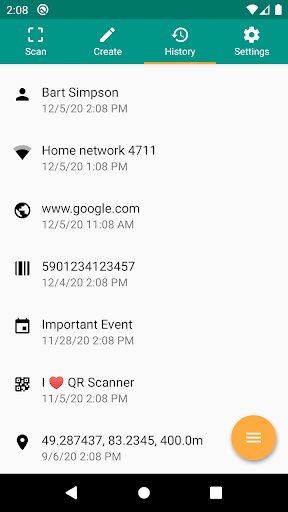
Manage your scanning history by exporting it as a CSV file, which can be imported into Excel or stored on cloud services like Google Drive. You can also annotate scans for inventory management or quality assurance in your small business.
Supported QR Code Types and Usage Scenarios
This app efficiently handles diverse QR code and barcode types, including:
- Website links (URL)
- Contact information (MeCard, vCard, vcf)
- Calendar events
- Wi-Fi access details
- Geographical locations
- Phone numbers and email addresses
It’s ideal for shoppers looking for product details, business owners managing inventory, or anyone wanting quick access to online content.
Ease of Use and Customization
Designed to be user-friendly, the QR & Barcode Reader excels at recognizing a variety of codes swiftly and accurately. Its lightning-fast scanning and high accuracy in low-light conditions ensure a smooth experience. Plus, its ability to handle multiple code types makes it highly versatile for daily use.
Most importantly, it’s completely FREE for basic features, offering excellent value for everyday users. There’s also a premium version with additional capabilities if you desire extended functionality.
Who Should Use the QR & Barcode Reader?
This app is perfect for anyone who values quick, reliable access to information. Bargain hunters, tech-savvy users, or individuals wanting to streamline their shopping and browsing experience will find immense value. In a world where time is precious, having a powerful QR code reader in your pocket transforms the way you shop, search, and connect.
Why not give it a try? The QR & Barcode Reader could be the tool you never knew you needed — until now. Happy scanning!
Pros
- Quick scanning capabilities
- Compatible with multiple formats
- Intuitive and easy-to-use interface
- Available free of charge
- Lightweight application design
Cons
- Contains advertisements
- Limited set of features
- Lacks batch scanning functionality
- Requires camera permissions
- No option to export scan history











