
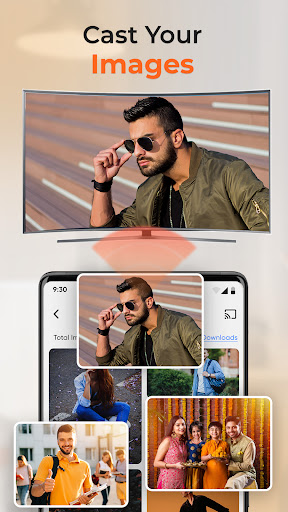
Overview of Projector - TV Cast, HD Mirror
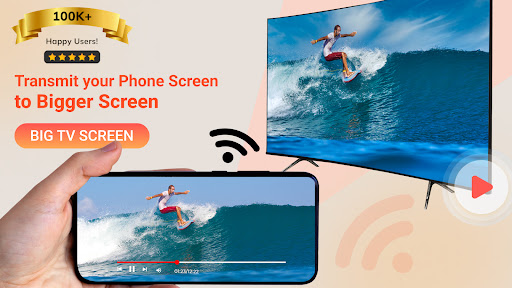
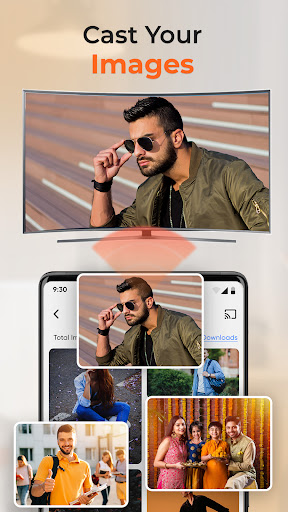
Projector - TV Cast, HD Mirror is a powerful app designed to transform your mobile device into a versatile media sharing tool. Whether you're aiming to share your favorite videos, photos, or presentations on a big screen, this app makes the process seamless and convenient. By leveraging advanced screen mirroring and HD casting technologies, it allows users to enjoy high-quality content on compatible smart TVs, Chromecast, Roku, Apple TV, and other devices without complicated setups or wires.
Key Features and Benefits
Effortless Screen Mirroring
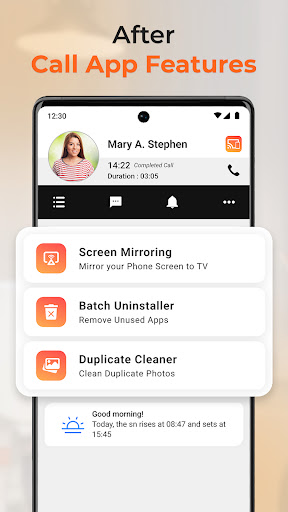
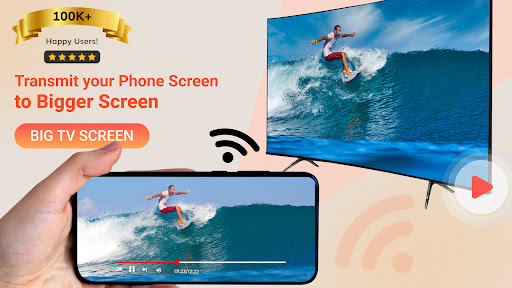
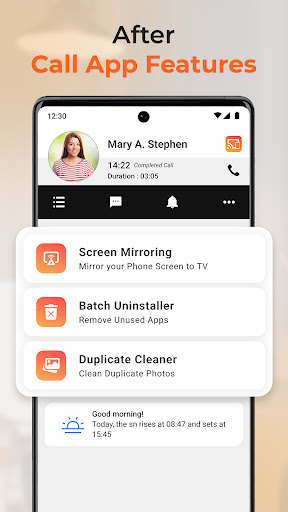
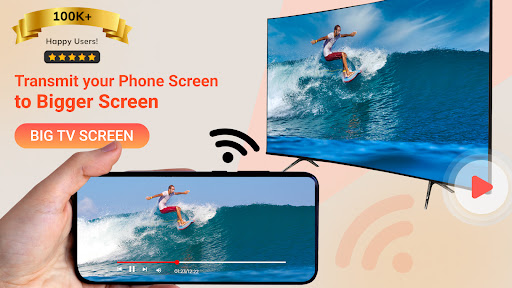
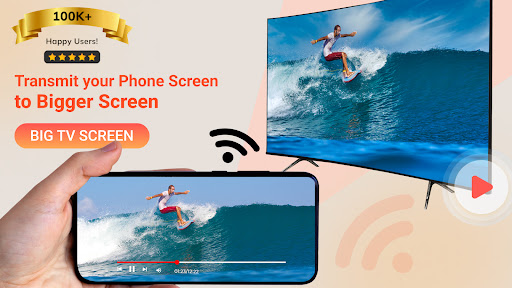
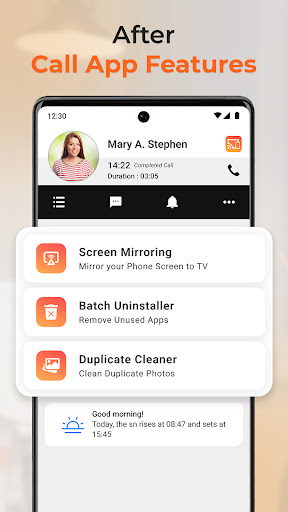
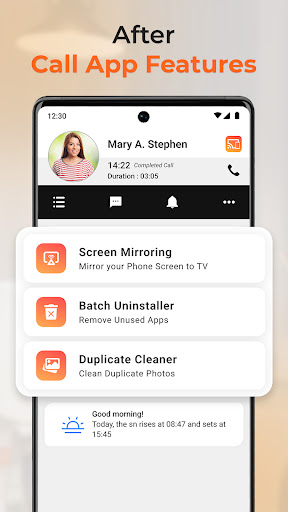
The app provides a smooth and reliable screen mirroring experience, supporting HD mirror capabilities that ensure your content appears crisp, vibrant, and professional. With just a few taps, users can instantly mirror their screens in real-time, making it ideal for presentations, teaching, or sharing multimedia with friends and family.
High-Definition Casting
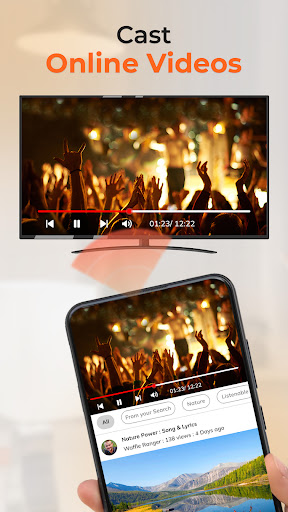
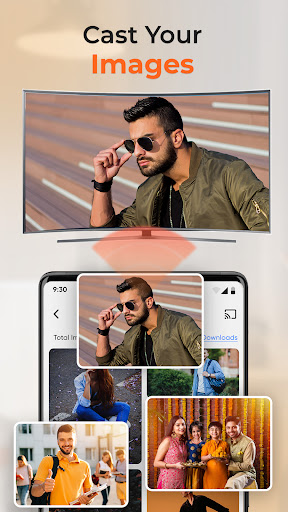
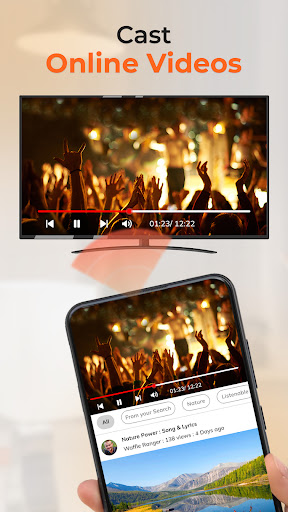
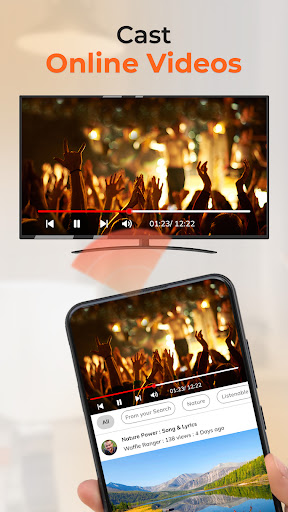
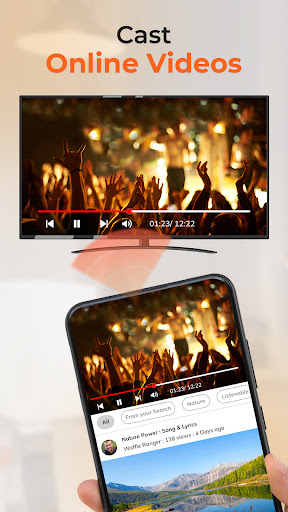
Enjoy crystal-clear streaming of movies, TV shows, or videos directly from your phone with HD cast. The app supports various video formats and offers a variety of features to enhance your viewing experience, including minimal lag and seamless playback. Whether for entertainment or work, you can rely on this app to deliver an immersive big-screen experience.
Versatile Usage for Work and Play
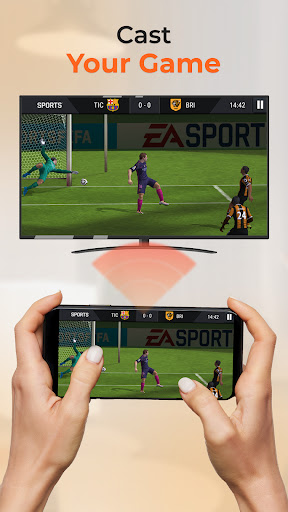
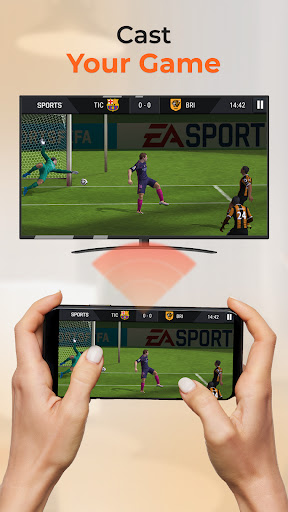
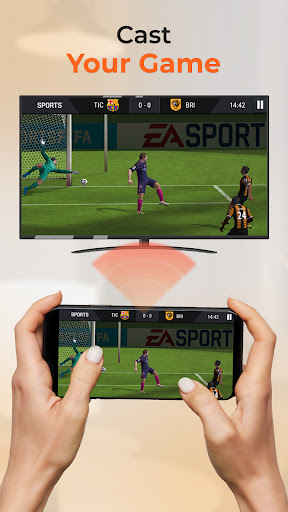
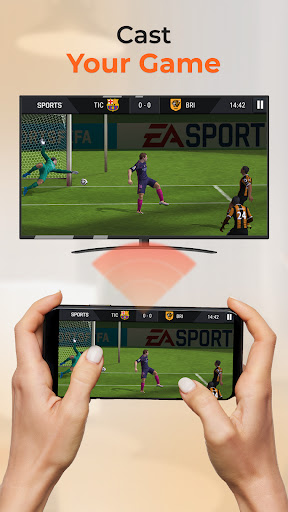
This app is built for productivity and entertainment alike. For professional contexts, it makes sharing slides, lesson plans, or project demos effortless. During leisure time, you can use it to stream your favorite shows, family videos, or mobile games onto your TV. Its lightweight and intuitive interface ensures easy operation, whether you're in an office, classroom, or at home.
Compatibility and Connectivity
Supporting cross-platform compatibility including Chromecast, Roku, Apple TV, and more, the app adapts to various devices and setups. No cables or adapters are needed—simply tap to connect and start streaming. This convenience makes it a go-to solution for on-the-fly content sharing and screen projection, whether during meetings or weekend movie nights.
User-Friendly Experience
The app is designed with users in mind, offering easy controls, stable streaming, and the ability to remember previous device connections. Its lightweight design minimizes battery drain and ensures smooth performance in everyday use. Although occasional connectivity hiccups may occur, especially when switching networks, the overall user experience remains positive and reliable.
Enhanced Entertainment and Productivity
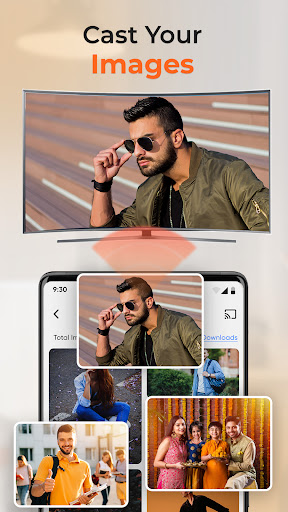
If you're looking to shed your small screen and enjoy content on a larger display, Projector - TV Cast, HD Mirror is your ideal companion. It supports streaming in HD quality and offers real-time mirroring, making it perfect for work presentations, teaching, or simply relaxing with family and friends.
Why Choose Projector - TV Cast, HD Mirror?
- No cables or additional hardware required — just tap and connect.
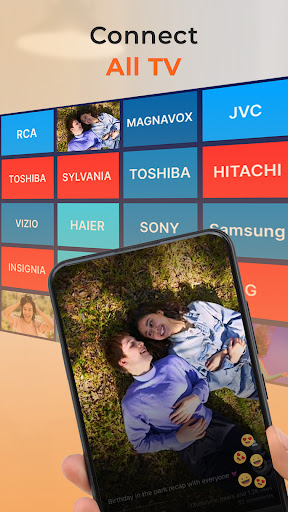
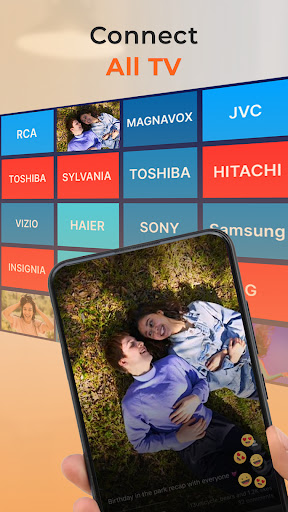
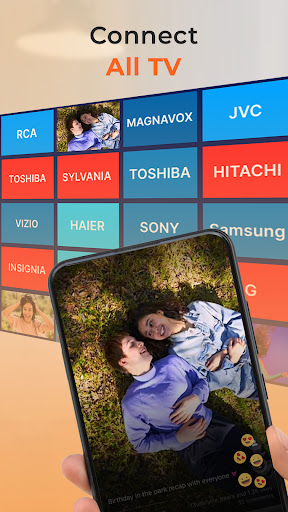
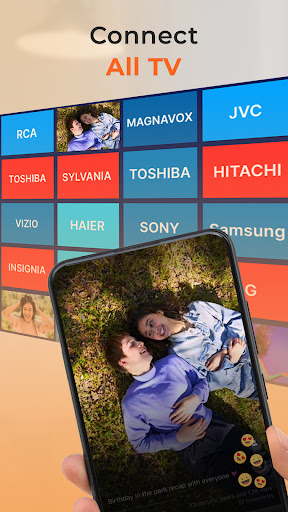
- Supports a wide range of devices and TV brands.
- Provides high-resolution HD mirror visuals and smooth screen casting.
- Lightweight, easy-to-use interface.
- Great for both professional presentations and personal entertainment.
Get Started Today
Elevate your multimedia experience with Projector - TV Cast, HD Mirror. Whether for work, study, or leisure, this app empowers you to share ideas, teach, collaborate, or decompress on the big screen. Download now to unlock the full potential of your mobile device with HD screen casting and mirroring. Make your content more impactful, your presentations more engaging, and your viewing more enjoyable—all from the palm of your hand.
Disclaimer
This app is not affiliated with or endorsed by any official “Projector” brand or hardware. The term “Projector” is used solely to describe the core function of the app—wireless screen mirroring and casting from your phone to a display. It does not function as a physical projector. This standalone mobile app enhances productivity and entertainment through screen sharing functionalities.
Pros
- Simple setup and connection process.
- Supports a variety of video formats.
- Stream high-quality videos.
- Works with different TV brands.
- Intuitive and easy-to-use interface.
Cons
- Dependent on a stable Wi-Fi connection.
- Free version offers only basic features.
- May experience lagging on older devices.
- Advertisements can sometimes be disruptive.
- Not compatible with all smart TVs.











