
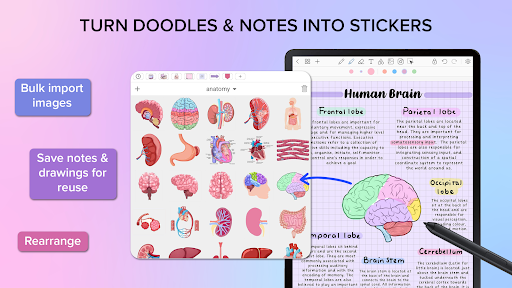
Overview of Penly: Digital Planner & Notes
Discover the Penly app—a comprehensive digital planner, journal, and note-taking solution designed to boost your creativity and enhance your productivity. Whether you're managing busy schedules or capturing spontaneous ideas, Penly offers an intuitive, feature-rich environment tailored to meet your organizational needs.
Main Features of Penly
Intuitive User Interface and Design
Penly features a simple, intuitive interface that makes navigation effortless. Its sleek, aesthetically pleasing design combines a clean layout with modern visual elements, ensuring that users of all technical levels can easily access and utilize its powerful tools.
Sketching, Writing, and Editing Tools
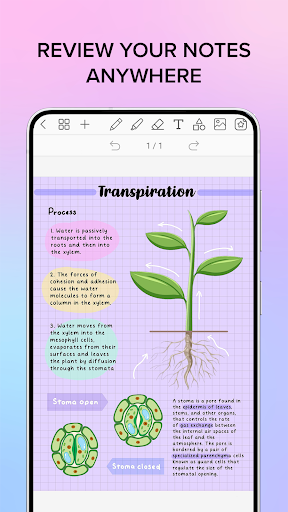
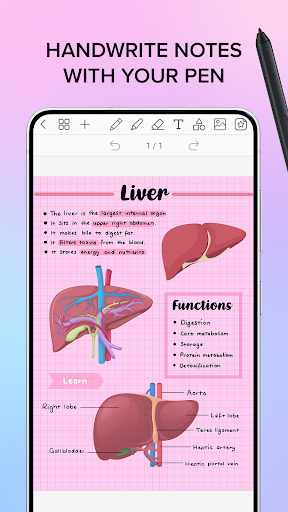
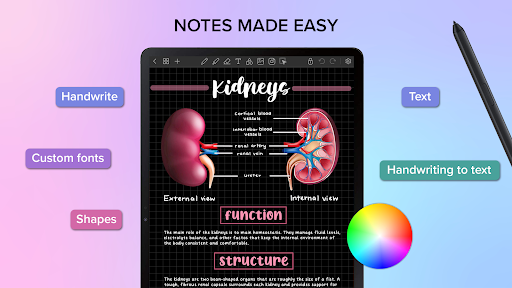
Enjoy a seamless experience with smooth handwriting and smart eraser functionality. Penly provides a variety of tools including text, image, and shape creation. You can create sticker collections, import custom fonts, and benefit from automatic handwriting-to-text conversion. Additionally, features like highlight & underline, transform, group, and lock objects give you full control over your notes and designs. Undo and redo options further enhance your workflow, ensuring edits are effortless.
Digital Planners Included
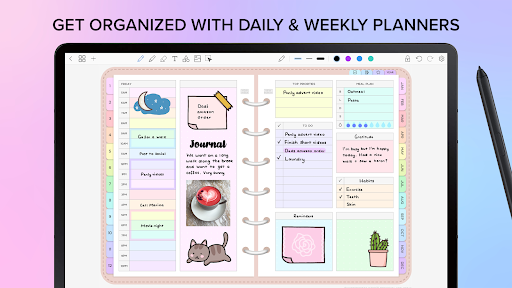
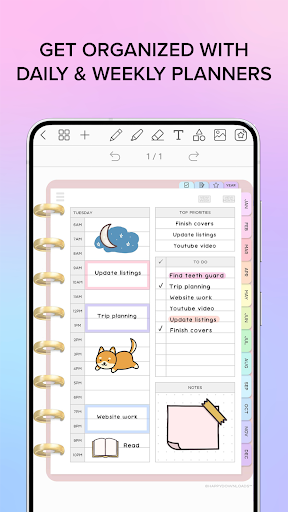
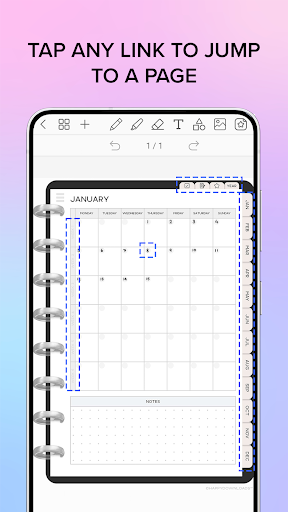
The app comes with four customizable digital planners featuring hyperlinked monthly, weekly, and daily pages. These planners are undated & reusable—allowing you to write your own dates—and are compatible with both landscape and portrait orientations. Choose from rainbow or minimal black styles. Additional templates include to-do lists and notes, making organization versatile and tailored to your needs.
Import and Export PDF Files
Penly enables you to import any PDF file directly into the app, preserving existing hyperlinks for easy navigation. You can also export your work as either an editable Penly file or a PDF document, providing flexibility for sharing and collaboration.
Create Interactive Hyperlinks
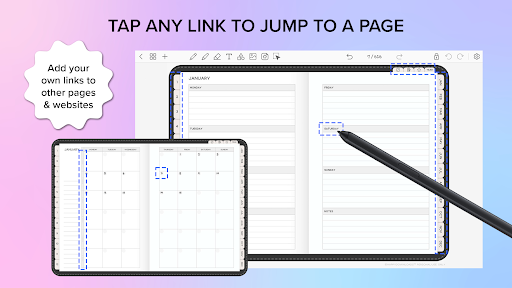
Enhance your documents by creating hyperlinks—either turning any object into a link or adding links to external websites or internal pages. This feature facilitates seamless navigation within your notes or to external resources, making your files more interactive and professional.
Sticker and Image Management
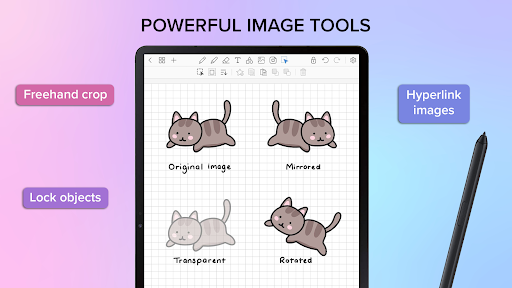
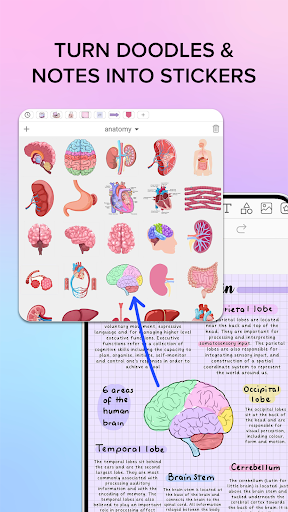
The collections tool in Penly allows you to organize your stickers. You can bulk import stickers, save notes and drawings to collections for quick reuse, and edit or rearrange items easily. Favorite collections enable faster access. Moreover, image editing options like mirror, flip, crop, and adjust opacity give you creative control over your visuals.
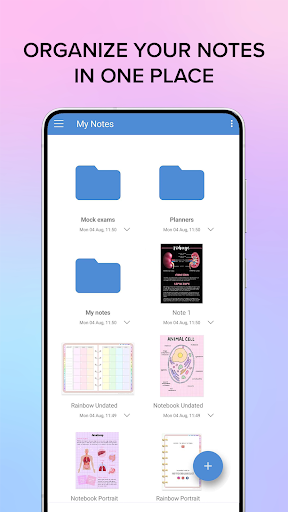
Organize and Manage Your Notes
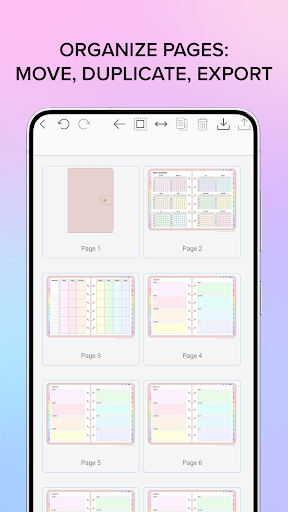
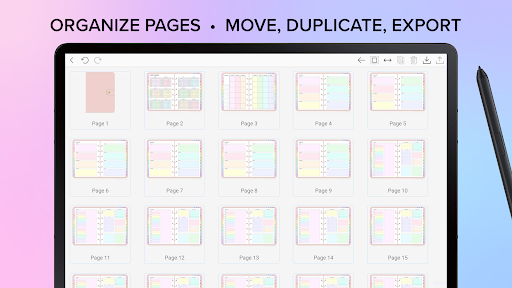
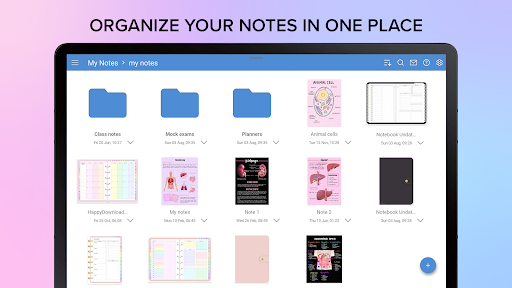
Keep your notes tidy with features that allow you to copy, paste, delete, and rearrange pages. Use folders and sub-folders to manage multiple documents efficiently. Penly ensures that your documents reopen exactly where you left off, providing a smooth user experience.
Sync Across Devices
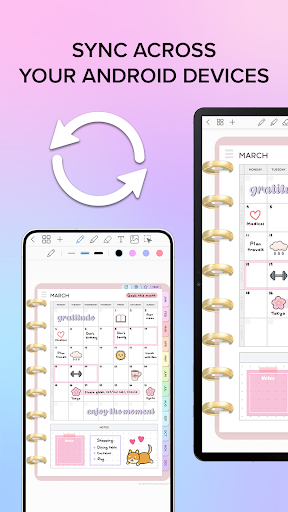
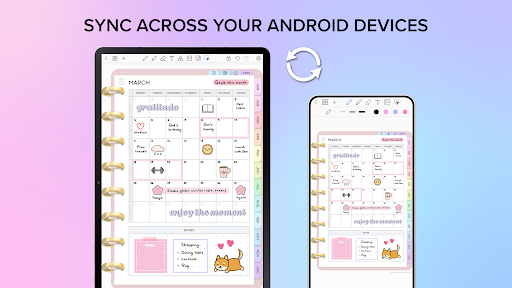
With Google Drive integration, you can sync your notes and planners across multiple Android devices. You have the flexibility to sync manually or automatically whenever the app is opened or closed, ensuring your data stays current wherever you are.
Language Support and Purchase Options
Penly offers support for English only at present. It operates on a one-time purchase basis, providing full access to all features. A refund policy is available within 7 days of purchase, and for assistance, users can contact the support team via support@penly.net.
Additional Resources and Community
Join the Penly community through their Facebook group. Watch insightful tips & tutorials on YouTube and follow their Instagram page for updates. For support or inquiries, contact support@penly.net.
Why Choose Penly: Digital Planner & Notes?
Perfect for Organizers, Creatives, and Students
If you’re someone who loves staying organized, whether for work, study, or personal projects, Penly offers a customizable, reliable platform to capture your ideas and plan effectively. Its versatile tools, interactive features, and sync capabilities make it a top choice for busy individuals seeking an all-in-one digital organization solution.
Enhance Your Productivity and Creativity
With the ability to create personalized templates, import and export files, and organize your notes efficiently, Penly transforms the way you approach planning and note-taking. Its user-friendly design ensures that you spend less time navigating software and more time focusing on your tasks. Whether you're annotating PDFs or creating elaborate visual notes, Penly makes your digital planning experience both enjoyable and productive.
Pros
- User-friendly interface that boosts productivity.
- Highly customizable templates for planning.
- Smooth synchronization through cloud services.
- Supports both handwritten and typed notes.
- Integrates effectively with other productivity tools.
Cons
- Features in the free version are limited.
- Occasional issues with syncing processes.
- Steep learning curve for new users.
- Some functionalities require additional purchases.
- Limited support on older devices.











