
Discover the Power of the pdfFiller App for PDF Management
In today’s digital landscape, managing PDF documents efficiently is crucial for professionals, students, and anyone who frequently works with electronic documents. The pdfFiller Edit, fill, sign PDF app is an all-in-one solution designed to streamline your PDF workflows directly from your Android device. Whether you need to complete, edit, or sign PDFs on the go, this versatile app offers a comprehensive set of features to make your tasks easier and more efficient.
More than just a PDF reader, pdfFiller transforms your mobile device into a powerful document management tool. It integrates content creation, editing, form building, and eSignature capabilities within a simple, user-friendly interface. This makes it the perfect choice for anyone looking to handle PDF documents seamlessly, without the need for complex software or multiple apps.
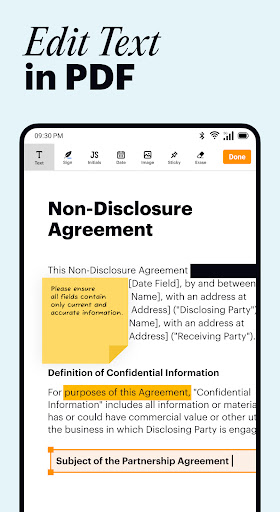
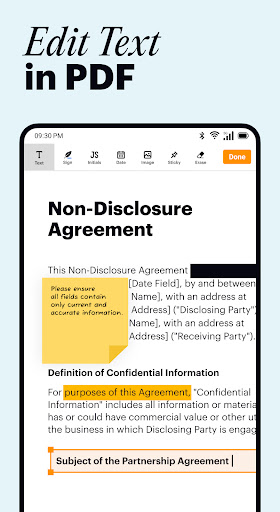
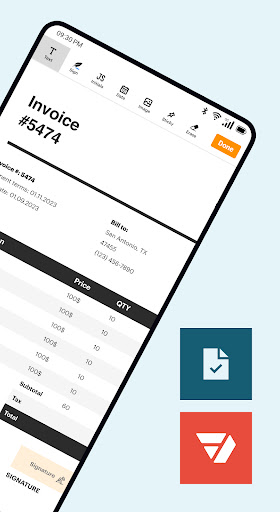
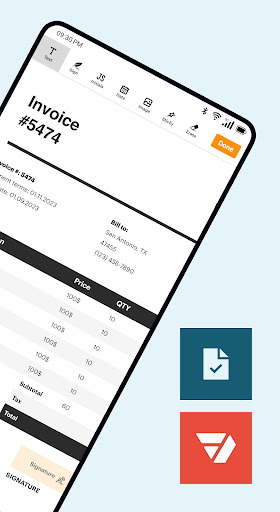
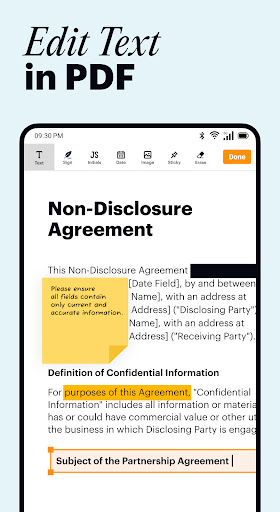
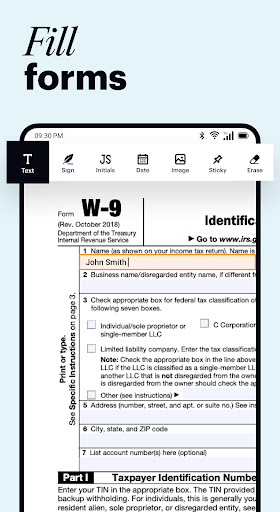
One of the standout features of the pdfFiller app is its ability to facilitate easy document editing and creation. Users can modify existing PDFs by adding text, highlighting, blackout sections, or inserting images—all with just a few taps. The offline form builder further allows you to create custom forms for data collection and signatures, even without an internet connection, syncing automatically once back online.
Additionally, the built-in PDF scanner eliminates the hassle of traditional scanning. Simply use your device’s camera to scan paper documents into accessible, editable PDFs in seconds. This feature is ideal for transforming physical paperwork into digital files ready for editing, signing, or sharing.
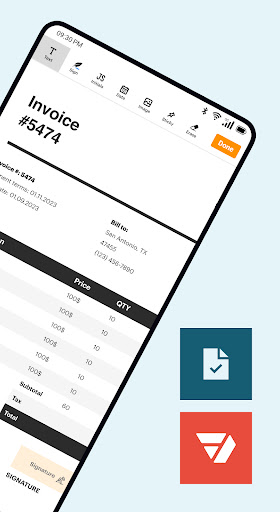
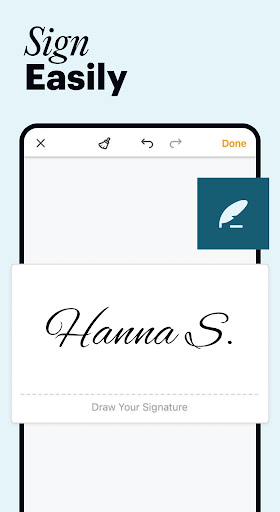
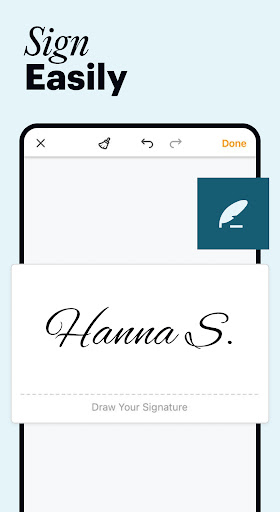
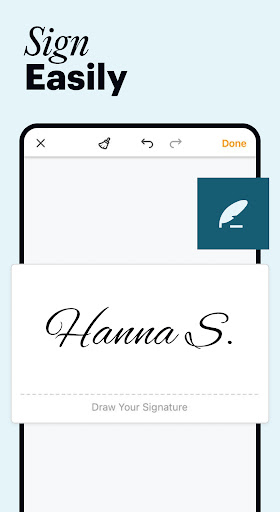
For signing documents, pdfFiller offers a full-featured eSignature solution. You can sign documents directly on your device, request signatures from others, and organize signature workflows efficiently. No more printing, signing, and scanning—saving both time and paper while ensuring your signatures are legally valid.
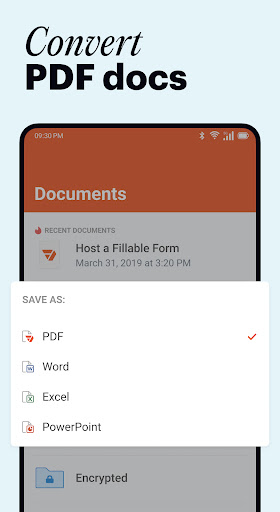
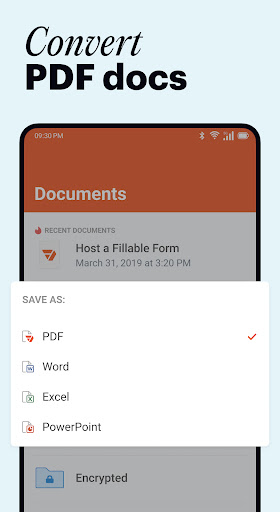
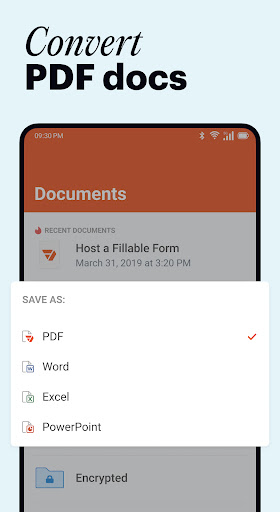
Managing and sharing your documents is made simple through various export options. Upload files from your device, email, or cloud storage platforms like Google Drive, Dropbox, and OneDrive. When your edits are complete, you can print, email, fax, or generate shareable links instantly, making document distribution straightforward.
The library of forms feature grants access to over 35 million documents, including tax forms, industry templates, and other fillable forms. Find, fill, and sign these documents directly within the app, eliminating the need for printing or manual data entry.
Security is a top priority with pdfFiller. The app provides secure cloud storage with data encryption, password protection, and signer authentication, ensuring your sensitive documents stay safe. Plus, offline editing allows you to work without an internet connection, with all changes automatically synced once you're online again.
New users can enjoy a free 30-day trial to explore the app’s full capabilities, including PDF editing, form creation, and document scanning. Note that exporting edited documents requires account registration, but once signed up, your productivity with PDFs will reach new heights.
In summary, pdfFiller is a must-have tool for anyone dealing with PDF documents regularly. Its versatile features make editing, signing, and managing PDFs simpler, faster, and more secure—whether you’re working from an Android device, tablet, or smartphone. Embrace the power of digital document management today and experience the convenience of pdfFiller.
Why pdfFiller Is Your Go-To PDF Editor and Signer
Transform Your PDF Workflow
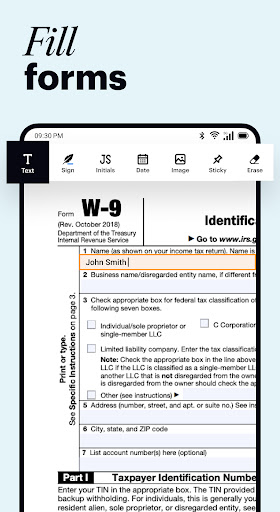
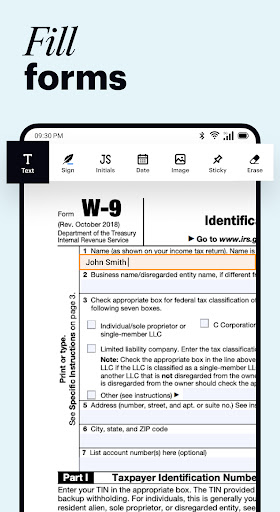
If you’ve ever found yourself stuck with printing documents just to fill them out or sign, the pdfFiller app is here to change that. This all-in-one PDF solution allows you to complete and modify PDFs directly from your device, eliminating the need for cumbersome printing and scanning. With intuitive tools, you can easily highlight text, insert images, or erase content with a few taps—making document editing effortless and precise.
Seamless Digital Signatures
One of the most valuable features is the eSignature capability. Send documents for signature, collect approvals, or sign important files yourself, all digitally. The app ensures your signatures are legally valid, which means you can confidently manage contracts, agreements, and official forms without printing. It’s a green, efficient alternative to traditional signing routines that saves both time and resources.
Efficient Document Management and Sharing
Beyond editing and signing, pdfFiller offers flexible document ≤access and export options. Easily upload PDFs from your cloud services or local storage, work on them offline if needed, and share finished files via email, fax, or generated links. This flexible approach simplifies workflow management, especially for remote teams or on-the-go professionals.
Extensive Library and Security
Access a vast collection of over 35 million forms, templates, and industry-specific documents in the app’s library. Complete and sign these forms seamlessly in the PDF editor. Rest assured that your sensitive data remains protected, thanks to encrypted cloud storage, password protection, and signer authentication protocols—making pdfFiller a secure choice for your document handling needs.
Access Anywhere, Anytime
With support for both Android and iOS, pdfFiller ensures you can manage your PDFs from virtually any device. Its offline capabilities mean you can work without interruptions, knowing all changes will sync once your device reconnects to the internet. This makes it a truly versatile tool for busy professionals, students, and anyone who needs quick access to document editing tools.
Start Your Free Trial Today
Experience for yourself how pdfFiller revolutionizes your approach to PDFs. Begin with a free 30-day trial, discover its powerful editing tools, form builder, and document scanner, and see why it’s considered the best choice among PDF management apps. Simplify your document tasks and boost your productivity with this comprehensive PDF editor and signer.
Pros
- Easy to navigate interface
- Wide range of editing tools
- Integrates with cloud storage
- Supports multiple file formats
- Secure document handling
Cons
- Occasional app crashes
- Limited free version features
- Requires internet for some tools
- Subscription can be pricey
- Ads in free version











