

Overview of the PDF Reader: Read all PDF files App
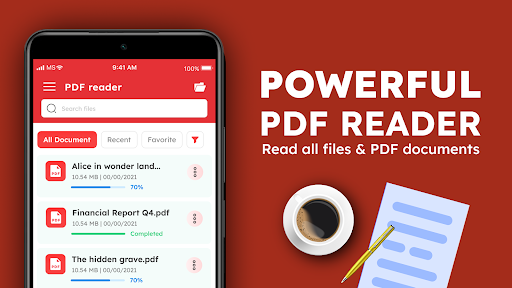
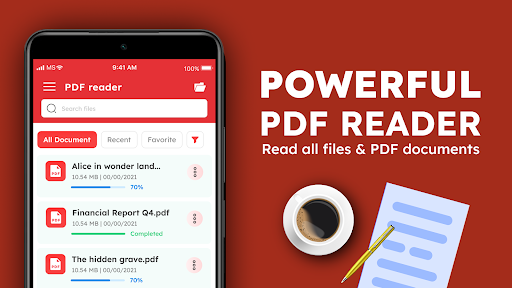
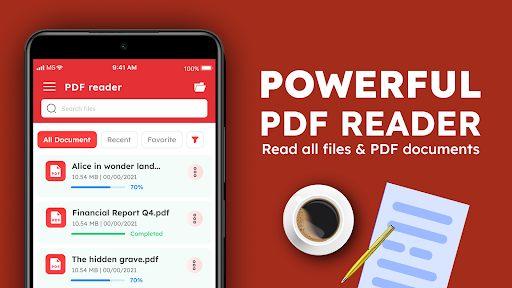
The free PDF reader app offers a comprehensive solution for viewing and managing PDF files and office documents directly on your mobile device. Unlike relying on online browsers to access PDF documents, this Offline PDF Viewer allows you to read your files without an internet connection, providing convenience and quick access anytime, anywhere. Designed specifically for Android devices, this app stands out as one of the best PDF viewer options available on the market today.
Key Features of the PDF Reader App
Seamless PDF Viewing Experience
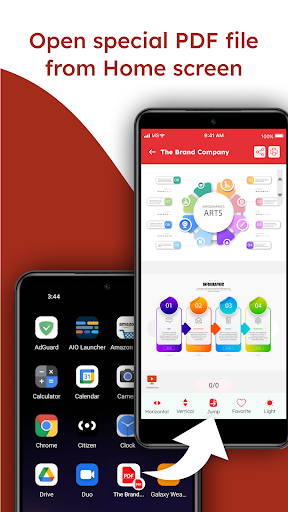
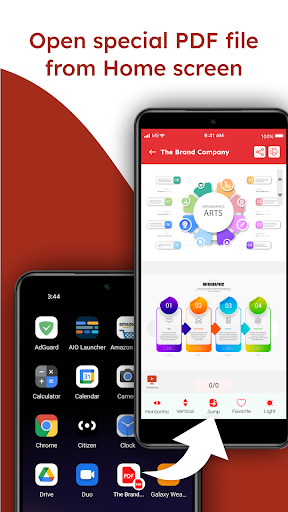
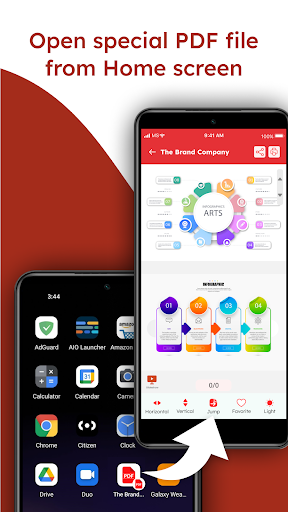
With this powerful PDF file viewer, users can effortlessly open and read PDF books, notes, and documents. The app supports features like dark mode for comfortable nighttime reading and provides quick navigation through pages with fast page scrolling options, both horizontally and vertically. Moreover, the ability to zoom into documents without losing clarity ensures a crisp and professional reading experience.
Versatile Document Management
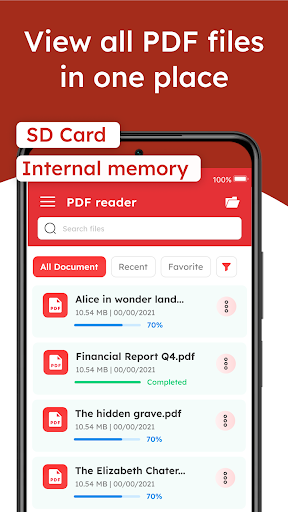
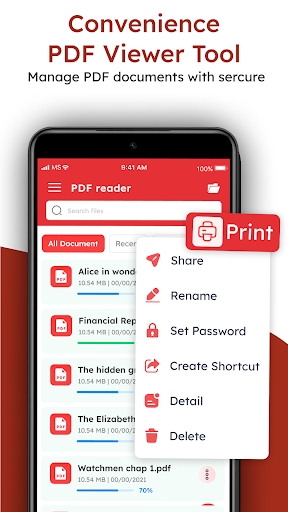
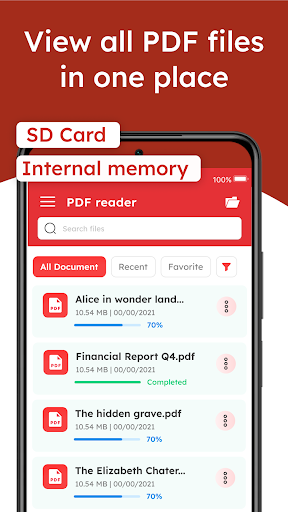
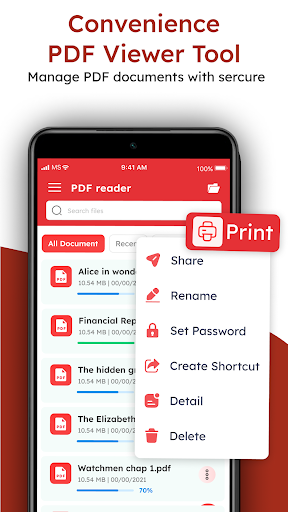
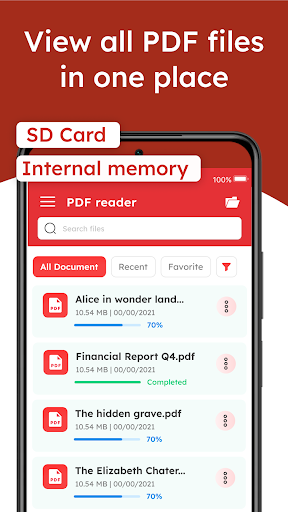
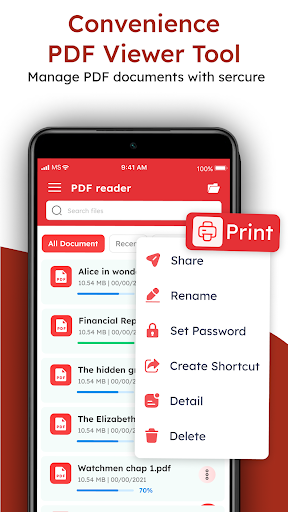
This document manager consolidates all your office files such as PDF, Word, Excel, and PowerPoint documents into one accessible location. Organize your files into folders, search efficiently by naming your PDFs, and easily manage your documents without any hassle. The app supports the sharing, deleting, and rotating of files which simplifies your workflow, whether you’re editing or reviewing files on the go.
Annotations, Bookmarks, and Text Search
Elevate your reading with built-in annotation tools. Highlight important sections, add sticky notes, or draw directly on your PDF files for better comprehension and study aid. Features like bookmarks make it easy to mark pages for future reference, while robust text search allows you to locate specific information swiftly. The table of contents support further enhances navigation through lengthy documents.
Compatibility with Multiple Office Documents
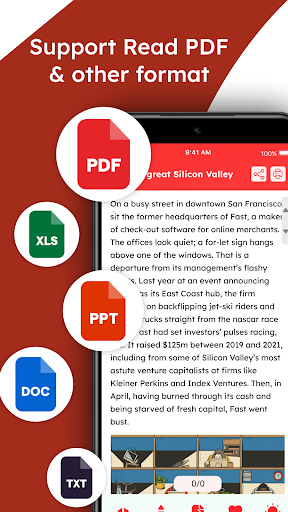
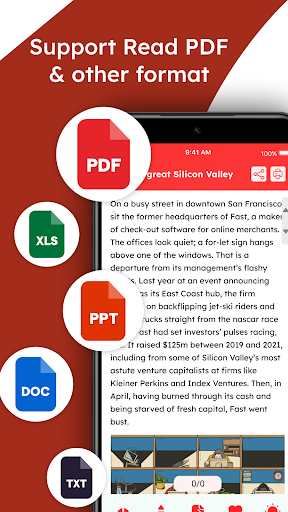
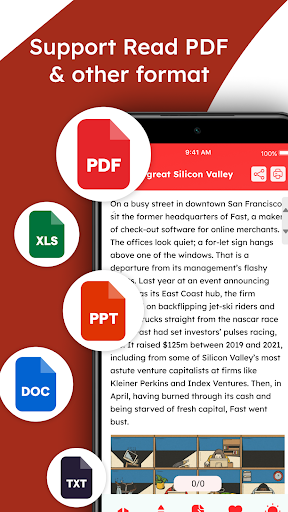
This app doesn’t restrict you to PDF files alone. It also functions as a Word reader, Excel Viewer, and PowerPoint viewer. You can view and manage all your office documents within the same app, making it an excellent office document manager for mobile users who need to access multiple types of files effortlessly.
Ease of Use and Customization
The user-friendly interface ensures that even beginners can navigate the app with ease, without the need for tutorials or FAQs. Customize your reading experience by switching modes between day and night, adjusting zoom levels, and overall accessibility features that cater to diverse user needs. Furthermore, the fast page scrolling helps in quick navigation through large documents, making this a top PDF reader for Android.
Sharing and Security
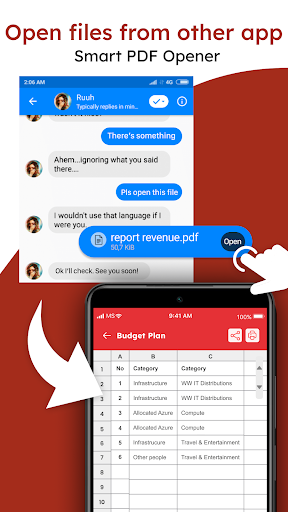
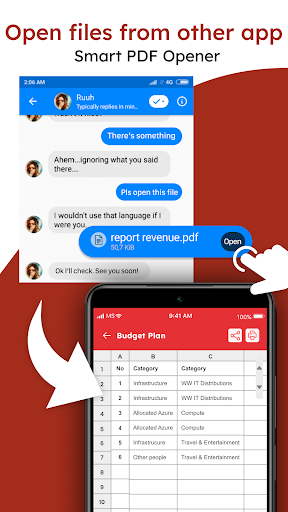
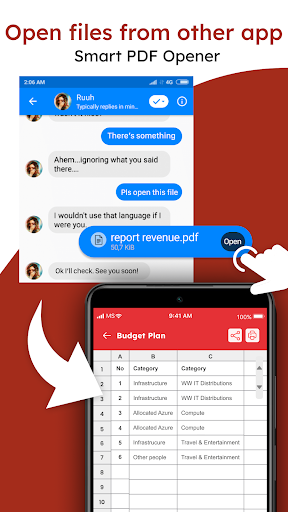
This app simplifies sharing PDF and office documents with friends or colleagues directly from the interface. You can also delete or rotate files to fit your preferences, ensuring your document library remains organized and tailored to your workflow. The software emphasizes privacy and offline access, making it a trustworthy choice for users who prefer to keep their files secure without relying on internet connectivity.
Why Choose the PDF Reader: Read all PDF files App?
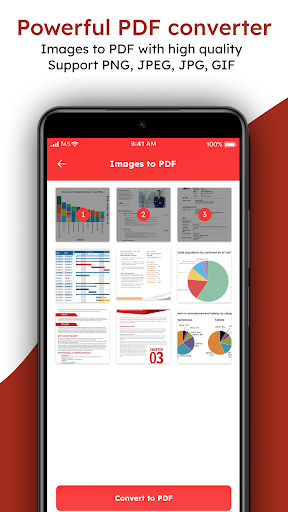
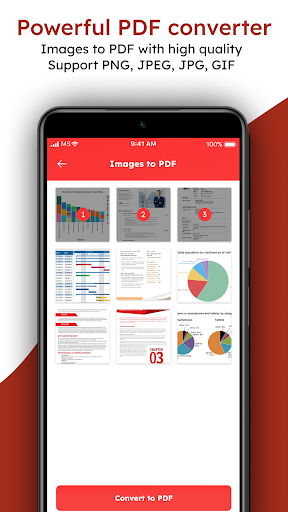
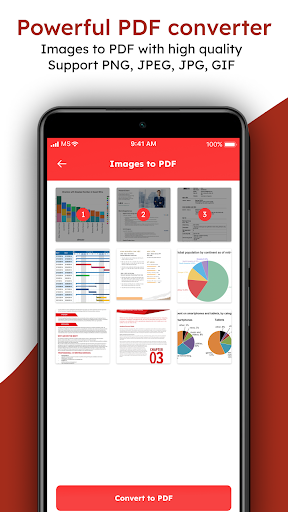
For anyone seeking a free and trusted PDF viewer on their Android device, this app offers a comprehensive document management experience unlike any other. From reading simple PDFs to handling complex office files with images and graphs, this offline PDF viewer covers all your needs. Its robust annotation tools, customizable viewing options, and efficient file organization make it an indispensable tool for students, professionals, and casual users alike. Download this free PDF reader today and experience seamless PDF handling and office document management in one powerful app.
Pros
- User-friendly interface for easy navigation.
- Supports multiple file formats, not just PDFs.
- Fast and reliable PDF rendering capabilities.
- Annotation tools for highlighting and notes.
- Offline access to saved documents.
Cons
- Contains ads in the free version.
- Limited cloud storage options.
- Some features require in-app purchases.
- Occasional crashes on older devices.
- Lacks advanced editing features.











