
Introducing the Ultimate PDF Reader & Viewer for Android and iOS
Are you tired of struggling with slow and complicated PDF applications on your mobile device? Look no further! PDF Reader - PDF Viewer is a lightweight, versatile, and user-friendly app designed to make reading, editing, and managing PDF documents a seamless experience. With all essential features packed into an app that’s less than 15MB, it’s the perfect companion for students, professionals, and anyone who frequently interacts with PDF files.
Key Features of PDF Reader & Viewer
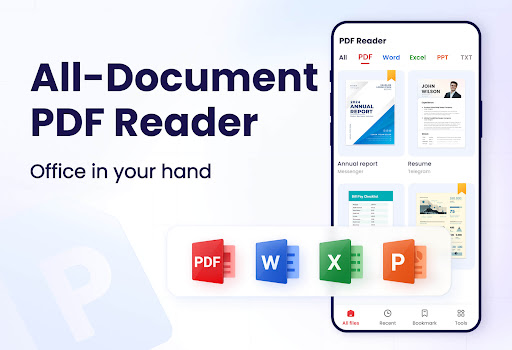
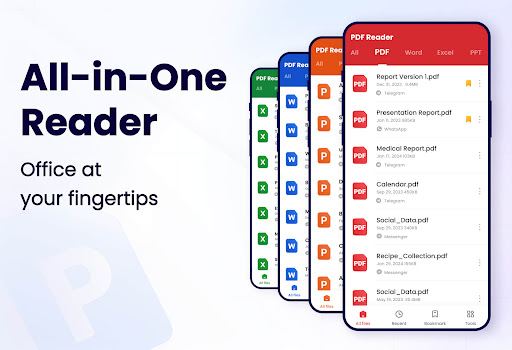
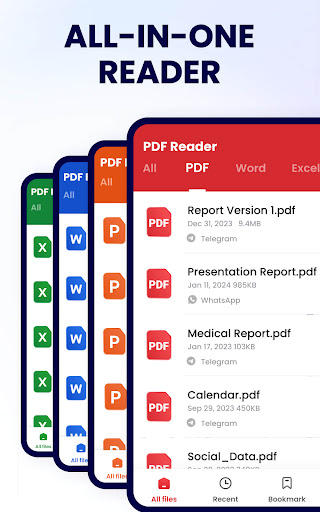
This innovative PDF application offers a comprehensive suite of tools tailored to meet your needs, whether for quick viewing or detailed editing. It supports effortless automatic search, allowing you to find all your PDF files stored on your device instantly. Opening a document is quick and straightforward, thanks to a clear list interface that displays all your PDFs for easy access.
Intuitive Reading Experience
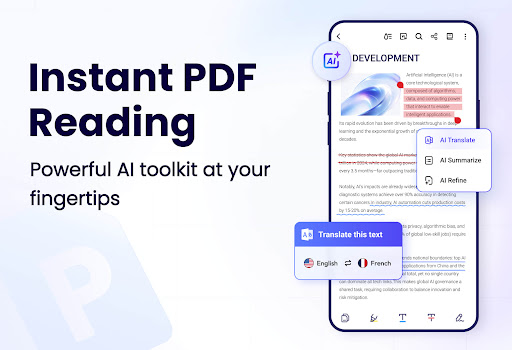
Enjoy a smooth reading experience with multiple viewing modes—whether you prefer page-by-page navigation or continuous scrolling. Switch between horizontal and vertical modes for a more comfortable reading style, and activate full-screen mode to eliminate distractions. Zooming in and out of pages is seamless, enabling you to focus on details or get an overview of entire pages. For quick navigation, simply enter the page number to jump directly to your desired section.
Powerful PDF Editing Tools
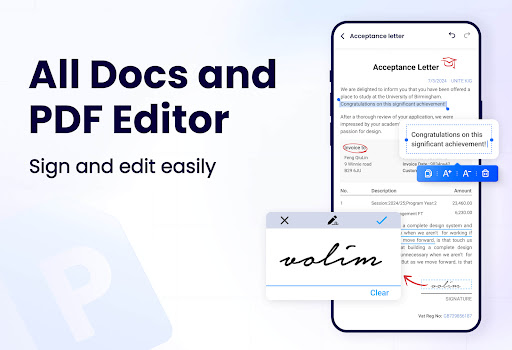
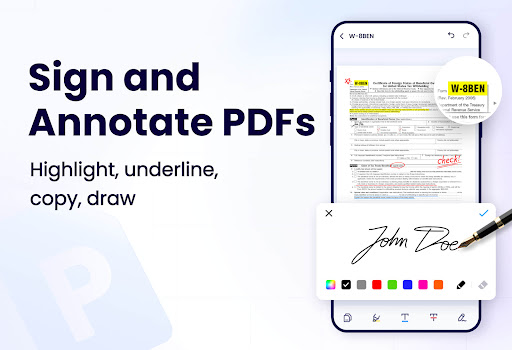
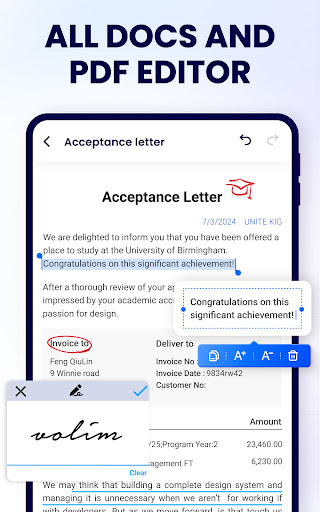
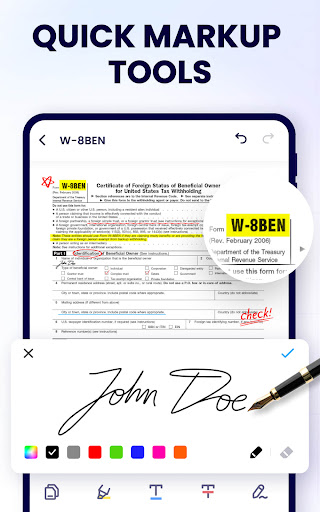
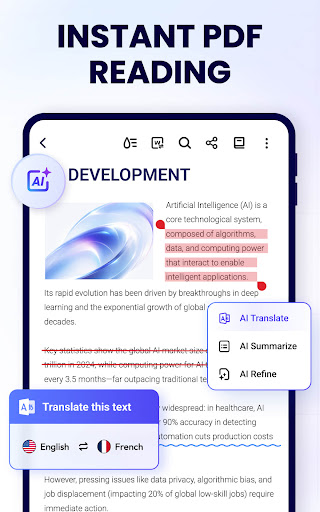
Beyond simple viewing, PDF Reader & Viewer excels as a full-featured PDF editor. You can easily annotate documents with highlights, underlines, and strikethroughs—ideal for reviewing notes or emphasizing key points. The doodle feature lets you draw directly on your PDFs, making annotations more visual and effective. Additionally, the app allows you to copy text, search for specific phrases, and even sign documents digitally, streamlining your workflow without the need for printing.
Effective Document Management
Managing multiple PDF files is effortless with tools that enable you to merge and split documents, set passwords for secure sharing, and quickly access recently opened files. Sharing your PDFs via social media, email, or cloud services takes just a few taps. The app also supports renaming files, printing documents directly from your device, and managing pages—adding or deleting as needed.
Additional Features Enhancing Your PDF Experience
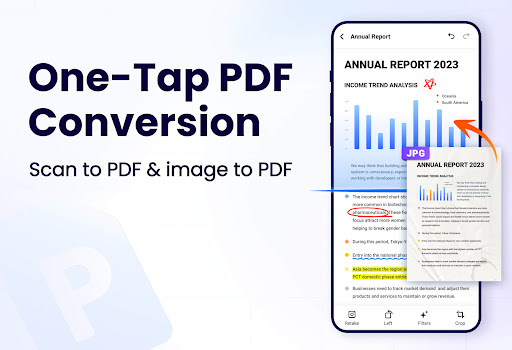
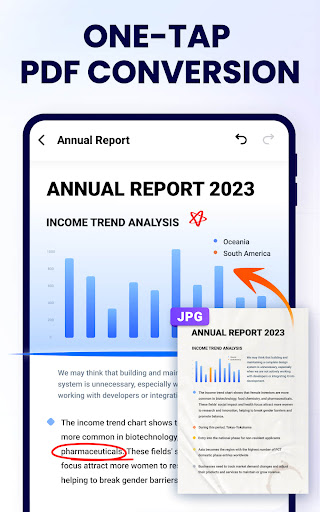
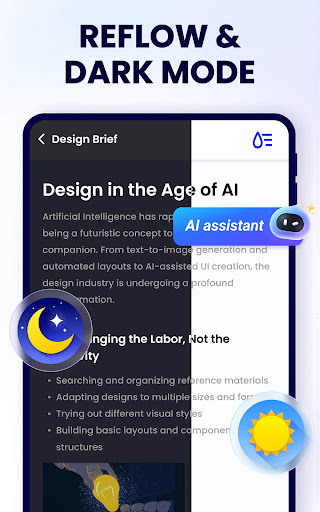
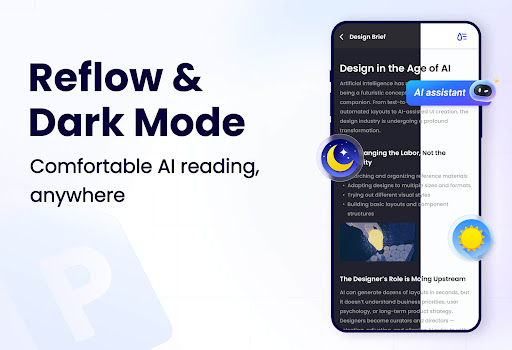
Dark mode reduces eye strain in low-light environments, while upcoming updates promise exciting features like compress PDF to save space, fill forms, add e-signatures, and convert PDFs to Word, Excel, JPG, and PNG formats. The app is designed to cater to all your PDF needs, making it an indispensable tool for daily document handling.
Why Choose PDF Reader & Viewer - A+
This app stands out not only because of its rich feature set but also due to its simplicity and speed. It is incredibly lightweight, taking up less than 12MB of storage, yet packed with functionalities designed to boost your productivity. Whether you are studying, working, or managing personal documents, it offers the versatility needed for efficient document management.
User Experience and Accessibility
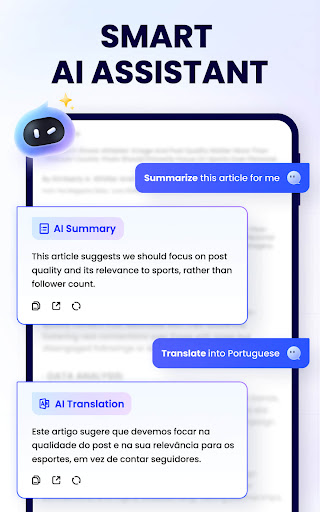
The interface is clean, intuitive, and easy to navigate—regardless of your technical expertise. Features like night mode enhance readability in dark environments, making long reading sessions more comfortable. The smart search function ensures you can quickly locate specific information within lengthy documents—saving you time and effort.
Get Started Today!
Download and install PDF Reader - PDF Viewer for free and explore the numerous ways it can improve your digital document workflow. Its quick setup and lightweight design make it suitable for all users, and ongoing updates promise more powerful tools in the future. Embrace an efficient, clutter-free way of managing your PDFs on your mobile device and experience the difference firsthand.
Pros
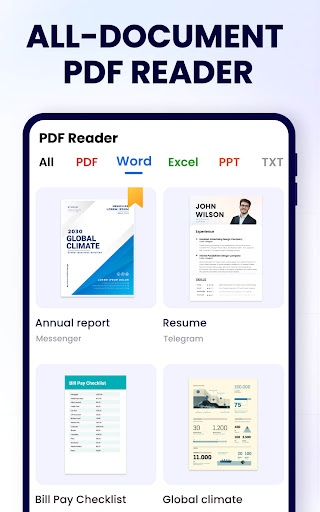
- Supports a variety of file formats.
- Fast and seamless navigation.
- Offline access to files without internet.
- Includes annotation and editing tools.
- Intuitive and user-friendly interface.
Cons
- Contains ads in the free version.
- Offers limited free editing features.
- Occasional crashes have been reported.
- Does not provide cloud synchronization.
- Lacks advanced editing functionalities.











