
Discover the Ultimate PDF Management Solution with PDF Reader - PDF Converter
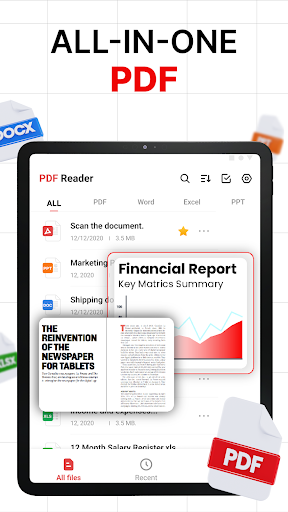
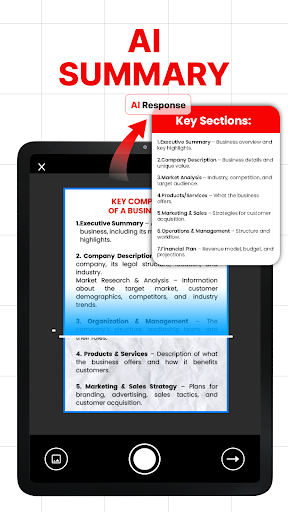
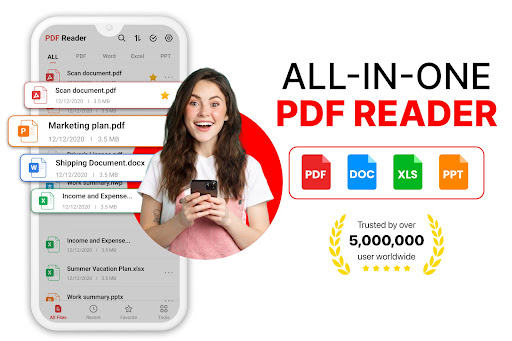
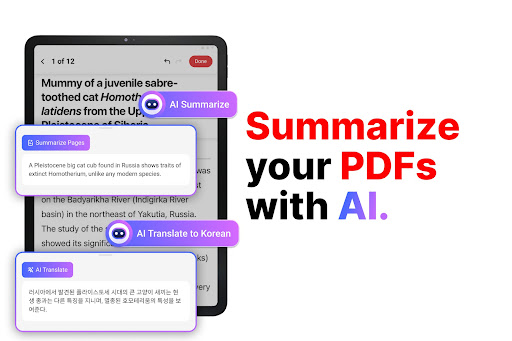
In today’s digital age, managing PDF documents efficiently is essential for students, professionals, and anyone working with digital files. PDF Reader - PDF Converter emerges as an all-in-one app designed to simplify your document workflow. Combining powerful features like viewing, editing, converting, and organizing PDFs, this versatile tool ensures you stay productive on the go. Whether you need to quickly read an eBook, annotate contracts, or convert images into professional PDFs, This app has everything you need for seamless PDF management.
Boost Your Productivity with Essential PDF Tools
Convert Files with Speed and Precision
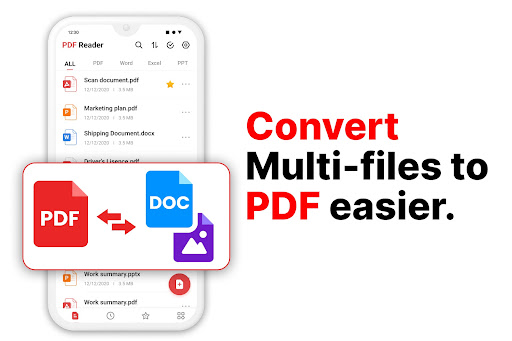
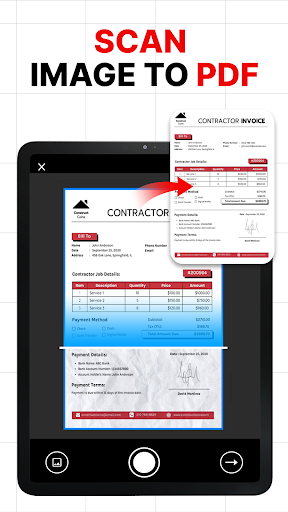
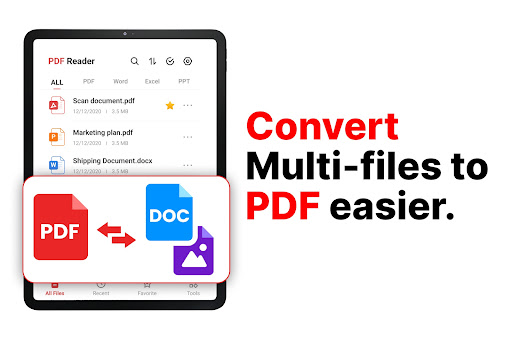
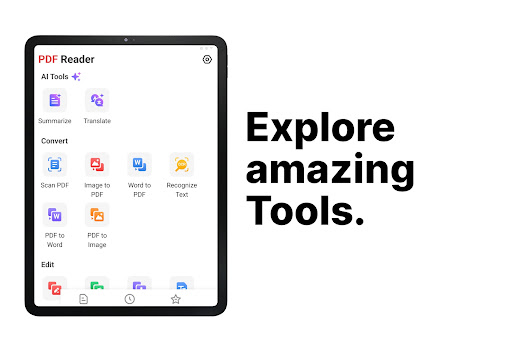
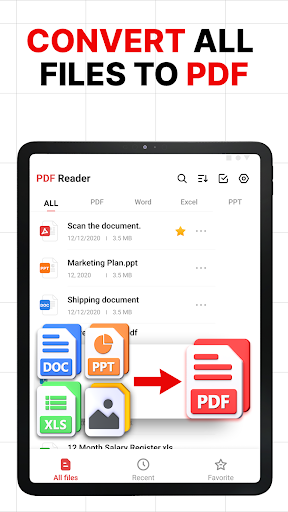
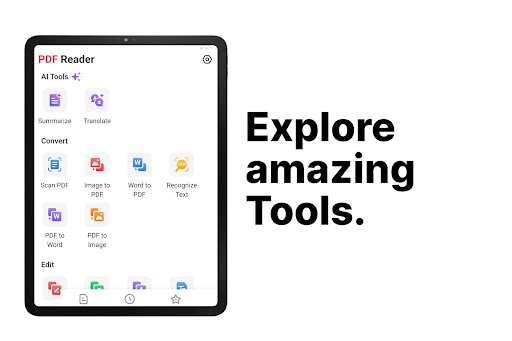
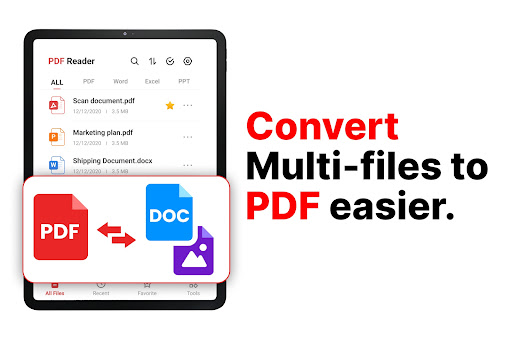
• PDF Converter capabilities allow you to effortlessly convert a variety of file types, including Word documents, Excel spreadsheets, and images into high-quality PDFs. With just a tap, you can turn a photo into a professional PDF, export PDFs as Word files, or create new documents from images—perfect for storing receipts, handwritten notes, or scanned documents. The app guarantees fast processing and maintains reliable formatting for all your conversions.
Edit and Annotate PDFs on the Move
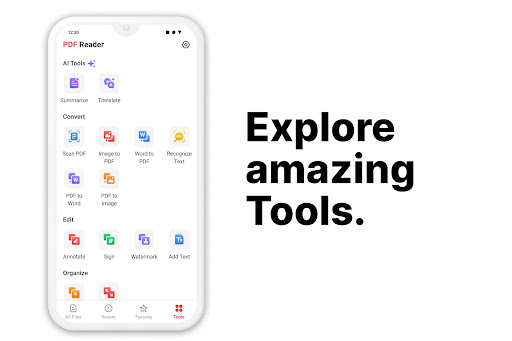
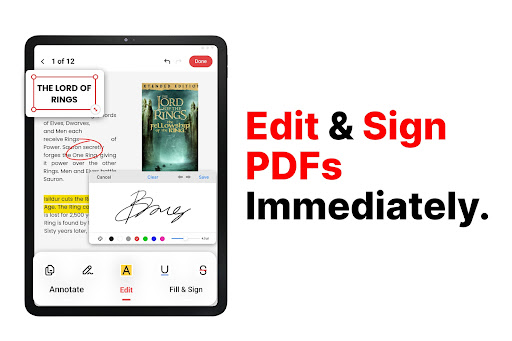
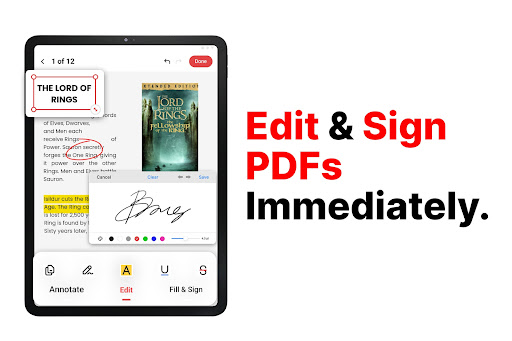
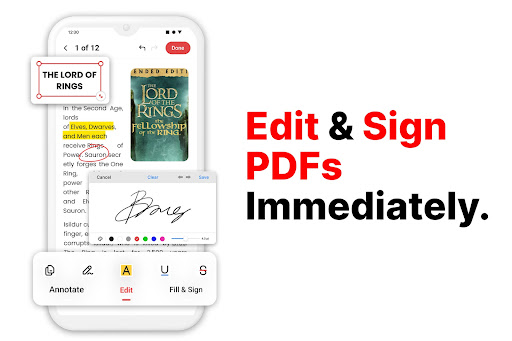
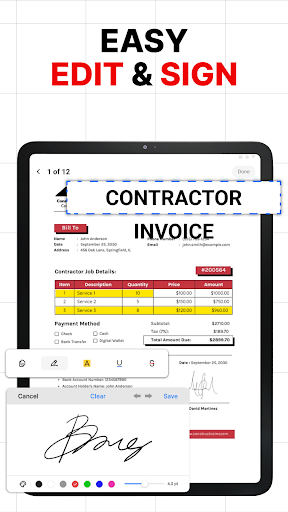
The built-in PDF editor transforms your mobile device into a portable document editing suite. You can modify text directly, highlight critical sections, add sticky notes or comments, and insert digital signatures—making it ideal for reviewing contracts, completing forms, or editing reports. This feature, combined with the PDF conversion tools, lets you streamline your document editing workflow without needing a computer.
Read and Review with Ease
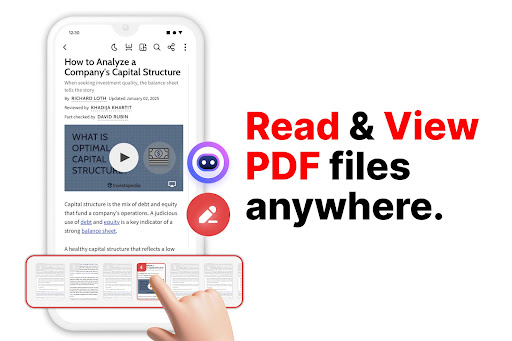
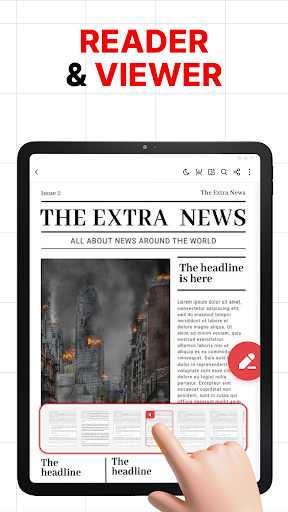
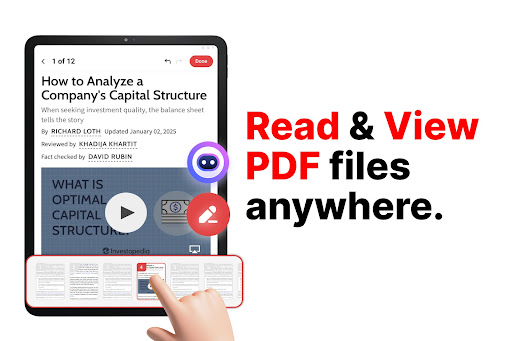
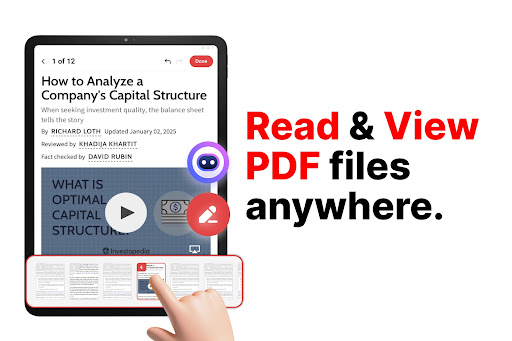
The PDF reader offers a smooth reading experience with easy navigation, responsive zoom, and adjustable viewing options. You can scroll through lengthy documents, use bookmarks to jump between sections, and zoom in for detailed viewing. This makes reading eBooks, invoices, or academic materials comfortable and hassle-free, whether in landscape or portrait mode.
Convert Photos into Professional PDFs
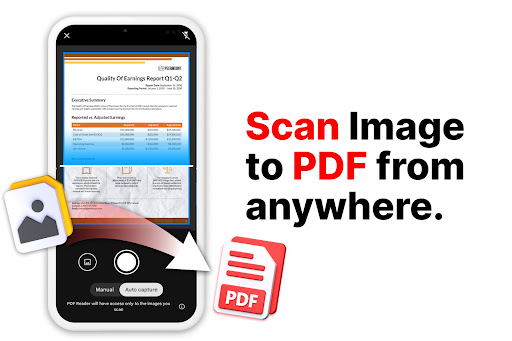
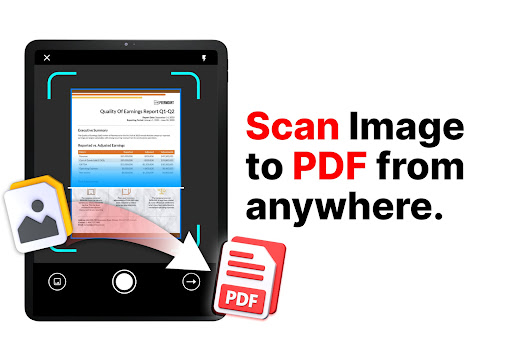
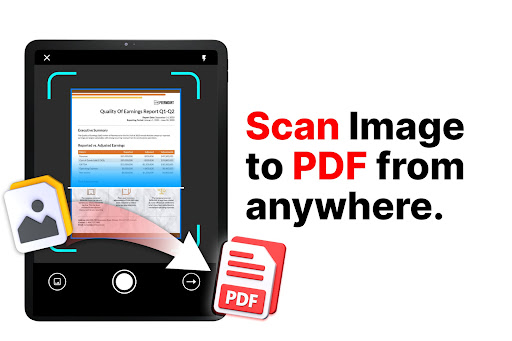
Use the instant photo to PDF feature to turn snapshot images into organized PDF files. Scan documents or select images from your gallery to create neat, shareable PDFs—ideal for digitizing handwritten notes, receipts, or business cards.
Manage and Share Files Effectively
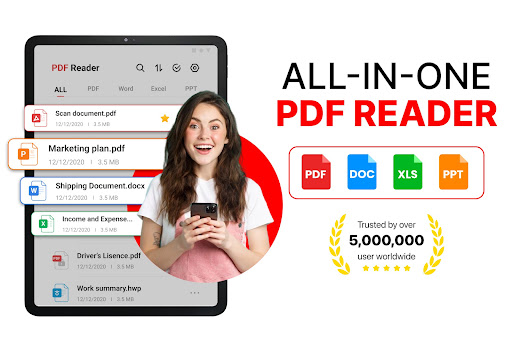
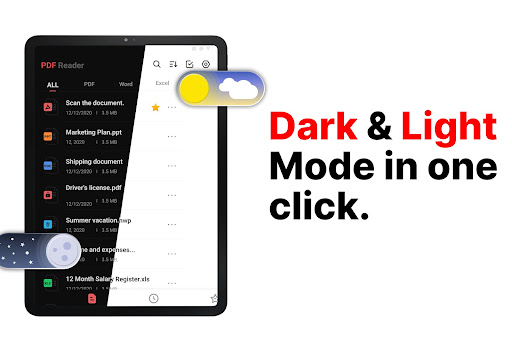
The app allows you to organize your PDFs efficiently—renaming files, categorizing them into folders, and searching with ease. Share your documents directly via email or messaging apps, whether exporting from PDF to Word or converting images into PDFs. This flexible management system helps you stay organized and collaborate effortlessly.
Export in Multiple Formats
The advanced PDF converter supports exporting PDFs into various formats, including Word and Excel. This ensures that your documents are accessible across platforms and compatible with different editing tools. Whether online or offline, you retain full control over your content with reliable editing, conversion, and storage capabilities.
Why Professionals and Students Love PDF Reader - PDF Converter
Easy Setup and User-Friendly Interface
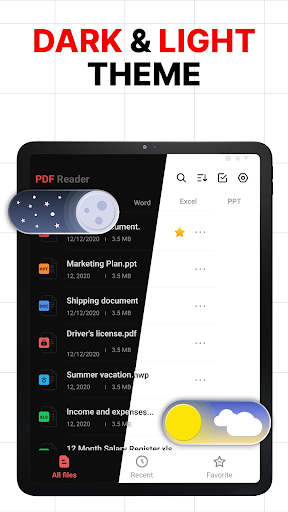
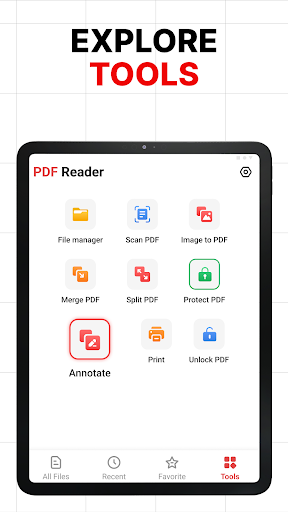
Getting started with this app is a breeze. Available on both Android and iOS, it features a clean, intuitive design that makes accessing tools straightforward—even for those not tech-savvy. Navigating through your documents, converting files, and annotating is smooth and efficient, saving you valuable time.
Performance and Reliability
This app handles large PDF files effortlessly, offering fast processing speeds and stable performance. Its offline mode is particularly handy when internet access is limited, ensuring you can work on your documents anytime, anywhere. Unlike many other apps, it’s free from intrusive ads, providing a pleasant user experience.
Perfect for Everyone Who Works with Digital Documents
Whether you are a student managing textbooks and notes, a business professional reviewing contracts, or just someone who wants organized digital files, PDF Reader - PDF Converter is the comprehensive tool you need. It combines a powerful PDF reader, an efficient PDF editor, and a versatile PDF converter into a single, user-friendly app. Elevate your document management and boost your productivity today with this reliable solution that adapts to all your PDF needs.
Pros
- User-friendly interface improves reading experience.
- Supports a wide range of file formats with ease.
- Fast processing speeds for large documents.
- Offline access to saved PDF files.
- Ensures secure file handling and privacy.
Cons
- Advertisements can be disruptive while using the app.
- Some features are limited without a subscription.
- Occasional delays when handling large files.
- In-app purchases may become costly over time.
- Requires frequent updates to fix bugs.











