
Discover the Power of the PDF Reader - All PDF Viewer App
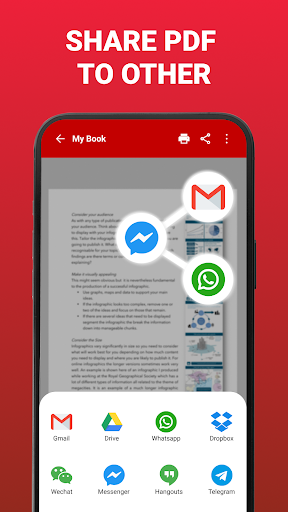
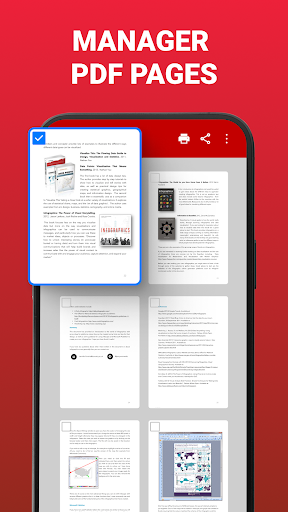
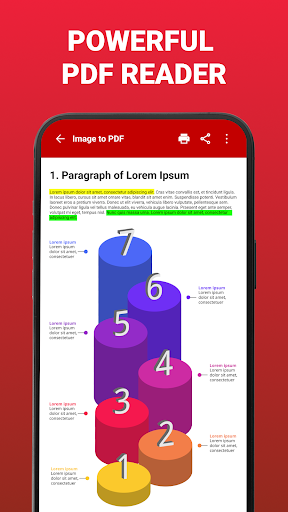
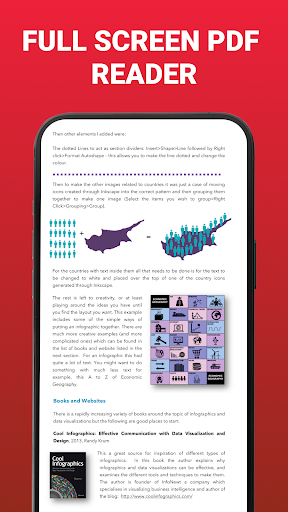
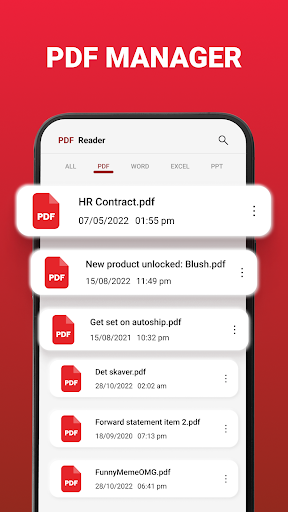
Are you searching for a powerful and user-friendly PDF reader? Look no further than our PDF Reader, an all-in-one solution designed to streamline your document management needs. Whether you're a student, professional, or casual user, this app provides a seamless experience for viewing, managing, and annotating your PDFs on your device. Its intuitive interface and robust features make it one of the top choices for those seeking a versatile PDF viewer.One of the highlights of the PDF Reader is its ability to easily convert images to PDF, allowing users to quickly compile scanned photos or graphic content into professional-looking documents. The app supports viewing all common file formats including PDF, Word, Excel, PowerPoint, and more, making it a comprehensive tool under one roof. The built-in advanced search functionality enables you to locate specific text within your documents swiftly, eliminating time-consuming scrolling.Design and navigation are prioritized in this app, featuring a sleek and intuitive interface that simplifies navigation through multiple files and folders. Users can effortlessly find their favorite PDFs, bookmark important pages, and quickly jump to specific sections with a single tap. Additionally, the night reading mode ensures comfortable reading even in low-light environments, reducing eye strain and enhancing your reading experience.The app comes equipped with powerful annotation tools, including highlighting, commenting, and drawing, perfect for students preparing for exams or professionals reviewing important documents. All annotations are saved automatically, allowing you to revisit and edit your notes anytime. Sharing and printing are also straightforward, enabling you to collaborate with colleagues or share documents instantly.Furthermore, the library feature helps you organize your PDFs effortlessly, storing all files in one convenient location for quick access. Integration with cloud services like Google Drive and Dropbox allows you to access your documents from anywhere and keeps your workflow smooth and efficient.Whether you're using the app to study, review work reports, or enjoy reading e-books, PDF Reader - All PDF Viewer adapts to all your needs. Its fast performance and lightweight design make it an ideal companion for on-the-go productivity. Download the app today and experience the convenience of having your entire library of PDFs right at your fingertips—wherever you are.Choose PDF Reader for a complete, reliable, and feature-rich PDF viewing experience that enhances your digital life.
Pros
- Supports multiple document formats.
- Responsive and fast user interface.
- Easy-to-use annotation and highlighting tools.
- Access documents offline.
- Customizable reading modes.
Cons
- Contains advertisements in the free version.
- Limited integration with cloud storage services.
- Some features are only available with a premium subscription.
- Occasional app crashes on older devices.
- Limited options for editing documents.











