
Overview of the PDF File Reader App
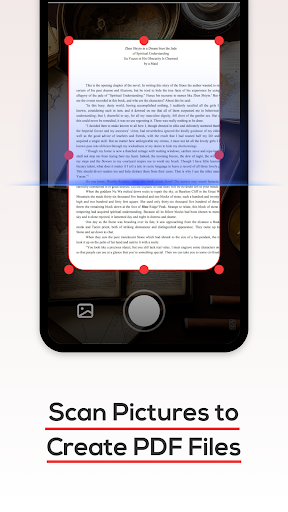
Are you searching for an efficient PDF tool to manage PDF files seamlessly on your mobile device? Look no further! The PDF File Reader app is designed to support users in quickly processing PDF documents while also offering viewing capabilities for Word, PPT, and Excel files. Whether you're a student, professional, or casual user, this comprehensive application simplifies your document handling experience by providing essential features accessible right from your phone.
Main Features and Capabilities
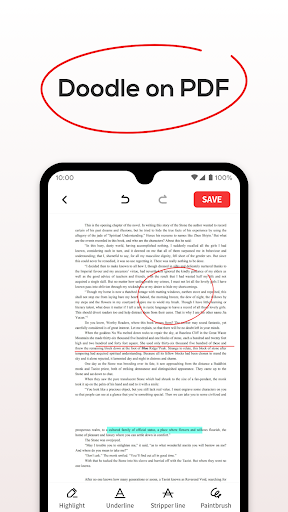
View PDF Files Easily
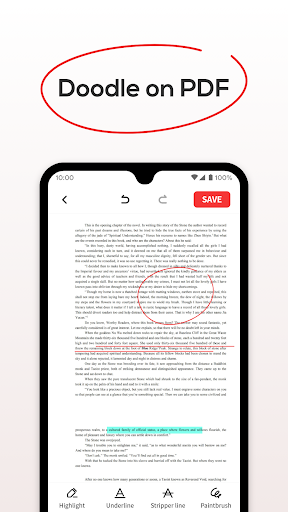
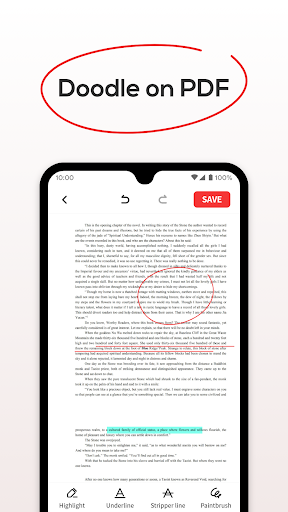
With the PDF File Reader, opening and viewing PDF documents is straightforward and smooth. You can perform basic operations such as highlighting text, filling in, and underlining important sections—all within a user-friendly interface. This feature ensures you can annotate or mark key points directly on your PDFs, improving your workflow and study efficiency.
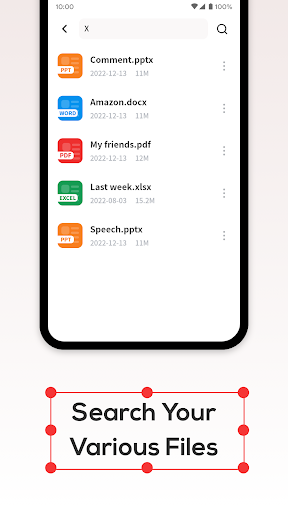
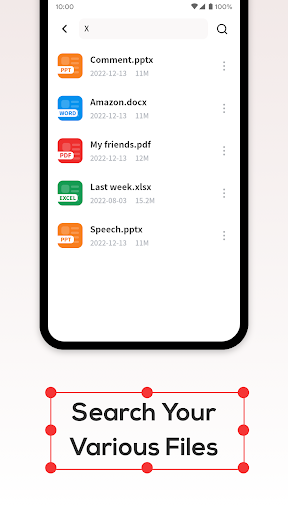
Quick File Search
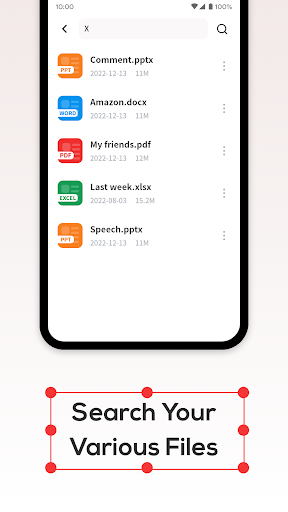
Searching for specific PDF files is quick and effortless. The app's optimized search function allows you to locate documents without unnecessary delay, saving you time especially when managing large collections of files.
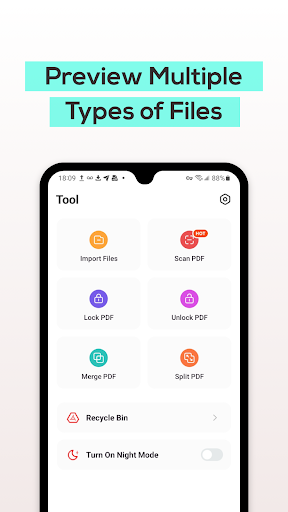
Recycle Bin Management
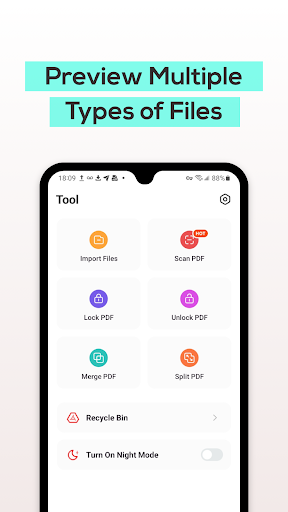
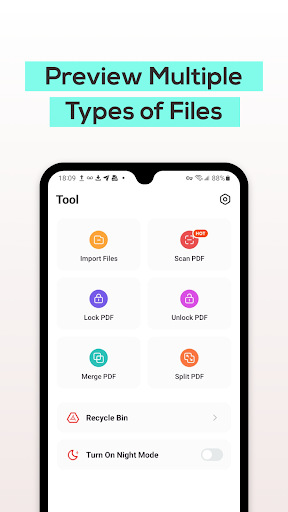
Accidentally delete a file? No worries. The app offers a Recycle Bin option, where deleted files are temporarily stored for seven days. After this period, files are automatically removed, helping you stay organized and preventing clutter. You can choose to delete files permanently or recover them within the retention window.
User Experience and Interface
Ever found yourself needing to view a PDF document on the go? PDF File Reader is your ideal companion, delivering a sleek and intuitive interface that makes navigating your documents a breeze. The design is minimalistic, ensuring you’re not overwhelmed by options or clutter.
Opening documents, even large or image-heavy PDFs, is lightning-fast—feeling almost like a fast-forward button for your reading materials. The app is optimized for speed and efficiency, ensuring a smooth experience regardless of the document size.
Standout Features
Text Search and Annotation Tools
Easily search for specific text within your PDF files,which is especially useful for studying or quick referencing in meetings. The annotation tools are comprehensive, allowing you to highlight, underline, or make notes directly on your documents—making your workflows much more efficient.
Night Mode for Comfortable Reading
The night mode feature is a thoughtful addition, providing a darker theme that reduces eye strain during late-night reading sessions. This user-friendly feature ensures you can read comfortably anytime without discomfort.
Cloud Service Integration
Seamless integration with cloud services like Google Drive and Dropbox ensures your files remain accessible wherever you are. Uploading and downloading documents is simple, making the app highly convenient for users who rely on cloud storage. This feature supports multiple languages, effectively serving a diverse user base—almost like having a personal translator at your fingertips.
Cost and Accessibility
Best of all, the PDF File Reader is completely free, offering a full suite of features without any cost. This makes it an attractive option for those seeking a reliable PDF viewer and manager without investing in paid software.
Final Thoughts
In today’s digital age, managing and viewing PDF files effectively is crucial. PDF File Reader stands out as a reliable and user-friendly application suitable for students, professionals, or anyone prioritizing organization and productivity. Its speed, rich feature set, and seamless cloud integration make it an excellent choice in the crowded market of document management apps. If you haven't tried it yet, give it a shot—you might find it becoming an essential part of your digital workflow. Happy reading!
Pros
- Quick document loading and rendering.
- Compatible with multiple file formats.
- Intuitive and user-friendly interface.
- Access documents offline.
- Provides annotation tools.
Cons
- Contains advertisements in the free version.
- Limited options for cloud storage.
- Some features require a premium subscription.
- Occasional application crashes reported.
- Loading large files can be slow.











