
Discover the Ultimate PDF Editor: Edit PDF, Sign PDF
Are you searching for a comprehensive all-in-one PDF editor app that simplifies your document management? Look no further! The PDF Editor: Edit PDF, Sign PDF app is your perfect solution for signing, scanning, filling forms, creating, viewing, converting, reading, and editing PDF files effortlessly. Designed with user convenience in mind, this versatile application offers a suite of features that cater to both casual users and professionals, making it an essential tool for managing your digital documents.
Key Features of the PDF Editor: Edit PDF, Sign PDF
This powerful app combines multiple functionalities to streamline your workflow. Whether you need to scan images into PDFs, add digital signatures, or convert files between formats, this tool has you covered:
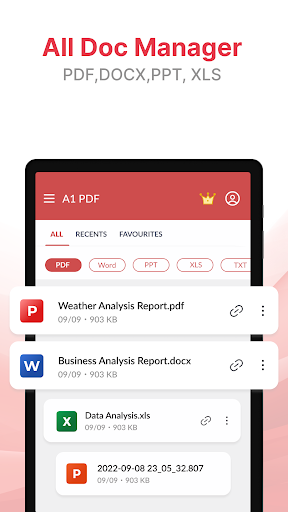
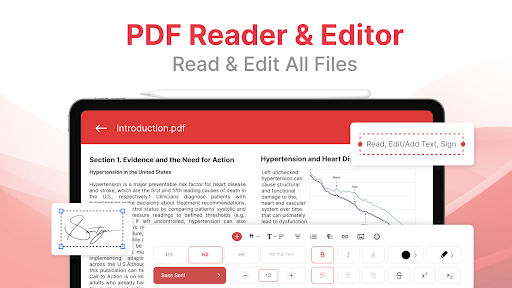
- Free PDF Reader & Viewer: Easily open, read, and share PDFs with a clean, intuitive interface. You can also browse by favorites, search documents, and even print directly from the app.
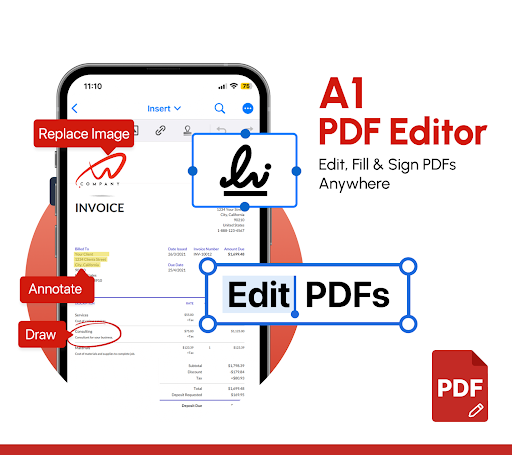
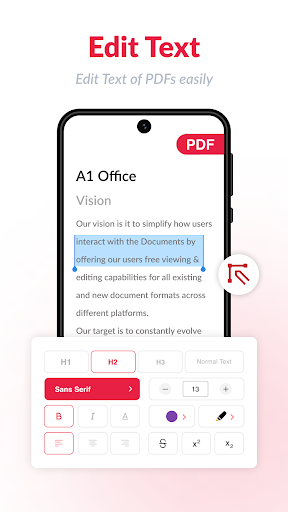
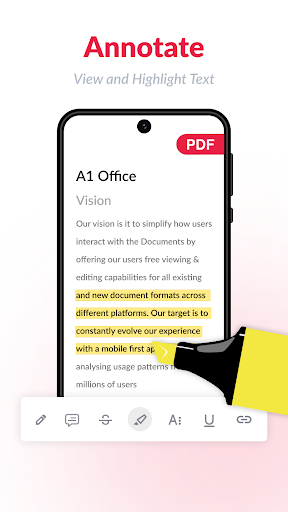
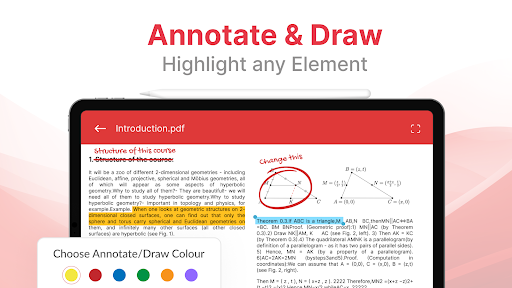
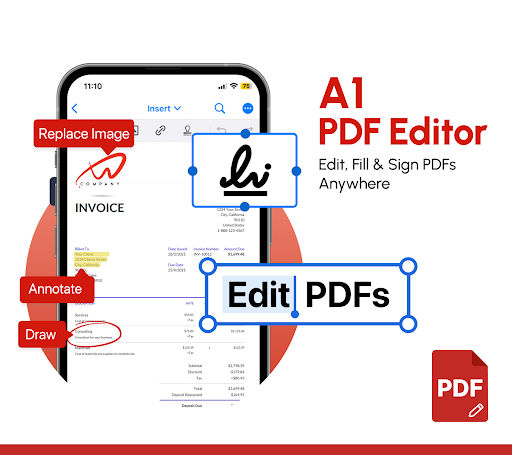
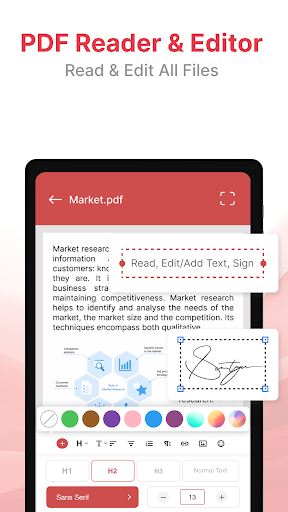
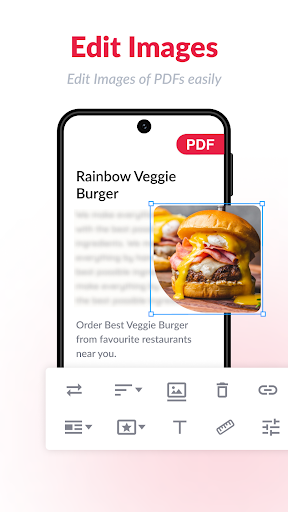
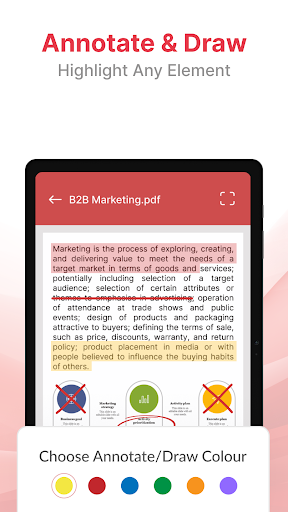
- PDF Editing: Modify text, images, and annotations within your PDFs. You can edit existing content, add new text or images, or highlight and comment for collaborative reviews.
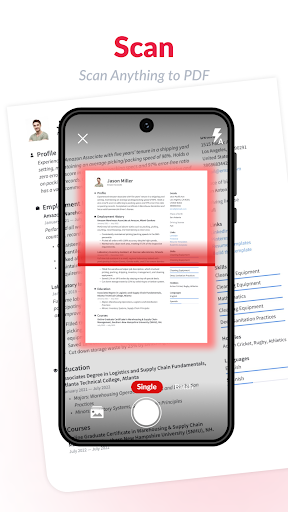
- Scan to PDF: Use your phone camera to instantly scan documents, ID cards, or images and save them as PDFs. The app supports automatic edge detection for cropping images neatly or manual adjustments for precision.
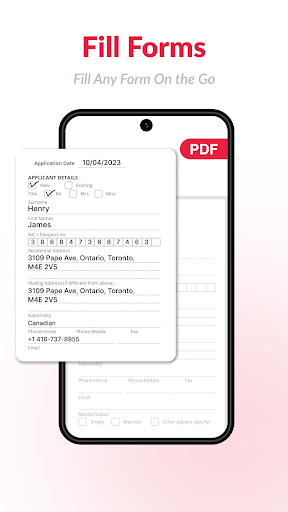
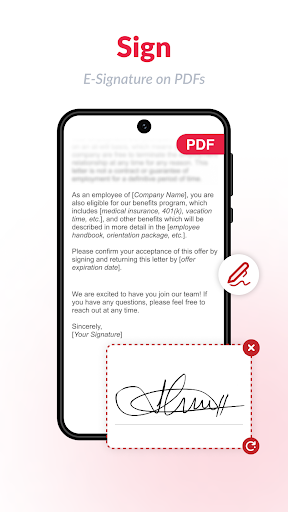
- Fill & Sign PDFs: Create electronic signatures and apply them to forms or contracts with just a tap. You can import your scanned signature or draw one directly on your device's screen.
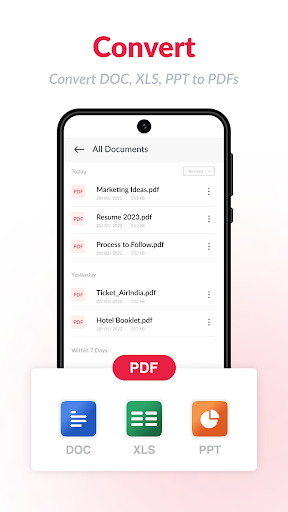
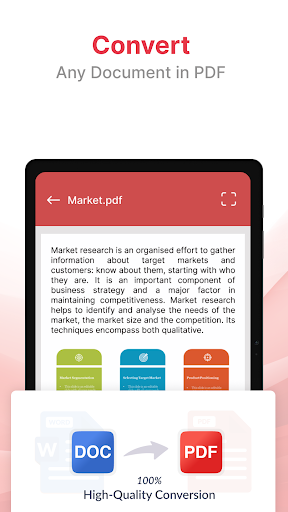
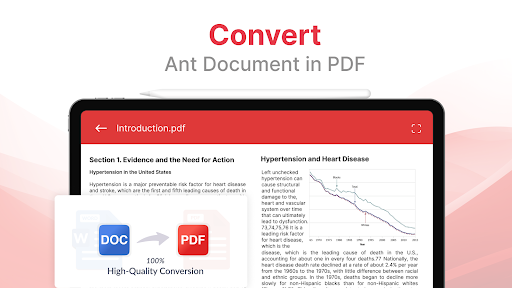
- Convert PDFs: Seamlessly convert PDF files to Word, Excel, PowerPoint, or images, and vice versa. This flexibility allows you to edit content easily in your preferred applications.
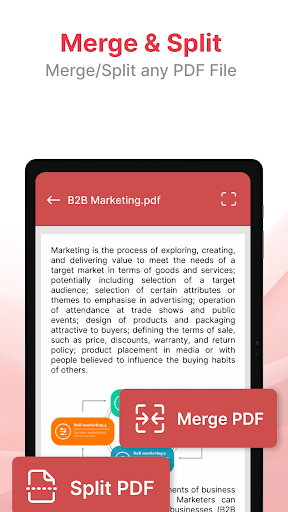
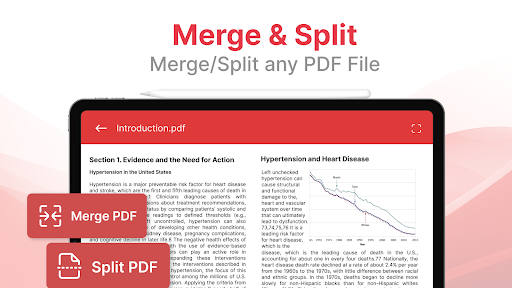
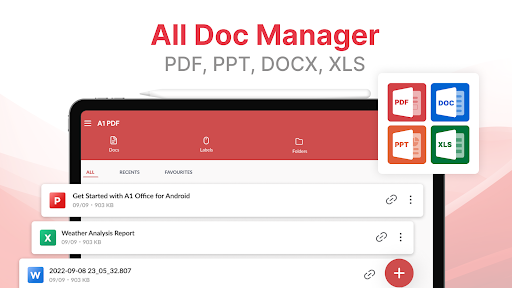
- Manage PDF Files: Organize your documents by renaming, bookmarking, or adding to favorites. Merge multiple files into a single PDF or split large documents for easier sharing and storage.
- Security & Privacy: All files are stored locally on your device, ensuring your privacy. You can also create password-protected PDFs for sensitive documents.
Intuitive and User-Friendly Design
Right from the moment you open the PDF Editor: Edit PDF, Sign PDF app, you’ll notice its sleek and organized interface. It simplifies complex tasks, making advanced PDF editing accessible even to beginners. The easy navigation allows you to jump directly into editing, signing, or creating PDFs with minimal effort, boosting your productivity and saving precious time.
Effortless PDF Editing and Signature Creation
Editing PDFs has never been easier. Change text or images within your documents by simply selecting the desired content and making your adjustments. The app also enables merging multiple PDFs into one cohesive file, which is perfect for consolidating reports, contracts, or project documents before meetings. When it comes to signing, the process is streamlined—create a signature using your finger or stylus, or import a scanned signature image for quick application. No more printing, signing, and scanning—digital signing has never been more straightforward.
Create and Convert with Flexibility
Need to generate a PDF from scratch? The app supports designing new documents with existing text and images or starting from a blank canvas. It’s ideal for crafting flyers, presentations, or custom reports. Additionally, the robust file format support means you can import various document types and export your PDFs in multiple formats, ensuring compatibility across platforms.
Additional Features to Enhance Your Workflow
Beyond basic editing, enjoy features such as automatic edge detection for cropping images, offline document scanning for privacy, and sharing options via email, instant messaging, or cloud services. The app also enables you to remove duplicate files to keep your document library organized and clutter-free.
Secure and Free to Use
Your security is a top priority. The app stores all scanned documents and PDFs locally, ensuring your files remain private. You can create password-protected PDFs for sensitive information, providing peace of mind. Plus, try the free trial to explore premium features without any commitment. It’s a powerful tool that combines functionality, ease of use, and security—making it an indispensable companion for your digital document tasks.
In Conclusion
If you’re tired of juggling multiple apps or struggling with cumbersome PDF software, PDF Editor: Edit PDF, Sign PDF is your all-in-one answer. It empowers you to read, edit, sign, convert, and manage PDFs effortlessly—all from your mobile device. Whether you need to fill out forms, create professional PDFs, or share documents securely, this app simplifies every step. Download it today and experience the difference of a truly comprehensive PDF management solution.
Pros
- User-friendly interface for easy navigation
- Supports multiple file formats seamlessly
- Allows digital signatures on documents
- Provides annotation tools for editing PDFs
- Offers secure sharing options for files
Cons
- Limited features in the free version
- Occasional lag on older devices
- Requires internet connection for some functionalities
- Frequent advertisements disrupt user experience
- Limited integration with cloud storage services











