
Introducing Password Safe and Manager: Your Ultimate Solution for Secure Password Management
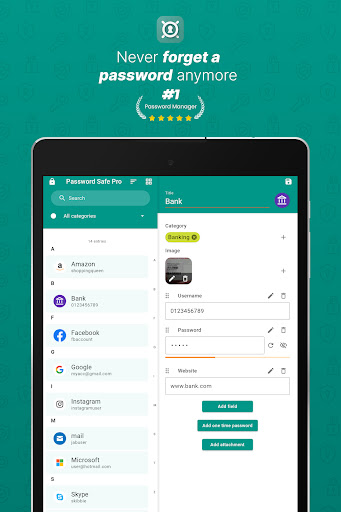
Are you overwhelmed by the constant need to remember dozens, if not hundreds, of passwords across various services, applications, and accounts? Do you find it challenging to keep your sensitive information organized and secure without resorting to insecure methods like jotting passwords on paper or using untrusted storage? Look no further — Password Safe and Manager is the perfect tool to revolutionize the way you handle your digital credentials! This innovative password manager offers a robust, secure, and user-friendly platform designed to make managing your passwords, PINs, and access data effortless and safe.
Why Choose Password Safe and Manager?
The cornerstone of Password Safe and Manager is its commitment to security. All your entered data is stored in an entirely encrypted format, utilizing the powerful Advanced Encryption Standard (AES) 256-bit. This means your sensitive information is protected with military-grade encryption, ensuring that only you can access your data through your master-password. The app operates completely offline, deliberately avoiding internet access to prevent any potential hacking or data leaks. For added convenience, you can backup and share your vault by exporting or importing the database to services like Dropbox or similar cloud platforms, making data transfer across devices seamless and secure.
Features That Simplify Your Digital Life
Password Safe and Manager is packed with essential features tailored to enhance your password management experience:
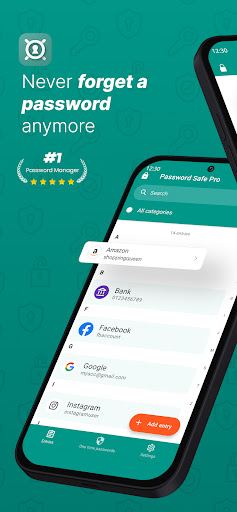
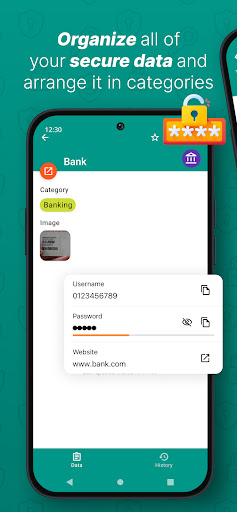
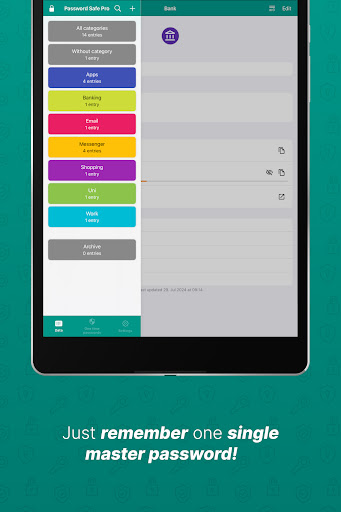
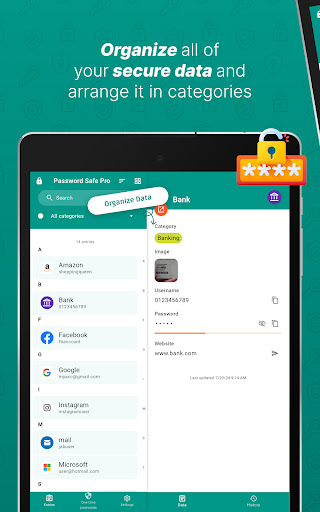
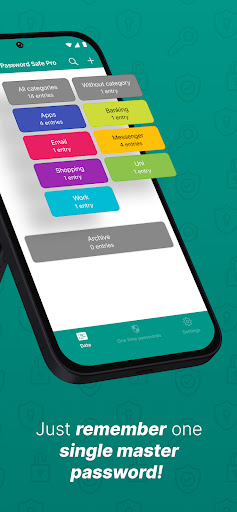
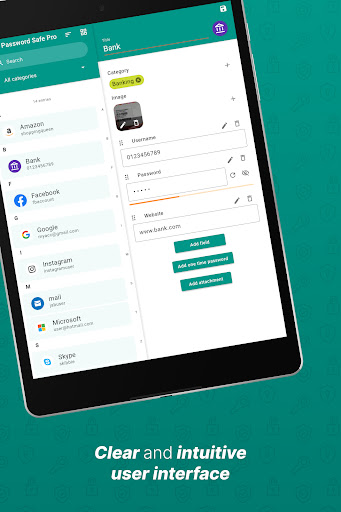
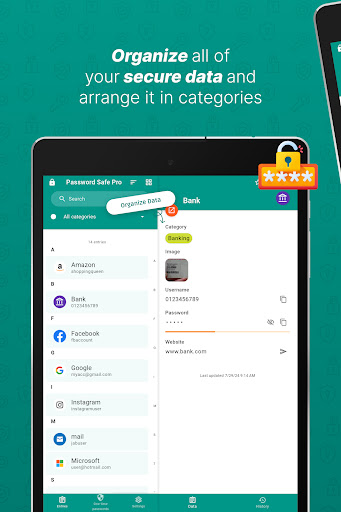
- Secure Storage and Organization: Store passwords, PINs, accounts, and access data securely, with options to categorize entries for quick retrieval.
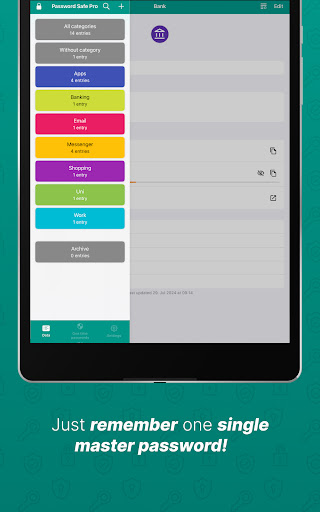
- Single Master Password: Access all your stored data by remembering just one strong master password.
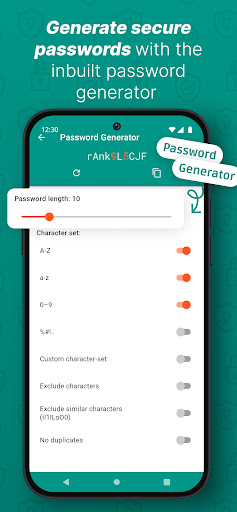
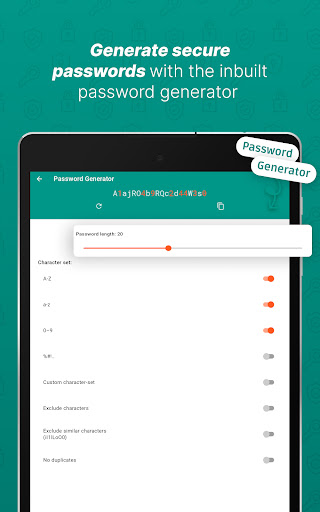
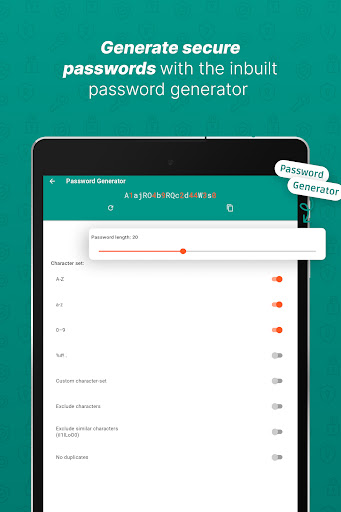
- Password Generator: Create strong, random passwords on the fly, customizing length and complexity to suit your needs.
- Backup & Restore: Safely back up your encrypted database and restore it whenever needed, safeguarding your data against loss.
- Customizable Interface: Adjust the user interface to your preferences for an optimized experience.
- Statistics & Insights: View analytics such as most used passwords, strength indicators, and security warnings to optimize your password hygiene.
- Clipboard Auto-Clear: Automatically clear clipboard entries to prevent accidental exposure of sensitive data.
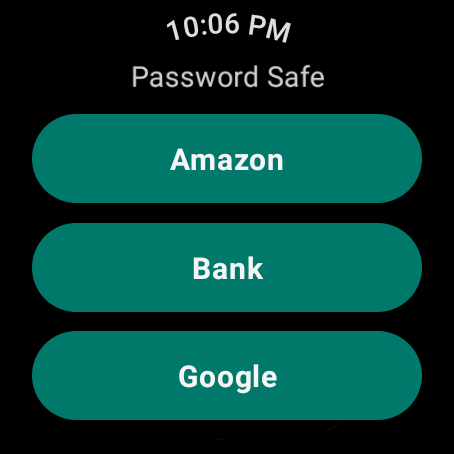
- Widgets & Auto-Backup: Use handy widgets and keep your data safe with local automatic backups.
- Import/Export Capabilities: Easily transfer your data via CSV or PDF, or import data from other formats.
Enhanced Security and Privacy
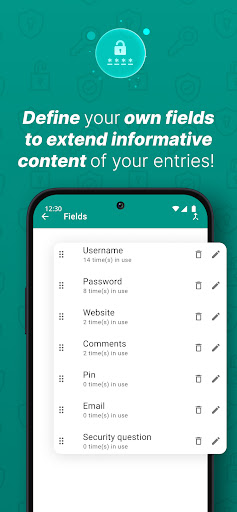
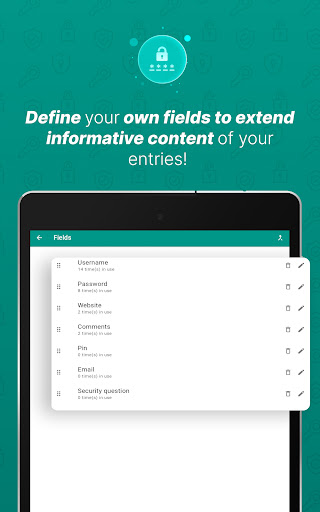
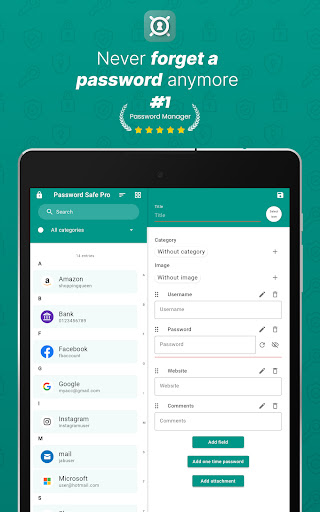
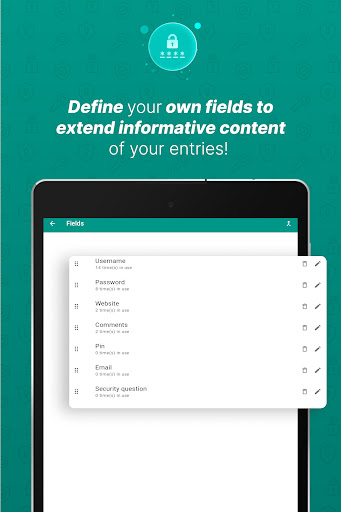
Security is the top priority with Password Safe and Manager. The app's encryption ensures your passwords are protected at all times. No internet permissions mean it remains offline, preventing unauthorized access from external threats. For added security, the pro version supports biometric authentication such as fingerprint or face recognition, allowing you quick yet secure access to your vault. Additionally, you can attach images, add custom fields, or even define multiple categories for entries, providing a versatile environment for managing complex credentials securely.
Ease of Use for Everyone
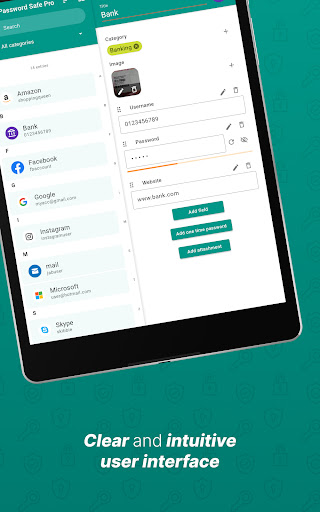
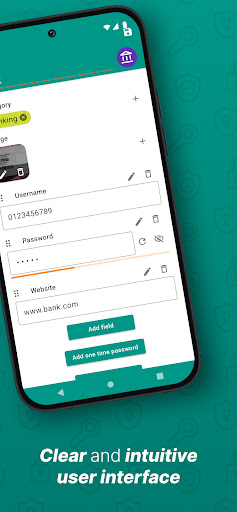
Designed with simplicity in mind, Password Safe and Manager offers an intuitive interface that makes managing your passwords straightforward—even for non-tech-savvy users. Organize entries with categories, search easily, and log in using biometric authentication for rapid access. The app's minimalistic layout, combined with powerful organizational tools, ensures you spend less time fiddling with settings and more time enjoying secure digital access.
Customizations and Additional Features
Tired of a standard look? The app allows you to personalize the user interface to match your preferences. In the pro version, you can set up features like password history, mass categorization, exporting to PDF, printing, and even automatic logout after a set period or when the screen turns off—perfect for heightened security. For advanced users, features like attaching multiple images, defining custom entry fields, and managing multiple categories are available, providing complete control over your data.
Privacy and Data Sovereignty
One of the key advantages of Password Safe and Manager is that it keeps your data entirely within your control. As an offline application, it eliminates the risks associated with cloud-based breaches or server hacking. Remember, your encrypted data cannot be recovered if you forget your master-password, so be sure to choose a strong but memorable password. Trust in the app’s security layer ensures that only you hold the keys to your digital vault.
Final Thoughts
If you’re seeking a reliable, secure, and user-friendly password management solution, Password Safe and Manager is an excellent choice. Its blend of robust encryption, ease of use, customization options, and thorough organizational features makes it indispensable for anyone looking to streamline their digital security. Say goodbye to the chaos of password juggling and embrace a safer, more organized digital life today!
Pros
- Intuitive and user-friendly interface.
- Supports robust encryption standards.
- Provides cloud backup options.
- Includes auto-fill features.
- Allows customization of categories.
Cons
- Limited features available in the free version.
- Lacks biometric login options.
- Experiences occasional synchronization issues.
- Does not support password sharing.
- Contains advertisements in the free edition.











