
Discover the Power of Notion: Notes, Tasks, AI
In today's fast-paced world, staying organized and productive can be a challenge, especially when juggling multiple tools for notes, tasks, and collaboration. Enter Notion: Notes, Tasks, AI—a versatile productivity app that combines everything you need into one intuitive platform. Whether you're a student, professional, or someone looking to streamline your daily routines, Notion offers a comprehensive solution designed to adapt to your unique workflow.
All-in-One Workspace for Enhanced Productivity
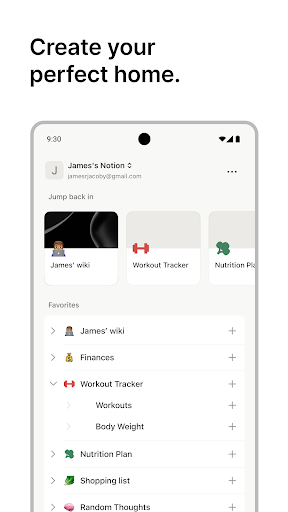
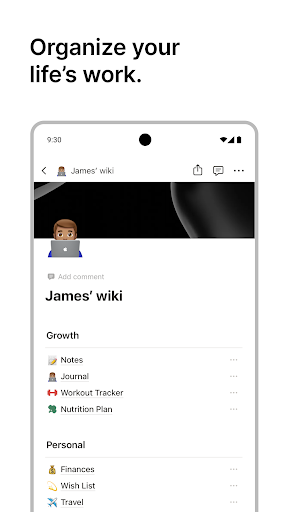
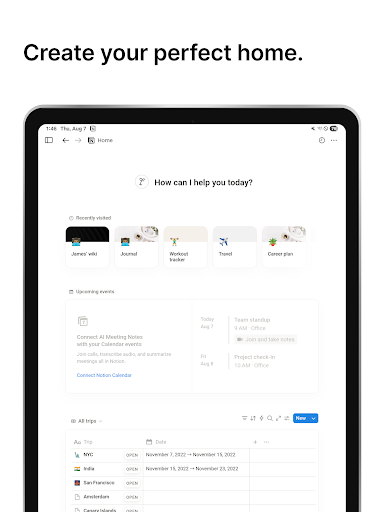
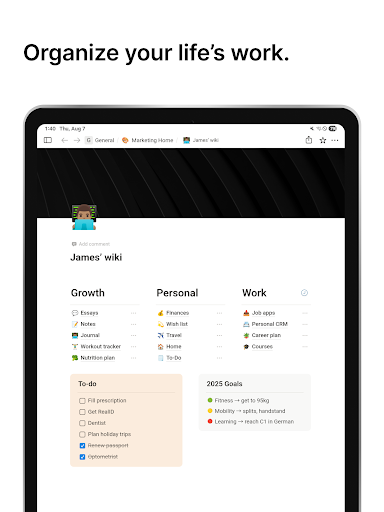
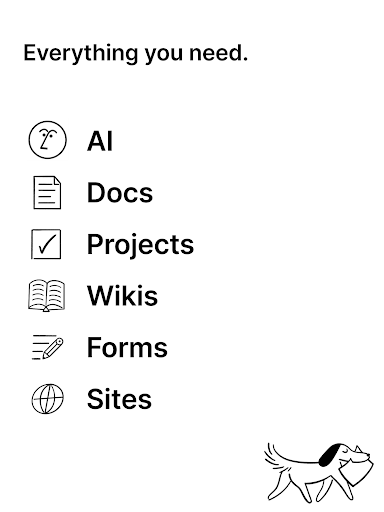
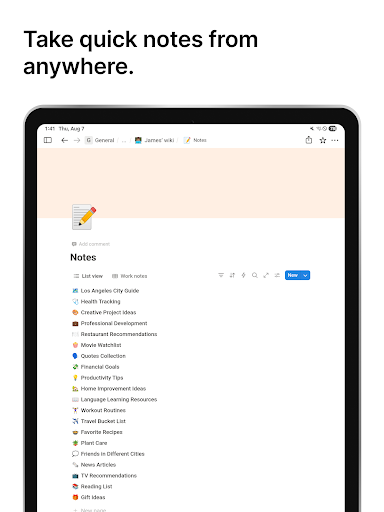
Notion is renowned for its ability to serve as an everything app — a phrase that Forbes has highlighted to describe its multifunctionality. With Notion, users can write, plan, and organize notes, manage projects, track tasks, and collaborate seamlessly. The app's core is built around a flexible block-based system, allowing you to create pages filled with varied content such as text, images, databases, checklists, and more. This customizable approach means you can tailor your workspace precisely to your personal or professional needs.
Empowering Personal and Collaborative Workflows
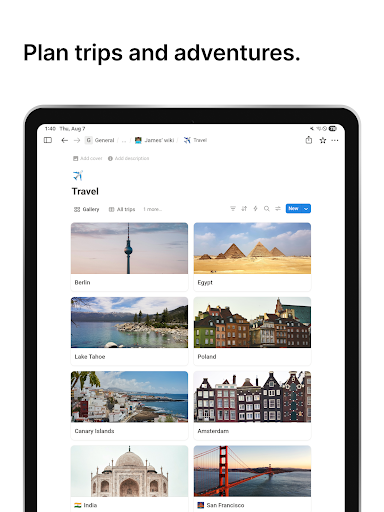
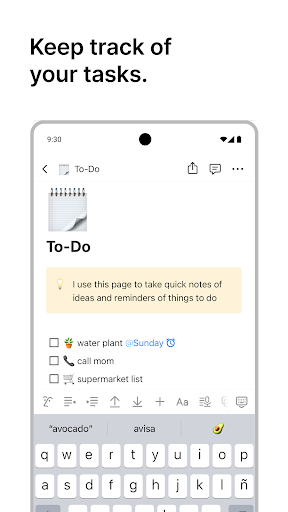
One of Notion's standout features is its adaptability across different use cases. For personal use, it functions as a study planner, class notes organizer, and to-do list manager, with beautifully designed templates created specifically with students in mind. For teams and enterprises, Notion facilitates robust collaboration—enabling team members to share pages, assign tasks, comment, and keep everyone aligned. The platform's ability to sync across devices ensures productivity is uninterrupted whether you're working on a desktop, tablet, or smartphone.
Key Features to Boost Your Efficiency
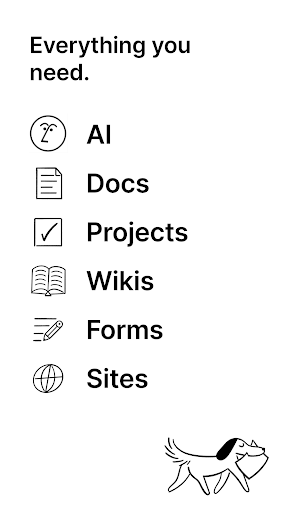
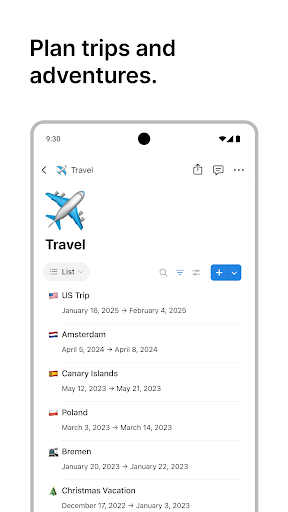
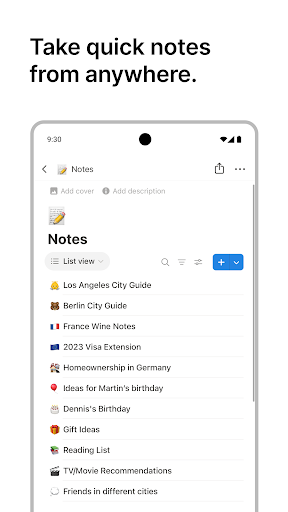
Notion simplifies communication and project management through its innovative tools and integrations. Create professional docs with customizable templates, embed images, to-dos, and diverse content types to craft comprehensive reports, meeting notes, or design systems. Powerful search and filtering options help you locate information quickly across your workspace, saving valuable time.
Task and Project Management Made Simple
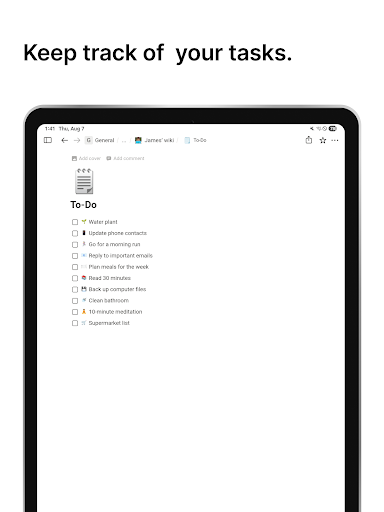
Manage your workflow effortlessly by creating priority labels, status tags, and automations. Break complex projects into manageable tasks and monitor progress in dedicated tables. Whether you're coordinating a marketing campaign or preparing an academic paper, Notion adapts to your workflow, ensuring you never miss a deadline.
Transforming Work with AI Integration
The innovative Notion AI integration elevates the platform to new heights. It enables users to search, generate content, analyze data, and even chat—right within the workspace. Need help drafting a document or brainstorming ideas? Simply ask Notion AI, and it will assist in writing or providing suggestions. It can automatically autofill tables, turning complex datasets into clear, actionable insights. This AI-powered feature reduces manual effort, allowing you to focus on what truly requires your creativity and decision-making skills.
Seamless Syncing and Compatibility
Notion's cross-platform compatibility ensures you can start a task on your mobile device and finish it on your desktop without missing a beat. The app syncs effortlessly across all devices, whether you're using a Mac, Windows PC, or mobile platform. Additionally, it integrates smoothly with popular tools like Google Calendar, Slack, GitHub, and Figma, creating a centralized hub for all your productivity needs.
Why Choose Notion?
If you're seeking an all-encompassing tool that minimizes the need for multiple apps, Notion: Notes, Tasks, AI is a compelling choice. Its intuitive interface, extensive customization options, and powerful AI features make it ideal for personal organization, team collaboration, and professional project management. By consolidating notes, tasks, documents, and communications into a single workspace, Notion helps you work smarter, faster, and more efficiently.
Conclusion
In summary, Notion is more than just a note-taking app—it's a comprehensive productivity platform that adapts to your lifestyle and workflow. With its flexible block-based system, AI integration, and seamless device syncing, it offers a unified space to manage everything from daily to-dos to complex projects. Whether you're aiming to organize your study schedule, collaborate on team projects, or streamline your business operations, Notion: Notes, Tasks, AI has the tools you need to elevate your productivity and achieve your goals.
Pros
- Highly customizable interface for personalized organization
- Seamlessly integrates with other productivity applications
- Provides offline access to notes and tasks
- Includes AI-powered features to boost productivity
- Supports real-time collaboration with team members
Cons
- Steep learning curve for new users
- Limited free version with restricted features
- Occasional synchronization issues across devices
- Requires internet connectivity for most collaborative features
- Could overwhelm users with its extensive set of tools











