
Noteshelf - Notes, Annotations icon

Noteshelf - Notes, Annotations

16.74K
4.3
Installs
0.10M
Version
9.0.10
Advertisement
Noteshelf - Notes, Annotations screenshot
Advertisement

Introducing Noteshelf - The Ultimate Note-Taking & Annotation App

Are you tired of losing important notes or struggling with disorganized papers? Noteshelf is a powerful digital note-taking app designed to make capturing, organizing, and sharing your notes effortless and enjoyable. Whether you're a student, teacher, professional, or creative mind, Noteshelf transforms your device into a versatile notebook that supports handwriting, annotations, audio recordings, and much more. With the latest version available on the Play Store as Noteshelf 3, users now experience enhanced features that improve productivity and creativity, all wrapped in an intuitive and user-friendly interface.

Key Features of Noteshelf

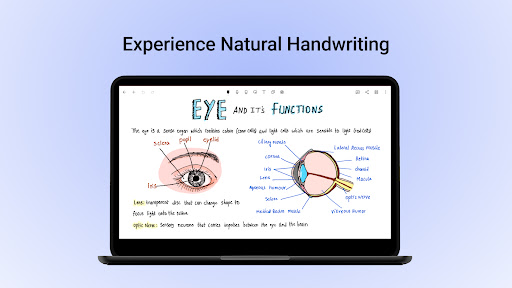
Natural Handwriting Experience

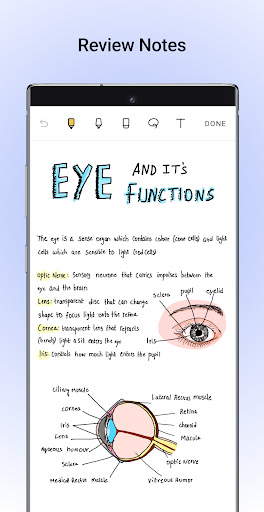
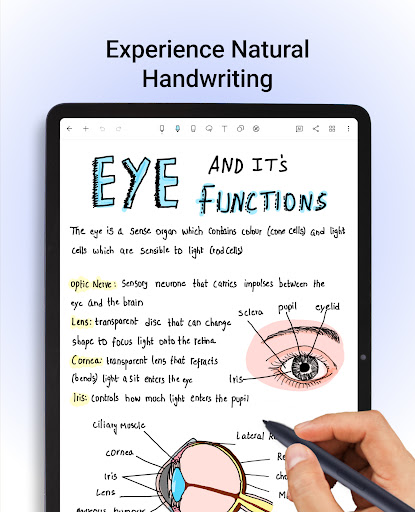
Experience handwriting that feels remarkably natural with a variety of realistic pens and highlighters. Noteshelf supports a wide range of styluses, including popular digital pens, making your handwritten notes seamless and fluid. On Samsung Galaxy Note devices, a quick-erase feature with the S-Pen button further enhances the note-taking experience. Users can personalize their notes by playing with numerous colors, shapes, and images, turning mundane notes into colorful and engaging visuals. Whether you're jotting down class notes or meeting memos, the app makes it fun and efficient.

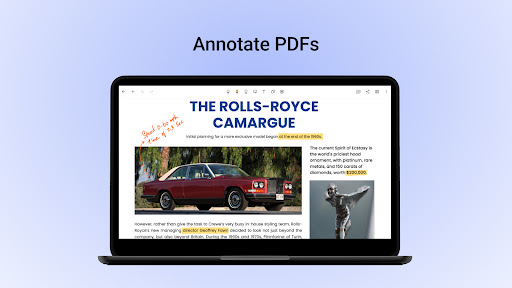
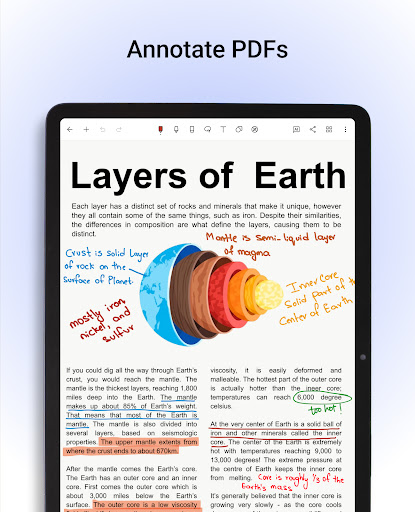
Annotate PDFs & Write on Images

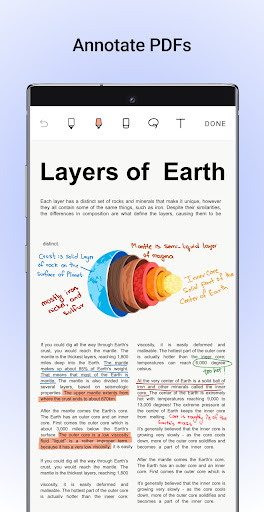
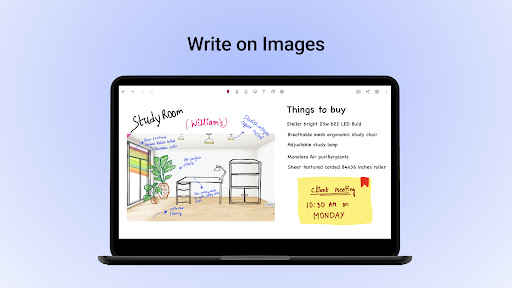
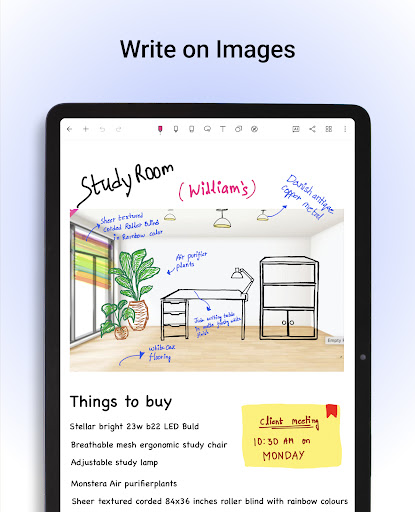
Easily import PDFs or images into Noteshelf to annotate, highlight, underline, or markup with powerful formatting tools. This feature is perfect for students grading papers, filling out forms, signing documents, or professionals editing reports. The app provides flexible options to modify documents directly, making paperless workflows simple and clean.

Search and Convert Handwritten Notes to Text / OCR

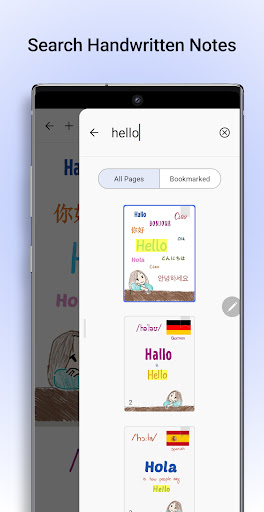
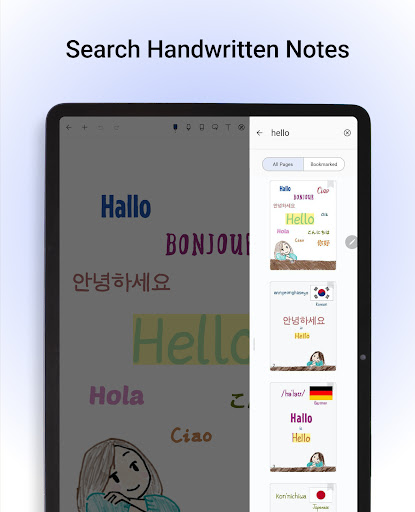
One of the app's standout capabilities is its handwriting recognition that supports 65 languages. Search through your handwritten notes effortlessly or convert your scrawled notes into typed text with smooth accuracy. This OCR (Optical Character Recognition) feature ensures that your notes are truly digital-ready, easy to search, edit, and share.

Extensive Library of Templates

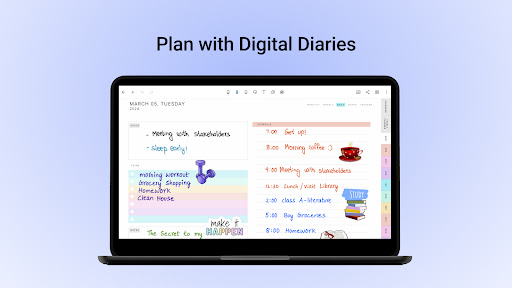
Discover over 200 templates created by the Noteshelf team, catering to nearly every need. From student notes, lesson plans, to-do lists, health trackers, and bullet journals, these templates help you plan, organize, and execute ideas efficiently. You can also explore digital diaries and journals for daily planning and personal organization.

Noteshelf AI - Intelligent Assistance

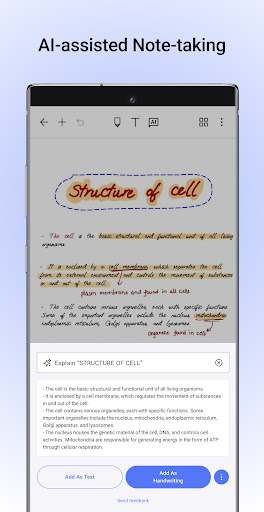
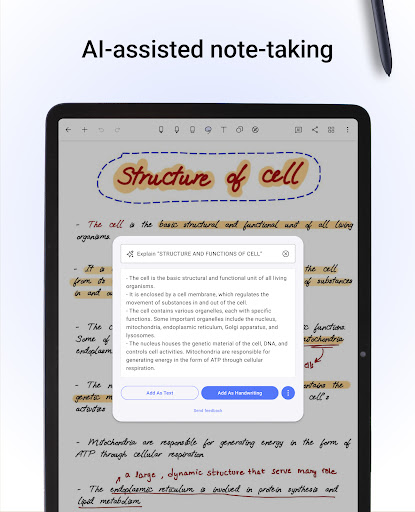
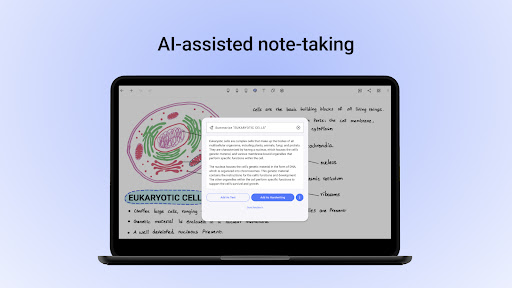
Introducing Noteshelf AI, an intelligent assistant capable of understanding your handwriting and helping you complete tasks faster. Generate handwritten notes on any topic, create study summaries, translate languages, or explain complex terms—all within the app. This AI-powered feature makes note-taking smarter and more interactive.

Personalization & Recording

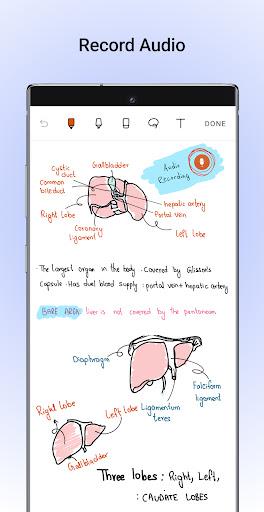
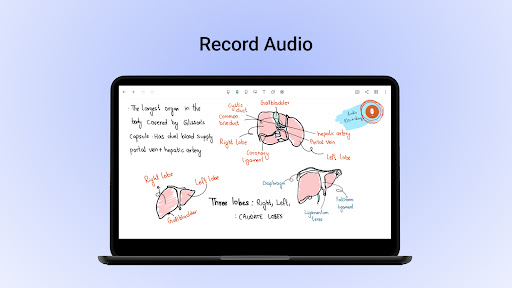
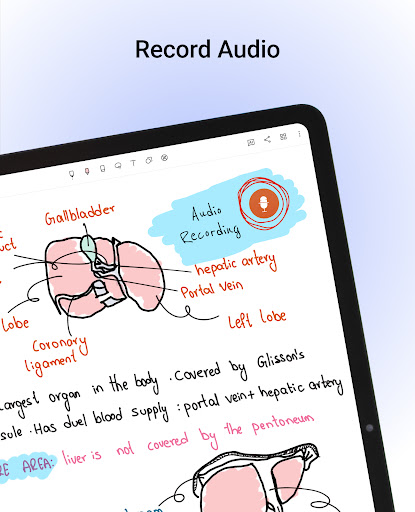
Customize your notes by choosing lined, dotted, or grid papers in various colors, with adjustable line spacing. Add a personal touch by selecting from beautifully designed covers for your notebooks. Record audio notes simultaneously while writing to capture conversations, lectures, or meetings, and access these recordings anytime—even during note-taking. Convert your sketches into neatly drawn shapes or use shape libraries to create diagrams, infographics, and flowcharts effortlessly.

Organization & Syncing

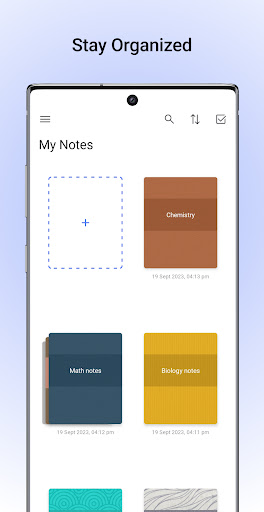
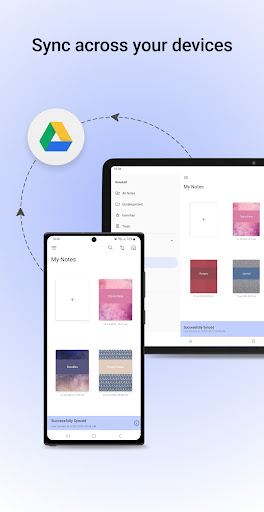
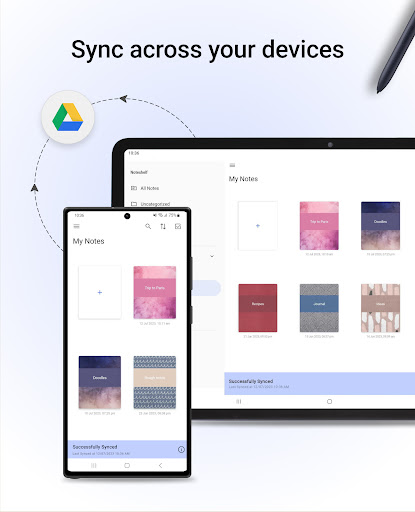
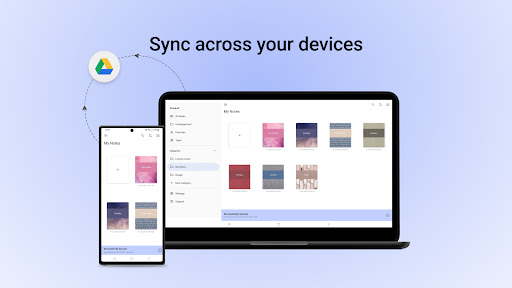
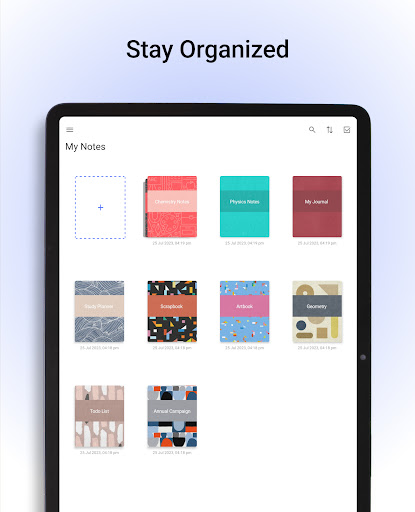
Organize your notes efficiently by categorizing notebooks into groups or categories, and mark important pages with bookmarks, colors, and labels. Keep your personal and professional notes separate for clarity. Sync your notes via Google Drive, OneDrive, Dropbox, or WebDAV to ensure access anywhere. The app also offers auto-backup and seamless sharing options with friends, colleagues, or students.

Additional Features

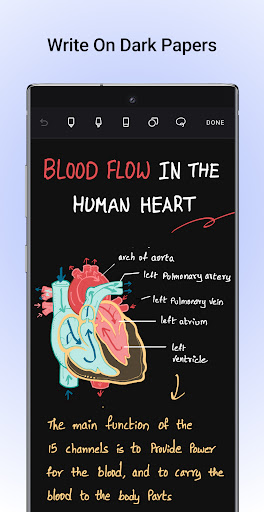
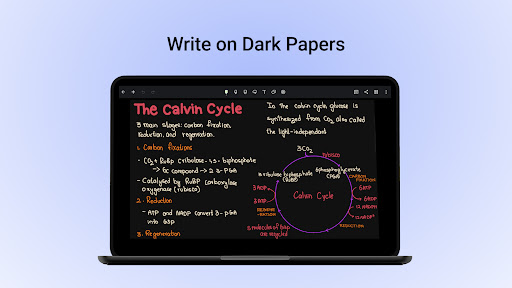
Share notes as images, add visuals from libraries like UNSPLASH and PIXABAY, and enjoy an eye-friendly dark mode to reduce glare during late-night work sessions. Noteshelf continues to evolve with exciting features on the horizon, making it a comprehensive digital note management solution.

Why Choose Noteshelf for Your Note-Taking Needs?

Switching from traditional paper to digital notes has never been easier with Noteshelf. Its seamless interface and feature-rich environment make it suitable for anyone looking to organize personal ideas or professional projects. Benefits include intelligent handwriting recognition, multi-language support, versatile templates, and powerful annotation tools—all designed to elevate your productivity. Plus, with the intuitive synchronization options, you can access your notes across multiple devices anytime and anywhere.

Final Thoughts

If you're searching for a note-taking app that combines flexibility, precision, and smart features, Noteshelf stands out as a top choice. Whether you're capturing quick thoughts, detailed study materials, or complex diagrams, this app simplifies the entire process. Its ability to turn handwritten notes into searchable, editable content, alongside robust annotation and organization options, makes it a must-have for students, educators, and professionals alike. Upgrade to Noteshelf 3 today and revolutionize your note-taking journey—experience digital notes done right!

Pros

  • Intuitive interface that makes navigation easy.
  • Compatible with a wide variety of stylus pens.
  • Enables seamless synchronization with cloud services.
  • Provides high-quality tools for PDF annotation.
  • Offers a range of templates suited for different purposes.

Cons

  • Features are limited in the free version.
  • Users sometimes experience sync problems.
  • Do not support Optical Character Recognition (OCR) for handwritten notes.
  • Full functionality requires a subscription plan.
  • Lacks advanced tools for organizing content.

Download From Google Play Download From App Store
Advertisement

Frequently Asked Questions

What features does Noteshelf offer for note-taking and annotations?

Noteshelf is a versatile application suitable for both casual and professional note-takers. It includes features such as handwriting recognition, audio recording, and PDF annotation. Users can personalize their notebooks with different colors and covers, and synchronize notes across devices via cloud services like iCloud and Evernote. Its user-friendly interface makes it suitable for students, teachers, and business professionals.

Is Noteshelf suitable for students and professionals alike?

Yes, Noteshelf is designed to meet the needs of both students and professionals. Students can organize notes efficiently, record lectures, and annotate textbooks. Professionals benefit from its PDF import and annotation capabilities, meeting organization, and integration with calendar apps. Its flexibility and comprehensive features make it an excellent choice for anyone seeking a reliable note-taking solution.

Can I sync my notes across multiple devices with Noteshelf?

Absolutely. Noteshelf supports cloud synchronization with services such as iCloud and Evernote, enabling seamless access to notes across multiple devices. This ensures that whether on a phone, tablet, or computer, notes are always current and accessible, which is especially beneficial for users who switch devices frequently.

Does Noteshelf support handwriting recognition and conversion to text?

Yes, a key feature of Noteshelf is its handwriting recognition. The app can convert handwritten notes into digital text, facilitating easier searching and editing later. It supports multiple languages and is particularly useful for users who prefer writing with a stylus but want the benefits of digital organization, thereby enhancing productivity.

What customization options are available in Noteshelf?

Noteshelf provides a wide range of customization options to improve the user experience. Users can select from various paper templates, notebook covers, and writing tools to customize their note-taking. Additionally, features such as color coding, tagging, and organizing notes into groups assist in managing and retrieving information efficiently, making Noteshelf not just a note-taking tool but a personalized productivity platform.

You May Like










