

Discover the Power of Notes Launcher: Notepad, To-do
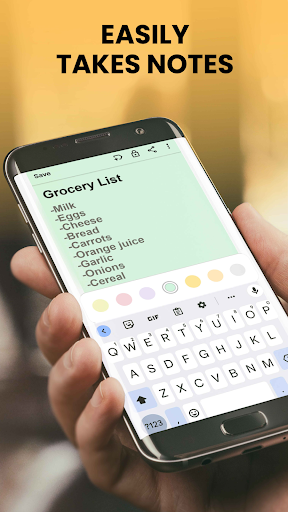
Are you overwhelmed by sticky notes, reminders, and scattered scribbles? Introducing Notes Launcher: Notepad, To-do – your personal digital assistant designed to streamline your life, organize your thoughts, and boost your productivity. This innovative app combines the simplicity of quick note-taking with powerful organizational features, making it an essential tool for anyone looking to stay on top of daily tasks and personal reminders.
Seamless Quick Note Creation for On-the-Go Productivity
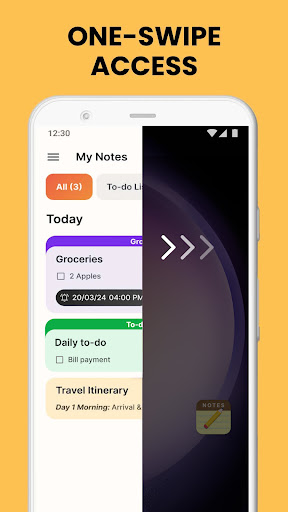
One of the standout advantages of Notes Launcher is its •One-swipe access feature. Simply swipe right from your home screen to instantly create a new note or to-do list, allowing you to capture ideas or important tasks without navigating through multiple menus. This effortless accessibility makes it ideal for busy individuals who need to jot down fleeting thoughts quickly.
Customizable Home Screen Widgets and Wallpapers
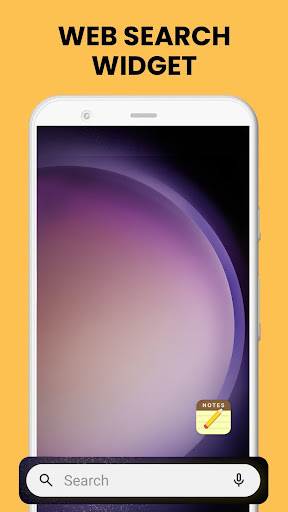
Personalize your device with a •Home screen widget that displays real-time information such as the •time and •weather, ensuring you always stay informed. Additionally, you can select from an array of visually appealing themed •wallpapers to enhance the aesthetic of your home or lock screen, reflecting your personality or mood.
Efficient Organization and Categorization Features
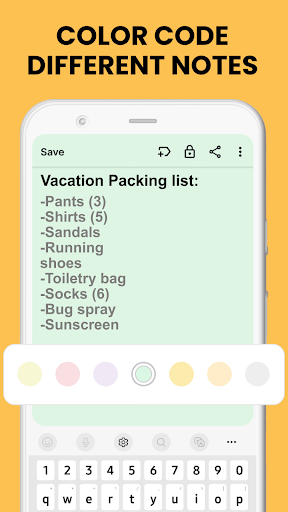
Keep your notes orderly with features like ✓Color-code notes, ✓Categorize, and ✓Sort options. Color coding helps prioritize tasks or categorize notes for different areas of your life, whether it’s work projects, travel plans, or personal goals. Custom categories allow grouping related notes, providing quick access when needed.
Secure Sensitive Information with Lock Notes
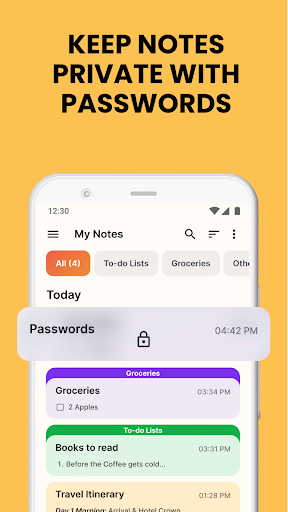
Privacy is a top priority with •Lock notes functionality. Secure sensitive data such as passwords, banking details, or personal health information within locked notes, ensuring that only authorized access is allowed. This adds an extra layer of security without the need for third-party encryption tools.
Powerful Search and Share Capabilities
Finding important notes is fast and effortless thanks to the ✓Find feature. Enter keywords or phrases to quickly locate specific entries, saving you time during busy days. Sharing your notes with friends, family, or colleagues is also simple—whether through email, messaging apps, or social media—making collaboration easy and effective.
Additional Features Enhancing Your Daily Experience
- •Swipe right from home screen for quick note creation
- Customizable Home screen widget for weather, time, and more
- Personalize with various wallpapers
- Quick shortcut access to to-do lists
- Multi-touchpoint search for apps and web results—powered by Yahoo
Why Choose Notes Launcher: Notepad, To-do?
Whether you're managing work-related tasks, personal errands, or creative projects, Notes Launcher offers a reliable platform to keep everything organized. Its minimalist design minimizes clutter while offering extensive customization options—making note-taking and task management intuitive and enjoyable. The synchronization across devices ensures your notes are always accessible, whether at home or on the move.
Get Started Today
Ready to declutter your mind and boost your productivity? Download Notes Launcher: Notepad, To-do from the Google Play™ Store and experience a smarter way to organize your life. Feel free to explore the FAQ section for helpful tips and details about the app’s features. You can also reach out via the contact form for feedback or suggestions. Remember, you can uninstall the app at any time if it doesn’t meet your needs.
Conclusion
Notes Launcher: Notepad, To-do is more than just a simple note-taking app—it's your partner in organizing, securing, and simplifying your daily routines. Its user-friendly interface, coupled with powerful features like note categorization, locking, and quick access, makes it an ideal choice for anyone seeking an efficient digital organizer. Embrace this tool to reduce stress, improve your workflow, and keep your personal and professional tasks neatly managed. Try it out today and experience a new level of productivity and organization!
Pros
- Intuitive user interface
- Seamless integration with to-do lists
- Customizable themes
- Lightweight and fast performance
- Syncs across multiple devices
Cons
- Limited collaboration features
- Lacks offline access
- Contains ads in the free version
- Limited widget options
- Does not offer advanced formatting tools











