


Introduction to Notepad - simple notes
Are you searching for a lightweight and easy-to-use app to jot down quick notes, memos, or organize your thoughts? Look no further than Notepad - simple notes. Designed with simplicity in mind, this app offers a straightforward experience that focuses on what matters most: capturing your ideas efficiently without unnecessary complications. Whether you need a digital notepad for shopping lists, daily reminders, or creative thoughts, Notepad - simple notes provides a seamless solution for all your basic note-taking needs.
Core Features of Notepad - simple notes
This app combines robust functionality with a minimalist interface, making it a preferred choice for users who value speed and simplicity. Key features include:
Easy Note Creation and Editing
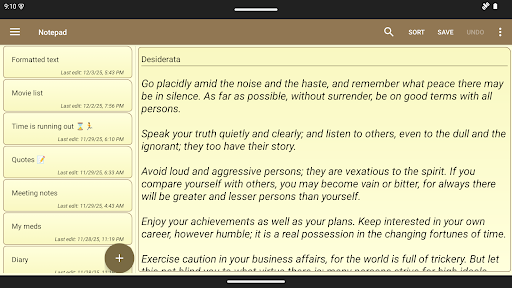
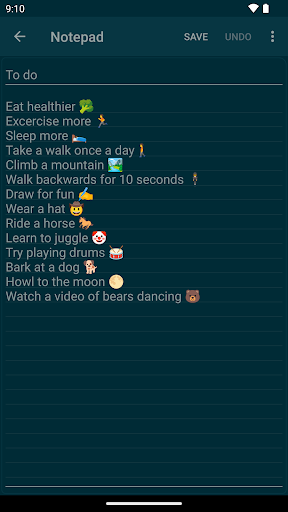
Creating and editing notes is effortless. Just tap the plus icon to start writing, and you'll experience instant note-taking. The app ensures that you can craft notes of any length without restrictions, limited only by your device's storage capacity.
Import and Export Capabilities
Import notes from existing TXT files and save your notes as TXT files for easy sharing and backup. This makes migration between devices or editing on other platforms straightforward.
Note Sharing and Widgets
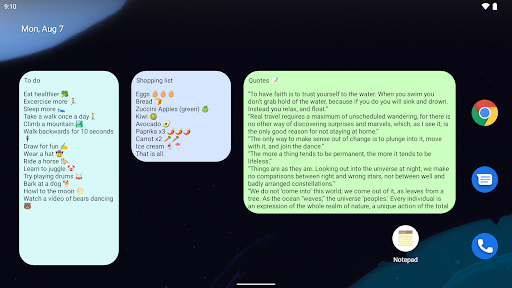
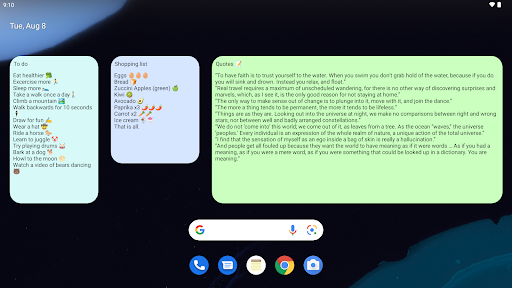
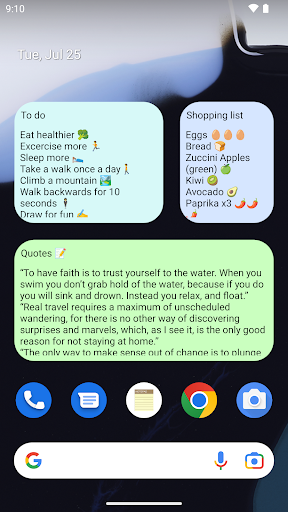
Share your notes directly with other apps, such as email or messaging services. Additionally, the notes widget allows you to quickly create or edit notes on your home screen, functioning like sticky notes. This feature is perfect for quick reminders or essential to-do lists.
Data Management and Security
Backup your notes from within the app using a zip file, and ensure your notes are secured with an app password lock. For added security, you can unlock the app using biometrics like fingerprint or face recognition.
Customization and Productivity Tools
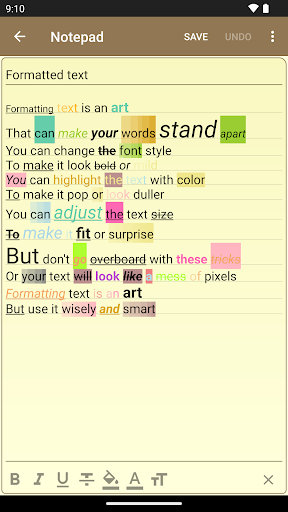
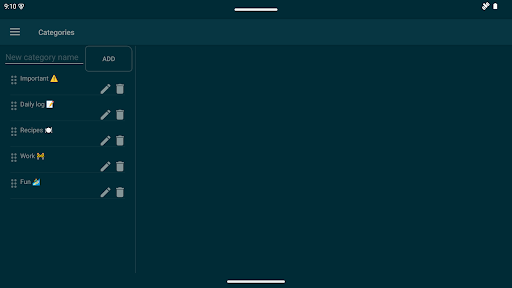
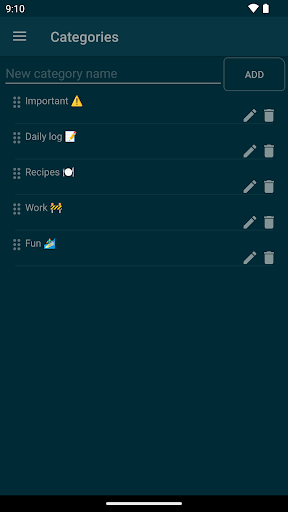
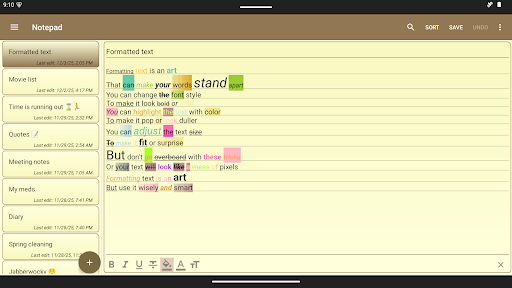
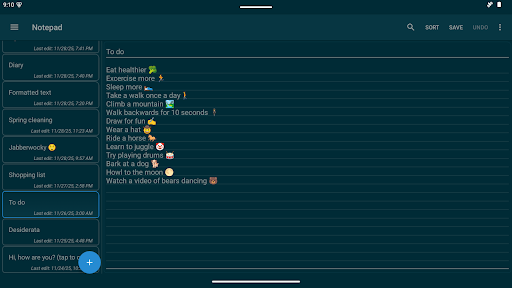
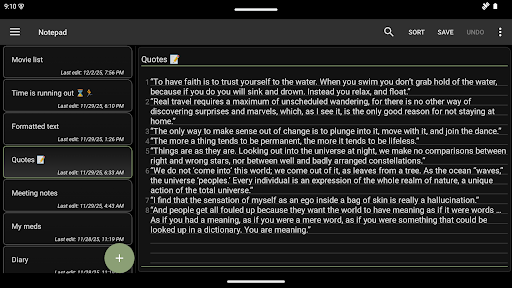
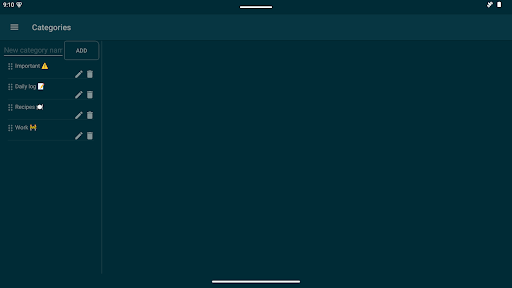
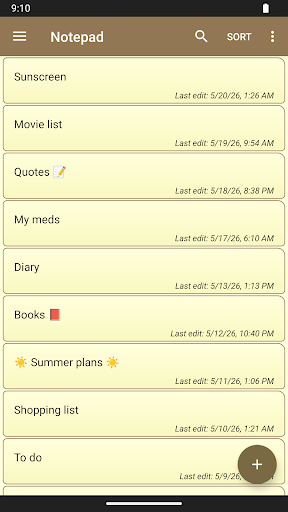
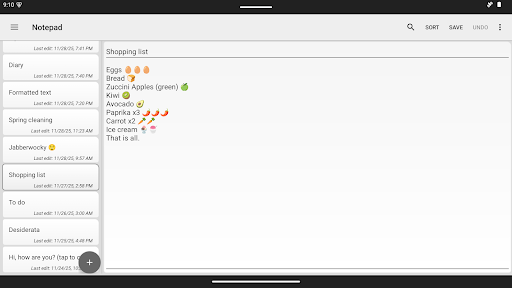
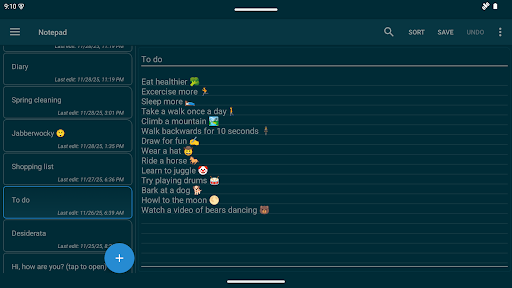
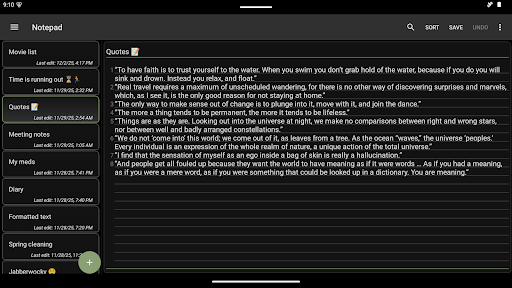
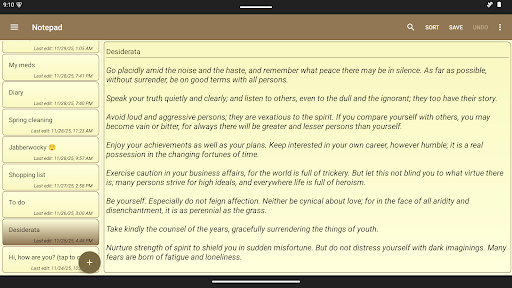
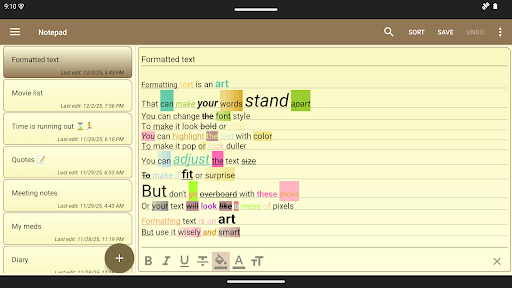
Choose from color themes, including a dark theme, to personalize your workspace. Organize notes with categories, utilize automatic saving, and revert changes using undo/redo. Additional tools include numbered lines, background lines for better readability, and a comprehensive search function to locate text quickly.
Multiple Uses for Your Notes
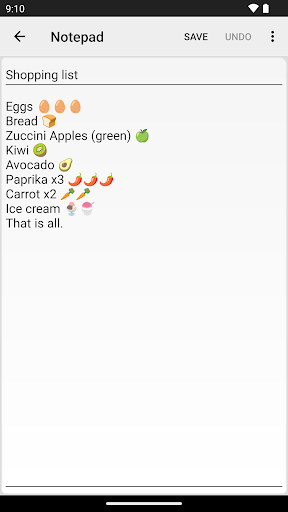
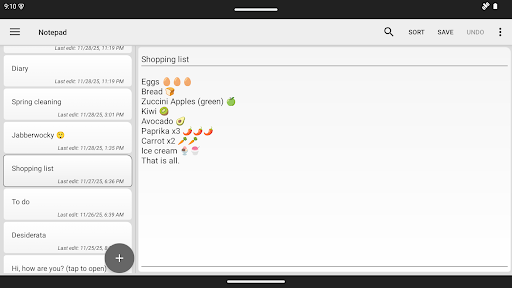
While at its core a simple note-taking tool, Notepad - simple notes can serve many practical purposes. Use it as a digital planner to manage shopping lists, to-do lists, or daily schedules. Notes can be pinned on your home screen to serve as reminders or quick references. Each task or note can be stored separately or grouped into larger categories—tailoring the app to fit your workflow and productivity style.
Tips and Recommendations
To ensure your notes are always safe, it is highly recommended to make backups before formatting your device or switching to a new phone. Starting from version 1.7.0, the app can utilize your device’s copy feature if enabled in settings, helping you keep your notes synchronized across devices. However, for the sake of performance and widget functionality, it is advised not to install the app on an SD card. The app’s widget feature—icons for quick note access on your home screen—relies on being housed within the main storage for optimal performance.
Why Choose Notepad - simple notes?
In a marketplace flooded with feature-rich but often overwhelming note-taking apps, Notepad - simple notes stands out for its clarity and ease of use. Its minimalist design ensures that you can focus on your content without distraction. The app is remarkably reliable and operates smoothly, even with large or multiple notes. Whether you are a busy professional, a student, or someone seeking a basic yet efficient note-taking tool, this app adapts seamlessly to your needs.
Conclusion
If you're in search of a simple, fast, and reliable note-taking solution, Notepad - simple notes offers everything needed to capture your thoughts effortlessly. Its straightforward interface combined with essential features like note organization, security, and quick access makes it a perfect choice for anyone wanting a minimalist yet functional app. Give it a try today, and turn your device into an efficient digital notepad that keeps your ideas at your fingertips — anytime, anywhere.
Pros
- Quick and straightforward note-taking.
- Clean and minimal user interface.
- Consumes very little storage space.
- Free from ads and distractions.
- Efficient search capabilities.
Cons
- Lacks advanced and additional features.
- Does not support cloud synchronization.
- Offers limited options for customization.
- Does not include collaboration tools.
- Not designed for handling multimedia content.











