

Introduction to Notepad, Notes, Easy Notebook
Key Features of Notepad, Notes, Easy Notebook
Intuitive and User-Friendly Design
The moment you open Notepad, Notes, Easy Notebook, you'll notice its minimalist and clean layout that makes navigating tasks a breeze. Creating new notes is as simple as tapping a button, meaning users can start jotting down ideas instantly without complicated tutorials or steep learning curves.
Versatile Note-Taking Modes
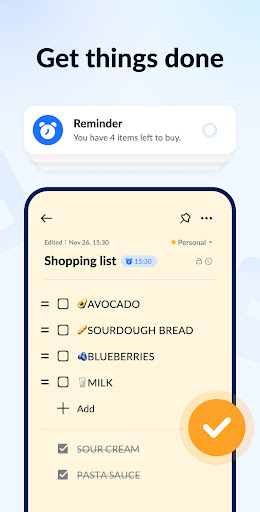
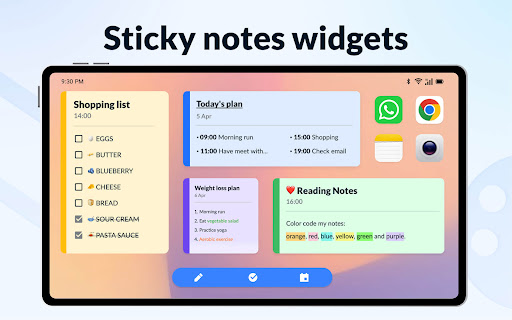
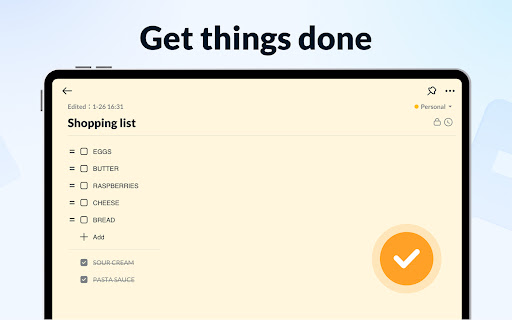
This app offers two main note modes: a text mode that mimics lined paper for formal notes and a checklist mode perfect for to-do lists, shopping lists, or task management. It automatically saves your notes as you type, ensuring nothing is lost mid-sentence.
Creative Organization
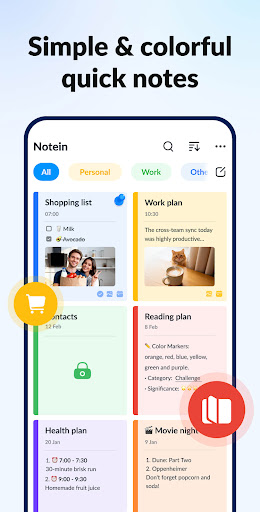
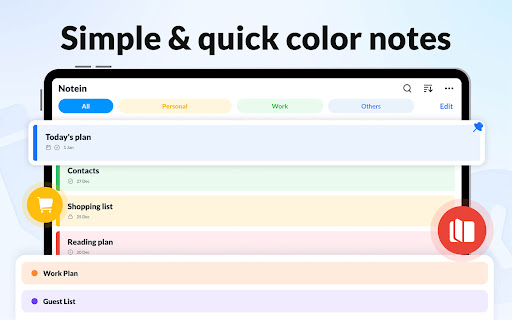
You can personalize notes with colorful backgrounds, making it easier to categorize and prioritize your notes visually. Additionally, the app supports tagging and sorting by color, which allows for quick retrieval and efficient organization.
Widget Integration and Quick Access
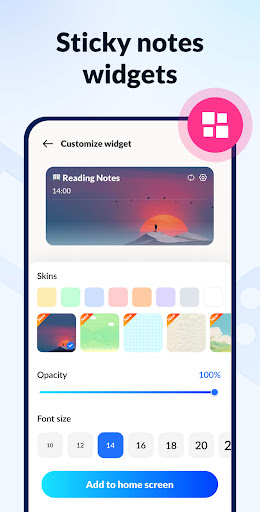
With sticky notes widgets available for Android devices, users can pin important notes right to their home screen. This feature provides immediate access to your quick notes, reminders, or important memos, streamlining your workflow.
Calendar and Reminder Features
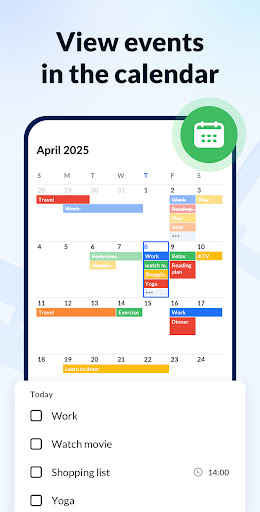
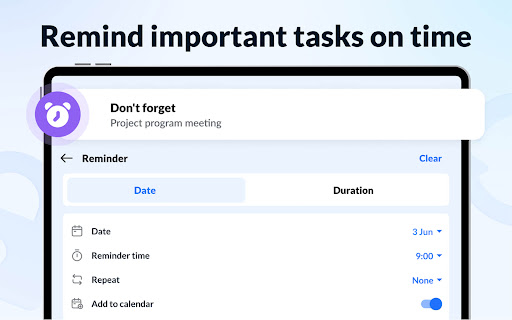
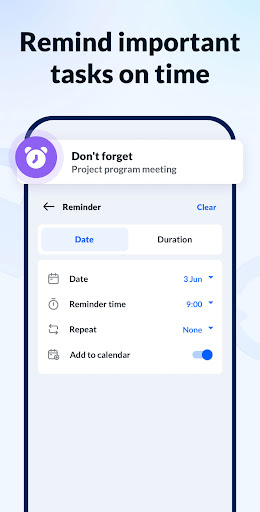
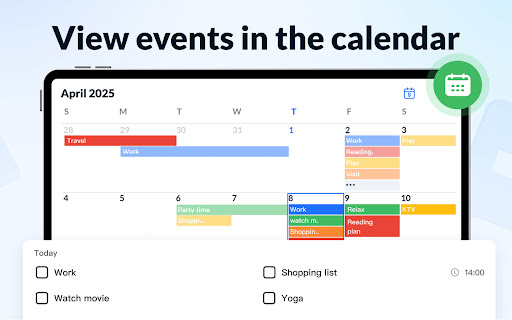
Notepad, Notes, Easy Notebook integrates notes with your calender, enabling you to add notes, tasks, and reminders on specific dates. Setting reminders ensures you won't miss critical deadlines or appointments—perfect for busy professionals and students alike.
Enhanced Privacy and Backup
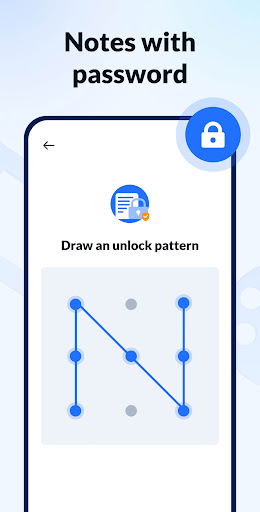
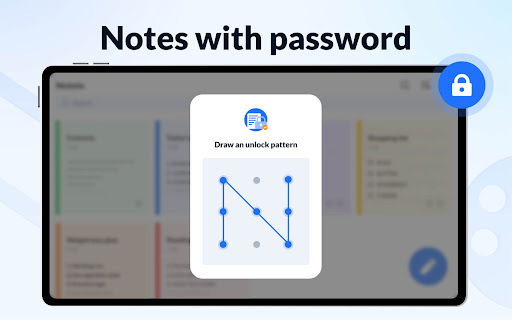
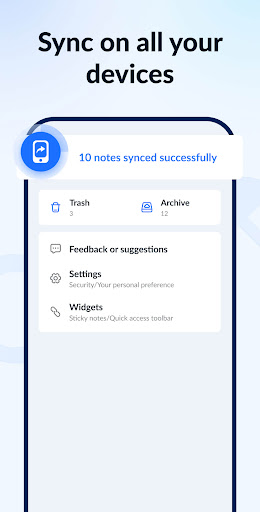
Want to keep certain notes confidential? The app allows you to set passwords to protect sensitive information. Moreover, it offers seamless backup and restore options via cloud storage, safeguarding your notes against accidental loss.
Additional Features
- Support for voice notes, letting you transcribe speech to text
- Note sharing via social media, SMS, email, and more
- Display notes in list, grid, or detailed views
- Sort and filter notes by creation time or color
- Notification bar reminders for important tasks
Why Choose Notepad, Notes, Easy Notebook?
Final Thoughts
Pros
- User-friendly interface with easy navigation.
- Supports voice notes for hands-free operation.
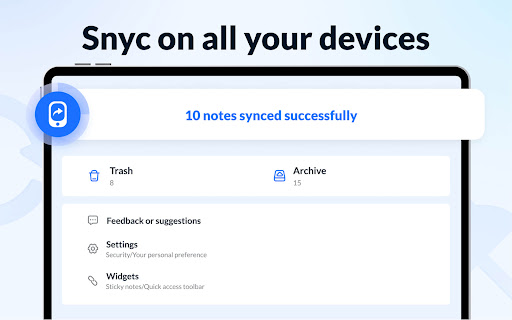
- Syncs seamlessly across multiple devices.
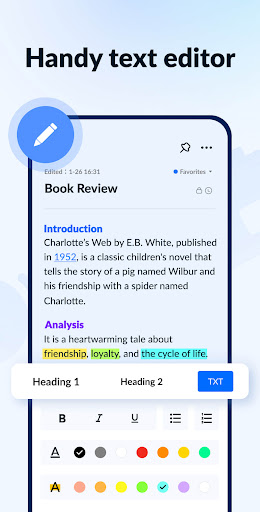
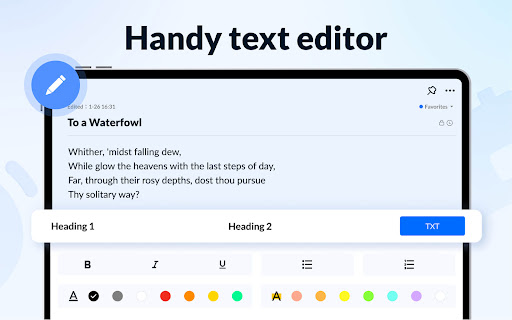
- Provides rich text formatting options.
- Enhanced security with password protection.
Cons
- Limited options for cloud storage.
- Advertisements may be disruptive for free users.
- Lacks collaborative editing capabilities.
- Few options for exporting notes.
- Occasional reports of syncing problems.











