
Introducing Nano Teleprompter: The Perfect Solution for Seamless Script Delivery
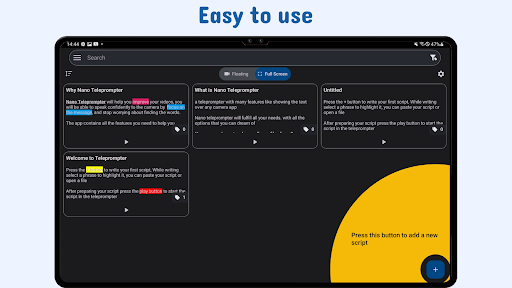
In today’s fast-paced world of content creation, public speaking, and professional broadcasting, having a reliable teleprompter can make a significant difference in delivering polished, confident presentations. Nano Teleprompter stands out as a feature-rich, user-friendly application designed to meet all your teleprompting needs with ease and flexibility. Whether you're recording videos for YouTube, live streaming, or delivering speeches, this versatile app provides a smooth, intuitive experience backed by powerful features that ensure your script is always at your fingertips.
Seamless Integration with Google Drive for Effortless Script Management
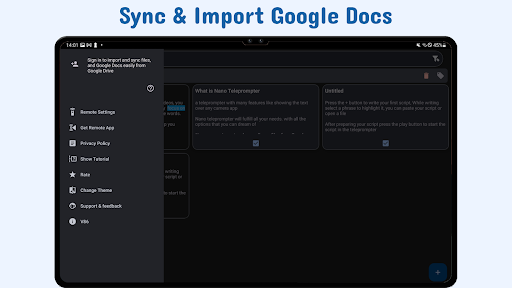
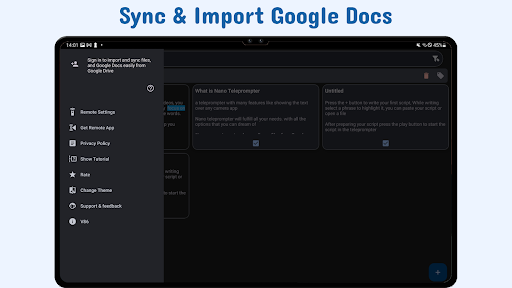
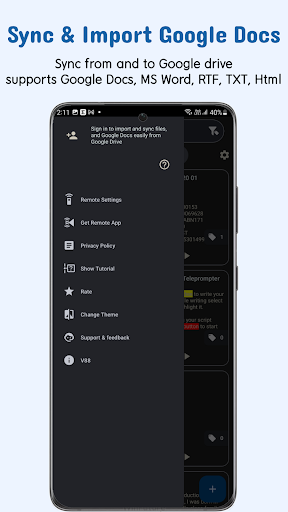
One of the standout features of Nano Teleprompter is its •Seamless Google Drive Integration. This capability allows you to create, edit, and manage your scripts directly within Google Drive, and the app will automatically sync any changes or new files. Whether you prefer dragging and dropping files from your PC, writing directly in your browser, or supporting formats like Google Docs, MS Word, RTF, TXT, or HTML, your scripts are instantly synchronized with the teleprompter. This real-time syncing ensures your scripts are always up-to-date during recordings, enhancing your workflow and reducing preparation time.
This integration makes Nano Teleprompter especially ideal for content creators and public speakers who need quick access to multiple scripts across various devices. The ability to keep scripts backed up and synchronized via Google Drive ensures flexibility and convenience—perfect for on-the-go recording sessions or live presentations.
To see the app in action, check out the demo video: Watch Demo.
Key Features That Enhance Your Presentation Experience
Floating Teleprompter Widget
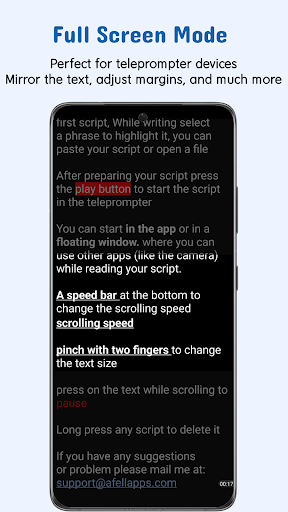
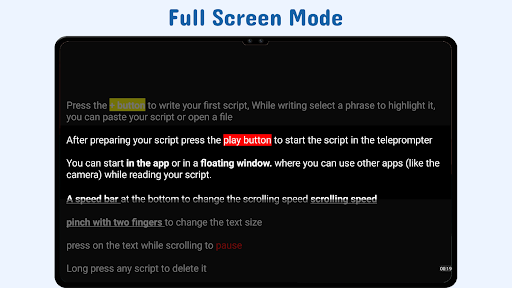
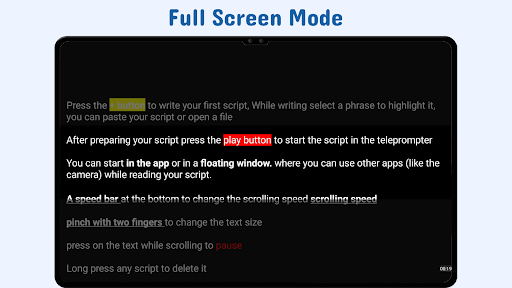
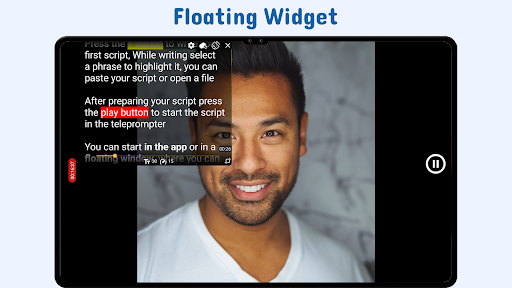
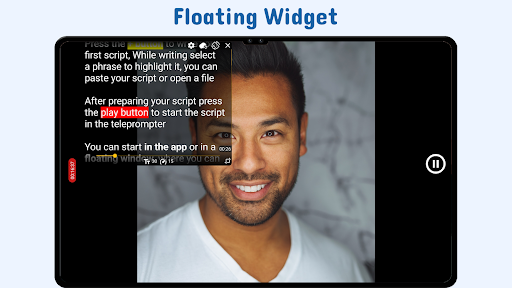
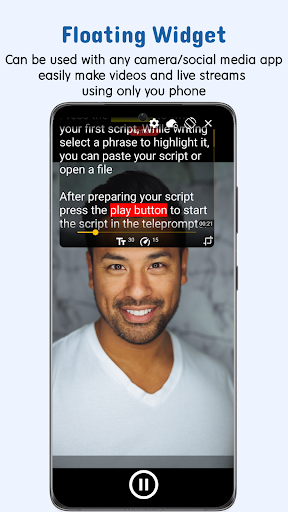
The core component of Nano Teleprompter is its •Floating Teleprompter Widget. This overlay can be used with any camera application, and you can freely resize or reposition it according to your recording needs. Whether you're shooting in landscape or portrait mode, the widget remains adaptable, ensuring your script stays visible without obstructing your view.
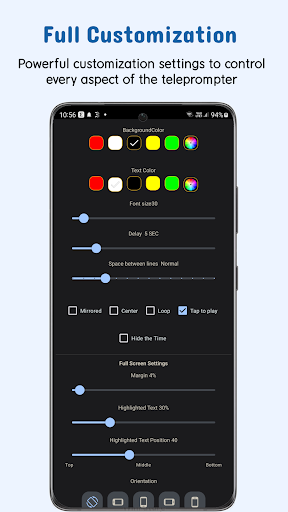
Customizable Text and Background
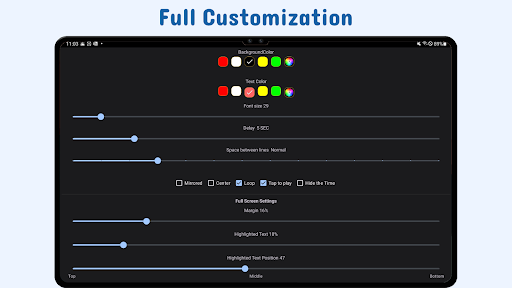
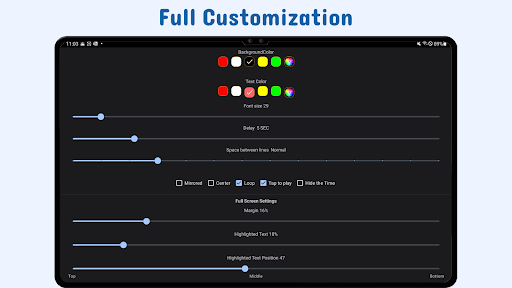
Adjust the size, color, and background opacity of your script text to maximize readability in any environment. You can also modify margins and line spacing, creating a comfortable reading experience tailored to your preferences.
Highlight Key Phrases
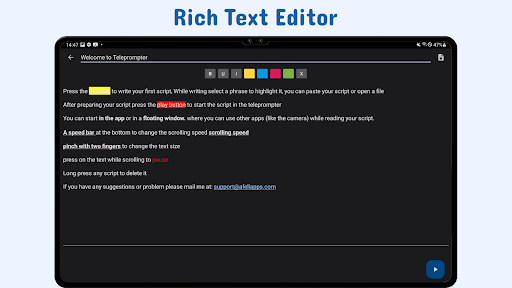
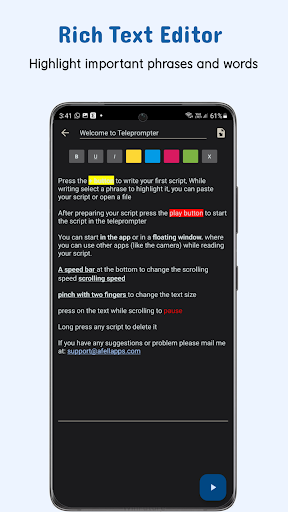
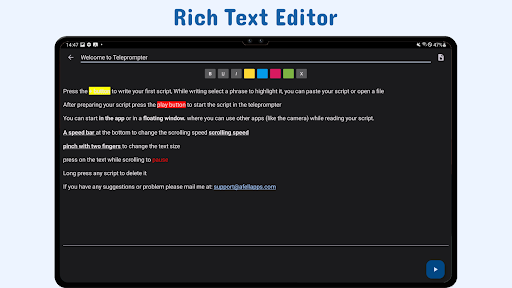
Improve emphasis by highlighting important parts of your script. This feature helps you focus on critical points, ensuring your delivery is clear and impactful.
Gesture Controls and Instant Resizing
Use intuitive gestures such as pinch-to-zoom or drag from the corners to resize the widget instantly during recordings. These controls allow for quick adjustments, making it easier to stay centered and comfortable while speaking.
Adjustable Scroll Delay
Set a custom delay before the script begins to scroll, synchronizing the pace with your reading speed. This feature enables smooth and natural delivery without rushing or lagging.
Remote Control Compatibility
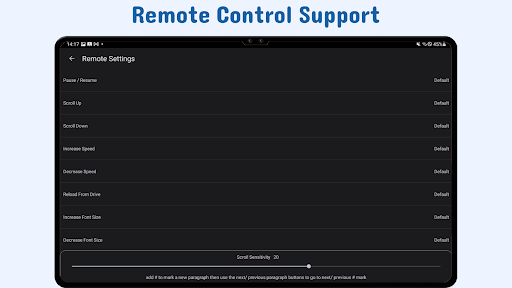
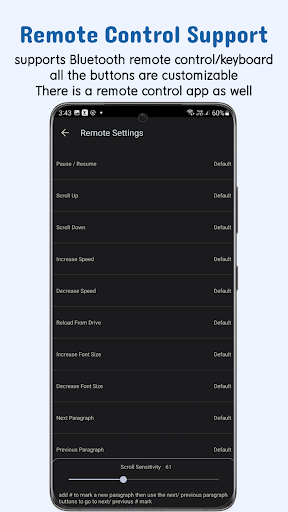
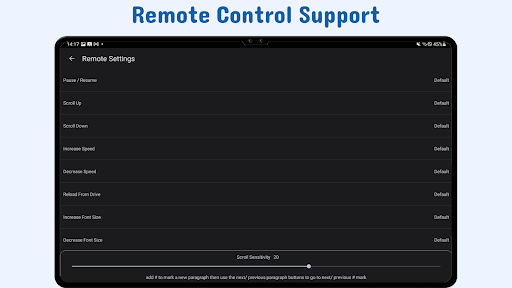
Customize remote buttons to pause, resume, scroll, and adjust speed. Hands-free control keeps your focus on delivery, especially during live streams or long recordings.
Quick Script Access & Cross-Device Sync
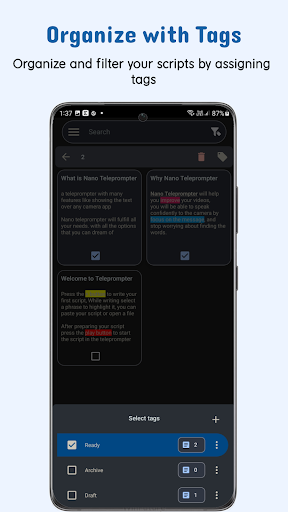
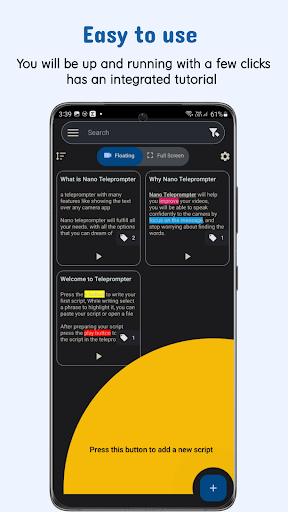
Open scripts directly from your file explorer or share them seamlessly from any app. Plus, with Google Drive synchronization, your scripts are accessible across multiple devices, ensuring you stay prepared anytime, anywhere.
Why Choose Nano Teleprompter for Your Content Creation and Public Speaking?
Nano Teleprompter offers unmatched flexibility and ease of use compared to other teleprompting apps. Its real-time cloud syncing, combined with full camera compatibility and customizable controls, empowers you to deliver professional-quality speeches and videos effortlessly. This app is perfect for vloggers, public speakers, teachers, and business professionals who want to elevate their presentation skills without the hassle of complicated setups.
Designed with continuous improvement in mind, Nano Teleprompter constantly receives updates and new features to enhance your experience. Whether you're rehearsing, recording, or live streaming, this app ensures you stay on script and look confident every time.
Take your content creation to the next level with the powerful, intuitive, and reliable teleprompter solution—Nano Teleprompter. Make your speeches seamless, polished, and professional with this indispensable tool in your arsenal.
Pros
- Lightweight and simple to install.
- Adjustable scrolling speed according to user preferences.
- Functions offline without any issues.
- Compatible with various text formats.
- Consumes minimal battery power.
Cons
- Limited options for editing features.
- Advertisements may be disruptive.
- Lacks cloud synchronization capabilities.
- Restricted to portrait mode only.
- Requires manual entry of scripts.











