

Discover the Power of the MyHyundai with Bluelink App
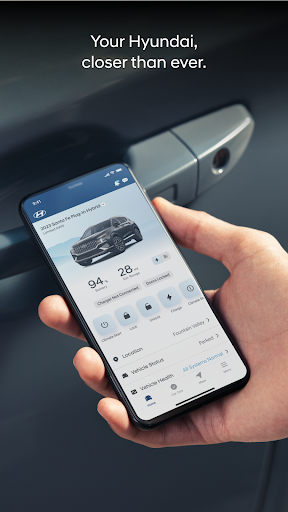
The MyHyundai with Bluelink app is revolutionizing the way Hyundai owners interact with their vehicles. Designed to provide effortless access to your vehicle's information and remote functions, this app on your smartphone transforms your driving experience by offering a suite of smart features tailored for convenience, security, and connectivity. Whether you're at home, at work, or on the go, MyHyundai with Bluelink makes managing your Hyundai vehicle simpler and more intuitive than ever before.
Seamless Connectivity and User-Friendly Interface
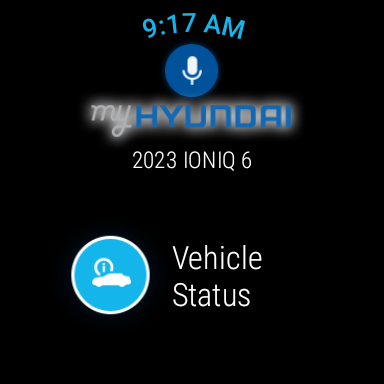
One of the standout qualities of MyHyundai with Bluelink is its sleek, intuitive interface. Setting up the app is straightforward—simply link your Hyundai account, and you'll have instant access to a broad range of vehicle controls. The app supports biometric authentication such as fingerprint or face recognition, ensuring secure and quick login. You can access the app with your MyHyundai.com ID, password, and PIN, making the experience both safe and convenient. Moreover, it supports Wear OS smartwatch integration, allowing you to control certain features directly from your wrist using voice commands or the smartwatch menu.
Key Features for Convenience and Control
Remote Vehicle Management
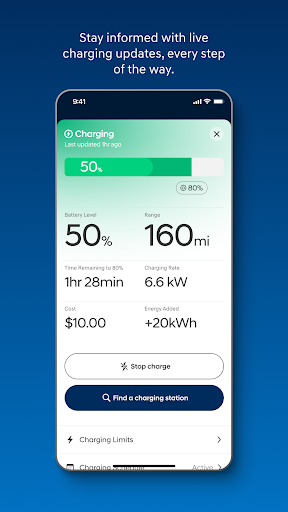
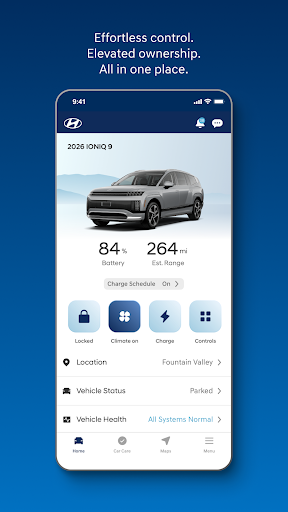
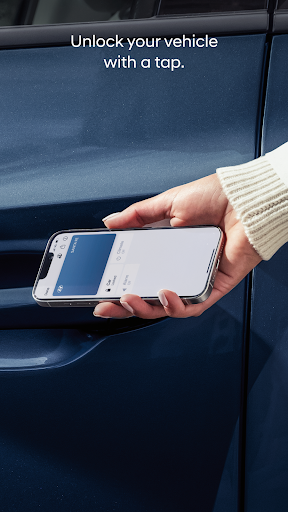
The MyHyundai with Bluelink app empowers you to control your vehicle remotely, no matter where you are. Imagine starting your car on a chilly morning with just a tap, or unlocking the doors for a friend without physically being there. The app supports features like • Remotely start and • unlock or lock your car, and even • start with personalized presets. For electric and plug-in hybrid vehicles, you can • view charging status, • manage charging schedules, and other settings. These convenient controls are perfect for busy lifestyles, offering instant access from anywhere.
Enhanced Security and Safety
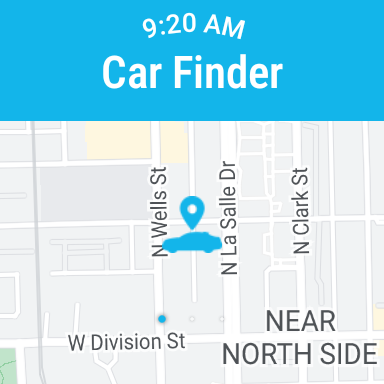
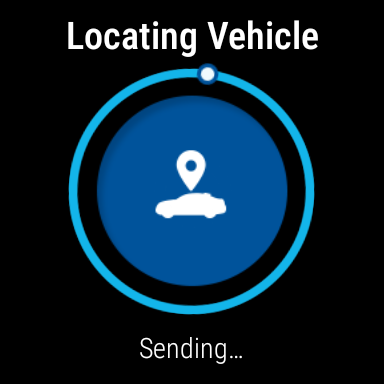
Security features are a cornerstone of the MyHyundai with Bluelink experience. You can locate your vehicle quickly in crowded parking lots using the • Find your car feature. Set alerts for • speed limits and • geofences to monitor your vehicle’s movement and safety. Additionally, you can • remotely activate the horn and lights to help locate your car, making security safeguards more accessible and effective.
Navigation and Location-Based Services
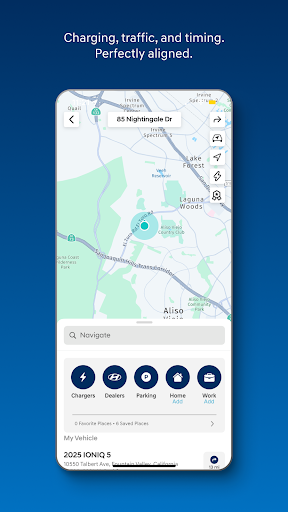
With integrated navigation support, the app simplifies route planning. You can search for points of interest (POI) and send destinations directly to your vehicle. The app also grants access to • POI data and • POI history, making trip planning more efficient. These features ensure you get to your destination smoothly while staying connected to your vehicle’s navigation system.
Additional Features for a Smarter Driving Experience
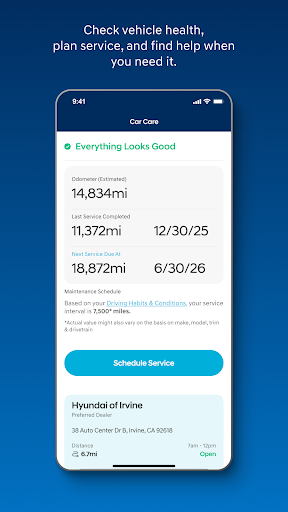
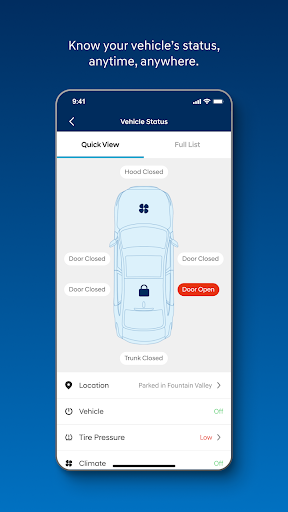
The MyHyundai with Bluelink app offers **tutorials** to learn more about your vehicle's key features and maintenance needs. You can easily schedule Car Care service appointments and access maintenance information. For supported vehicles, you can check the Vehicle Status and receive important alerts. The app's versatility extends to managing various vehicle features through dedicated widgets, such as Remote Features, Parking Meter, POI search, and compatibility with Ioniq EV models.
Connectivity Beyond Your Phone
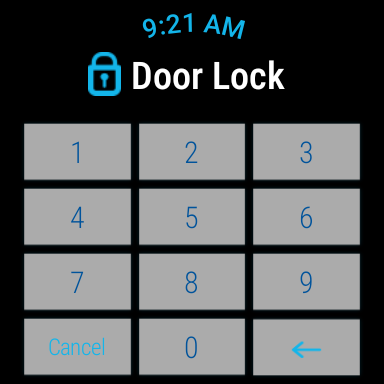
The app’s functionality extends to smartwatches via Wear OS. Use your smartwatch to • remotely start, • lock/unlock doors, and • activate horn and lights. Its voice command capabilities allow for quick, hands-free control, enhancing your driving safety and convenience.
Permissions and Technical Support
To function optimally, MyHyundai with Bluelink requests permissions like camera access, location, notifications, and biometrics. These enable features such as profile setup, secure login, map navigation, and push notifications. For technical assistance, contact the dedicated support team via email. Keep in mind that feature availability may vary depending on your vehicle model, so visiting HyundaiBluelink.com is recommended to verify supported features.
Why Choose MyHyundai with Bluelink?
If you’re a Hyundai owner seeking a *smart*, *convenient*, and *secure* way to stay connected with your vehicle, MyHyundai with Bluelink is an essential app. It essentially acts as your personal car assistant, enabling remote start, vehicle status monitoring, security alerts, navigation, and more, all from your smartphone or smartwatch. With these advanced features, managing your Hyundai becomes effortless, giving you peace of mind and a more enjoyable driving experience. Whether you're managing daily commutes or embarking on road trips, this app brings a new level of convenience and innovation right into your pocket.
Pros
- User-friendly interface
- Real-time vehicle diagnostics
- Remote engine start feature
- Comprehensive vehicle status
- Easy-to-navigate menus
Cons
- Limited features in the free version
- Occasional connectivity issues
- Battery drain during extended use
- Infrequent app updates
- Requires a strong internet connection











