

MiraClean - File Manager
MiraClean is an innovative file management app designed to simplify how you organize, clean, and optimize your Android device. With its user-friendly interface and powerful features, MiraClean helps users maintain their device’s performance while keeping their storage tidy and secure—making it an essential tool for anyone looking to manage phone storage efficiently.
Key Features of MiraClean
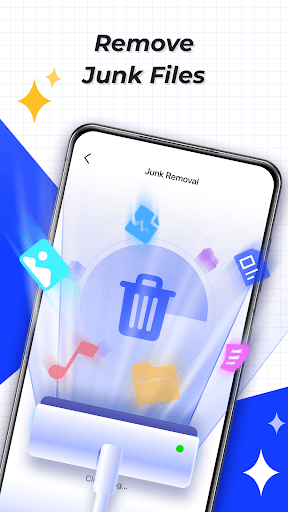
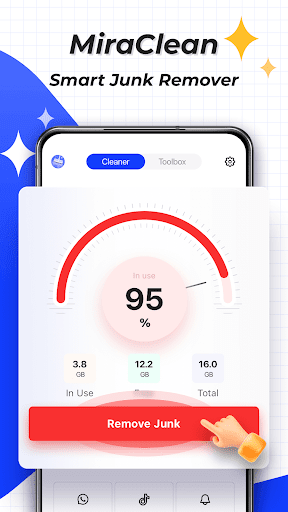
• Scan and delete junk files:
This feature scans your device for temporary files, app caches, and residual data. Over time, these accumulate and can slow down your device. MiraClean identifies and allows you to delete these unnecessary files, freeing up valuable storage space quickly and effortlessly.
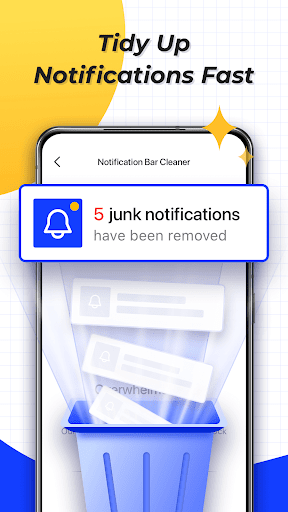
• Clear unwanted notifications:
Manage your notification bar by clearing unwanted alerts. Whether it's spam notifications or old reminders, MiraClean helps you declutter your notification area, ensuring you only see what matters most.
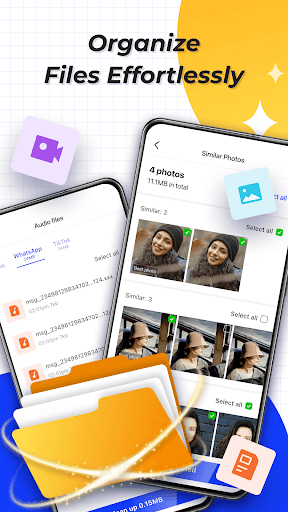
• Manage files by type and size:
Organize your stored files efficiently. The app allows you to sort files by type or size, making it easier to identify large files or specific media like photos, videos, and documents for cleanup or backup.
• Network data usage statistics:
Stay on top of your mobile and Wi-Fi data consumption. MiraClean provides detailed insights into how much data your apps are using, helping you manage and reduce unnecessary data drain.
• Network speed test:
Measure your current download and upload speeds instantly. This feature is perfect for troubleshooting connectivity issues or simply checking your network performance at any time.
Why Choose MiraClean?
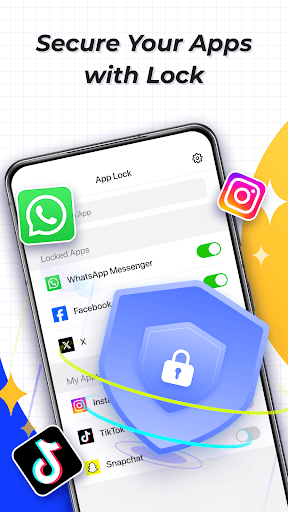
Designed to be lightweight and privacy-conscious, MiraClean offers a simple yet powerful solution for maintaining your phone. Its sleek interface makes navigation easy, even for users who aren’t tech-savvy. Plus, the app's privacy features, including built-in encryption and a secure vault for sensitive files, ensure your personal data remains protected.
Organizational Benefits
Finding files has never been easier thanks to MiraClean's smart categorization and lightning-fast search feature. Whether you're trying to locate a photo from years ago or a particular document, the app acts like a personal assistant, streamlining your digital life.
Performance Enhancement
By routinely clearing cache and junk files, MiraClean boosts your device's speed and responsiveness. This results in a smoother experience, reducing lag, app crashes, and sluggishness—effectively enhancing your device's overall performance.
Security and Privacy
Privacy is a top priority. MiraClean secures your files with encryption and offers options to store sensitive information safely within a dedicated vault. This ensures your personal and confidential data stays protected from prying eyes.
Conclusion
Whether you’re looking to clean up your storage, organize your files, or improve your device’s speed, MiraClean - File Manager is an excellent choice. Its combination of practicality, security, and ease of use makes it a must-have app for Android users who want to keep their devices running smoothly and their files neatly organized. Download MiraClean today and experience a cleaner, faster, and more secure mobile experience!
Pros
- Intuitive user interface
- Organized file management
- Enhances device performance
- Encrypted file security
- Rapid file transfer
Cons
- Advertisements in free version
- Limited cloud services
- Occasional lag issues
- In-app purchase necessity
- Lack of multi-device synchronization











