

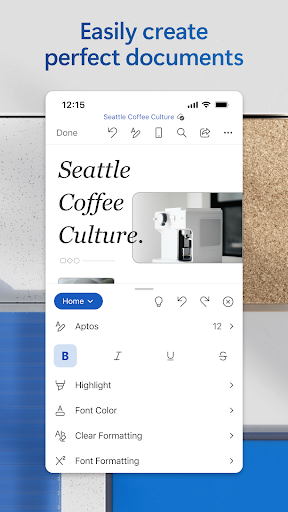
Overview of Microsoft Word: Edit Documents
Microsoft Word is the quintessential word processing application that empowers users to create, edit, and share documents seamlessly across devices. Whether you're a student preparing a report, a professional drafting a proposal, or a casual writer jotting down ideas, this mobile-friendly app makes document management effortless.
The Word app is designed for on-the-go productivity, enabling you to open, modify, and collaborate on documents anytime, anywhere. Its intuitive interface ensures that even first-time users can navigate features with ease, making document editing a straightforward experience.
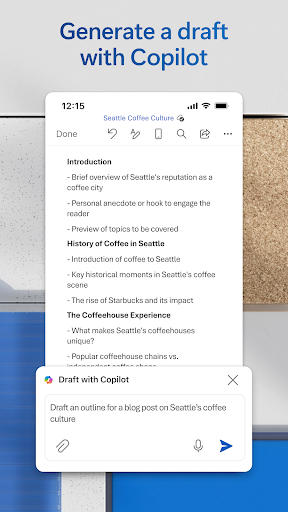
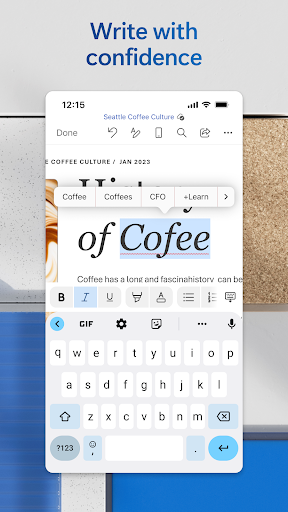
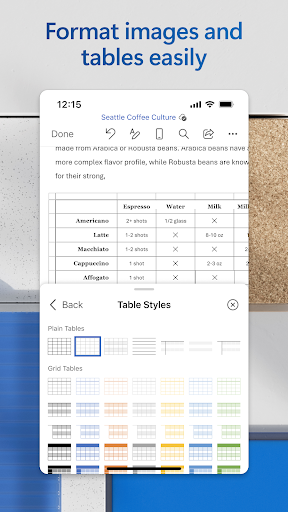
Key functionalities include comprehensive formatting tools, inserting images, tables, and charts, and editing PDFs. It simplifies file sharing and collaboration, allows conversion between Word and PDF formats, and offers a rich collection of templates for resumes, cover letters, newsletters, and more. All these features culminate in a powerful writing and editing tool that caters to diverse needs.
With Microsoft Word, users can effortlessly connect to OneDrive for cloud storage, ensuring that your work is always backed up and accessible. The app also provides built-in spell checking, comments, track changes, and version history, fostering collaborative editing without hassle. Whether you’re working solo or with a team, this free yet feature-rich app is a top choice for creating and modifying documents on the move.
Designed to work on devices with less than 10.1 inches screen size, users can quickly sign in with a free Microsoft account and start editing without delay. The combination of accessibility, versatility, and ease of use makes Microsoft Word indispensable for anyone needing a powerful document editing tool anyplace, anytime.
The Features That Make Microsoft Word Stand Out
Creative Document Creation
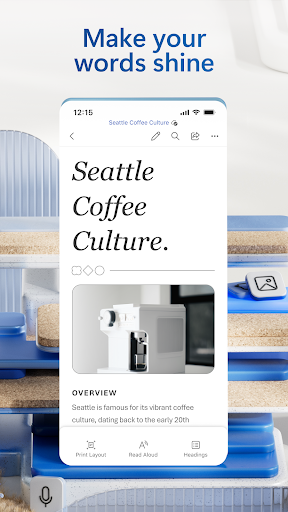
Create professionally designed documents using a variety of modern templates. Whether you need a cover letter, resume, or brochure, Word offers beautiful templates that make setup quick and easy. The editor maintains consistent formats and layouts, ensuring your document looks polished from start to finish.
Reading, Writing, and Editing Flexibility
The app allows you to read documents, letters, PDFs, and scripts effortlessly. With features to convert PDFs to Word and vice versa, you can make quick adjustments or review files in their preferred format. After editing, you can save as a PDF for sharing or printing, keeping your workflow seamless.
Seamless Collaboration & Sharing
Collaborate effortlessly with colleagues by sharing files via link, email, or direct attachment. Users can leave comments directly next to text, making review sessions smooth. Real-time editing ensures everyone stays updated, while version history lets you revert to previous drafts with ease.
Why Microsoft Word Is the Top Choice for Mobile Document Editing
One of the most compelling reasons to choose Microsoft Word is its robust feature set combined with mobile convenience. You can edit documents or craft new ones using an array of rich formatting tools. The app is perfect for drafting letters, creating reports, or even designing newsletters.
Thanks to integration with cloud storage, your work is automatically backed up. Whether you’re in a coffee shop or commuting, you have access to your files and can make edits on the fly. The app supports a variety of templates that help you jumpstart projects with minimal effort.
Sharing is made simple: send a link, attach a PDF, or embed a document directly into an email—all within a few taps. For improved accuracy, spell check and proofreading tools are built in, ensuring your writing is professional and error-free. Whether you are a blogger, writer, or project manager, this app adapts to your workflow effortlessly.
In summary, Microsoft Word transforms your mobile device into a portable office capable of handling all your document creation and editing needs—helping you stay productive no matter where you are.
Pros
- Comprehensive editing tools.
- Seamless cloud integration.
- Cross-platform compatibility.
- User-friendly interface.
- Wide range of templates.
Cons
- Requires a Microsoft account.
- Some features require a subscription.
- Occasional synchronization issues.
- Can be resource-intensive on devices.
- Limited free storage.











