


Discover the Power of Microsoft Translator in Breaking Language Barriers
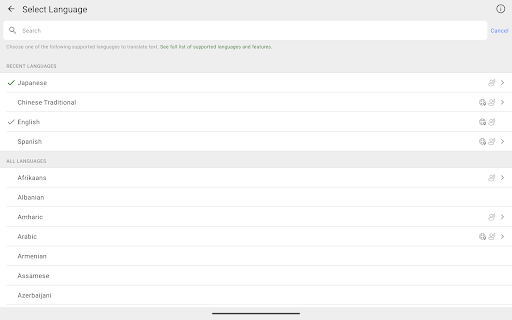
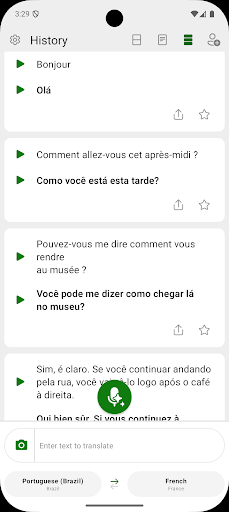
Are you looking for a reliable way to communicate with people across different languages? Microsoft Translator is an innovative app designed to help you connect seamlessly, regardless of language differences. Whether you're traveling abroad, working with international colleagues, or engaging with diverse cultures, this multilingual translation tool is your perfect companion. With support for over 100 languages, Microsoft Translator offers powerful features that allow you to translate text, speech, images, and group conversations effortlessly, all for free.
Key Features That Make Microsoft Translator Stand Out
One of the most impressive aspects of Microsoft Translator is its versatility. It functions as a real-time interpreter, facilitating smooth communication in multiple scenarios. From translating simple text messages to complex group conversations, this app is tailored to meet diverse user needs. Here are some of its standout features:
Text and Voice Translation
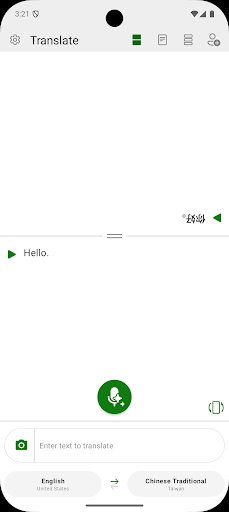
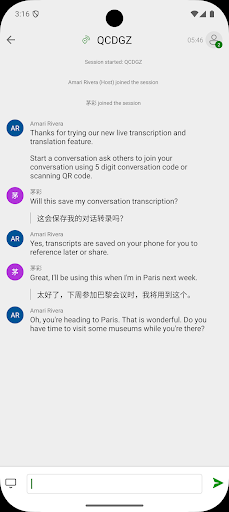
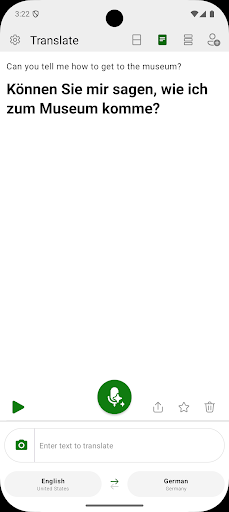
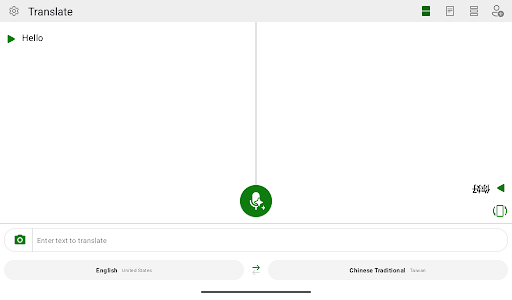
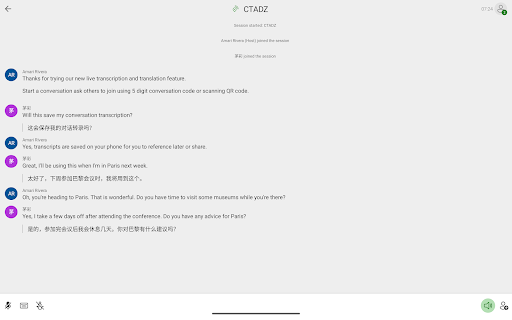
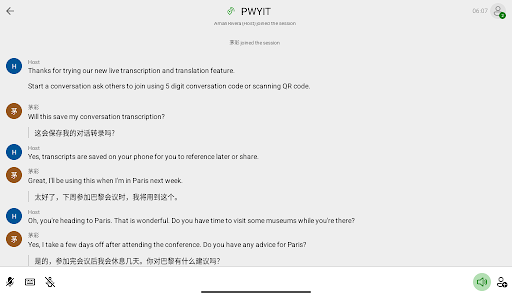
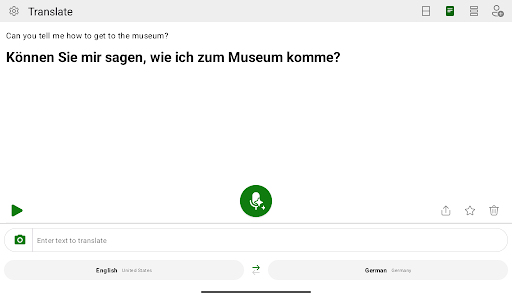
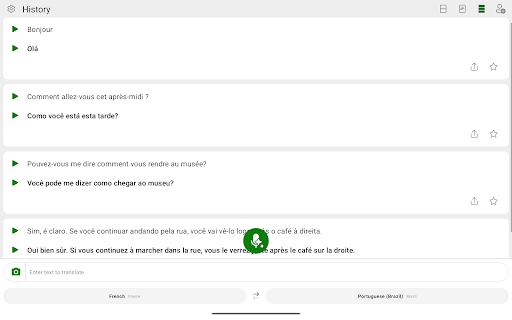
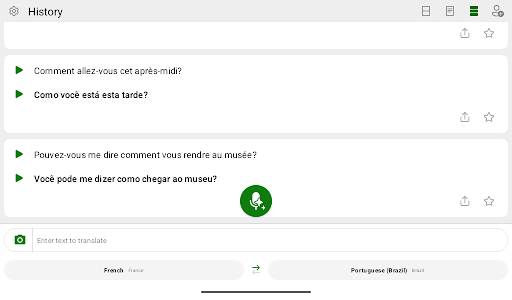
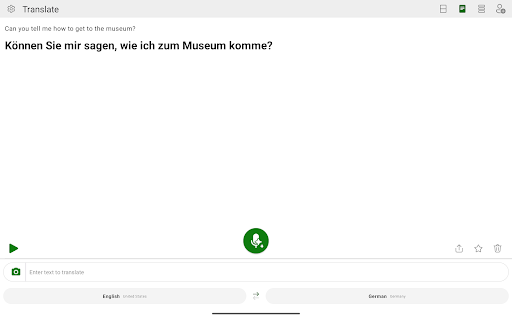
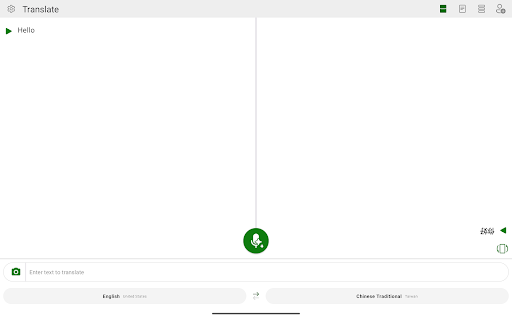
The app supports accurate translation of text and voice in over 70 languages. Just type your message or speak into your device, and the app translates instantly. This feature is particularly helpful for spontaneous conversations or quick exchanges when dealing with foreign languages. Its high accuracy makes it a reliable tool for both casual chats and professional interactions. Additionally, Microsoft Translator enables multi-person group conversations, allowing participants to communicate seamlessly in different languages without confusion.
Image and Camera Translation
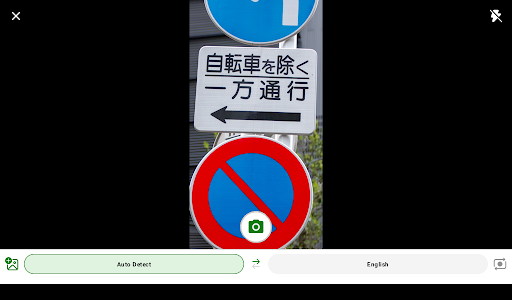
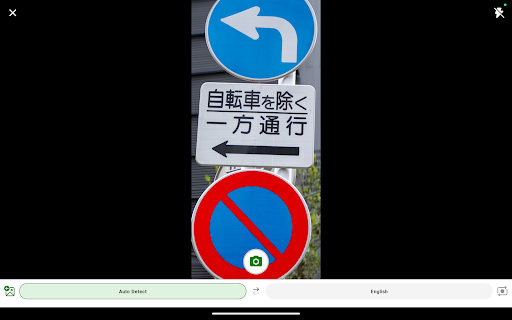
Another standout feature is the camera translation. Simply point your camera at signs, menus, or any text in a foreign language, and witness the app translate it instantly. This visual translation capability is invaluable when navigating unfamiliar streets or reading foreign packaging. Supporting a wide range of languages, this feature offers ultimate convenience, especially for travelers and adventurers on the go.
Offline Capabilities and Phrasebook
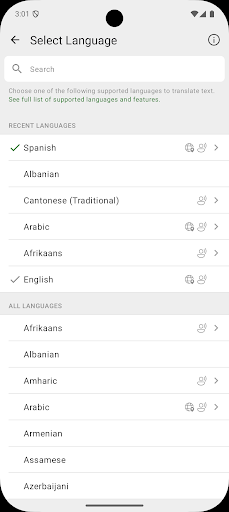
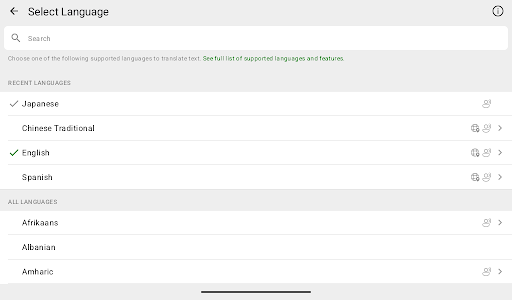
Travel often means encountering areas with limited internet access. Recognizing this, Microsoft Translator allows users to download languages for offline use, ensuring you stay connected no matter where you are. The app also includes a handy phrasebook feature, providing essential translations for common phrases. This makes quick navigation and basic communication straightforward and stress-free in new environments.
Why Choose Microsoft Translator?
If you're seeking an intuitive, versatile, and dependable translation app, Microsoft Translator is an excellent choice. Its user-friendly interface makes switching between features simple, whether you're translating text, speech, or images. The app's real-time translation accuracy and offline options ensure you’re never left stranded in language gaps. Whether you're a traveler exploring new countries, a student learning new languages, or a professional engaging in international meetings, this tool adapts to your needs.
Connect Globally with Confidence
Don’t let language barriers restrict your interactions. Download Microsoft Translator today and unlock a world of communication possibilities. With comprehensive features and broad language support, it’s your personal interpreter that fits right into your pocket. Embrace new cultures, enhance your travel experiences, or facilitate international collaborations—Microsoft Translator makes it all possible, simple, and effective. Discover how easy it is to connect with people from all walks of life and break down language walls with this powerful translation app.
Pros
- Supports more than 60 languages.
- Provides real-time conversation translation.
- Offline translation functionality.
- Includes a camera translation feature.
- User-friendly interface.
Cons
- Voice recognition can be inconsistent.
- Occasional translation inaccuracies.
- Limited offline language options.
- Full features require an internet connection.
- May consume battery life rapidly.











