



Discover the Power of Microsoft Outlook: Your All-in-One Email and Productivity App
Connecting and coordinating a busy life has never been easier thanks to Microsoft Outlook. Designed to streamline your communication, schedule, and file management, this versatile application is your digital personal assistant. Whether you're handling work emails, school assignments, or personal correspondence, Microsoft Outlook integrates all your accounts into one secure platform for effortless management.
Seamless Multi-Platform Experience
One of the standout features of Microsoft Outlook is its ability to work flawlessly across multiple devices. Whether you're using an Android smartphone, an iPhone, or a desktop computer, the experience remains consistent and smooth. You can start composing an email on your phone and finish it later on your laptop without missing a beat. This level of integration ensures you're always connected, productive, and in control, no matter where you are. It’s like having your personal assistant available 24/7 to handle your emails, schedule, and files.
Advanced Organization and Calendar Management
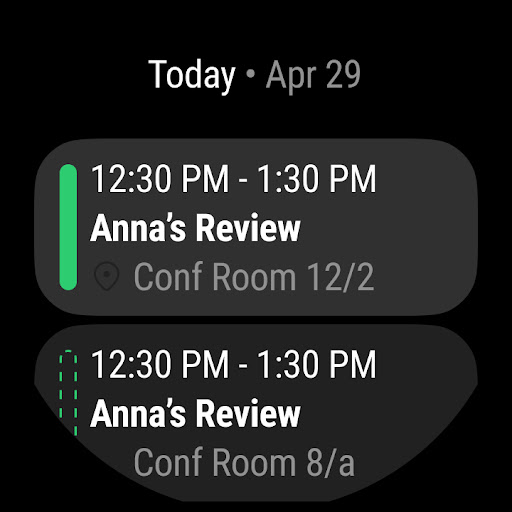
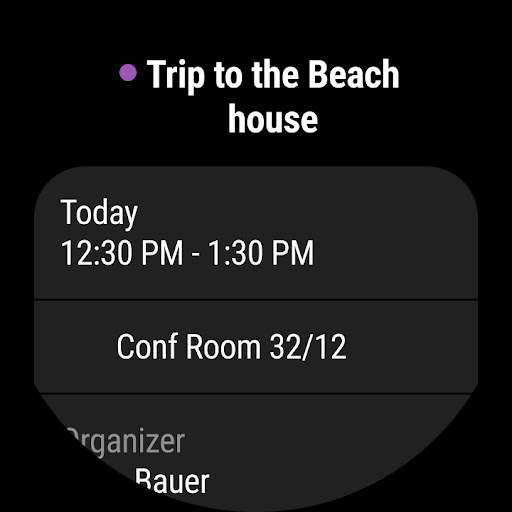
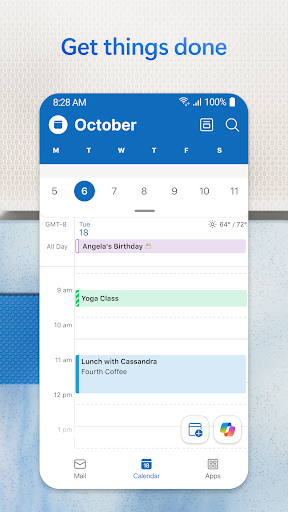
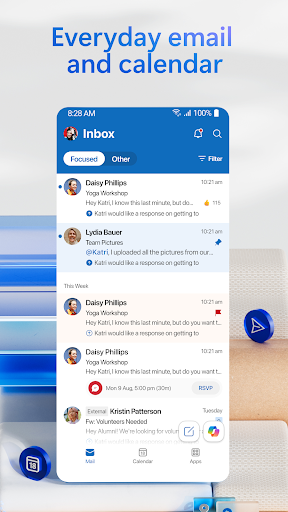
If staying organized is a priority, Microsoft Outlook offers robust tools to help you manage your time effectively. Its calendar feature allows you to view multiple calendars simultaneously—perfect for juggling work meetings, personal appointments, and social events. Color-coding options, reminders, and sharing capabilities make planning straightforward and collaborative. The smart Focus inbox sorts your emails into “Focused” and “Other,” ensuring that your most important messages get your attention immediately, minimizing distractions and clutter.
Intelligent Productivity Features
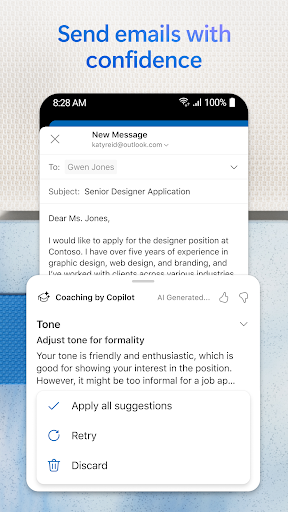
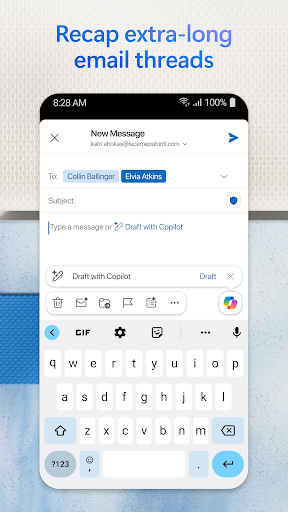
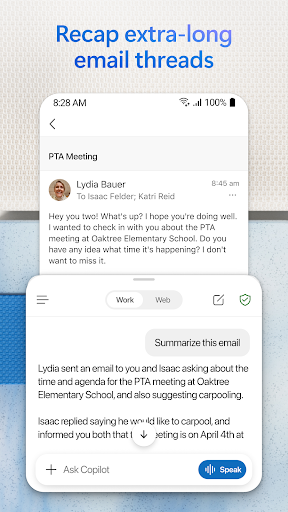
Beyond email and calendar, Microsoft Outlook integrates seamlessly with other Microsoft Office apps such as Word, Excel, PowerPoint, and OneNote. You can open, edit, and share documents directly from your inbox, saving valuable time. The app also supports customized workflows through add-ons like Trello or Evernote, enhancing your productivity. Smart features like suggested replies, voice-activated searches, and “Play My Emails” allow you to respond quickly and catch up on messages hands-free, making multitasking easier than ever.
Powerful Security and Privacy Measures
In today’s digital landscape, security is critical. Microsoft Outlook prioritizes protecting your data with enterprise-grade security features. It provides advanced encryption, spam filters, and protection against phishing scams. For sensitive communications, you can encrypt emails to prevent unauthorized forwarding, especially if you have a Microsoft 365 subscription. Rest assured, your files, emails, and personal information are safeguarded with trusted security technologies.
Connected Experience for Enhanced Collaboration
Need to join a meeting or video call? Microsoft Outlook connects effortlessly with popular platforms like Microsoft Teams, Skype, Zoom, and others. You can schedule, join, and manage meetings directly from your inbox, making collaboration simple and efficient. Whether it’s a team project, a client presentation, or a virtual catch-up, Outlook keeps you connected and organized.
Key Features and Benefits of Microsoft Outlook
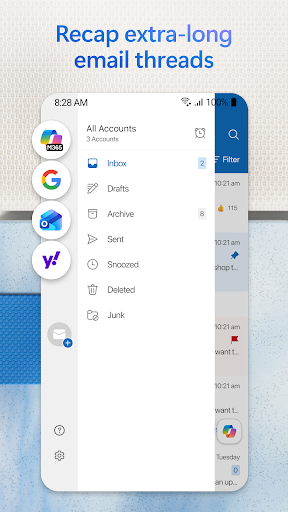
- Inbox for Everything: Access all your emails, contacts, and files in one place, including accounts from Gmail, Yahoo Mail, iCloud, and more.
- Files at Your Fingertips: View recent attachments, attach files from OneDrive or other cloud services, and manage documents efficiently within your messages.
- Event and Task Planning: Schedule meetings, RSVP with ease, and stay on top of daily tasks to keep your life organized.
- Smart Email Management: Filter, snooze, pin, and flag messages to prioritize and manage your inbox effectively.
- Security & Privacy: Enterprise-grade security features protect your communication with encryption and malware filtering, making it a trusted tool for sensitive information.
Conclusion: Why Microsoft Outlook Is a Must-Have
In summary, Microsoft Outlook is far more than an email app; it’s a comprehensive productivity suite that manages your communication, schedule, files, and security needs in one intuitive platform. Its cross-platform compatibility, intelligent features, and strong security measures make it an ideal choice for professionals, students, or anyone looking to organize their digital life more efficiently. Embrace this powerful tool and experience how it can transform your daily workflow. With Outlook, staying productive and connected has never been easier.
Pros
- User-friendly interface
- Seamless email integration
- Robust calendar features
- Cross-platform availability
- Strong security measures
Cons
- Occasional sync issues
- Limited customization options
- Resource-intensive on devices
- Ads in free version
- Complex setup for beginners











