

Microsoft Excel: Spreadsheets
Microsoft Excel: Spreadsheets is a versatile and powerful application designed to help users manage data, perform calculations, create charts, and analyze information efficiently. Available on both Android and iOS devices, this app transforms your smartphone or tablet into a fully functional data management tool, making tasks like budgeting, data analysis, and project organization more accessible and convenient than ever.
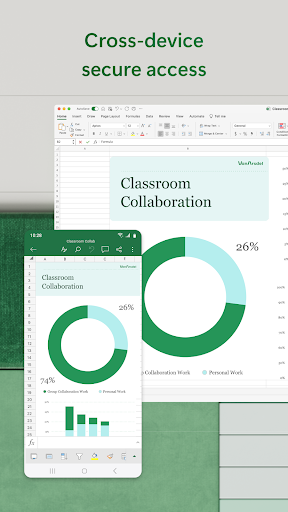
Whether you're a student, professional, or casual user, Excel offers an intuitive yet feature-rich environment for handling various data tasks. From simple calculations to complex data visualization, this app provides the tools you need to turn raw data into meaningful insights. Its ability to seamlessly integrate with other Microsoft Office applications and cloud storage solutions like OneDrive ensures your spreadsheets are up-to-date and accessible across multiple devices at all times.
One of the most notable advantages of Microsoft Excel: Spreadsheets is its user-friendly interface. Designed for easy navigation, even beginners can rapidly get started with guided tutorials, customizable templates, and straightforward features. For example, creating a budget sheet can be accomplished quickly, complete with charts and graphs that look professional and polished.
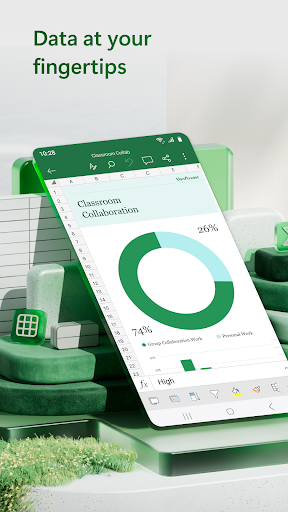
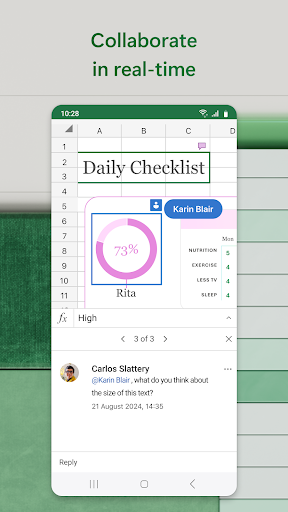
Beyond basic data entry, Excel empowers users with an expansive suite of features. You can perform budgeting, develop detailed charts, utilize advanced formulas, and leverage powerful data analysis tools like pivot tables and conditional formatting. The app supports collaboration too—multiple users can work on the same file simultaneously, making it ideal for team projects or sharing with colleagues.
Key Features of Microsoft Excel: Spreadsheets
Spreadsheets & Calculations: Create detailed budgets, task lists, and financial analyses using modern templates. Add formulas and use built-in data analysis tools to run calculations with ease. Workbooks and charts are designed to be clear and accessible, with rich formatting options that operate seamlessly across devices.
Accounting, Budget & Expense Tracking: Use dedicated budget templates and planning tools to manage your finances efficiently. Track expenses regularly with a personal budget template, utilize the app as a tax calculator, or for managing personal finances. This makes Excel more than a simple spreadsheet app—it becomes your all-in-one financial management hub.
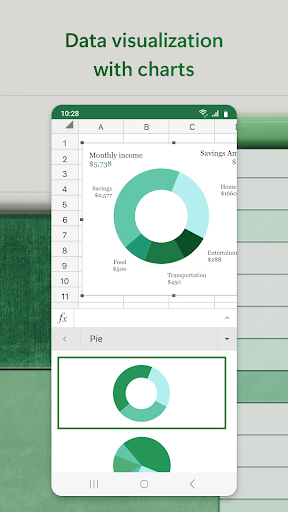
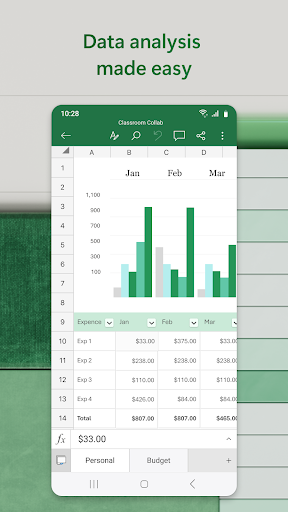
Data Analysis: Insert, annotate, and customize charts to visualize your data effectively. Add labels, edit chart elements, and highlight key insights. Pivot charts and visualization tools facilitate digestible data presentation, helping you make informed decisions quickly.
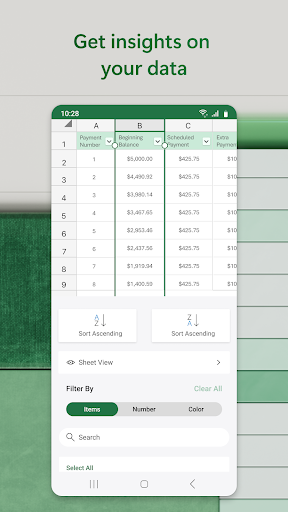
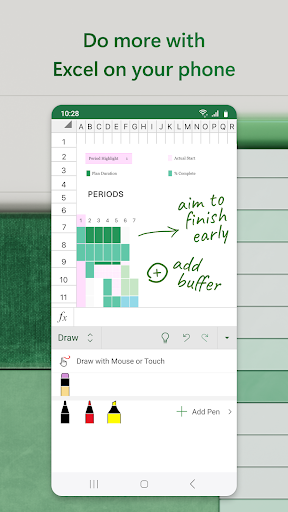
Review and Edit: Edit documents, charts, and data wherever you are. Use sorting, filtering, and annotation features—including drawing tools on touch-enabled devices—to review and enhance your spreadsheets easily.
Collaborate and Work Anywhere: Share files and spreadsheets with a few taps to invite others to view, comment, or collaborate live. You can embed your spreadsheets in emails or generate shareable links, promoting seamless teamwork regardless of location.
Why Choose Microsoft Excel: Spreadsheets?
This app stands out for its extensive set of robust features that boost productivity and streamline data management. Its powerful calculation capabilities, combined with user-friendly templates and customization options, make it suitable for a wide range of needs—from simple expense tracking to complex data analysis.
Designed to be flexible, Excel ensures that users can tailor their spreadsheets’ appearance and functionality to meet specific requirements. It’s equipped with advanced tools like conditional formatting, extensions, and plugins, enabling customization for any project or workflow.
Moreover, integration with the broader Microsoft ecosystem ensures you can import data from other Office apps or cloud services effortlessly, maintaining continuity and efficiency across your devices and platforms. Whether you need to prepare a financial report or organize a personal project, Microsoft Excel: Spreadsheets is a dependable and comprehensive solution that helps you make the most of your data.
Pros
- Comprehensive spreadsheet features
- Seamless collaboration tools
- Cross-platform compatibility
- Extensive formula library
- Robust data analysis tools
Cons
- Steep learning curve for beginners
- Requires Microsoft 365 subscription
- Occasional performance issues
- Complex for basic tasks
- Limited mobile functionality











