

Microsoft 365 Copilot – Your Ultimate Productivity Assistant
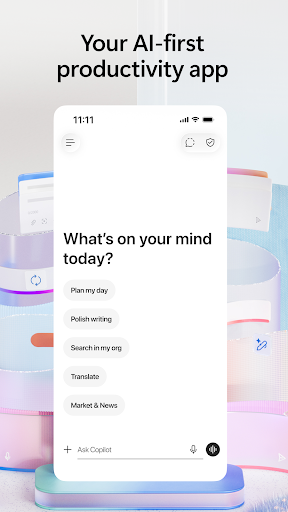
The Microsoft 365 Copilot app is your go-to everyday productivity companion for both work and personal life. Designed to streamline your tasks, it consolidates access to essential productivity tools—such as Word, Excel, PowerPoint, and more—for a seamless experience. Once you sign in with your work, school, or personal Microsoft account, you can start using this versatile free desktop application immediately. Formerly known as the Microsoft 365 (Office) app, this modern solution enhances your workflow with AI-powered features.
All-in-One Office Suite with AI Integration
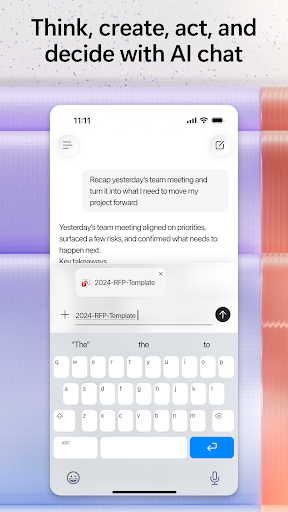
The Microsoft 365 Copilot app combines multiple productivity tools into one unified platform. Whether you're collaborating on documents, analyzing data, or creating presentations, Copilot acts as your intelligent AI assistant. The app allows you to easily ask questions, draft content, and catch up using a simplified chat experience. This makes teamwork and individual work more efficient and engaging.
Features of Key Applications
Within the Microsoft 365 Copilot environment, you can leverage powerful functionalities across various apps:
- Word for crafting and editing documents, including resumes, using professional templates.
- PowerPoint equipped with tools like Presenter Coach to practice and perfect presentations.
- Excel for managing budgets, tracking data, and utilizing spreadsheet templates.
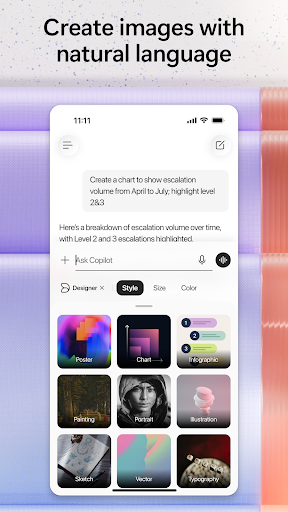
- Designer (available for personal Microsoft accounts) to quickly generate designs and edit photos powered by AI.
PDF Management Capabilities
The app includes robust PDF functionalities such as:
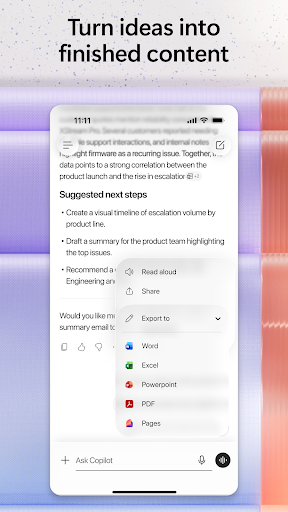
- Scanning PDF files and converting them into editable Word documents.
- Quickly editing PDF files directly on your device, whether you're on the go or at your desk.
- Accessing and signing PDFs using the integrated PDF Reader.
Cloud Connectivity and Storage
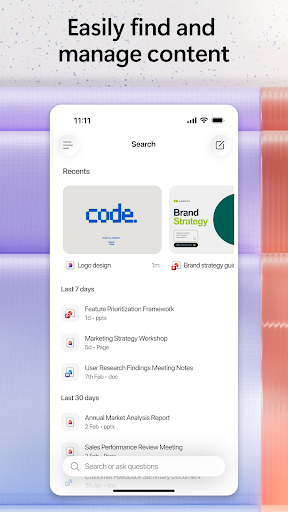
Seamless cloud integration is a cornerstone feature. You can connect your Microsoft Account with OneDrive or SharePoint, enabling easy access and saving of your documents. Additionally, support for third-party cloud storage providers offers flexibility, ensuring your work is always backed up and accessible from any device.
Subscription & Privacy Considerations
The Microsoft 365 Copilot app operates on a subscription basis. Monthly subscriptions for Microsoft 365 Personal and Family plans are billed through the App Store and will renew automatically unless you disable auto-renewal beforehand. Subscribing grants access to premium features, ongoing updates, and dedicated support. The app is provided by Microsoft or a third-party publisher, and data may be transferred, stored, and processed in the United States or other countries, in accordance with Microsoft's End User License Agreement.
Experience the Future of Productivity with Microsoft 365 Copilot
In summary, Microsoft 365 Copilot is a comprehensive productivity app that combines powerful AI-driven features with familiar Office tools. It simplifies your workflow by providing a unified platform to create, collaborate, and manage your tasks effortlessly. Whether you're a student, a professional, or someone who loves organizing their personal life, this app adapts to your needs and helps you work smarter, not harder. Its smooth cloud integration, collaboration tools, and intelligent functionalities make it a must-have for anyone aiming to boost their productivity and streamline their workflow. If you haven't experienced the capabilities of Microsoft 365 Copilot yet, now's the perfect time to explore how it can transform your daily routines and elevate your efficiency.
Pros
- Seamlessly integrates with Windows.
- Provides cloud-based collaboration options.
- Equipped with advanced security features.
- Receives regular updates with new features.
- Accessible from multiple devices.
Cons
- Full features require a subscription.
- Can be costly for individual users.
- Some functionalities require internet connectivity.
- Interface may be complex for beginners.
- Limited offline capabilities.











