

Comprehensive Overview of the MEGA Cloud Storage App
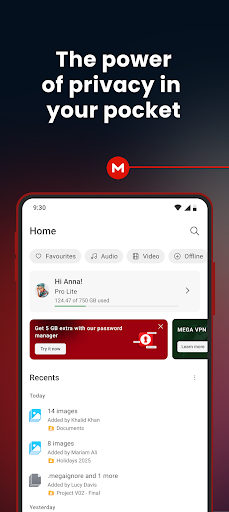
In today's digital age, managing multiple devices and safeguarding your files is more important than ever. MEGA stands out as a leading cloud storage solution, offering an unparalleled combination of security, usability, and generous free storage. Whether you're a casual user or a professional, MEGA's features are designed to provide seamless access and robust protection for your data across all your devices.
Secure and User-Controlled Encrypted Cloud Storage
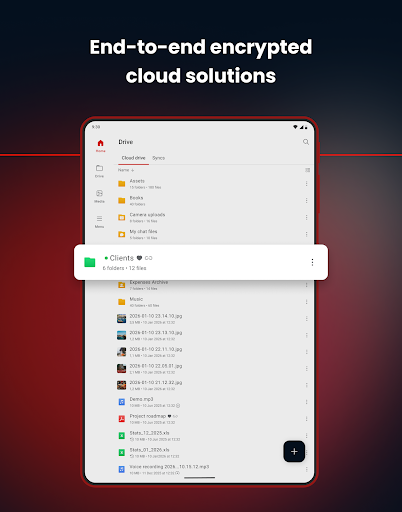
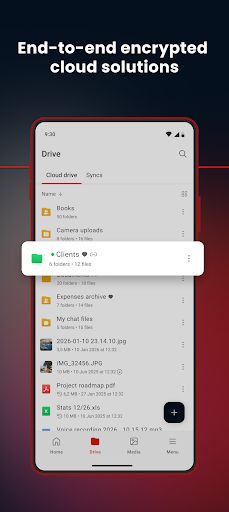
One of the core strengths of MEGA is its focus on encryption. Unlike other providers, your data is encrypted and decrypted solely on your client devices. This means that the server never gains access to your unencrypted files, ensuring your privacy is maintained at all times. With end-to-end encryption, your information remains private, making MEGA an ideal choice for sensitive data storage.
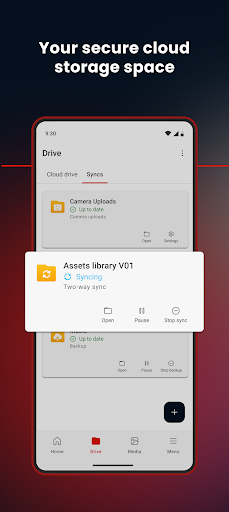
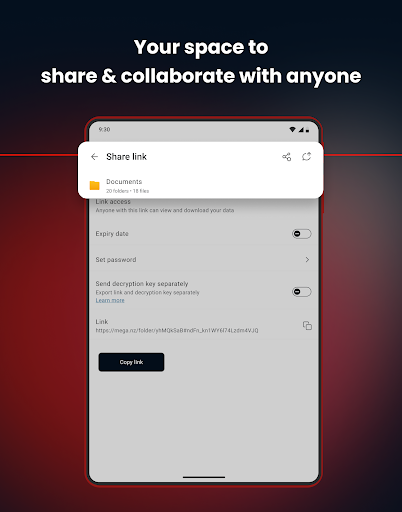
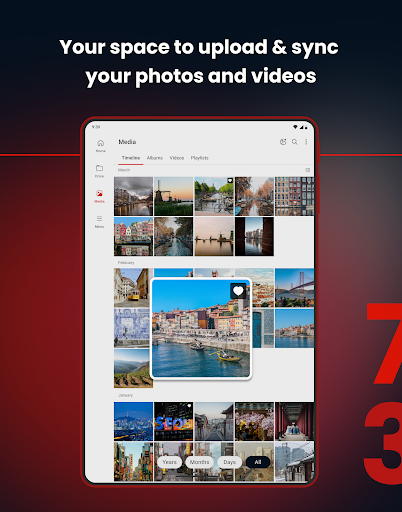
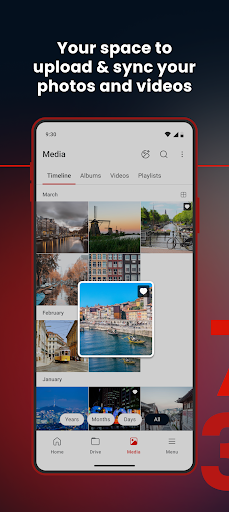
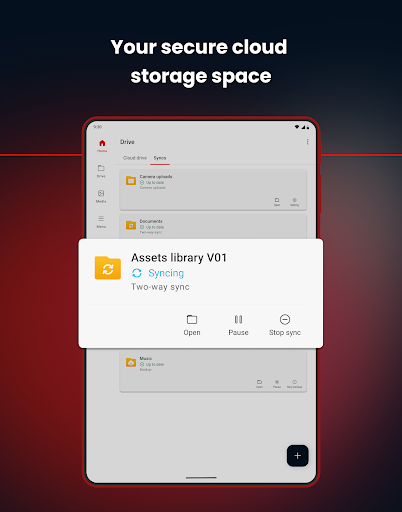
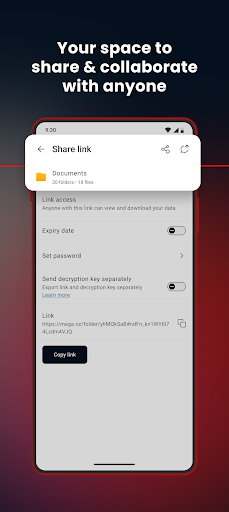
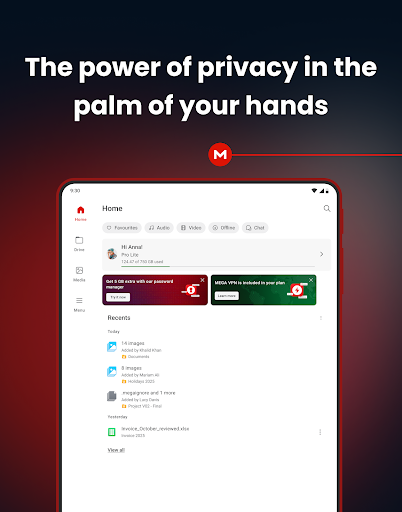
You can easily upload files from your smartphone or tablet, then search, download, stream, view, share, rename, or delete them from any device, anywhere. Sharing folders with contacts enables real-time updates, fostering collaboration without compromising security. Additionally, MEGA offers automatic synchronization capabilities, so your local data is always backed up and synchronized with your cloud storage, ensuring your important files are safely accessible across all your devices.
For added convenience, users can set up one-way sync backups for specific folders, making data management effortless. Importantly, because of MEGA's zero-knowledge encryption, only you have the ability to access your data. Remember to keep your password and account recovery key safe; losing them results in irreversible loss of access.
Encrypted Communication and Collaboration
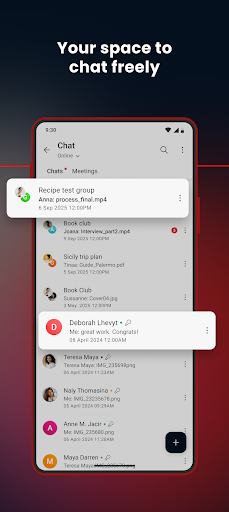
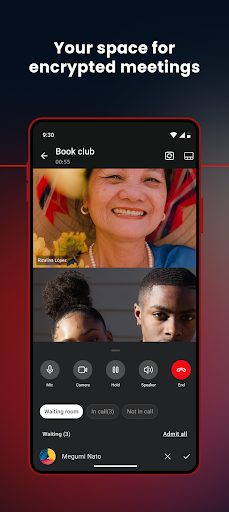
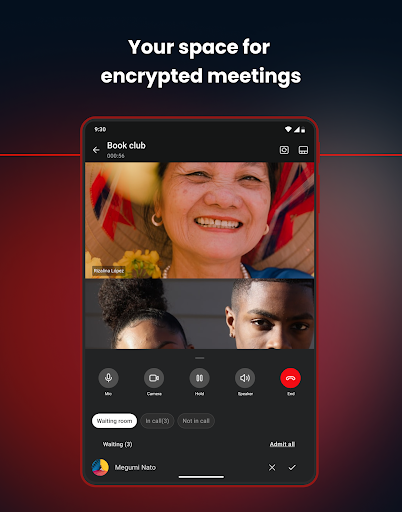
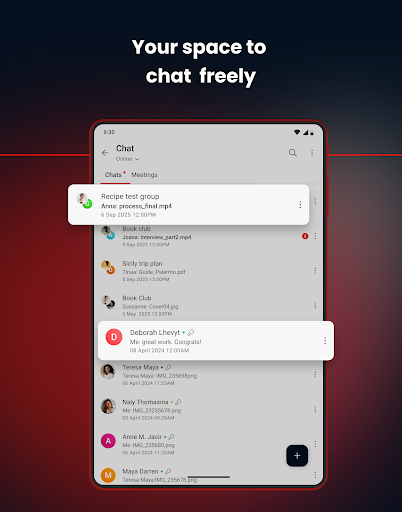
MEGA doesn't just focus on storage—it's also a secure platform for private messaging, audio and video calls, and group chats. Thanks to its end-to-end encryption and zero-knowledge protocol, your conversations stay private, protected from third parties. Collaboration is streamlined as you can send and receive encrypted files directly through the integrated cloud, making teamwork both straightforward and secure.
Generous Free Storage and Subscription Options
Starting with a generous free storage allocation, MEGA provides 50GB right upon registration. Users can further expand their storage in multiples of 5 GB through the MEGA Achievements Programme. Subscriptions automatically renew, offering flexible and hassle-free plans. Managing your subscription is simple: just access the app via the Google Play Store on your device, sign in with your account, and you’re all set.
Transparency and Open Source
Transparency is a key aspect of MEGA’s philosophy. All client-side application code is published openly on GitHub, allowing users and developers alike to verify the security measures in place. This commitment to transparency bolsters trust and ensures that the app’s underlying security protocols meet high standards.
Optional App Permissions and Privacy Policy
MEGA requests various permissions for enhanced functionality, including access to your contacts, microphone, camera, and nearby devices. It also uses notifications to keep you updated on chat messages, calls, and file transfers. All permissions are optional and purpose-driven, respecting your privacy and control over your device data.
For detailed terms, policies, and privacy information, visit the Terms of Service and Privacy Policy.
Why Choose MEGA for Your Cloud Storage Needs?
If you're tired of running out of space or concerned about the security of your files, MEGA offers an ideal solution. Its combination of robust encryption, user-friendly interface, and flexible storage options make it a top choice for personal and professional use. Whether you need to sync files across devices, share securely with friends or colleagues, or keep your data private, MEGA delivers a comprehensive and trustworthy platform.
Experience the convenience of cloud storage that prioritizes your privacy without sacrificing performance. With MEGA, managing your files becomes effortless, secure, and reliable—giving you peace of mind in today’s digital world.
Pros
- Generous 20GB of free storage
- End-to-end encryption
- Available across multiple platforms
- Fast file transfer speeds
- Intuitive and user-friendly interface
Cons
- Limited monthly bandwidth allowance
- Paid plans may be costly
- Occasional synchronization issues
- Lacks document editing capabilities
- Limited customer support options











