

Overview of MaxClean - Cleaner & Manager
MaxClean is a powerful and user-friendly phone management application designed to simplify and optimize the way you maintain your device. Whether you want to free up storage, improve performance, or keep your notifications tidy, MaxClean offers a suite of practical tools tailored for everyday use. This app helps you keep your smartphone organized and running smoothly with minimal effort, making it an essential phone cleaner and manager for users seeking efficiency and simplicity.
Features of MaxClean
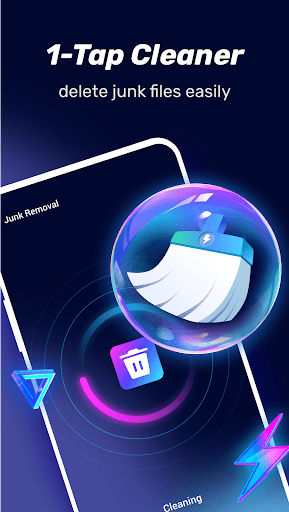
Efficient Junk File Removal
One of MaxClean’s core functions is to eliminate junk files rapidly. With just a single tap, the app scans your device and clears out unnecessary data, freeing up valuable storage space. This quick cleanup process ensures your phone remains clutter-free without complicated steps, providing an effective solution for maintaining optimal device performance.
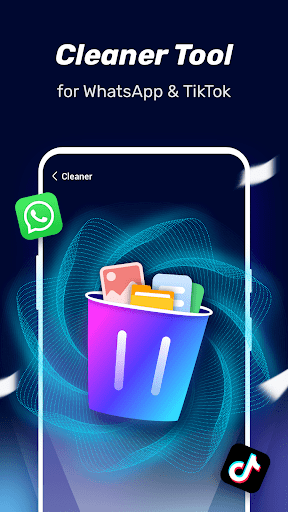
App Cleanup and Management
The app includes tools to clean up popular applications, helping you manage and optimize their operation. Additionally, it offers insights into individual app usage, enabling you to identify which apps are consuming excessive resources. The app manager makes it easy to select and delete multiple files or apps at once, saving you time and effort in keeping your device tidy.
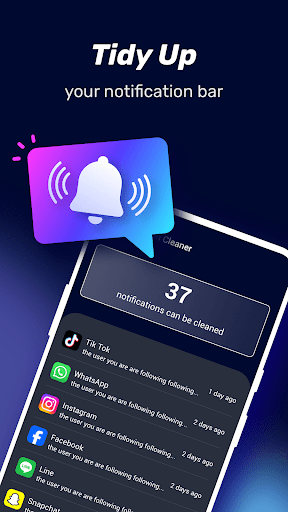
Notification Bar Tidy-Up
MaxClean helps you tidy up notification alerts, reducing clutter and creating a cleaner, less distracting view. This feature enhances your user experience by ensuring notifications are more organized and easier to manage, allowing you to focus on what truly matters.
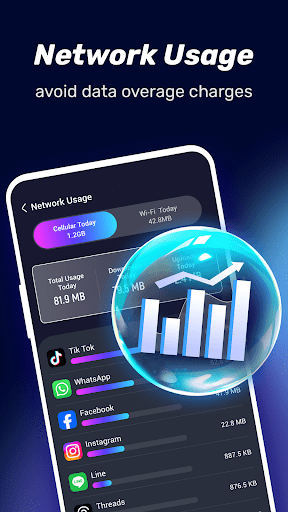
Network Usage Monitoring
You can track your network usage with MaxClean, which alerts you to unexpected data consumption. This feature helps prevent overage charges and manages your data plan more effectively, ensuring that your device’s connectivity remains optimized and cost-effective.
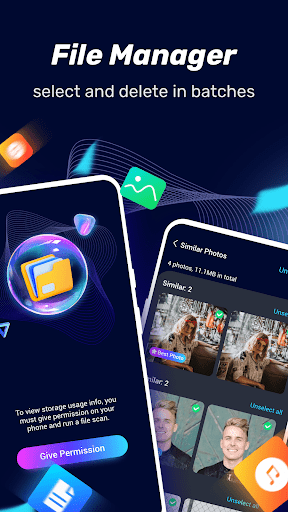
File Management
The app offers straightforward file management capabilities, enabling you to select multiple files and delete them in batch. This simplifies the process of organizing your storage and keeping your device clutter-free, making maintenance quick and hassle-free.
Enhanced Device Performance
Memory Boosting and Speed Optimization
If you’ve ever felt that your phone is slower than usual, MaxClean’s memory booster feature is your solution. It intelligently frees up RAM, allowing your apps to run more smoothly — almost like giving your device a refreshing boost. This makes multitasking more efficient and reduces lag, helping your phone operate like new.
Intelligent App Management
The app’s app manager provides detailed insights into app usage and memory consumption. It recommends which applications you might consider uninstalling or disabling, ensuring your device maintains a healthy balance and optimal performance level.
User-Friendly Interface
Designed with simplicity in mind, MaxClean’s intuitive interface makes managing your device effortless. Its clean layout and minimalistic design provide an enjoyable user experience, making routine maintenance feel less like a chore and more like a breeze. The app feels light and unobtrusive, actively contributing to your device’s efficiency without adding extra load.
Why Choose MaxClean - Cleaner & Manager?
For users who wish to keep their phones in top condition without technical hassle, MaxClean is an ideal choice. It offers a comprehensive suite of cleaning tools, efficiency enhancements, and smart management features, all wrapped in a user-friendly package. The satisfaction of reclaiming storage space and boosting device speed makes MaxClean an indispensable phone optimizer.
In essence, MaxClean isn’t just an app—it’s an experience that helps maintain a smooth, efficient device with minimal effort. It offers peace of mind, knowing your smartphone is well cared for, clean, and performing at its best. If you’re looking for a reliable phone cleaner and manager, give MaxClean a try — your device will thank you!
Pros
- Efficiently frees up storage space.
- Enhances phone performance.
- User-friendly interface.
- Quick removal of junk files.
- Includes battery optimization features.
Cons
- Contains advertisements within the app.
- Limited features available in the free version.
- May require unnecessary permissions.
- Some users experience occasional crashes.
- Does not support real-time monitoring.











