
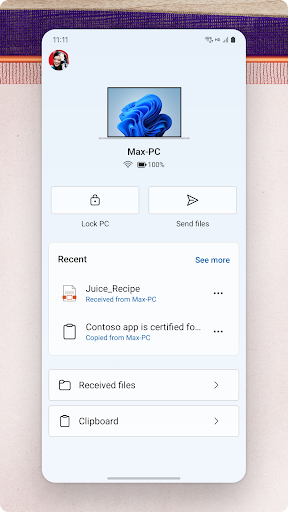
Experience Seamless Connectivity with the Link to Windows App
In today’s digital world, staying connected across devices is more important than ever. The Link to Windows app is designed to bridge your Android phone and Windows PC, creating a unified experience that simplifies managing your mobile content from your computer. This innovative application not only enhances productivity but also enhances the way you interact with your devices, making your digital life more synchronized and efficient.
Key Features of the Link to Windows App
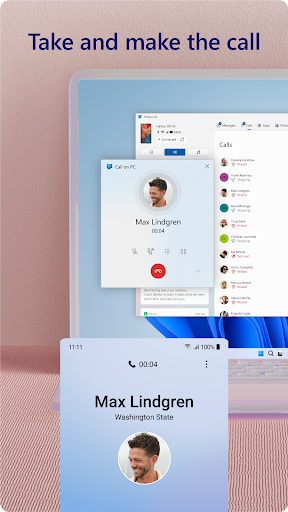
Effortless Call Management
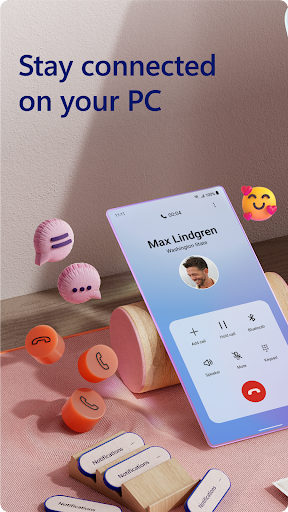
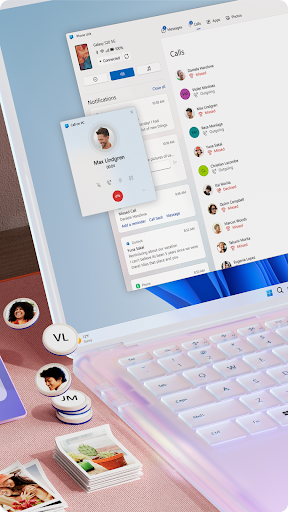
One of the standout features of Link to Windows is the ability to make and receive calls directly from your PC. This functionality requires a Windows 10 PC with Bluetooth capability. Whether you're in a meeting or working on a project, you can answer calls without having to pick up your phone, streamlining your communication process.
Notification Sync and Management
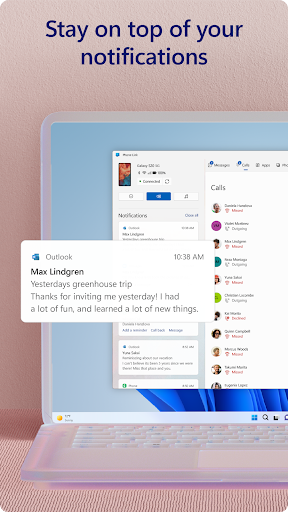
Never miss an important alert again. The app allows you to manage your Android phone’s notifications on your PC, ensuring you stay updated with messages, reminders, or app alerts while focusing on your work. This feature keeps you connected without interruption.
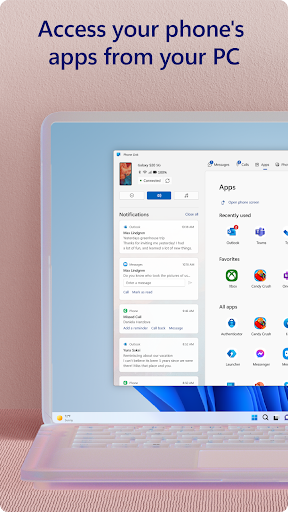
Access Mobile Apps on Your PC
With Link to Windows, you can run compatible mobile apps directly on your PC. This is especially useful for apps you frequently use, allowing you to work more efficiently by leveraging your computer’s larger screen, keyboard, and mouse.
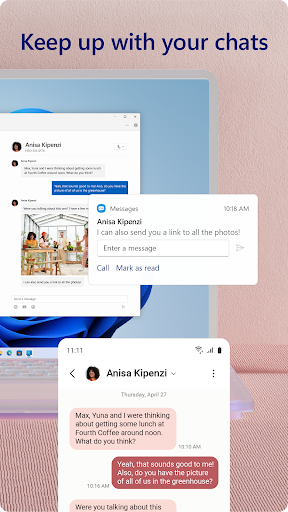
Text Messaging and File Sharing
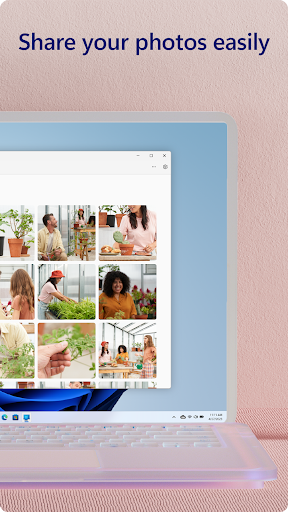
Respond to and read text messages from your PC without touching your phone. Additionally, the app supports drag and drop of files—so sharing photos or documents between your devices is as simple as dragging a file from one window to another. This makes transferring media quick and hassle-free, eliminating the need for emailing images or using third-party apps.
Photo Access and Editing
Your phone’s photos are instantly accessible via your PC. You can view, copy, and even edit images seamlessly, boosting your productivity and creativity without breaking your workflow. The drag-and-drop feature for photos enhances this experience further, making image management straightforward.
Integrated Device Compatibility
The app comes integrated with select Microsoft Duo, Samsung, and HONOR phones, meaning there's no need to download additional apps from the Play Store for these devices. This integration provides a smoother setup process and richer functionality, including exclusive features like cross-device copy and paste, Phone screen, and file drag-and-drop.
Getting Started with Link to Windows
Setting up Link to Windows is straightforward. First, ensure your Android device is compatible—most modern Android phones, especially Samsung devices, are supported. Download the app from the Google Play Store and install it on your device. On your Windows PC, open the Your Phone app. A few permissions and sync steps, and you're ready to enjoy integrated connectivity.
System Requirements and Compatibility
To utilize all features, your Windows 10 PC should be running the May 2020 Update or later with at least 8GB of RAM. Your Android device must be running Android 11.0 or later. The app also supports accessibility features, allowing users employing screen reading tools to control their phone apps from their PC using Android keyboard navigation with spoken feedback—without collecting personal or sensitive data.
Enhanced Productivity and Convenience
The true power of Link to Windows lies in how it transforms your device interaction experience. Imagine working on a document on your PC when a message arrives on your phone. Instead of switching devices, you can instantly reply from your computer, thanks to the notification sync. Want to transfer a photo? Simply drag it from your phone to your PC, saving precious time and reducing interruptions. This harmony between devices elevates your productivity and simplifies daily tasks.
Final Thoughts: Is Link to Windows Worth It?
In a digital era where connectivity is crucial, Link to Windows offers a smart, reliable, and user-friendly solution to bridge your Android phone and Windows PC effortlessly. While there is room for future updates and enhancements, its core features—such as cross-device copy and paste, file drag-and-drop, and call and notification management—are robust and highly practical. Whether for professional productivity or personal convenience, this app can significantly streamline your mobile-to-PC experience.
If you’re looking to improve integration between your Android device and Windows computer, Link to Windows is definitely worth a try. It may very well become an essential component of your digital workspace, making your tech interactions smoother and more efficient.
Pros
- Seamless phone-to-PC integration
- Easy transfer of files
- Real-time notifications
- Synchronization of text messages
- Screen mirroring capability
Cons
- Limited support for iOS devices
- Dependence on Wi-Fi connection
- Battery drainage issues
- Occasional delays in synchronization
- Privacy concerns











