

Introducing Kia Access: Your Ultimate Kia Vehicle Companion
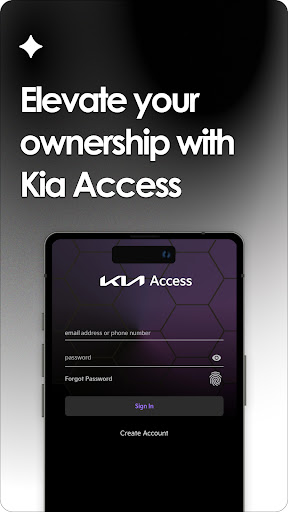
If you're a proud Kia owner, the Kia Access app is an essential tool that elevates your vehicle management experience. As the official Kia America, Inc. owner’s app, Kia Access seamlessly combines the functionality of the Kia Owner’s Portal with many convenient features of Kia Connect (formerly known as UVO link), provided your vehicle is equipped accordingly. With Kia Access, all these powerful features are right at your fingertips, making vehicle control and information access more effortless than ever before.
Comprehensive Vehicle Information at Your Fingertips
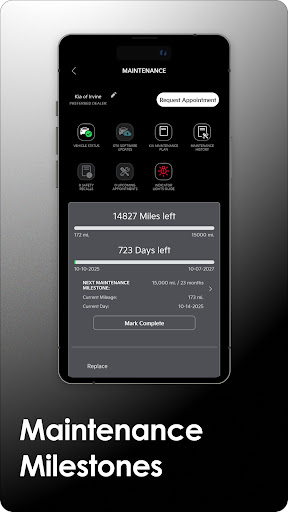
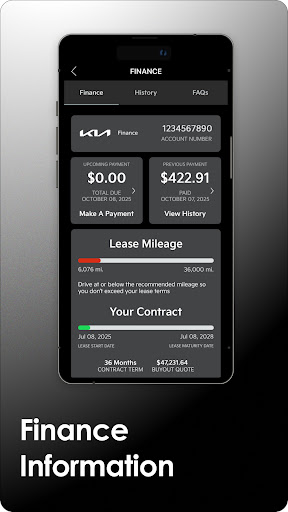
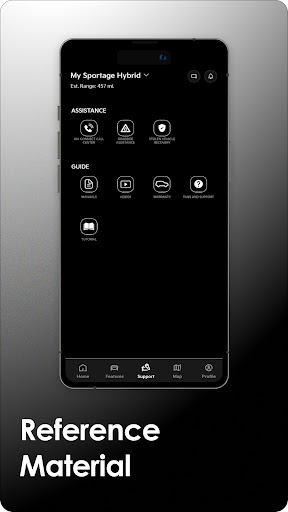
Once you download the Kia Access app, you gain instant access to a wealth of vehicle details including the Owner’s Manual, quick guides, tutorial videos, and warranty information. If your Kia vehicle is financed through Kia Motors Finance, the app also provides your vehicle payment information. Additionally, maintenance milestones are tracked and accessible via the app, helping you stay on top of regular service needs and ensuring your Kia stays in optimal condition.
Advanced Features for Equipped Vehicles
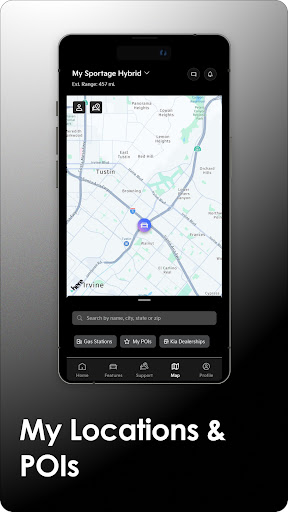
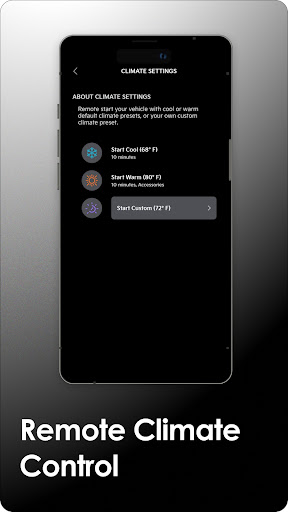
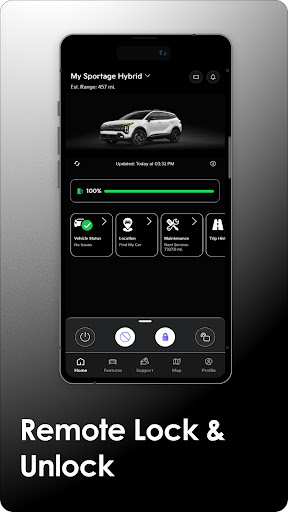
For vehicles equipped with Kia Connect, Kia Access unlocks a suite of advanced remote capabilities. These include generating vehicle health reports—which monitor powertrain, chassis, and safety systems—and sending locations to your navigation system for easy route planning. Users can also remotely lock and unlock doors, activate horns and lights to locate their vehicle, and even remotely set the cabin temperature—perfect for chilly mornings or hot summer days. Moreover, Kia Connect enables you to find your car easily if it’s parked in a crowded lot.
Special Features for Plug-in Hybrid and Electric Vehicles
Electric and hybrid Kia models benefit from dedicated features such as remotely checking battery status, understanding your vehicle’s estimated driving range, locating nearby charging stations, and scheduling charging times. These functionalities simplify managing your EV or plug-in hybrid, ensuring you stay charged and ready to go without additional hassle.
Ease of Use and Compatibility
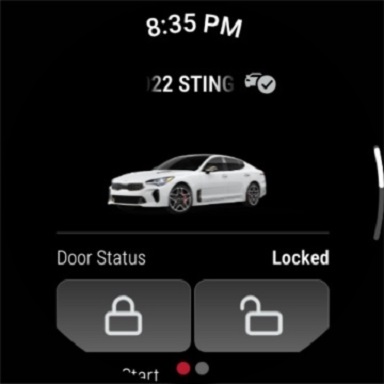
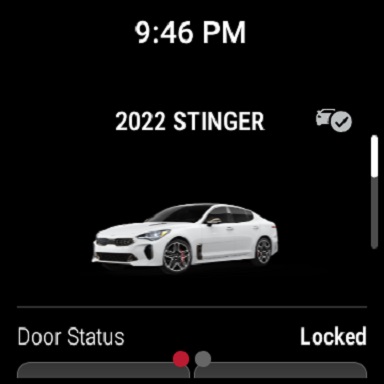
The user interface of Kia Access is designed to be sleek and intuitive, making setup and navigation straightforward. While initial configuration might take some patience, the app provides a smooth experience with consistent performance. The app is also available for Wear OS, extending convenience to your smartwatch. However, note that some features depend on your vehicle’s model year and equipment, with newer Kia models enjoying the full range of capabilities.
Important Notes and Subscription Details
Access to certain features such as vehicle health reports and remote climate control requires an active Kia Connect subscription. New Kia vehicles often include a complimentary 1-year subscription, but continued use after this period requires payment. Also, some remote climate control functions should be used with caution, especially in enclosed areas like garages—always prioritize safety.
Use of Kia Access is subject to the Kia Privacy Policy and Terms of Service. Vehicle compatibility, feature availability, and subscription details may vary, so it’s advisable to verify your vehicle’s compatibility and subscription status. For support or inquiries, Kia offers assistance via their dedicated support channels.
Enhance Your Driving Experience with Kia Access
The Kia Access app embodies ultimate convenience for modern Kia owners, transforming your phone into a powerful remote control center for your vehicle. Whether you want to start your car remotely on a cold morning, locate your parked car, monitor vehicle health, or manage charging for electric models, this app simplifies these tasks, making car ownership more enjoyable and less stressful. Embrace the future of vehicle connectivity and take full control of your Kia with Kia Access—your trusted companion on every journey.
Pros
- User-friendly interface
- Remote start capability
- Vehicle health reports
- Around-the-clock roadside assistance
- Customizable notification settings
Cons
- Requires stable internet connection
- Limited free functionalities
- Occasional crashes of the app
- Quick battery drain
- Initial setup process can be complex











