
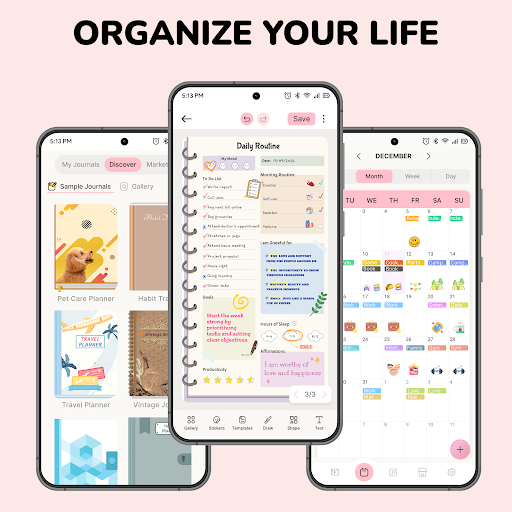
Introduction to Journal: Notes, Planner, PDFs
Welcome to Journal: Notes, Planner, PDFs — an innovative application designed to help you capture the essence of your daily moments and manage your activities effortlessly. Whether you want to keep a personal journal, organize notes, or plan your schedule, this app combines the benefits of a traditional notebook with the convenience of digital organization. It's your all-in-one digital notepad, diary, and planner that transforms the way you record and manage your life. With its rich features, seamless synchronization, and user-friendly interface, Journal: Notes, Planner, PDFs helps you stay productive at work, school, and in everyday life, making sure nothing important slips through the cracks.
Key Features of Journal: Notes, Planner, PDFs
Stay Organized at Work, School, and Life
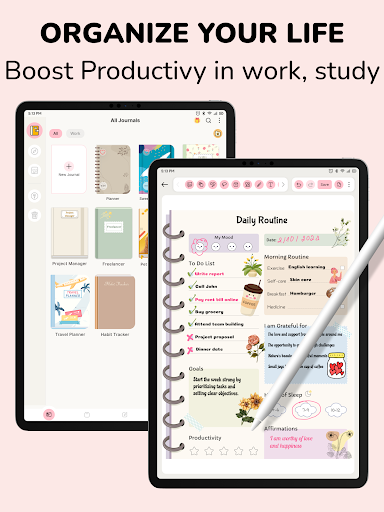
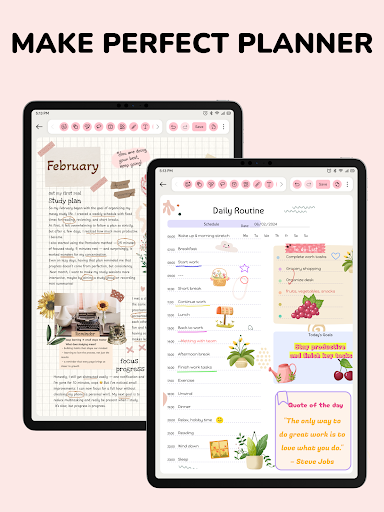
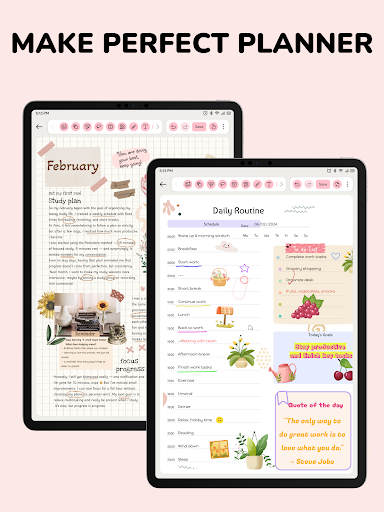
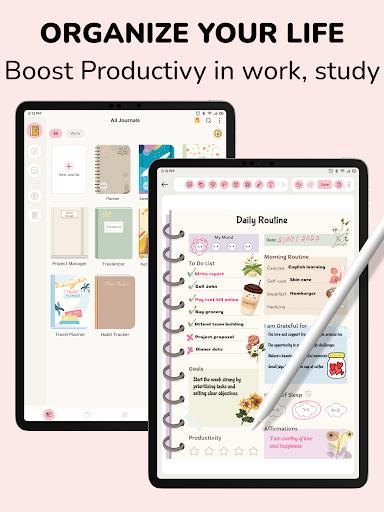
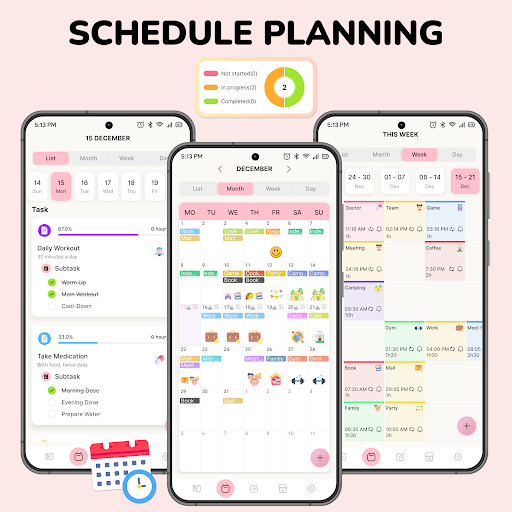
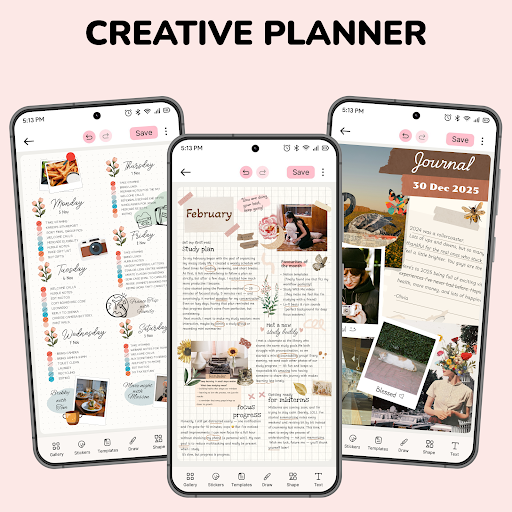
This app is integrated with diverse planning and schedule management functionalities. It allows you to quickly jot down ideas, capture information, and keep everything well-organized. Whether you're managing project deadlines or daily appointments, the digital calendar feature streamlines your schedule, making personal and professional planning straightforward and efficient.
Personalize Your Notebook
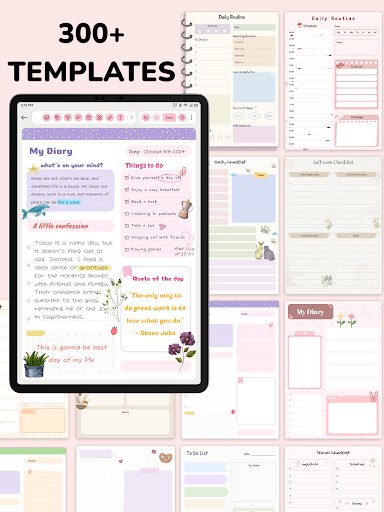
With the ability to customize themes, you can personalize your notepad to match your style. Choose from various themes to keep your digital notebooks organized and visually appealing. This feature makes it easy to reflect your personality or mood in your digital notes and plans.
Notes, Drawings, and Multimedia
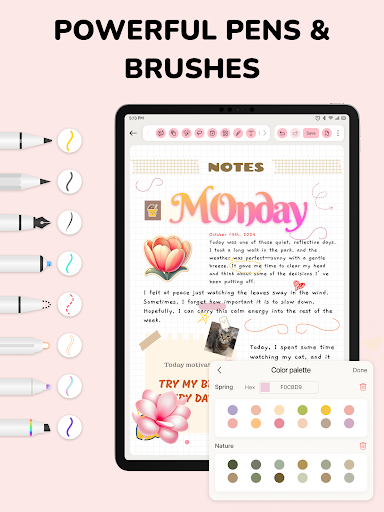
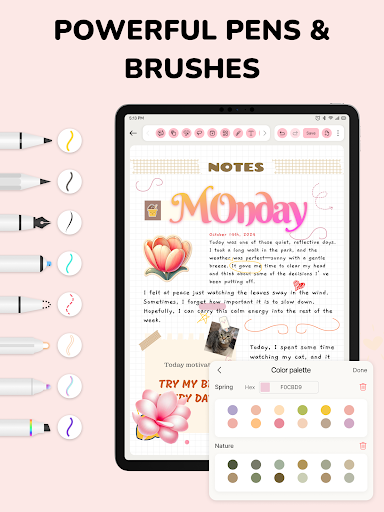
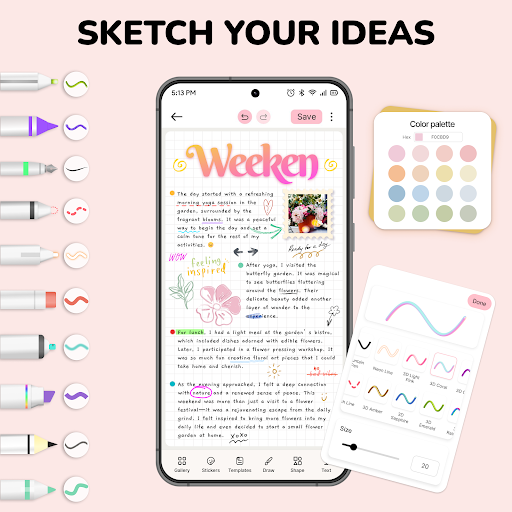
The application's note-taking capabilities mimic traditional notebooks, enabling you to write, brainstorm ideas, and plan on virtual pages. Use customizable paper templates, and enhance your notes with a range of multimedia tools, including pencil, highlighter, and text. Whether you prefer simple text or rich media, you can capture your thoughts in many creative ways.
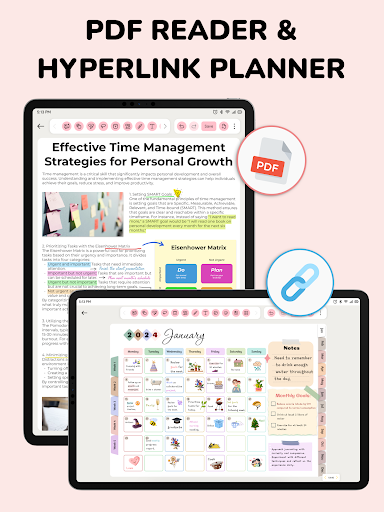
Import & Store PDF Documents
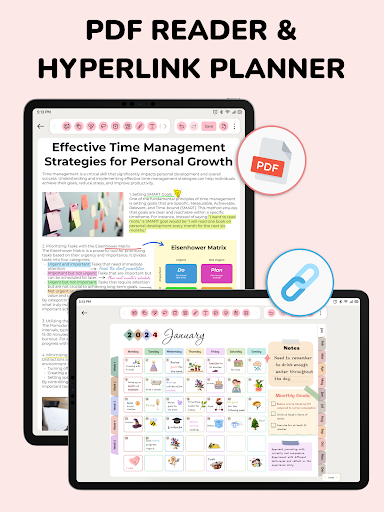
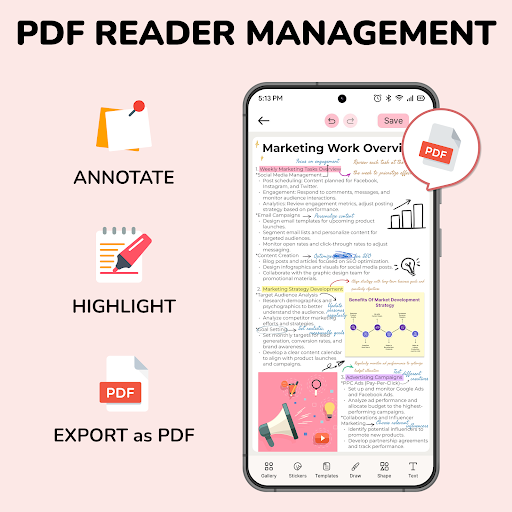
One standout feature is the ability to import PDF files. You can annotate, highlight key points, and even make direct modifications within PDFs. This provides a seamless experience for reviewing documents on the go, making annotations, or completing forms without switching apps. You can easily export notes back to PDF format after editing, streamlining your workflow.
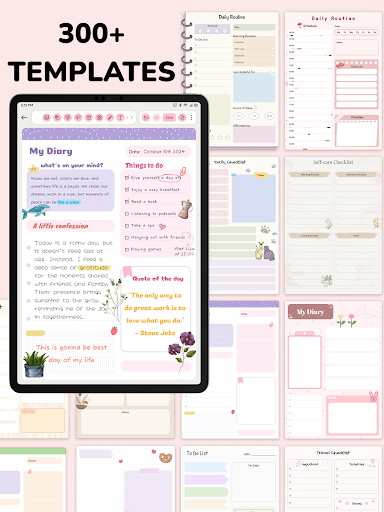
Template & Sticker Collection
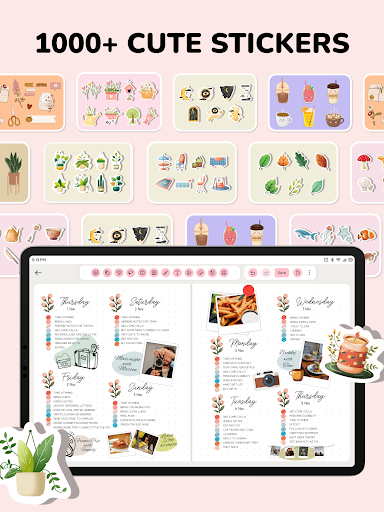
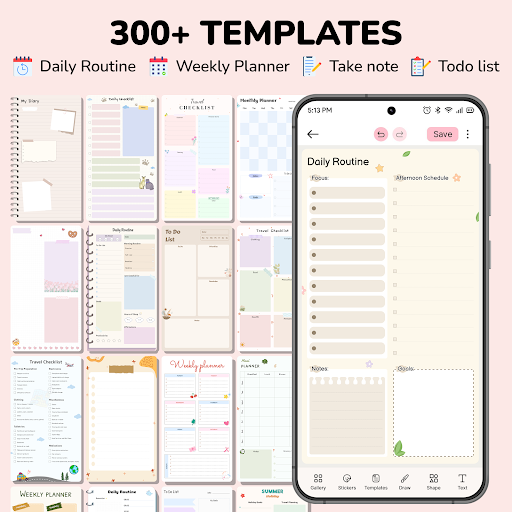
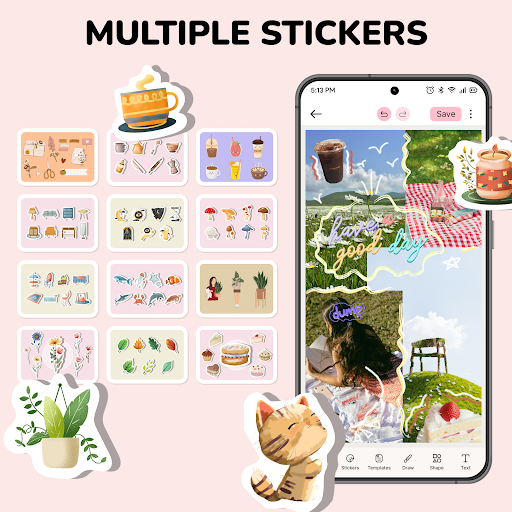
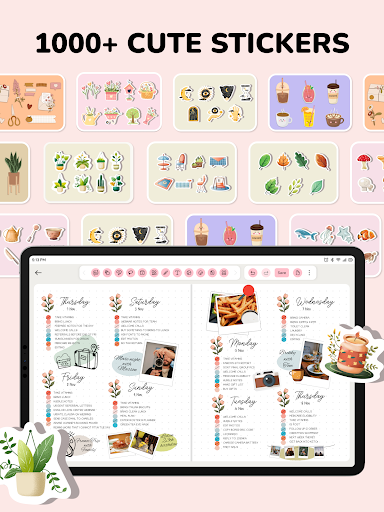
Express your creativity with a vast collection of over 1000 stickers and more than 300 templates covering various topics and styles. This collection helps you make your notes more personalized and engaging. Whether you're jotting quick ideas or creating detailed pages, these tools enable you to reflect your unique personality and organizational style.
Integrated Digital Calendar
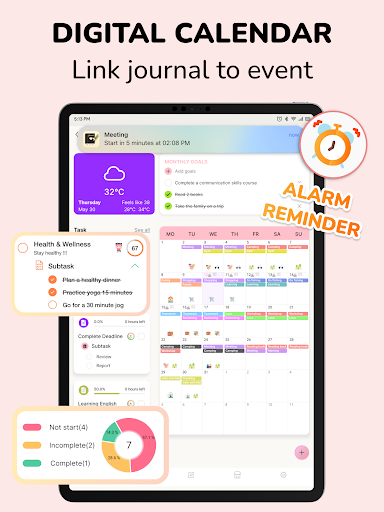
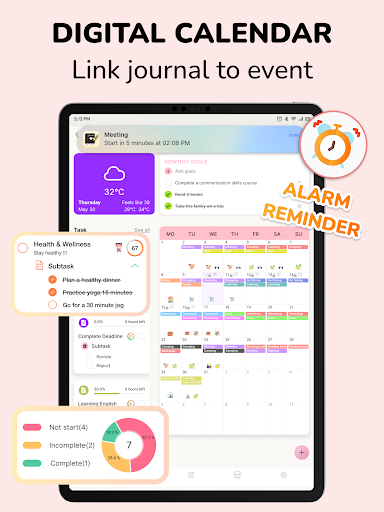
The digital calendar feature allows users to create events, set tasks, and manage schedules directly within the app. It combines note-taking with scheduling, offering a comprehensive platform for time management. This ensures that your planning and recording stay interconnected, leading to increased productivity and better time utilization.
Sync Across Devices & Sharing
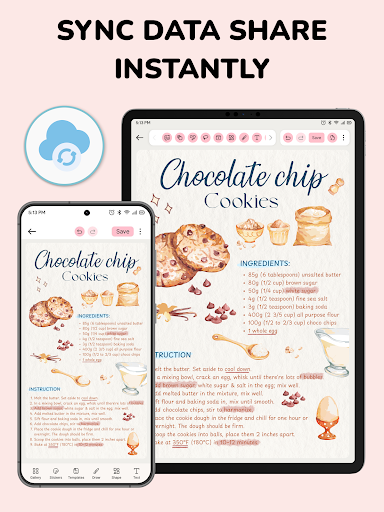
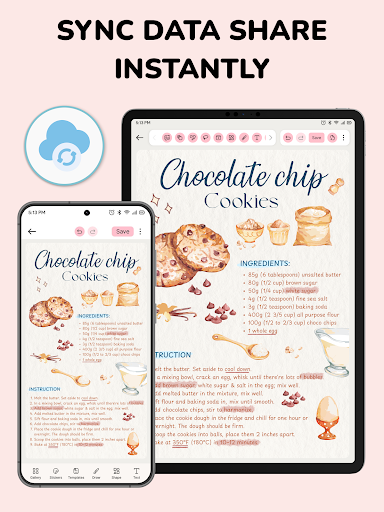
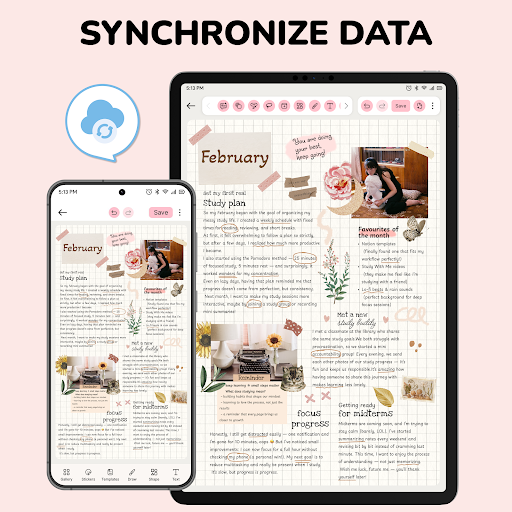
Easily sync your journal, notes, planner, and documents across multiple devices with the sync feature. This guarantees that your digital workspace remains up-to-date wherever you are. Additionally, you can share your notes, plans, and ideas with others, making collaboration simple and effective.
Smart Reminders & Event Linking
Never miss an important occasion or deadline again with smart reminders. You can schedule notifications for your notes, journals, and tasks, ensuring your schedule stays on track. The app helps you link journal entries to events, making it a perfect assistant for staying organized and timely.
Why You Should Choose Journal: Notes, Planner, PDFs
In a digital world filled with numerous productivity apps, Journal: Notes, Planner, PDFs stands out by offering an all-in-one solution for notes, planning, PDF management, and scheduling. Its intuitive interface and versatility make it suitable for students, professionals, and anyone looking to stay organized. From quick note-taking to detailed project planning, this app meets all your personal and professional needs. It combines the tactile feel of a traditional notebook with the *digital efficiency* of modern technology.
Conclusion
Transform your daily organization with Journal: Notes, Planner, PDFs. Whether you need an effective notepad, a detailed planner, or a comprehensive PDF annotation tool, this app equips you with everything you need to stay productive and organized. Download it today and experience a new level of personal and professional management—where every thought, idea, and event is beautifully and effortlessly captured.
Pros
- Intuitive user interface
- Wide range of customization options
- Syncs across multiple devices
- Supports multimedia notes
- Secure encryption for privacy
Cons
- Limited free version features
- Requires internet for syncing
- Occasional ads in free version
- No handwriting recognition
- Can be resource-intensive











