



Overview of IFTTT - Automate Work and Home
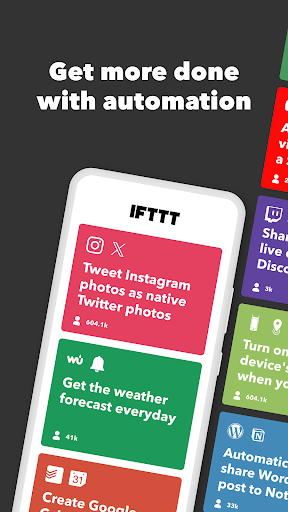
Discover the power of IFTTT (short for IF This Then That) – a versatile no-code automation tool designed to simplify and enhance your digital life. Whether you're looking to increase your productivity, save time, or streamline smart home management, IFTTT offers a seamless way to connect various services and devices.
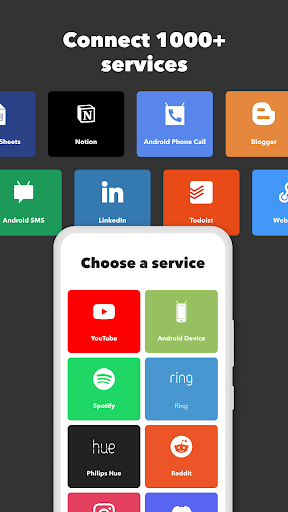
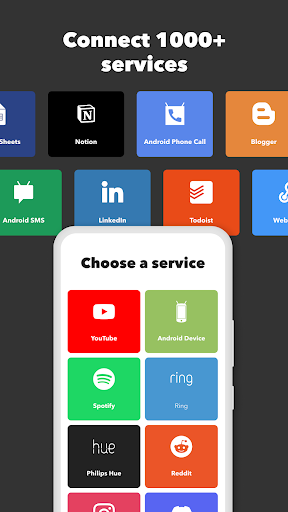
Join a thriving community of nearly 30 million creators, including smart home enthusiasts, small business owners, and everyday users. IFTTT’s user-friendly interface and extensive integration with over 1,000 popular apps and smart home devices empower you to craft sophisticated workflows effortlessly. From remote Android device automation on the go to comprehensive home automation solutions, IFTTT is a comprehensive platform to automate both your personal and professional digital environment.
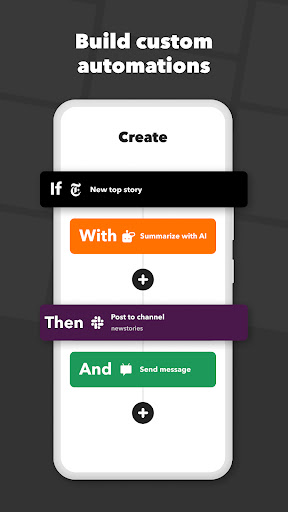
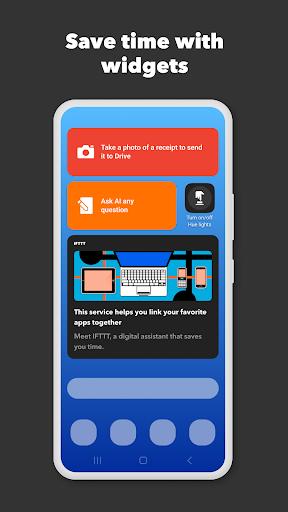
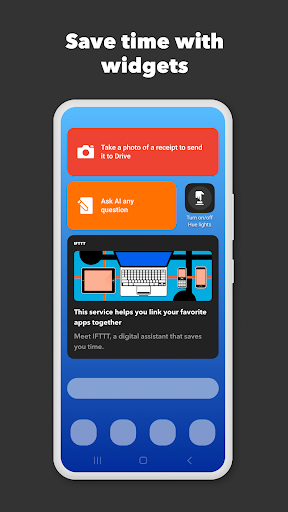
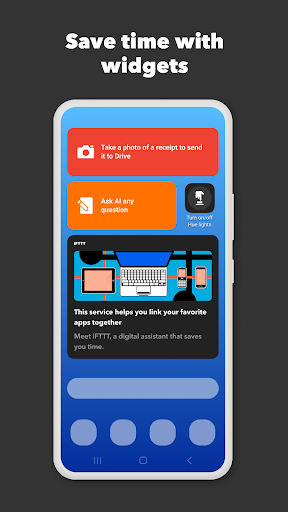
Download the app today for your Android device or Wear OS to unlock features like location-based automations, custom notifications, and handy widgets. Whether you want to control core features such as Bluetooth, WiFi, or battery life, or create intricate integrations via Webhooks, IFTTT opens up endless possibilities for automation. It also enables you to connect and control broad aspects of your smart home ecosystem, create multi-platform content, and automate social media posting and content summarization using IFTTT AI.
Myriad integration options include popular productivity apps like Google Sheets, Slack, Gmail, and Todoist, along with top smart home apps such as Philips Hue, Google Nest, Ring, and WYZE. This makes IFTTT a robust solution for automating tasks, managing homes, and enhancing workflow efficiency. By leveraging IFTTT, users can unlock a cleaner, more automated digital lifestyle—say goodbye to repetitive tasks and hello to effortless productivity and home management.
Key Features of IFTTT - Automate Work and Home
Simple setup and user-friendly interface
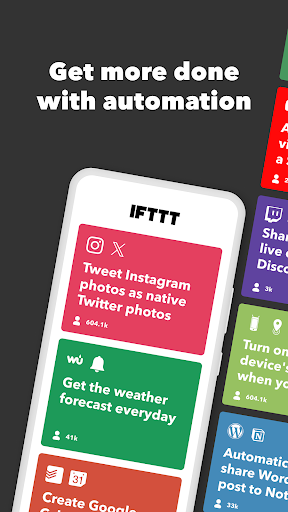
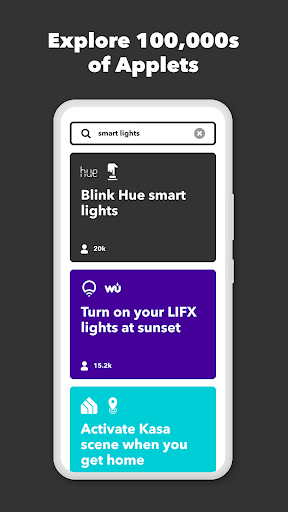
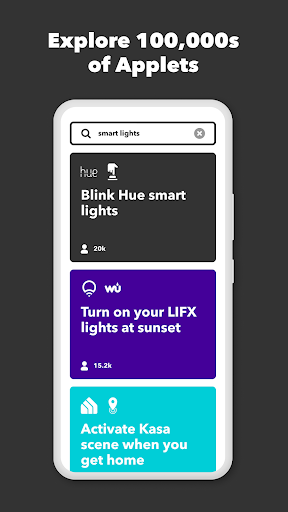
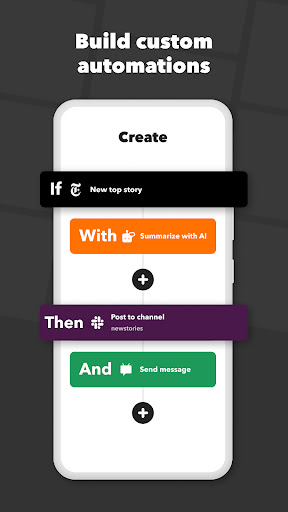
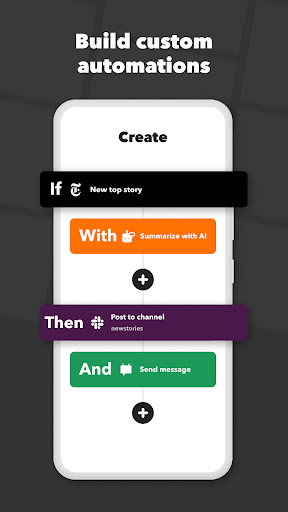
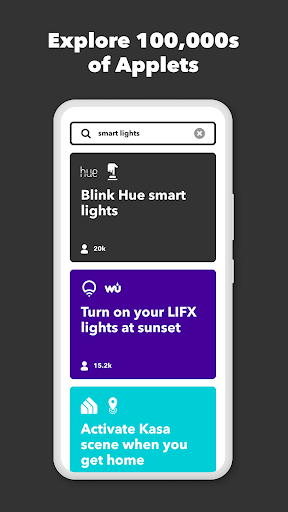
Getting started with IFTTT is straightforward. After downloading the app and creating an account, users can browse or search the extensive library of services to create custom automations—known as applets. Whether you're a beginner or an experienced tech enthusiast, IFTTT makes automating your digital routines accessible and fun.
Wide range of supported services
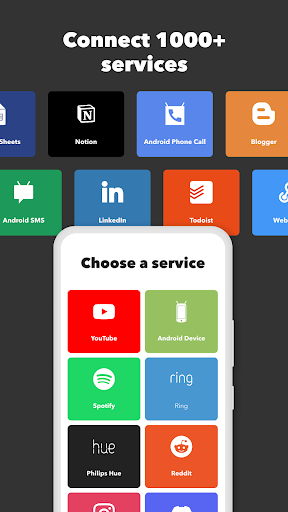
The platform supports over 700 services, including social media, email, productivity tools, and smart home devices. This extensive integration ensures that you can connect almost anything in your digital life, enabling personalized workflows tailored to your needs.
Automation ideas for work and home
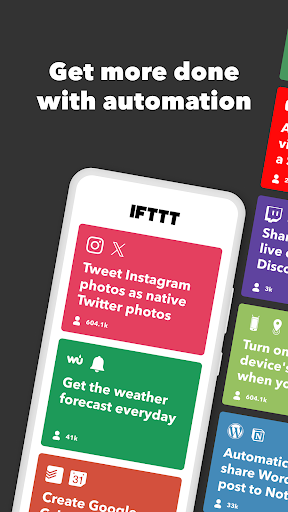
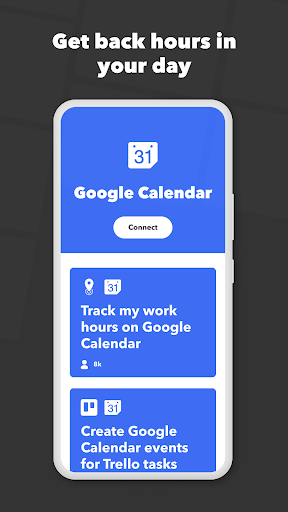
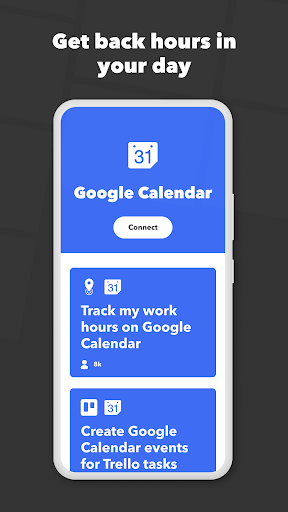
Imagine receiving a notification when your security camera detects motion, or having your smart thermostat adjust based on the weather forecast. Some popular automation ideas include controlling core Android features like Bluetooth, WiFi, and battery management, or creating cross-platform content posts. For productivity, sync your calendar with task managers like Todoist or Clickup, and back up important files to cloud services such as Dropbox or Google Drive.
Community and customization
The vibrant IFTTT community allows users to share their applets, access creative solutions, and learn new ways to automate. The app offers granular control, enabling users to refine and tailor automations to fit their specific routines—whether it's a reminder to stay hydrated via your smart speaker or automating social media updates across multiple platforms.
Why Choose IFTTT - Automate Work and Home
IFTTT stands out because of its ability to integrate seamlessly into everyday life without requiring coding skills. It acts as a **personal assistant** that takes care of mundane tasks, freeing up your time for more meaningful activities. The platform’s broad device and service support make it an invaluable tool for both tech novices and power users alike.
By automating routine chores, you can improve your efficiency and enjoy a more connected, intuitive lifestyle. Whether you're automating smart home features like lighting and security systems or streamlining work processes by integrating your favorite apps, IFTTT helps you harness technology for a smarter life.
Overall, IFTTT transforms the way you interact with your devices and apps, making your digital environment more responsive and personalized. Embrace automation today and experience the convenience and innovation that IFTTT brings to your everyday routines.
Pros
- Seamless integration with multiple applications.
- Intuitive and user-friendly interface.
- Wide range of automation capabilities.
- Compatibility with smart home devices.
- Ability to customize applets.
Cons
- Account setup required.
- Free version offers limited features.
- Occasional failures in applet execution.
- Reliance on stable internet connection.
- Can be complicated for new users.











