

Discover the Power of HP Smart: Your Ultimate Printing & Document Management App
In today’s fast-paced digital world, managing documents and printing tasks can often feel overwhelming, especially when you're juggling multiple devices and platforms. That's where HP Smart comes in—a versatile, user-friendly app designed to simplify your printing, scanning, and sharing experience. Whether you're at home, in the office, or on the go, HP Smart transforms your mobile device into a robust printing hub, making routine tasks effortless and more efficient.
Effortless Setup and Seamless Device Integration
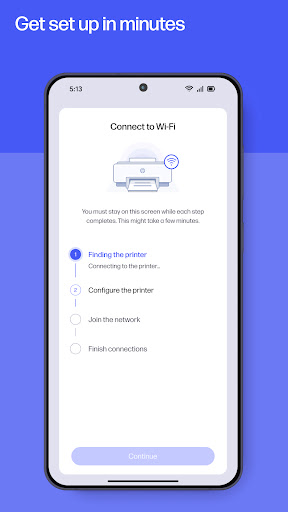
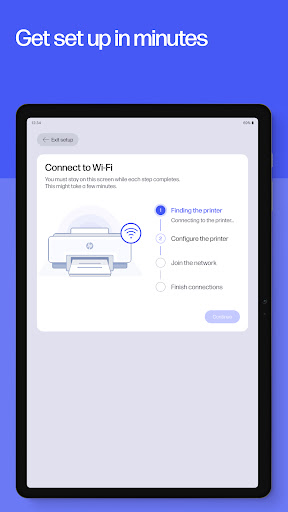
One of the standout features of HP Smart is its straightforward connection process with your HP printer. Compatible with both Android and iOS devices, the app's setup process is remarkably easy, guided by clear, step-by-step instructions. As soon as you open the app, it walks you through configuring your printer without any complicated procedures or technical hassle—making it accessible for users of all skill levels. This seamless integration ensures your printer is just a tap away, whether you're printing from your smartphone, tablet, or other mobile device.
Beyond Basic Printing: Scan, Fax, and Manage Documents
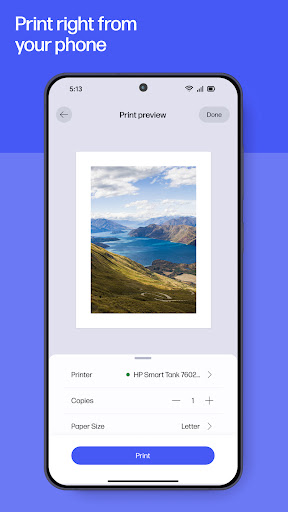
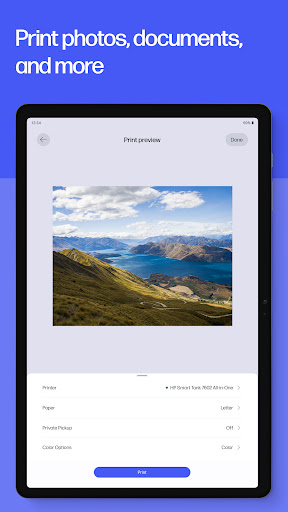
Print Anywhere is just the tip of the iceberg when it comes to what HP Smart offers. The app excels in providing a comprehensive suite of features designed to handle all your document needs:
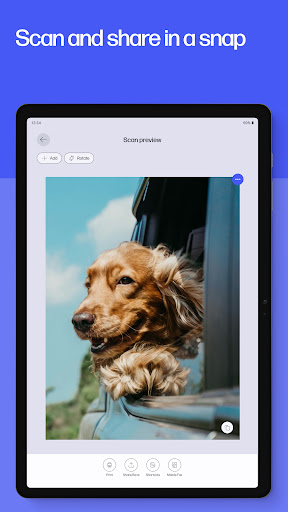
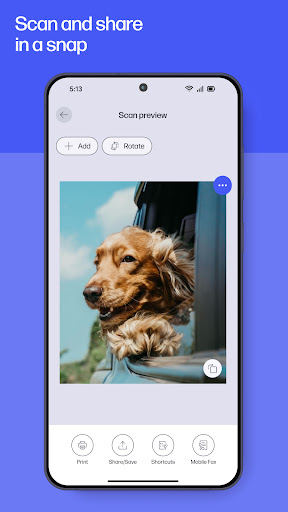
- Scanning: Capture high-quality scans of documents and photos directly with your mobile camera. The app intelligently enhances images, allowing you to preview, crop, and edit before saving as PDFs or JPEGs. You can even import existing files for editing or sharing.
- Sending secure faxes: Believe it or not, faxing remains relevant in many industries. With HP Smart, you can easily send faxes by simply snapping a picture, entering a fax number, and transmitting—all from your mobile device, eliminating the need for a traditional fax machine.
- Document sharing & cloud support: Share files effortlessly with friends and colleagues directly through the app. For added convenience, HP Smart supports integrations with cloud services like Google Drive and Dropbox, enabling you to access and print documents stored in the cloud from anywhere.
Manage Supplies and Monitor Printer Status
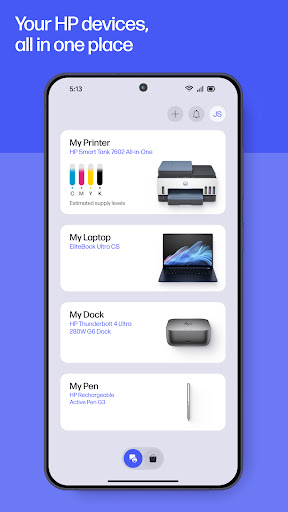
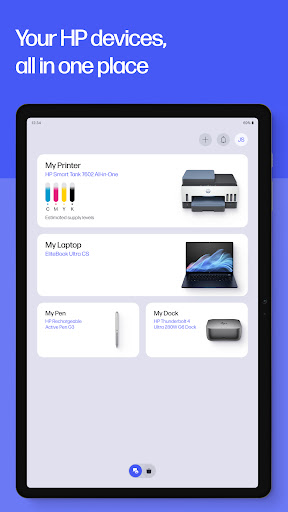
Stay ahead of your printing tasks by monitoring ink and toner levels directly from the app. HP Smart keeps you informed about your printer's status, so you can order supplies effortlessly and avoid unexpected interruptions. This proactive management feature ensures your workflow remains smooth and uninterrupted, saving you time and hassle.
Ease of Editing and Enhancing Your Photos
With HP Smart, your mobile device becomes a mini photo studio. The app offers intuitive editing tools that let you add filters, insert text, crop images, and adjust brightness, contrast, and saturation. Whether for professional presentations or personal projects, enhance your photos with this powerful editing suite built right into your printing app.
Boost Productivity with Smart Tasks & Printable Activities
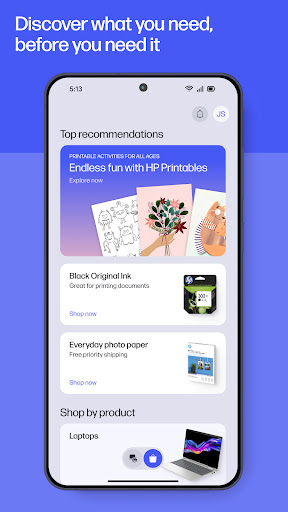
To truly maximize efficiency, HP Smart features Smart Tasks, allowing you to create one-touch shortcuts for common actions like printing, scanning, or copying. This customization saves time and simplifies complex workflows. Additionally, the app provides access to hundreds of free printable crafts, cards, and educational activities, perfect for family fun or educational projects. Now, you can print engaging activities directly from your device and keep everyone entertained and productive.
Final Thoughts: An Essential Tool for HP Printer Users
In summary, HP Smart is more than just a printing app—it's a comprehensive document management solution that brings convenience, efficiency, and creativity to your fingertips. Whether you're printing from a smartphone or managing scans and faxes, this app seamlessly integrates into your daily routine. With features like Print Anywhere, mobile fax, cloud connectivity, and editing tools, HP Smart empowers users to handle their printing needs effortlessly. If you're an HP printer owner looking for a reliable, feature-rich app, giving HP Smart a try is highly recommended. It might just revolutionize your approach to printing and document management, making your digital life simpler and more productive.
Pros
- User-friendly interface
- Simple setup process
- Supports multiple devices
- Provides cloud printing functionality
- Includes smart task shortcuts
Cons
- Requires an HP account to use
- Occasional connectivity problems
- Limited features available for free
- Contains advertisements within the app
- Lacks offline mode











