

Introduction to the HP Print Service Plugin
The HP Print Service Plugin is a powerful and essential tool designed to simplify printing from your Android device. As the only print driver you'll need, this plugin enables seamless printing of documents, emails, and images directly from print-supported applications to a wide range of HP printers. Whether you're using an HP OfficeJet, HP LaserJet, HP DesignJet, HP Photosmart, HP DeskJet, or HP Envy, this plugin ensures a smooth and hassle-free printing experience.
Key Features and Compatibility
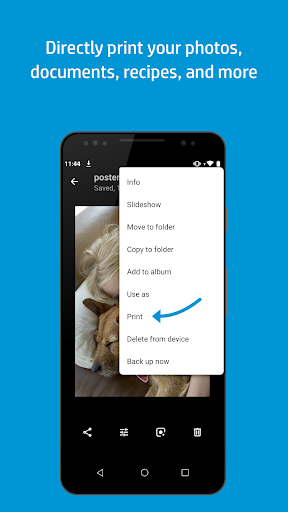
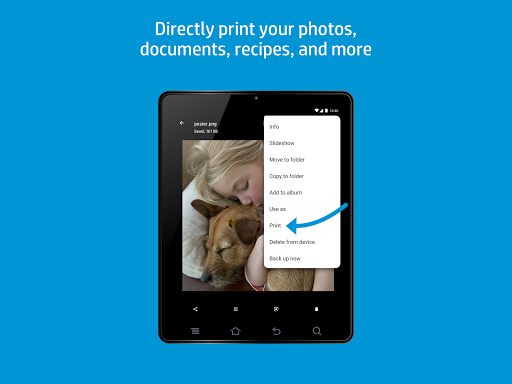
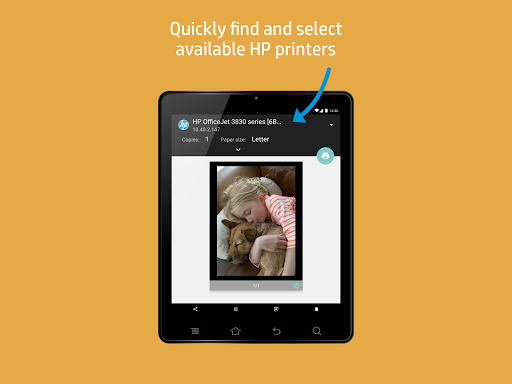
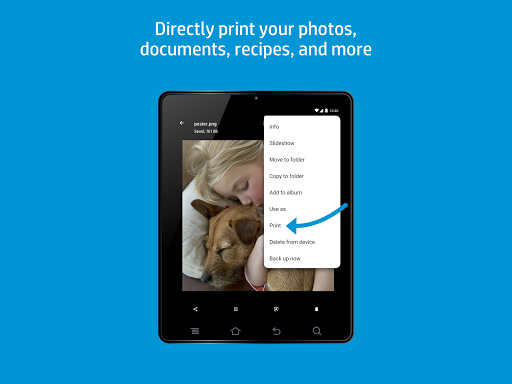
One of the standout aspects of the HP Print Service Plugin is its broad compatibility. It supports HP printers connected to the same network as your mobile device, broadcasting a Wi-Fi Direct network, or connected via a USB On-the-Go cable. This means you can easily discover and print to your HP printer regardless of your setup. Simply select Print or Share to PSP when you need to print, and tap the menu button—note that the location of this button may vary depending on your Android™ device model.
Ease of Use and Setup
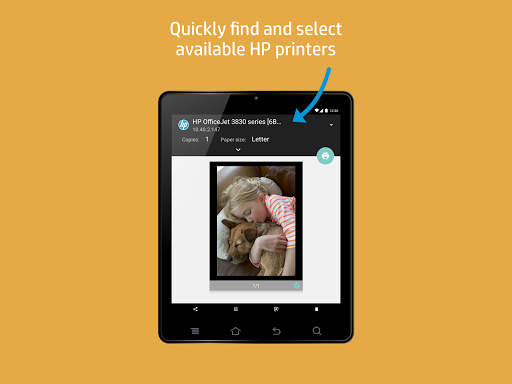
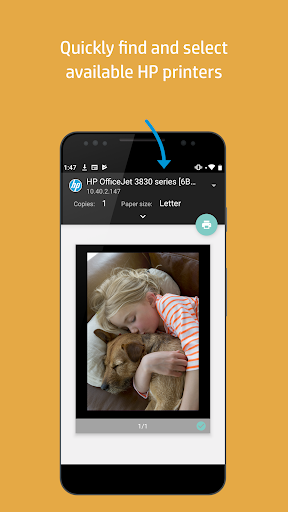
Setting up the HP Print Service Plugin is straightforward, especially on Android™ Lollipop™ (v5.0) and newer devices. For those using Android 6 (Marshmallow) or earlier, enabling the plugin in your device's settings is necessary. After installation, the plugin automatically detects available HP printers, allowing you to start printing within minutes. This quick setup process makes it particularly appealing for users who value efficiency and simplicity.
Supported File Types and Printing Flexibility
The plugin supports a wide range of file formats, including PDFs, JPEG images, Word documents, and more. This broad support means you can print various types of content without having to convert files, saving you time and effort. The flexibility to print different content types makes this app an invaluable tool for both personal and professional use.
User Interface and Customization
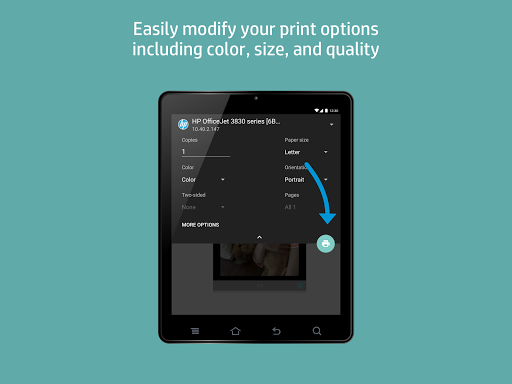
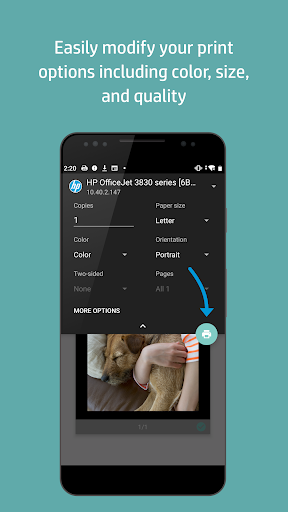
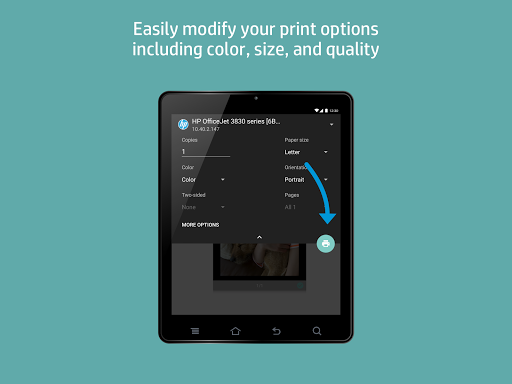
The intuitive interface of the HP Print Service Plugin allows users to navigate effortlessly. With just a few taps, you can access and modify print settings such as color preferences, the number of copies, and paper size. The preview feature is particularly helpful, letting you see exactly how your document will look before printing—reducing errors and waste.
Performance and Reliability
Speed is critical when printing, especially under tight deadlines. The HP Print Service Plugin delivers exceptional performance, quickly transmitting documents to the printer with minimal lag. Its reliable operation ensures you won't face unexpected failures or delays, making it an indispensable tool for busy professionals and everyday users alike.
Additional Resources and Support
For more detailed information on how to use the HP Print Service Plugin and to explore which HP printers are supported, you can visit the official HP support page: HP Support - Using the HP Print Service Plugin. Additionally, for insights into mobile printing options and tips, visit: HP Mobile Printing Resources. These resources provide valuable guidance to maximize your printing experience.
Conclusion
In summary, the HP Print Service Plugin offers a seamless and efficient solution for printing directly from your Android device. Its ease of setup, broad compatibility with various HP printers, support for numerous file formats, and reliable performance make it a must-have app for anyone who needs to print on the go. Whether you're printing documents for work, photos for personal use, or labels for projects, this plugin provides the convenience and flexibility that modern mobile users demand. With this app, printing from your Android device becomes effortless, reliable, and incredibly convenient.
Pros
- Easy to set up and operate.
- Compatible with a wide range of HP printers.
- Smooth wireless printing experience.
- Consistent and reliable print quality.
- Works well with Android devices.
Cons
- Limited to HP printers only.
- Occasional connectivity problems.
- Lacks advanced editing capabilities.
- May impact device performance speed.
- Needs an active Wi-Fi connection.











